Windows system tray app for monitoring AI coding tool usage. Tracks token consumption, active sessions, and daily trends for Claude and Gemini.


- Multi-provider support — Claude Code, Gemini CLI
- System tray — Lives in the Windows tray area; left-click to toggle the popup, right-click to quit
- Live stats — Input/output tokens, active sessions, message counts (auto-refreshes every 5s)
- 7-day trend chart — Daily usage sparkline per profile
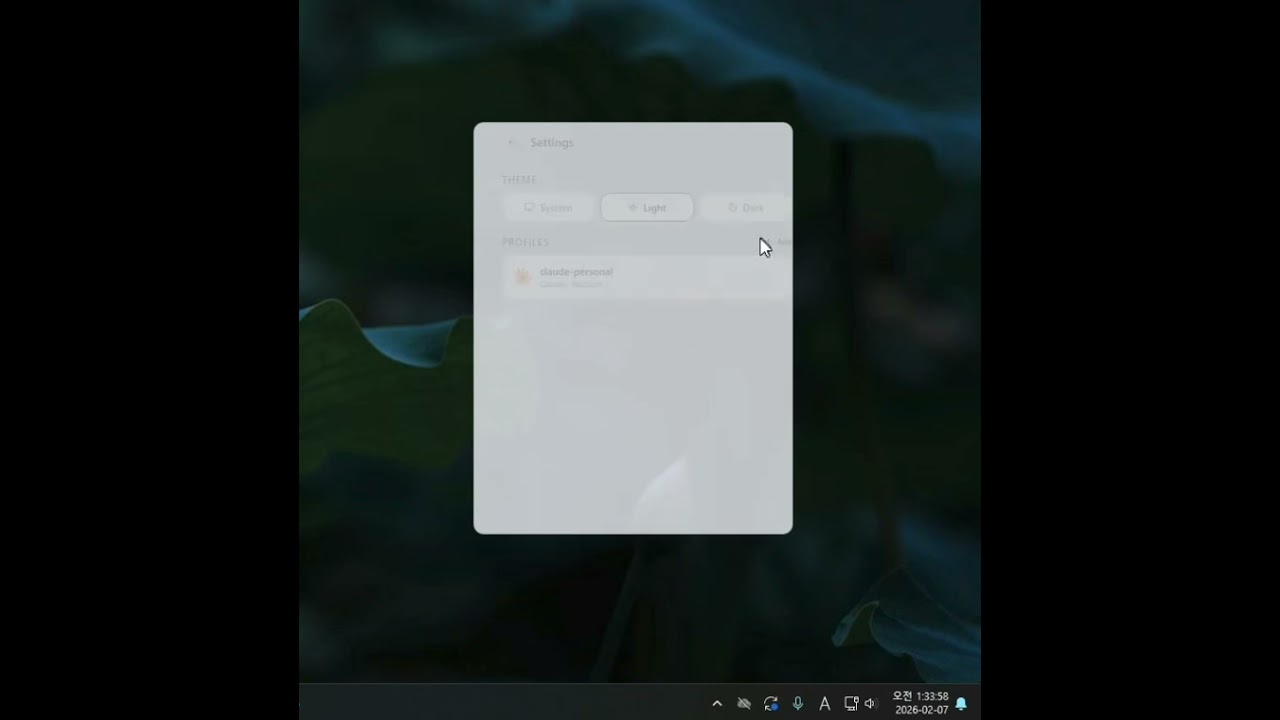
- Light / Dark / System theme — Glassmorphism UI with backdrop blur
- Multi-profile — Add, remove, and switch between multiple provider profiles
| Layer | Tech |
|---|---|
| Desktop runtime | Tauri v2 |
| Backend | Rust (reqwest, rusqlite, chrono, serde) |
| Frontend | React 19 + TypeScript |
| Styling | Tailwind CSS v4 + Framer Motion |
| Charts | Recharts |
src/                        # React frontend
  components/tray/          # UI components (TrayPopup, StatCards, ...)
  hooks/                    # Data fetching hooks
  lib/                      # Types, colors, formatting, theme
  styles/                   # Global CSS with theme variables

src-tauri/src/              # Rust backend
  providers/                # Provider implementations
    claude.rs               # Claude Code (local ~/.claude)
    claude_api.rs           # Claude Admin API
    gemini.rs               # Gemini CLI (local ~/.gemini)
    zai.rs                  # z.ai (local %APPDATA%/zai)
    mod.rs                  # Provider trait
  commands.rs               # Tauri IPC commands
  profile.rs                # Config persistence
  lib.rs                    # App setup & tray logic
- Node.js (v18+)
- Rust
- Tauri v2 prerequisites (WebView2 on Windows)
npm install
npm run tauri devnpm run tauri buildBuild outputs:
| File | Path |
|---|---|
| EXE (standalone) | src-tauri/target/release/cldbar.exe |
| NSIS installer | src-tauri/target/release/bundle/nsis/cldbar_*-setup.exe |
| MSI installer | src-tauri/target/release/bundle/msi/cldbar_*.msi |
Config is stored at %APPDATA%/cldbar/config.json. On first launch, installed providers are auto-detected:
~/.claude/→ Claude~/.gemini/→ Gemini%APPDATA%/zai/→ z.ai
Additional profiles (including Claude API) can be added from the Settings panel.
MIT