This mod features a variety of shaders that enhance the visual experience in Risk of Rain 2. Each shader can be individually turned on or off, configured, and combined with others to create interesting visual effects. You can edit each shader configuration in Settings > Mod Options > RoR2Shaders. All configurations can be adjusted at any time, even in the middle of a run.
Here’s the reformatted configuration section for the Sharpeness shader:
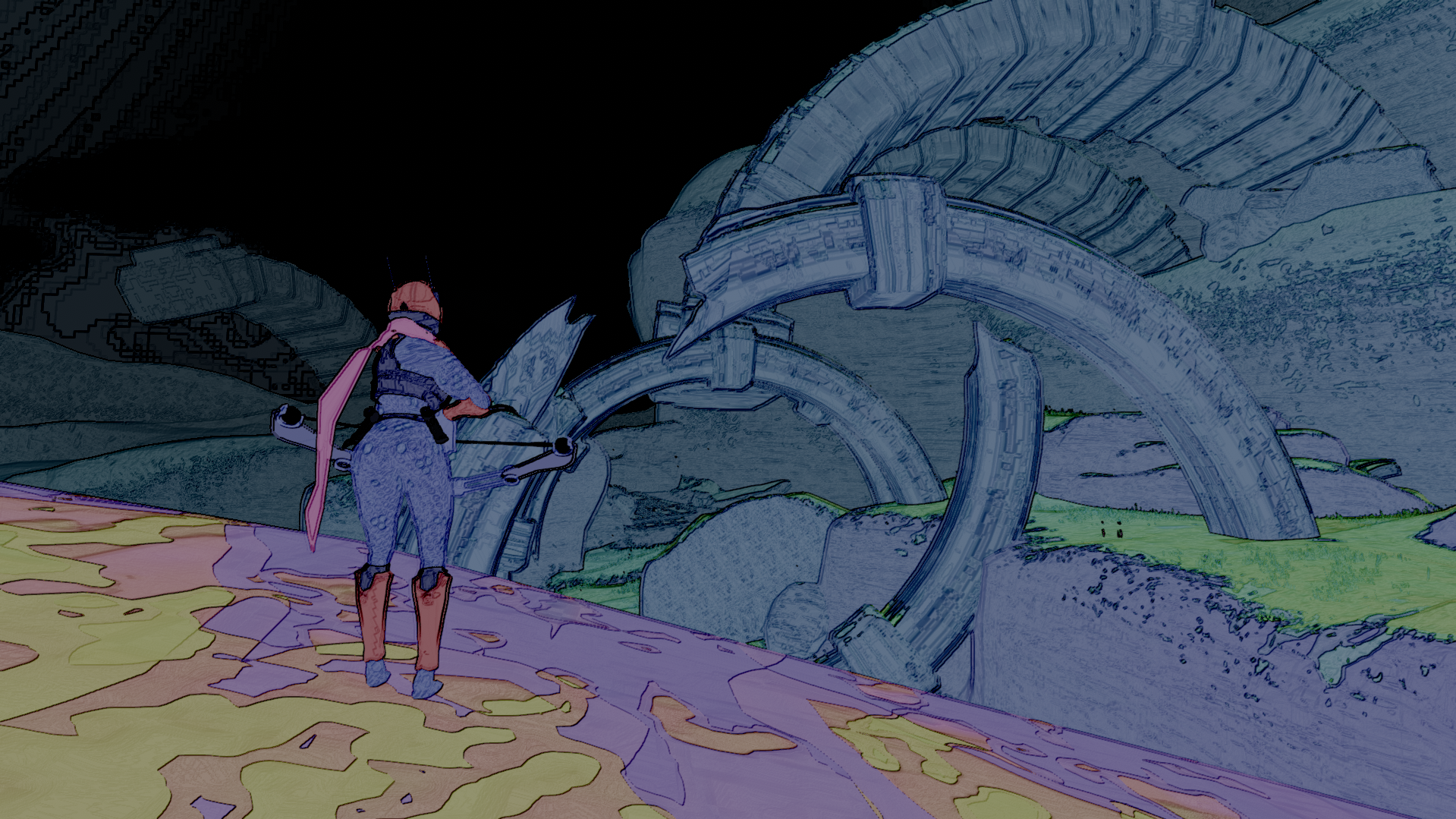
| Setting | Default Value | Description |
|---|---|---|
| Hue Saturation Value Enabled | false | Toggles the Hue Saturation Value shader on or off. |
| Hue Red Color | red | Defines the target color to which red hues are shifted, adjusting how much the image is color-shifted. |
| Min Saturation | 0.0 | Sets the minimum saturation for the image. Adjusts how desaturated the colors can get, with a typical range of [0, 1], but can extend beyond this range to create extreme effects. |
| Max Saturation | 1.0 | Sets the maximum saturation for the image. Adjusts how saturated the colors can get, with a typical range of [0, 1], but can extend beyond this range to create extreme effects. |
| Min Value | 0.0 | Sets the minimum value (brightness) for the image. Adjusts how dark the colors can get, with a typical range of [0, 1], but can extend beyond this range to create extreme effects. |
| Max Value | 1.0 | Sets the maximum value (brightness) for the image. Adjusts how bright the colors can get, with a typical range of [0, 1], but can extend beyond this range to create extreme effects. |
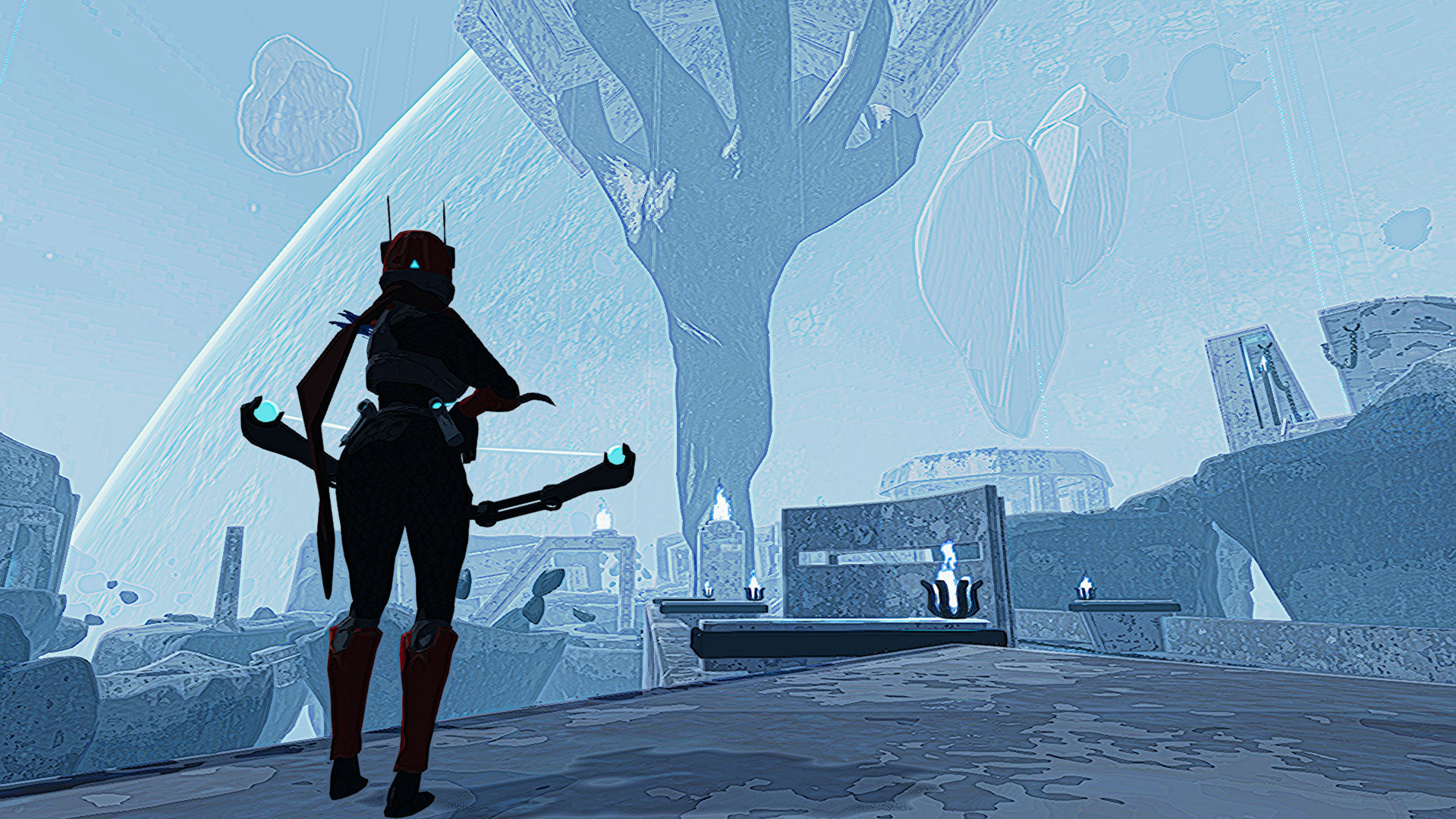
| Setting | Default Value | Description |
|---|---|---|
| Sharpeness Enabled | true | Enables or disables the Sharpeness shader. |
| Sharpeness Amount | 0.0 | Controls the sharpness level of the image. |
| Sharpeness Thickness | 2.0 | Adjusts the thickness of the contrast effect; higher values result in bolder contrast outlines. |
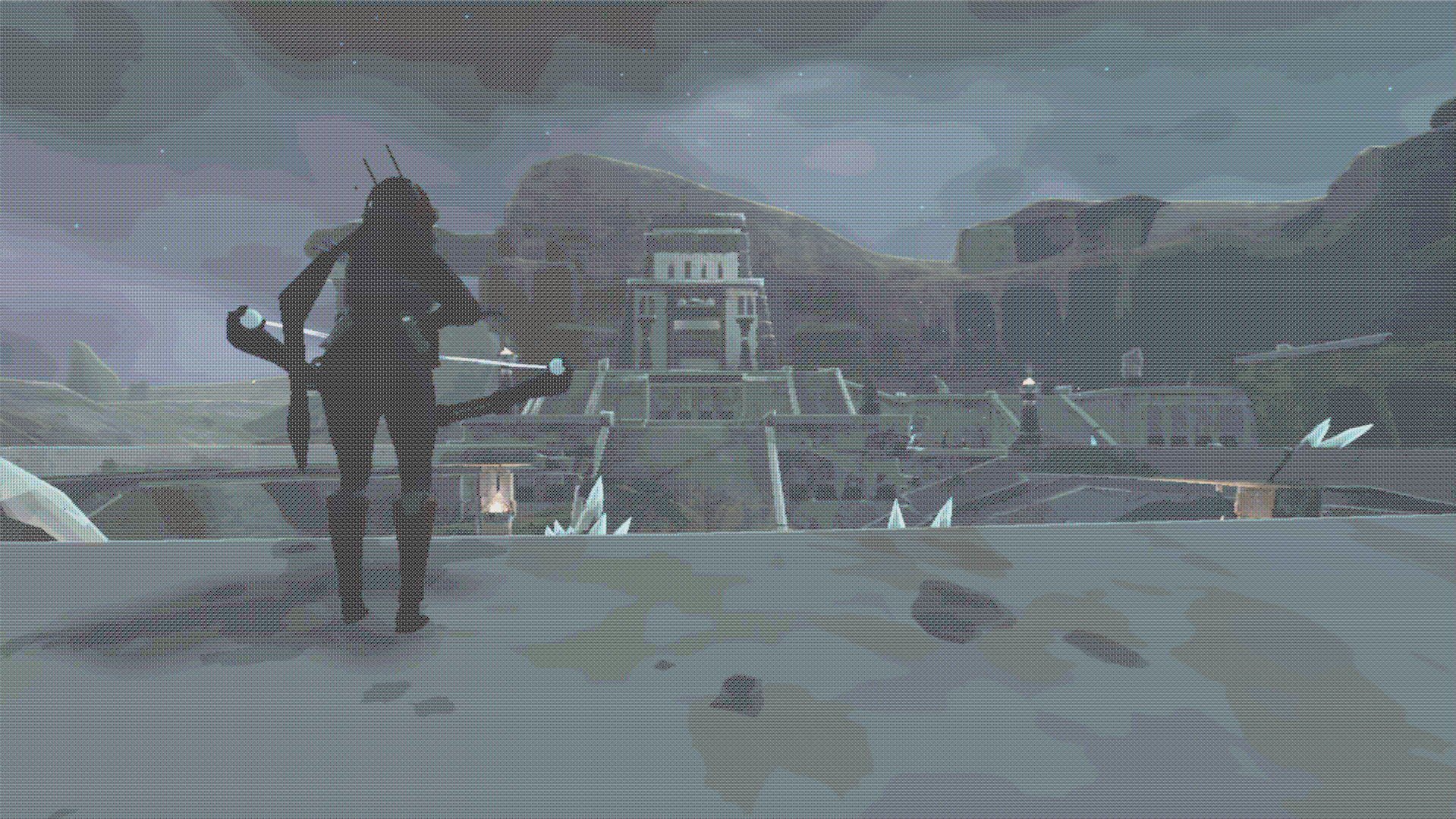
| Setting | Default Value | Description |
|---|---|---|
| Dithering Enabled | true | Toggles the Dithering shader on or off. |
| Dither Spread | 0.2 | Adjusts how much the dithering affects the colors. |
| Dithering Level | 0 | Controls the size of the dithering pattern. Higher values create a wider dither pattern, while lower values make it more compact. |

| Setting | Default Value | Description |
|---|---|---|
| Color Banding Enabled | true | Toggles the Color Banding shader on or off |
| Color Banding Bins | 64 | Sets the number of color bins used in the Color Banding shader; higher values increase color detail. |

| Setting | Default Value | Description |
|---|---|---|
| Grayscale Enabled | false | Toggles the grayscale shader on or off |
| Grayscale Blend | 1 | Adjusts the intensity of the grayscale effect. 1 = full grayscale, 0 = no effect |

| Setting | Default Value | Description |
|---|---|---|
| Outline Enabled | true | Toggles the outline shader on or off |
| Outline Color | black | Specifies the color of the outline. |
| Outline Thiness | 2 | Controls the thickness of the outline; a higher value results in a thinner outline. |
| Outline Density | 0.75 | Adjusts the density of the outline effect; a higher value increases the quantity of outlines. |


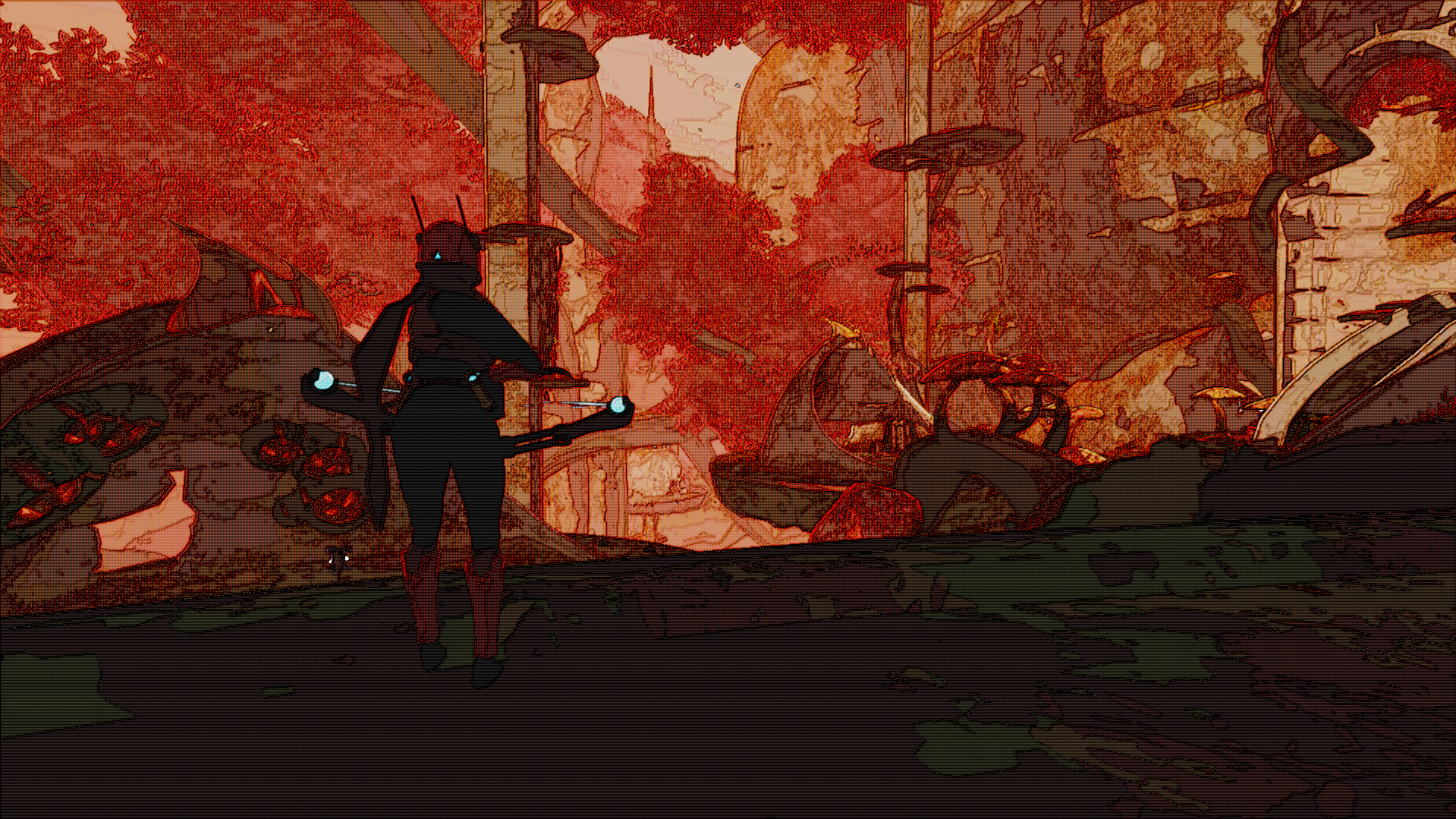
If you encounter any issues, feel free to reach out to me on Discord (@Lawlzee) or create a GitHub issue. Please include your log file; it is really useful for troubleshooting)