RAG-based NPC Demo in Unity 6 (Slide)
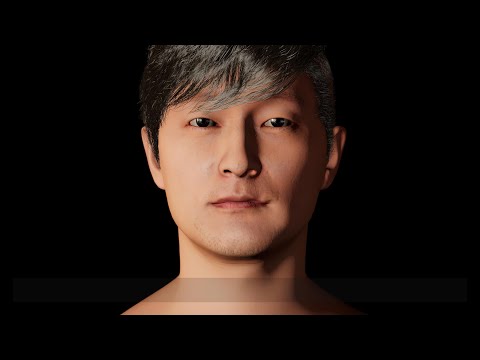
- Unity 6000.0.30f1
- Python 3.10
- Semantic Kernel
- Download Unity Project
- Create an avatar with ChatAvatar
- Download the avatar (.zip)
- Install Deemos ChatAvatar Import Tool
- In Unity, go to Window > Deemos Import Tool and import the .zip file
- Clone NeuroSync_Local_API (or clone our repository)
- Download a NeuroSync model from HuggingFace repository
- Copy model.pth to '/Python/utils/model' folder
- Change a port number with 5005 (default: 5000) in neurosync_local_api.py
- Install packages and run code
conda create -n lipsync python=3.10
conda activate lipsync
cd ./Python
pip install numpy librosa torch flask
python neurosync_local_api.py
- Import package from git URL
- https://github.com/UnityTechnologies/URP-Defender-Character-Demo.git
- Open /Assets/Scripts/APISettings.cs
- Add openAIApiKey, llmModelName, embeddingModelName from OpenAI API
- Add elevenLabsApiKey, voiceId from ElevenLabs API
- Add bingAPI from Bing API
- Extract text from your documents (.pdf, .txt, .html) and save it as a .txt file.
- Copy text files (.txt) to the Assets/StreamingAssets/text folder.
- In the VectorDatabaseManager object, click [Generate VectorDatabase] button.
- Run /Assets/Scenes/RAG_NPC.unity