ExplorerPatcher causes certain system windows to downscale #1213

Description

It mostly happens with Properties menus for me and the same ones that have the problem will always be shrunken, while the unaffected is always unaffected. Uninstalling the program does not fix it. Neither resetting the ExplorerPatcher settings.
Can in-place upgrade Windows to fix it, but the moment ExplorerPatcher is installed again, the issue reinstates.
Steps to reproduce:
- Install ExplorerPatcher
- Click Properties of something (In my case I used my local disk which is affected, and an external disk which isn't.)
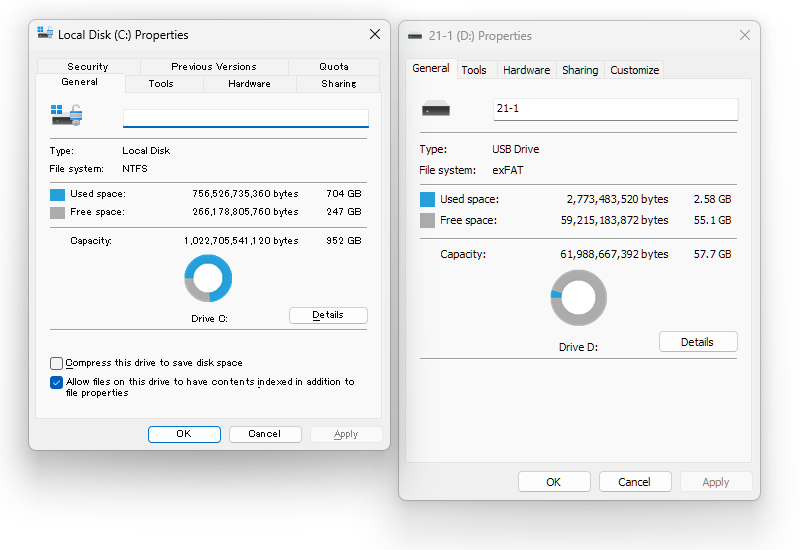
I have a second device with ExplorerPatcher installed and it does not contain the same issue.