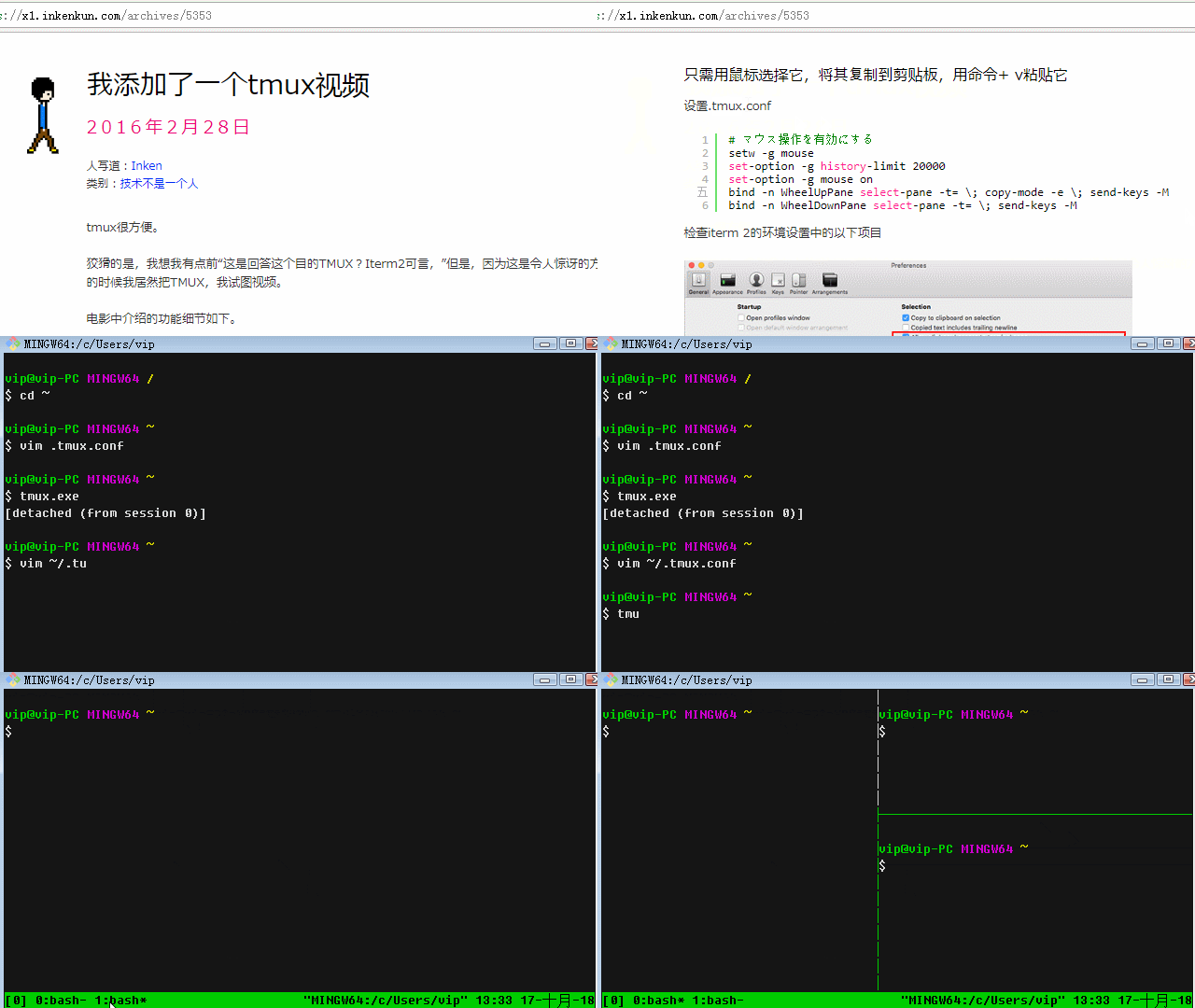
tmux是一个开源工具,用于在一个终端窗口中运行多个终端会话。本工具从msys2里提取,可以在Git for Windows的Git Bash (MingW64)下正常使用。
蘭雅sRGB 龙芯小本服务器 | sRGB.vicp.net
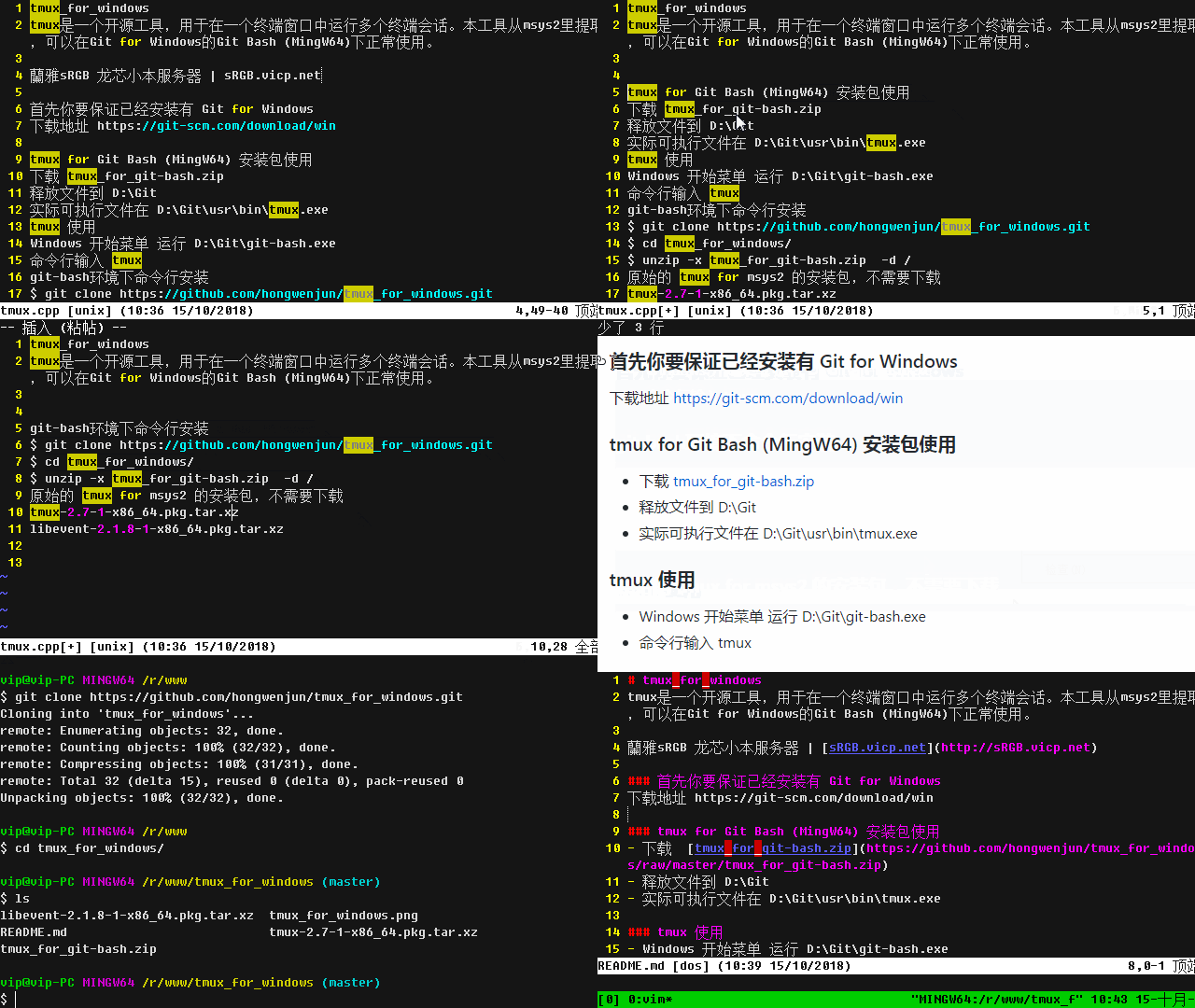
下载地址 https://git-scm.com/download/win
- 下载 tmux_for_git-bash.zip
- 释放文件到 D:\Git
- 实际可执行文件在 D:\Git\usr\bin\tmux.exe
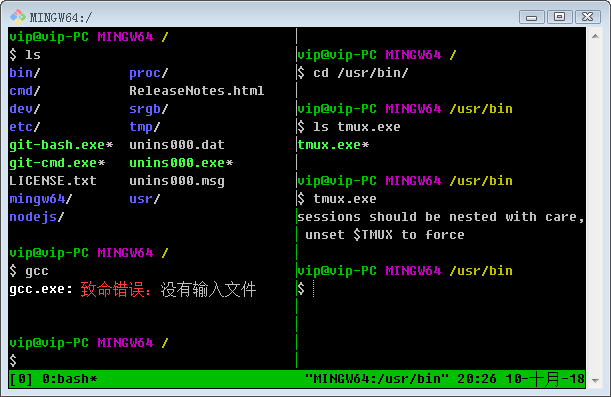
- Windows 开始菜单 运行 D:\Git\git-bash.exe
- 命令行输入 tmux
$ git clone https://github.com/hongwenjun/tmux_for_windows.git
$ cd tmux_for_windows/
$ unzip -x tmux_for_git-bash.zip  -d /
tmux-2.7-1-x86_64.pkg.tar.xz
libevent-2.1.8-1-x86_64.pkg.tar.xz
# https://www.youtube.com/watch?v=xTplsyQaGFs

# tmux 启用鼠标操作
setw -g mouse
set-option -g history-limit 20000
set-option -g mouse on
bind -n WheelUpPane select-pane -t= \; copy-mode -e \; send-keys -M
bind -n WheelDownPane select-pane -t= \; send-keys -M