Skip to content

vishalp99/Poll-Simulator

Folders and files

NameName
Last commit message
Last commit date

Latest commit


History

7 Commits


Repository files navigation

Poll-Simulator

EC Lab-1 - Poll Simulator

Presentation Logic is in VIEW folder and Business Logic is in app.js file

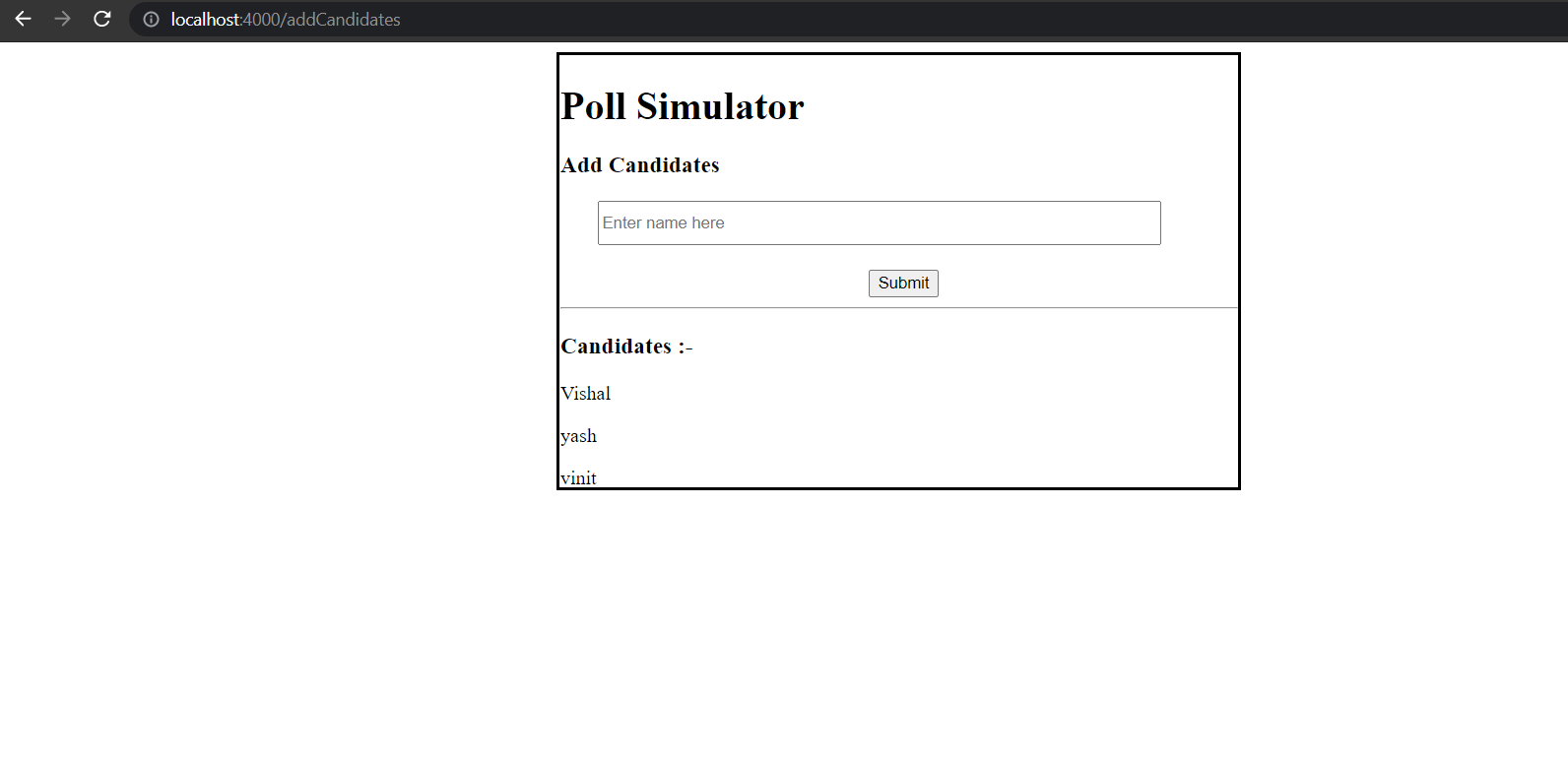
1. Click on the add candidate Link so that user can enter candidates.

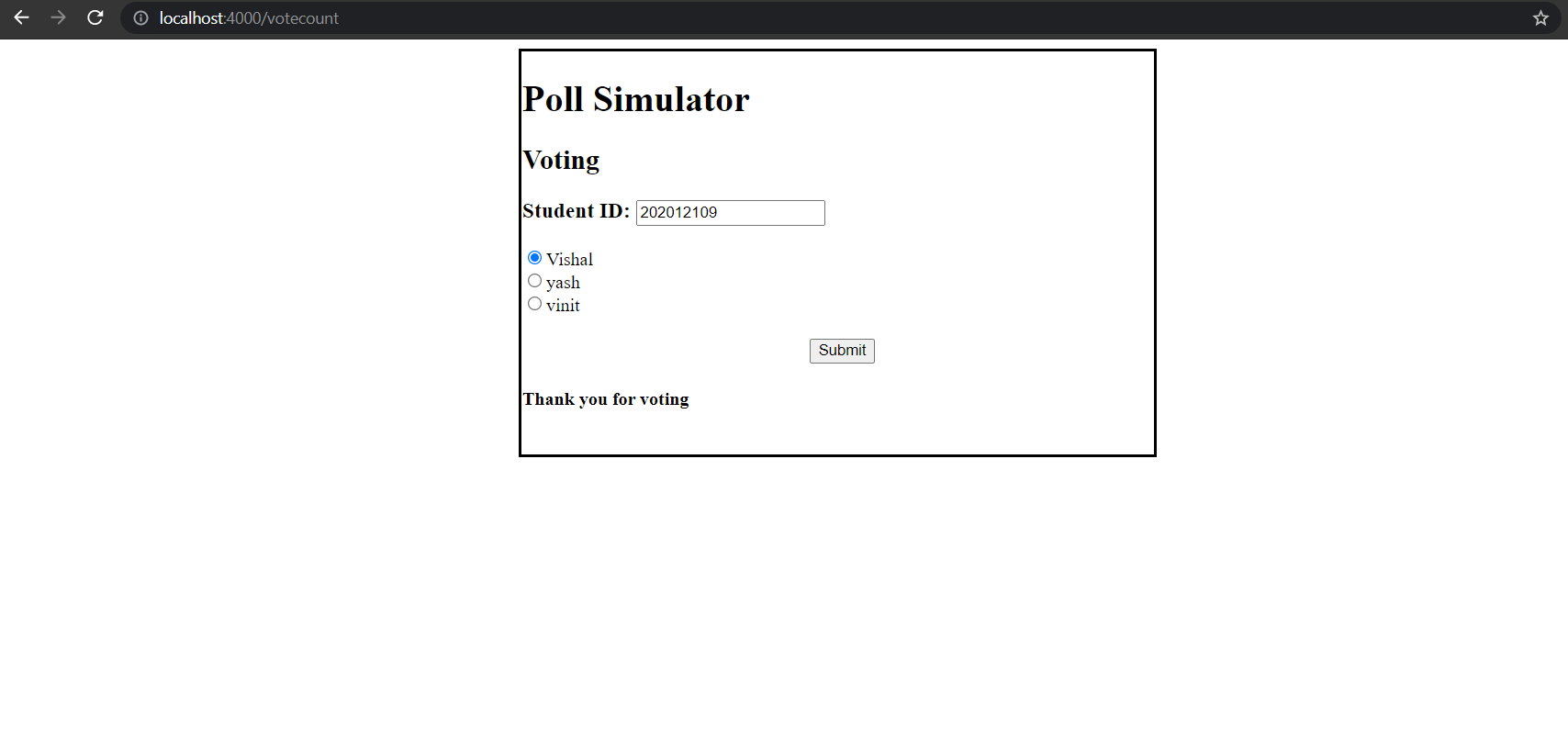
2. Click on the VOTE link so that users can vote their favorite candidates. Enter voter id and select your candidate and submit it. AND also one user can only give one vote.

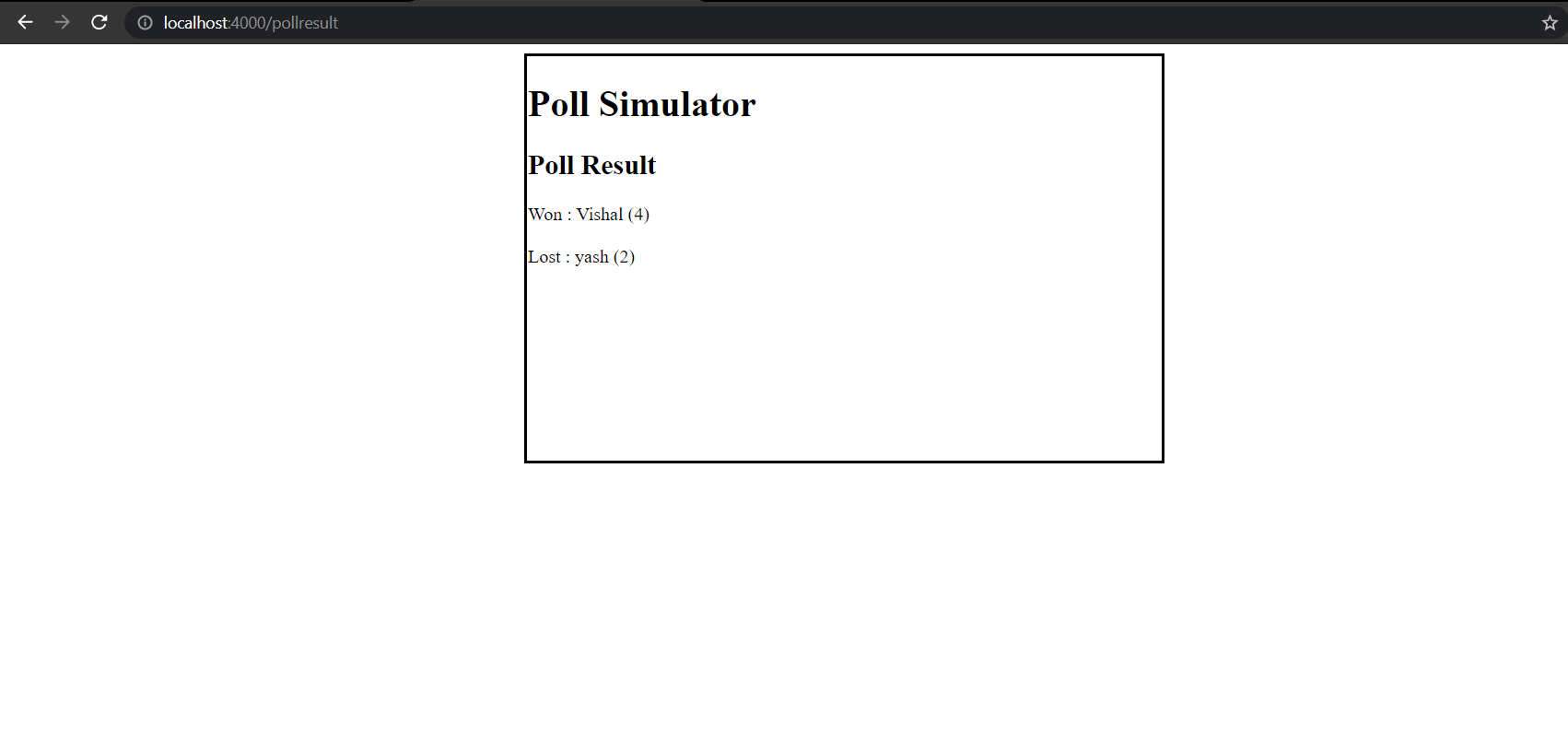
3. Click on Poll Reult to knwo who won and who lost/runners up. And count of votes is also dispalyed side by side.
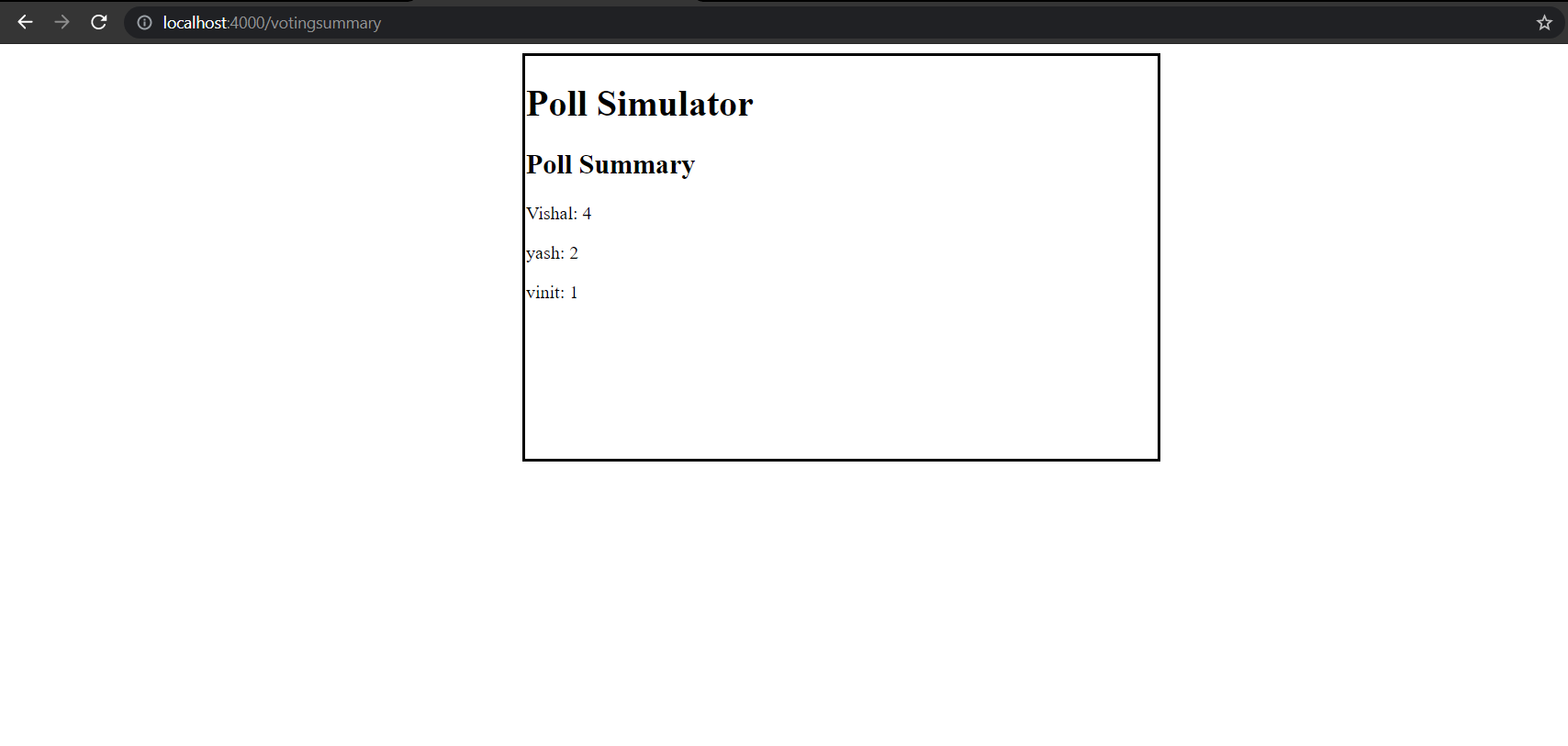
4. Click on Voting Summary to know number of votes of all the candidates.

All functionalities


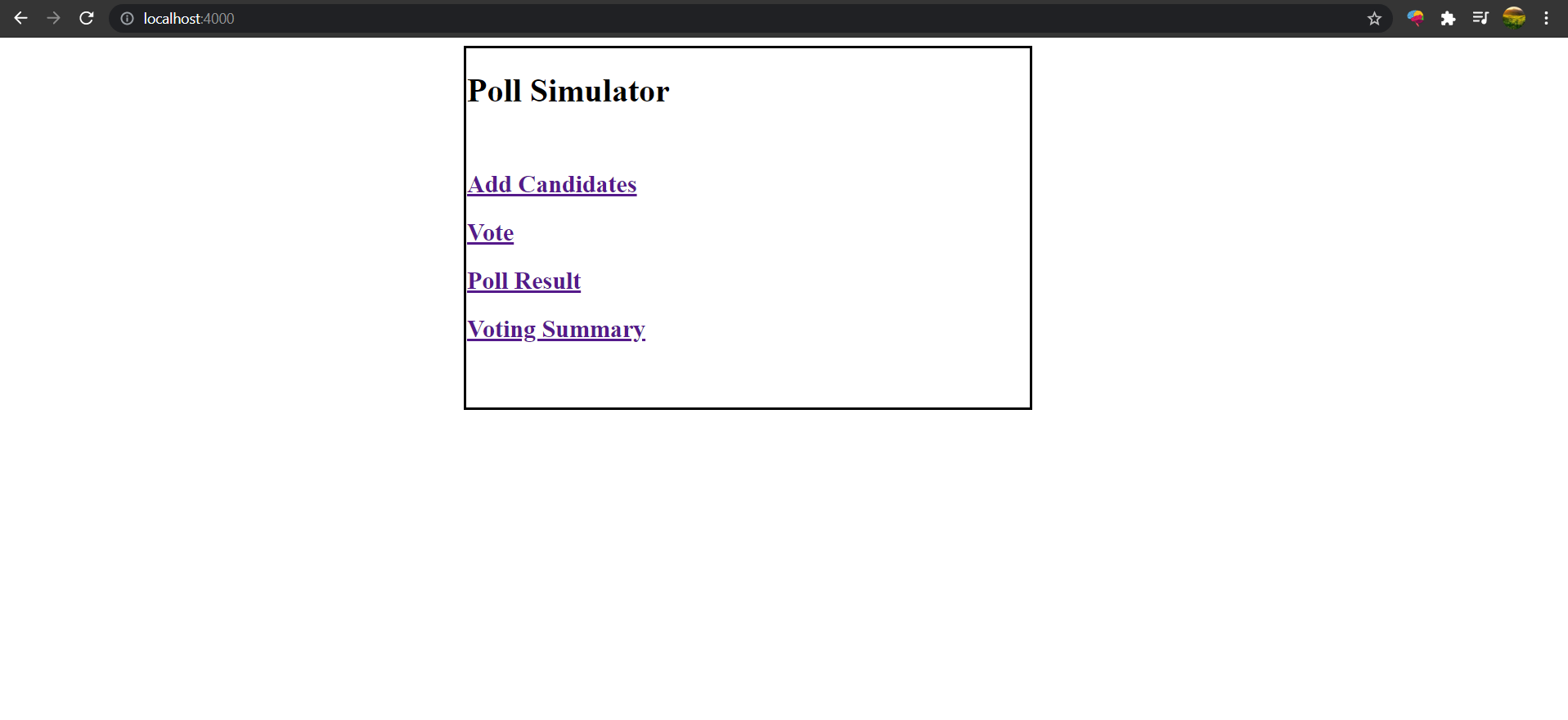
1. This is home page from where user can go to different views.

Home-page

2. To add new candidates enter their names and click submit.

add-candidates

3. To vote Enter your ID and select candidates and click submit.

vote-1

4. If same user submit vote more than one time then sorry message will be displayed and that vote will not store in memory.
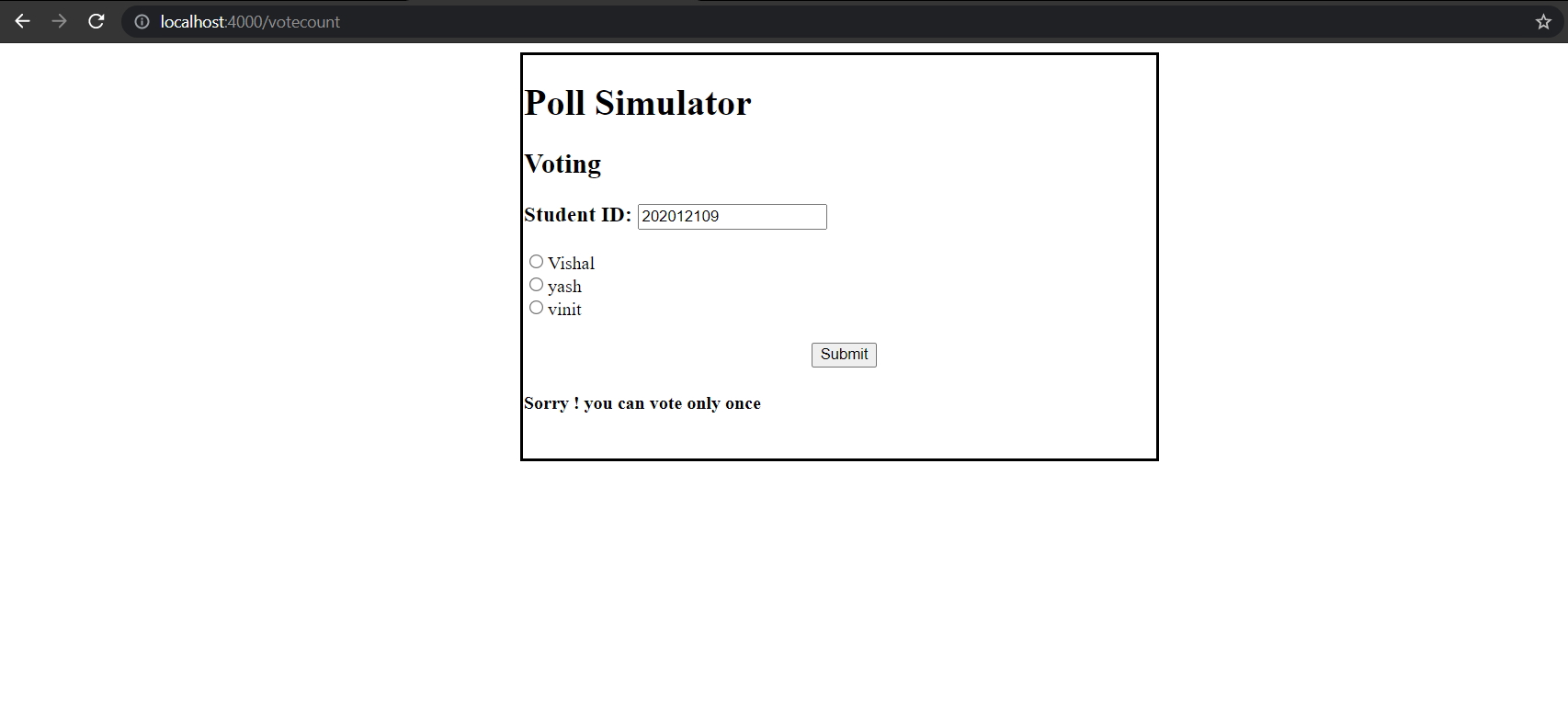
vote-2

5. This shows the result of the Poll.

result

6. This page shows the summary of the Poll.

summary

About

EC Lab-1 - Poll Simulator

Resources

Stars

Watchers

Forks

Releases

No releases published

Packages

No packages published