Describe the bug
Using the current warp version v0.2022.03.14.08.49.stable_00 and the lates k9s version v0.25.18, if I select a pod, deployment, etc resource and the press the 'e' key to edit, it will open the yaml for the resource. I don't have to make any edits, but typing ':q!' will cause a blank console to show with the cursor in the top left corner and then nothing. No key combo gets back to the k9s UI. I just have to close the tab and open a new one. This does not happen with iTerm2 3.4.12 using the same version of k9s. Also this use to work with warp, it's been a while since I needed to edit something live, so I don't know when this broke.
To Reproduce
Steps to reproduce:
- brew install k9s
- Use k9s to connect to a kubernetes cluster
- Select a resource and select 'e' for edit
- Try and quit editing by using :q!
- k9s UI is not returned
Expected behaviour
k9s UI should be available.
Screenshots
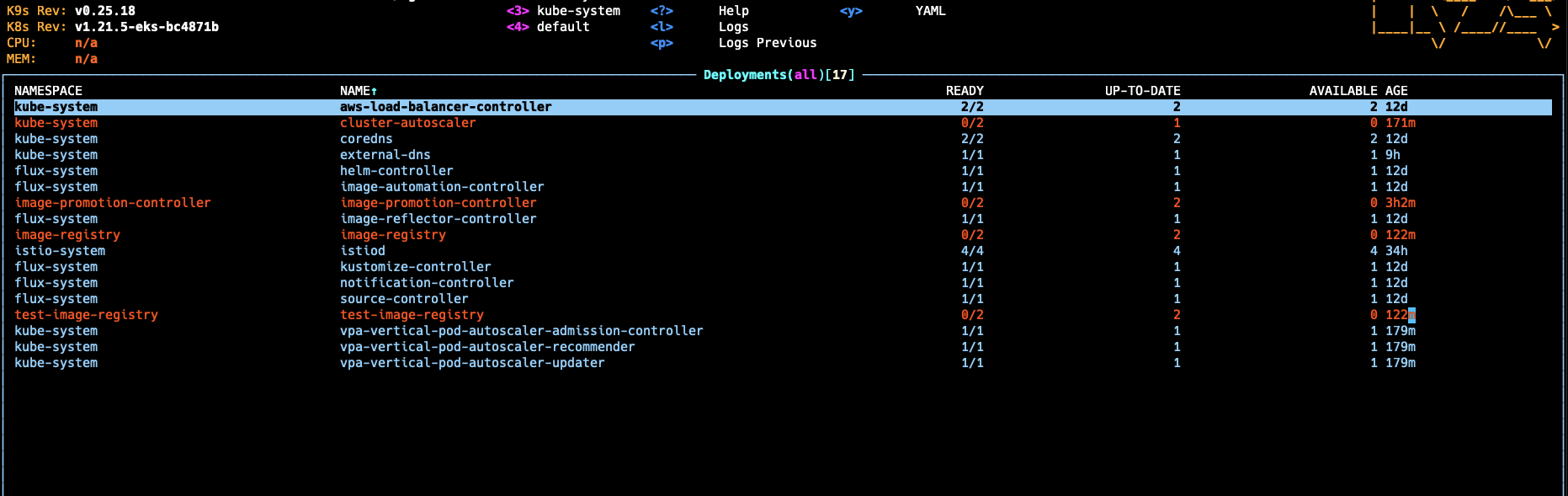
Before editing

After exiting the editor
Operating System
MacOS
OS Version
12.2.1
Additional context
No response

Describe the bug
Using the current warp version v0.2022.03.14.08.49.stable_00 and the lates k9s version v0.25.18, if I select a pod, deployment, etc resource and the press the 'e' key to edit, it will open the yaml for the resource. I don't have to make any edits, but typing ':q!' will cause a blank console to show with the cursor in the top left corner and then nothing. No key combo gets back to the k9s UI. I just have to close the tab and open a new one. This does not happen with iTerm2 3.4.12 using the same version of k9s. Also this use to work with warp, it's been a while since I needed to edit something live, so I don't know when this broke.
To Reproduce
Steps to reproduce:
Expected behaviour
Screenshots
Before editing
After exiting the editor
Operating System
MacOS
OS Version
12.2.1
Additional context
No response