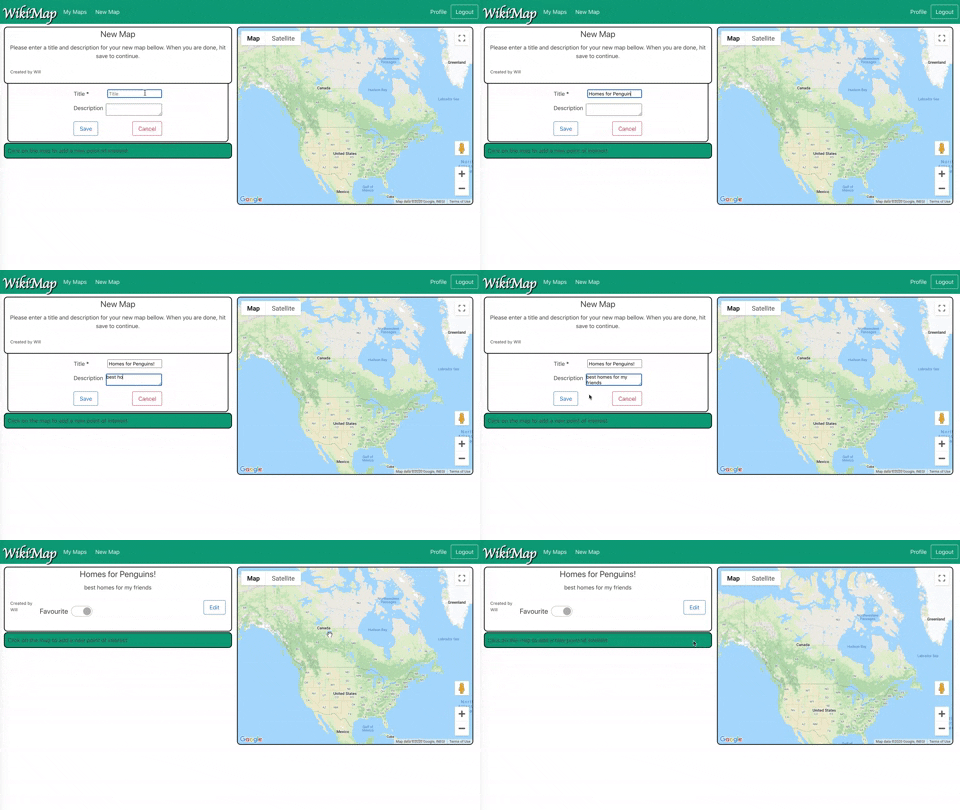
WikiMaps is a week-long midterm project as part of the Lighthouse Labs Web Dev bootcamp, created in combination with Ian Cameron, Paul Chen, and Will Zak. WikiMap is a single page application where users with accounts can create, edit, and delete maps with no, one, or multiple points that include titles, descriptions, and photos.
The application is used to highlight knowledge of: - NodeJS - Express with RESTful routes - Bulma CSS framework - jQuery - SASS CSS preprocessor - PostgreSQL and pg for DBMC - git for version control - Responsive Design
- Create the
.envby using.env.exampleas a reference:cp .env.example .env - Update the .env file with your correct local information
- username:
labber - password:
labber - database:
midterm
- Install dependencies:
npm i - Fix to binaries for sass:
npm rebuild node-sass - Reset database:
npm run db:reset
- Check the db folder to see what gets created and seeded in the SDB
- Run the server:
npm run local
- Note: nodemon is used, so you should not have to restart your server
- Visit
http://localhost:8080/
- Do not edit the
layout.cssfile directly, it is auto-generated bylayout.scss - Split routes into their own resource-based file names, as demonstrated with
users.jsandmaps.js - Split database schema (table definitions) and seeds (inserts) into separate files, one per table. See
dbfolder for pre-populated examples. - Use the
npm run db:resetcommand each time there is a change to the database schema or seeds.- It runs through each of the files, in order, and executes them against the database.
- Note: you will lose all newly created (test) data each time this is run, since the schema files will tend to
DROPthe tables and recreate them.
- Node 10.x or above
- Body Parser 1.19 or above
- NPM 5.x or above
- PG 6.x
- Bulma 0.9.1 or above
- Bulma switch 2.0 or above
- Chalk 2.4.2 or above
- Cookie Session 1.4 or above
- .env file (example provided)
- Express 4.17 or above
- EJS 2.6.2 or above
- Morgan 1.9.1 or above
- Node-sass middleware 0.11 or above
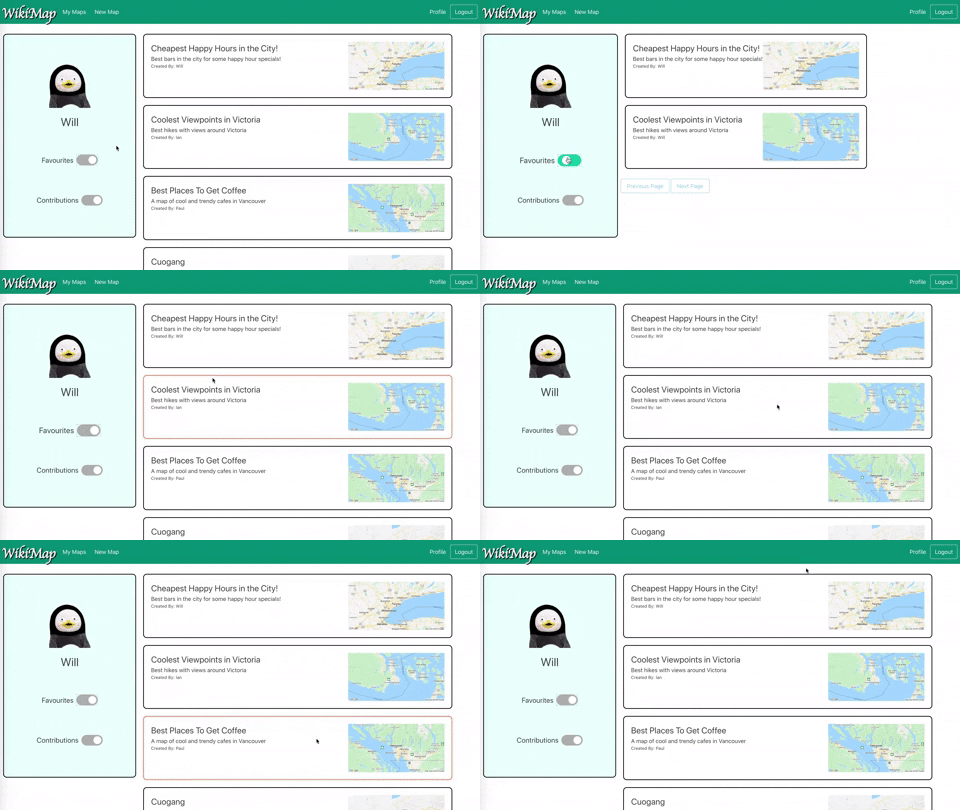
- Example of the list view functionalities
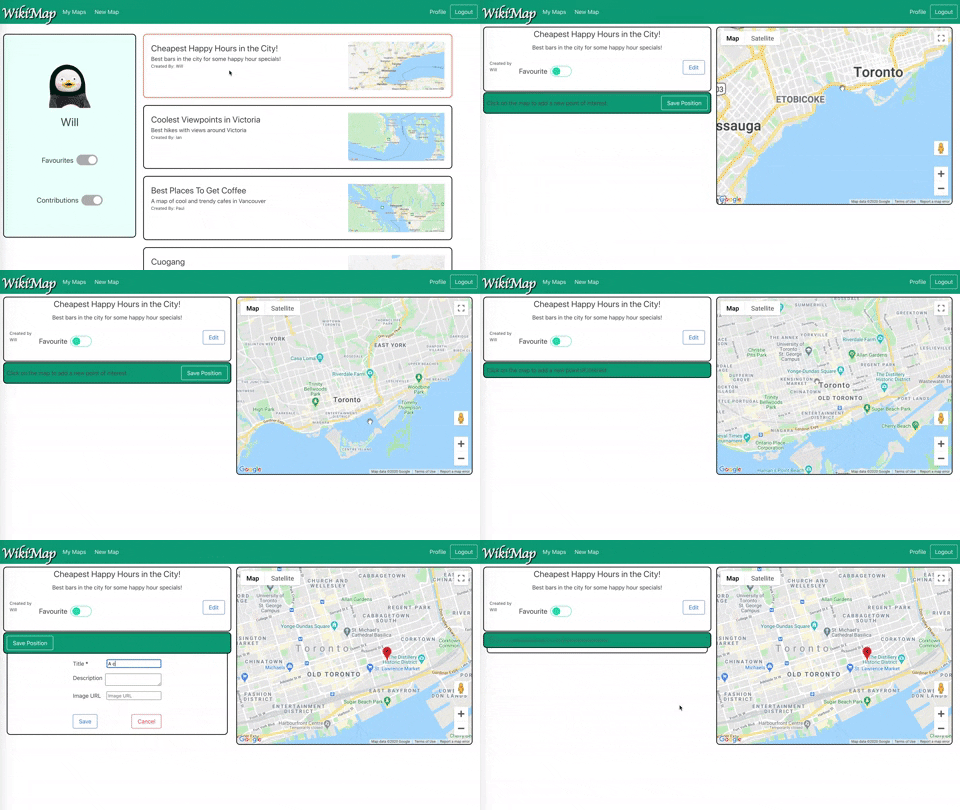
- Example of adding points to map and changing map
- Example of creating a new map with new points