An app to help motivate women and afab non-binary individuals to keep fit and healthy as well as to find like-minded friends who are willing to help achieve that goal.
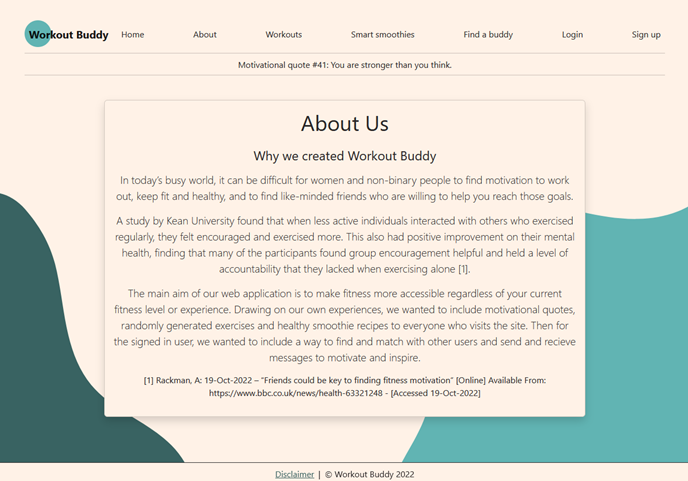
This application allows users to sign-up, match and message other users on the app in a BumbleBFF style of matching system to help users find new people to interact with. The main aim of our web application is to make fitness more accessible regardless of your current fitness level or experience. Drawing on our own experiences, we wanted to include motivational quotes, randomly generated exercises and healthy smoothie recipes to everyone who visits the site. Then for the signed in user, we wanted to include a way to find and match with other users and send and recieve messages to motivate and inspire.
Open the terminal and install the following python packages:
pip install flaskpip install flask_loginpip install mysql-connector-pythonpip install requestspip install bcrypt
The workout buddy database has seperate folders for all sections to include:
-
api - for the smoothie and workout api connections.
-
database - this directory includes the connection, match-ups, messages, quotes, sample_data for sql testing and sql schema for the main database and the users file.
-
static - includes bootsrap file and home page images.
-
templates - html files for about, base, buddies, disclaimer, home, login, messages, profile, publicprofile, signup, smoothies and workouts.
-
tests - users, workout and smoothies test files.
-
utils - app and config files - The edamam api app_ids and app_keys are also included in the config.py file. Or user can sign up at https://developer.edamam.com/edamam-recipe-api and create their own app_id and app_key to work with the app- remember to update the config file.
database.schema.sql should be run in SQL to create the database and tables required.
database.sample_data,sql can also be used to create test users, but is not essential and can be ignored.
utils.config.py - user will have to make sure their chosen SQL database user id and password matches the id and password in this file, or change the config page to match their user information.
- Once all steps above are followed, run
utils.app.pyfrom your python IDE and click on the link that appears in the terminal.
Wger api documentation: https://wger.de/en/software/api
Edamam api documentation: https://developer.edamam.com/edamam-docs-recipe-api
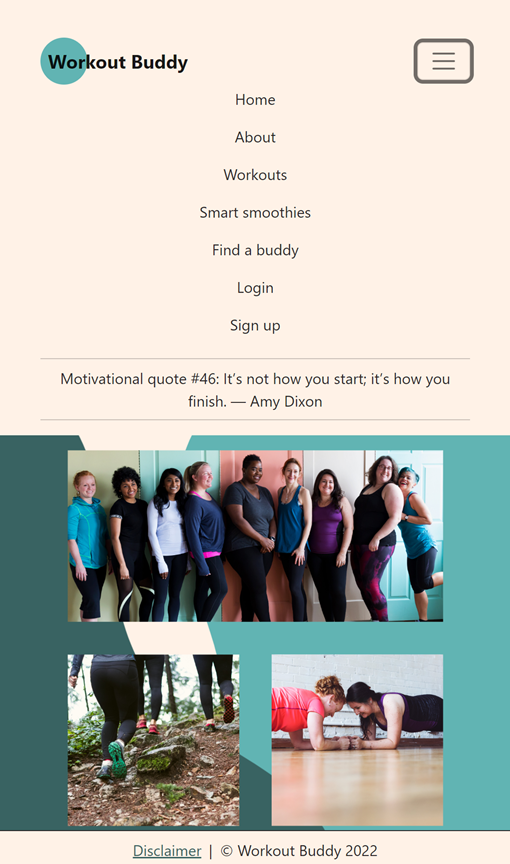
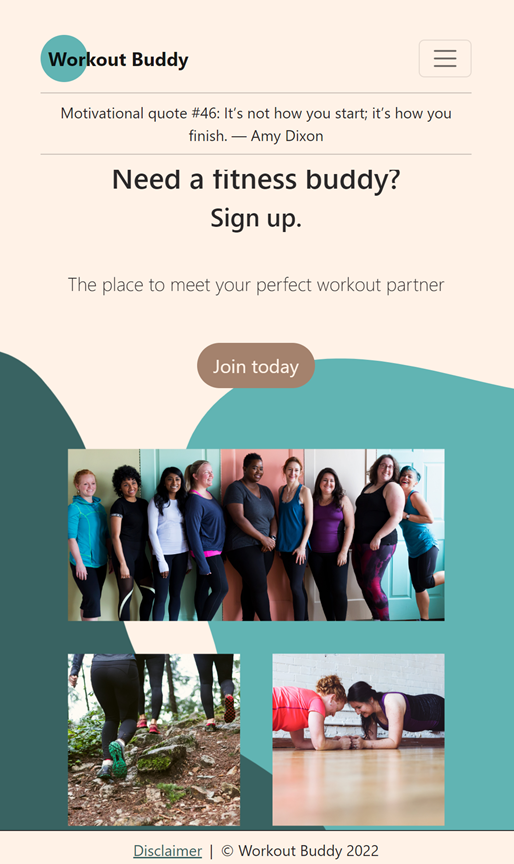
Navigation within the app is via the top menu bar. The app is scaleable, so when the width is compressed, the menu condenses into a CSS hamburger menu at the top right. The main Workout Buddy icon at the top left always returns the user to the home page.
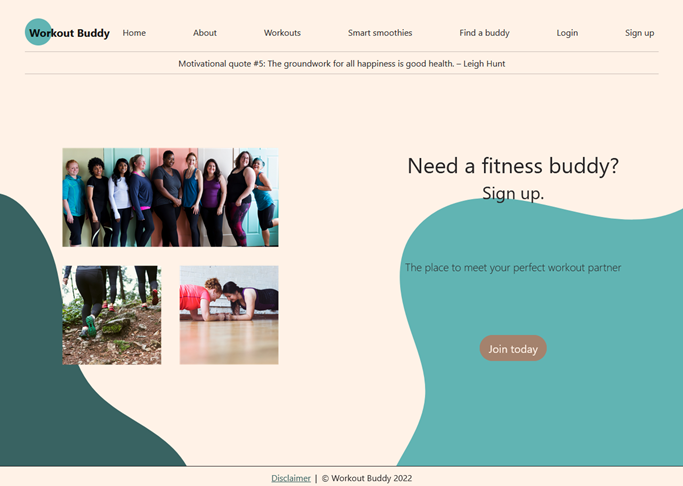
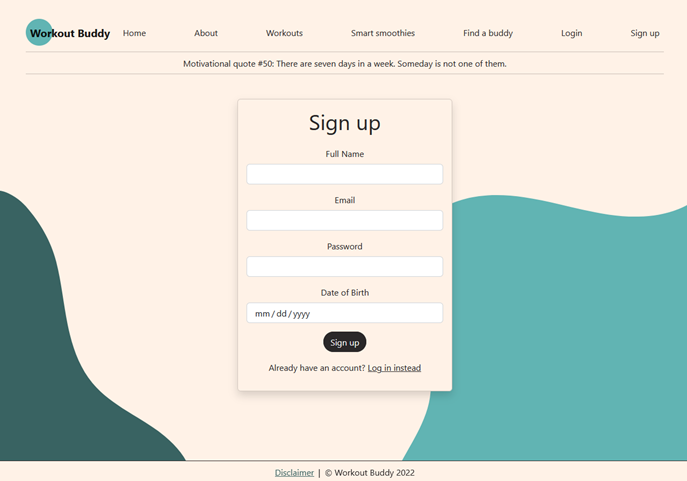
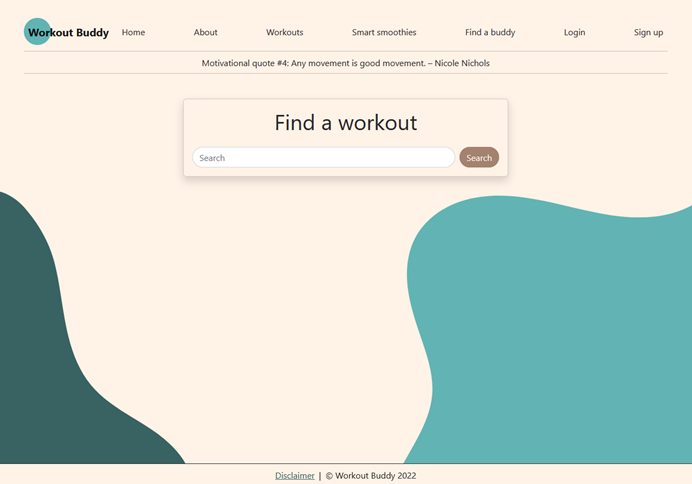
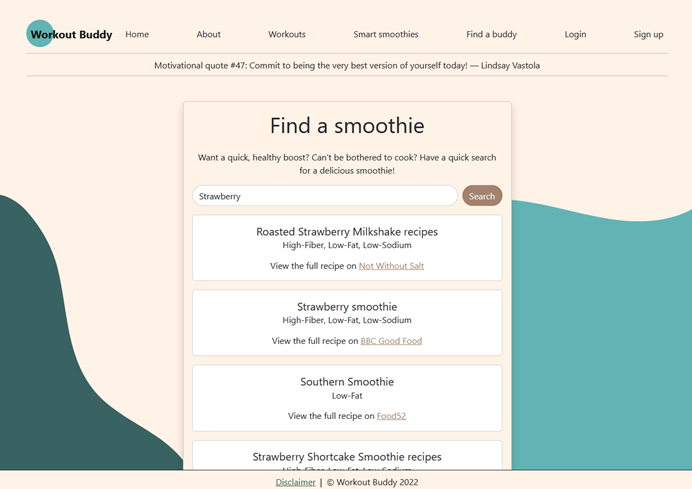
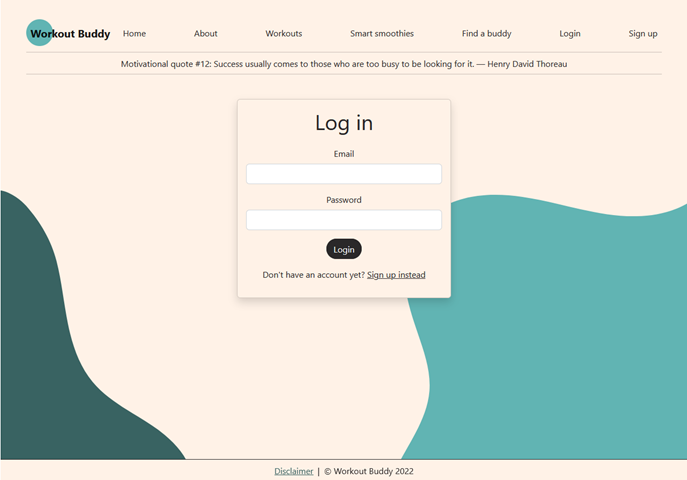
The aim is to give any person access to the home page, the about page, the workout ideas/exercises and Smoothie Recipes page using the respective api connections. We also created a SQL database to have motivational quotes randomly generated on every page visited. The user can also select to join Workout Buddy, or try to find a match, which will automatically bring them to the sign in page, with a join up option.
Home Page:
Sign up Page:
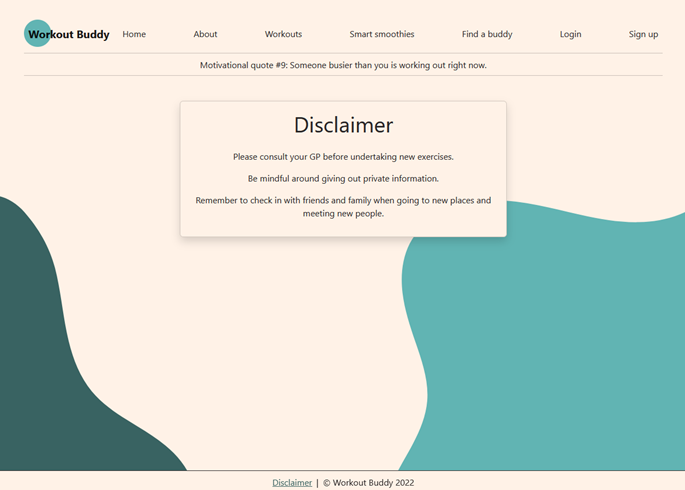
Disclaimer Page:
About Us Page:
Workout Page:
Smoothie Page:
Log in Page:
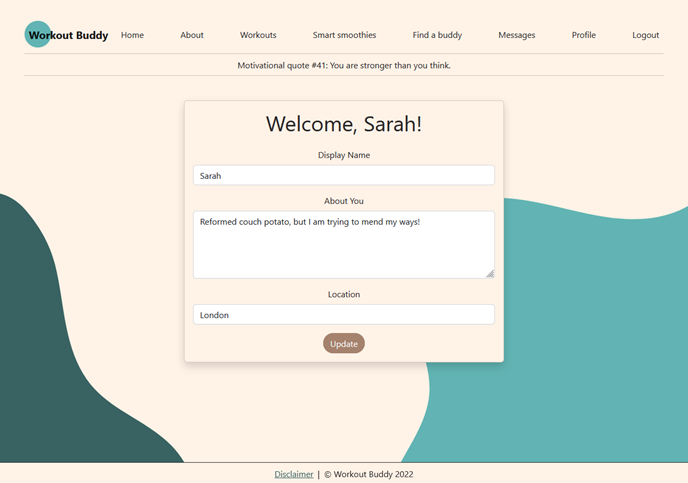
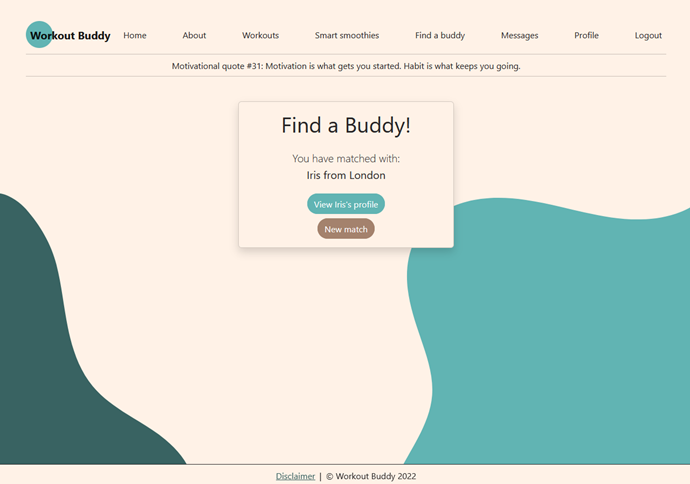
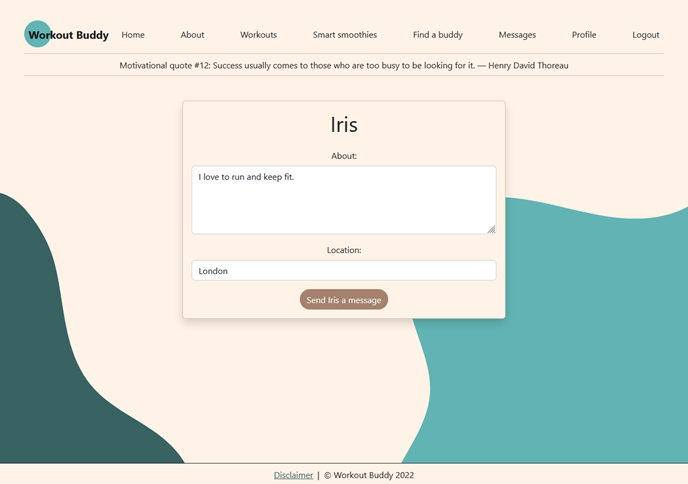
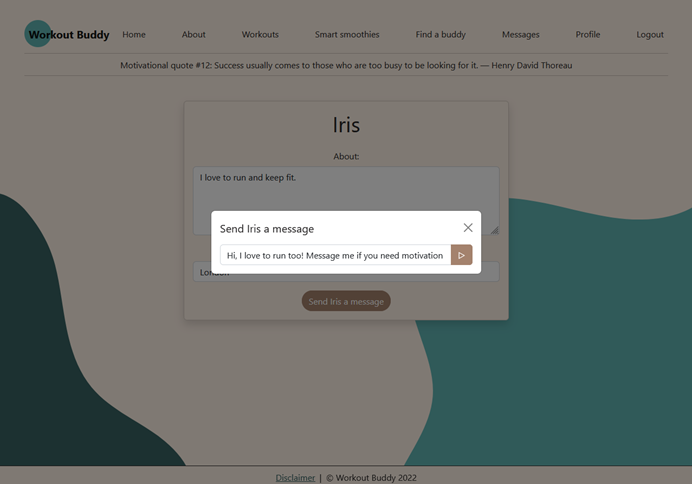
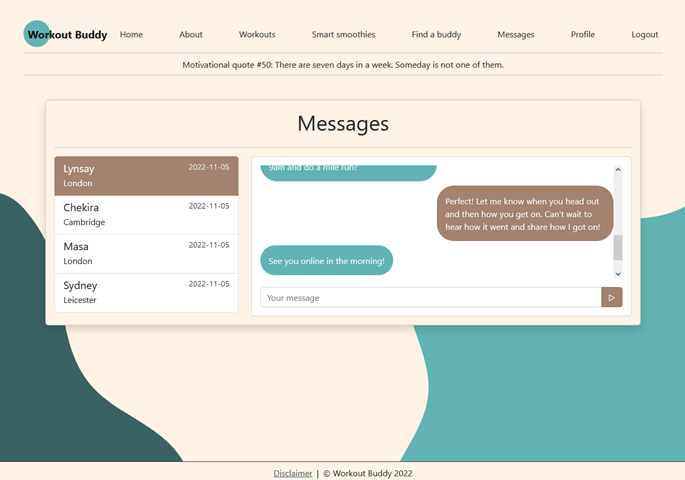
Once the user has joined and signed in, they then have access to the restricted users only pages. These pages include the Find a Buddy matching page, where they can get a random match with a fellow user, check the matched users public profile page and send them a message if they want to connect. The users only section also has a personal profile page for the user to update their profile information, a messages page where the user can check past messages and send new ones and a sign out page.
Private Profile Page:
Find a Buddy Page:
Public Profile Page from Match:
Send a Message to New Match:
Messages Page:
Home Page Showing Scalability with CSS Hamburger Menu tab:
CSS Hamberger Menu Tab Expanded: