

Universal speed control for video and audio.
This is a fork of polywock/globalSpeed with an added Time Info overlay feature (see below). The store links below point to the official upstream release, which does not include this feature — to use it, build this fork yourself (see Build).
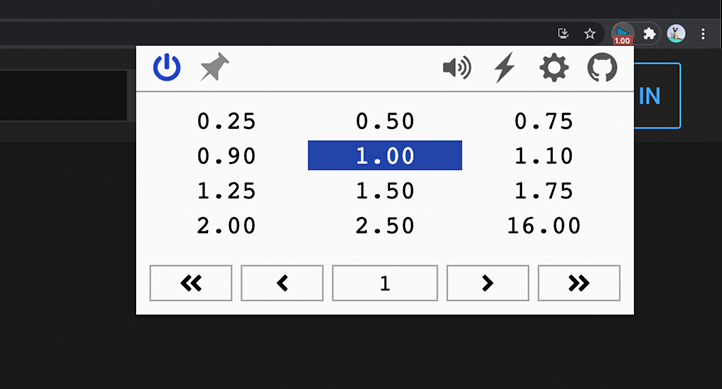
- Set the speed once and forget: it automatically applies to all video and audio
- Define URL rules to auto-apply your favorite speeds on specific sites
- Compatible with YouTube, Netflix, Spotify, podcast sites, and more
- Conveniently change speed through customizable shortcuts
- Rewind/forward, frame-by-frame analysis, volume up/down and more
- Support for multiple trigger modes, including context menu and global shortcuts; control background music or PiP videos while using another app
- Netflix movie too dark? Brighten it and dial in the contrast
- Video too quiet? Boost volume up to 600%
- Listen to songs or shows in a new way with pitch shift
- Optionally assign hotkeys to toggle filters and effects on the fly
Audio Effects [Chromium Only]
- Shows current/total time and the wall-clock time the video will finish, scaled to playback speed (e.g. at 2x, remaining time and finish time are both adjusted accordingly)
- Place it pinned to a screen corner (most stable) or anchored to the video frame
- Optional remaining-time countdown, 12/24-hour clock format, and a custom text format using
{{time}},{{clock}},{{remaining}} - Auto-hides on mouse hover so it never blocks native player controls
- Colors default to the extension's theme, fully customizable otherwise

git checkout feature/time-info-overlaynpm installto install required dependencies.npm run devbuild unpacked version.- Load the unpacked folder
- Chrome: open extensions page, enable dev mode, load unpacked.
- Edge: open extensions page, load unpacked.