SOFTENG702 Group 9
Getting started
.
Usage
.
UAHPEC Certificates
Table of Contents
This repository contains two prototypes developed for a research study conducted in a human computer interaction (HCI) course to investigate
To what extent an interactive game-based educational tool with realistic scenarios helps students understand the concepts of Fitts' law.
Two versions have been developed for comparison purposes. Game version contains elements of a reward system with the plant while the static version is purely an interactive activity. They both serve to educate users on the importance and usage of Fitts' law through interactive activities.
The prototypes have been built with the following frameworks and libraries:
To get a local copy up and running follow these simple example steps.
- npm
npm install npm@latest -g
- Clone the repo
git clone https://github.com/wshe874/702-Project
- Navigate to the corresponding directory
// Game version
cd game-version

// Static version
cd static-version
- Install NPM packages
npm install
- Start the application
npm start
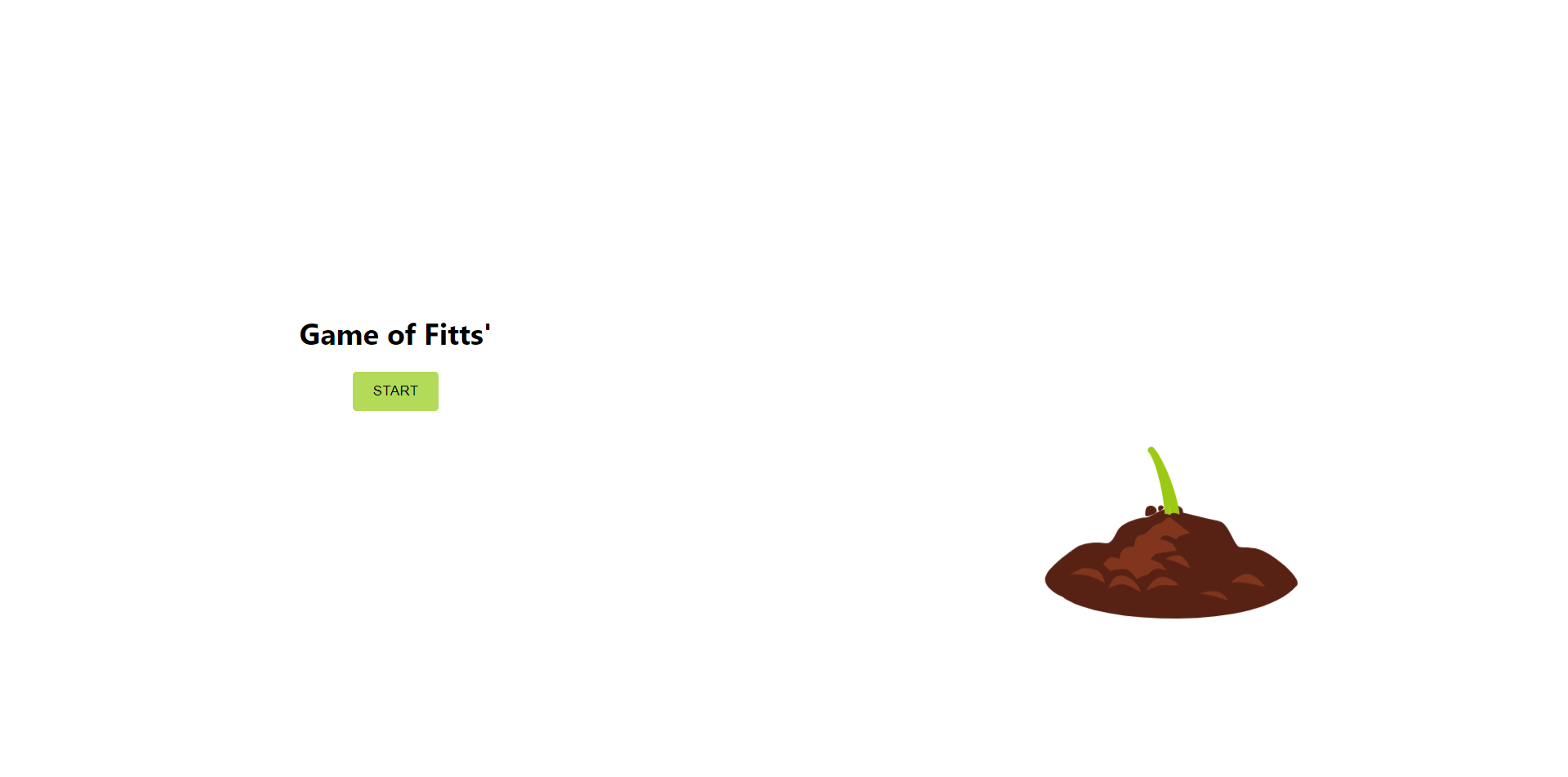
This is the home page for the application and is the start to the game.
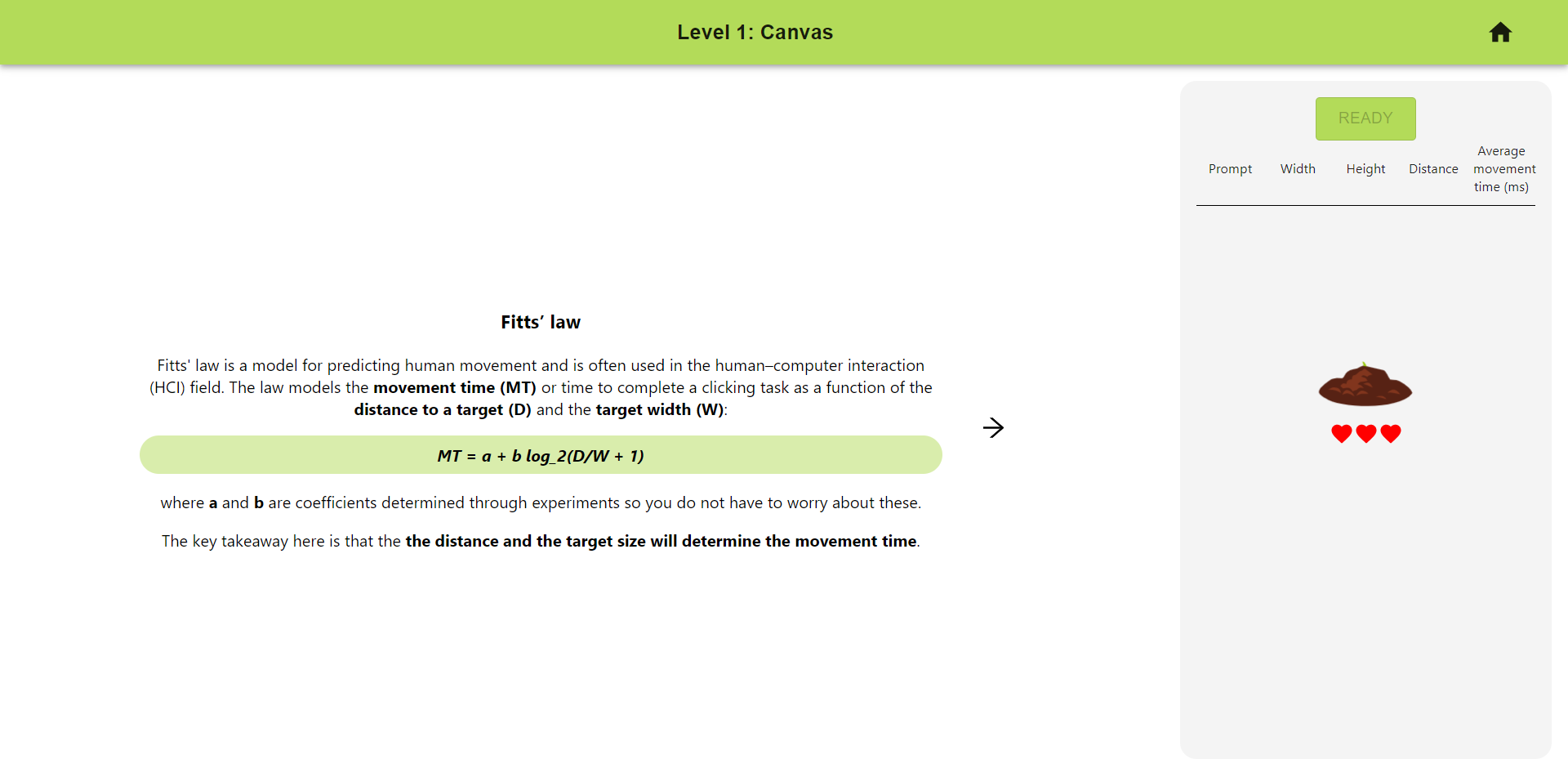
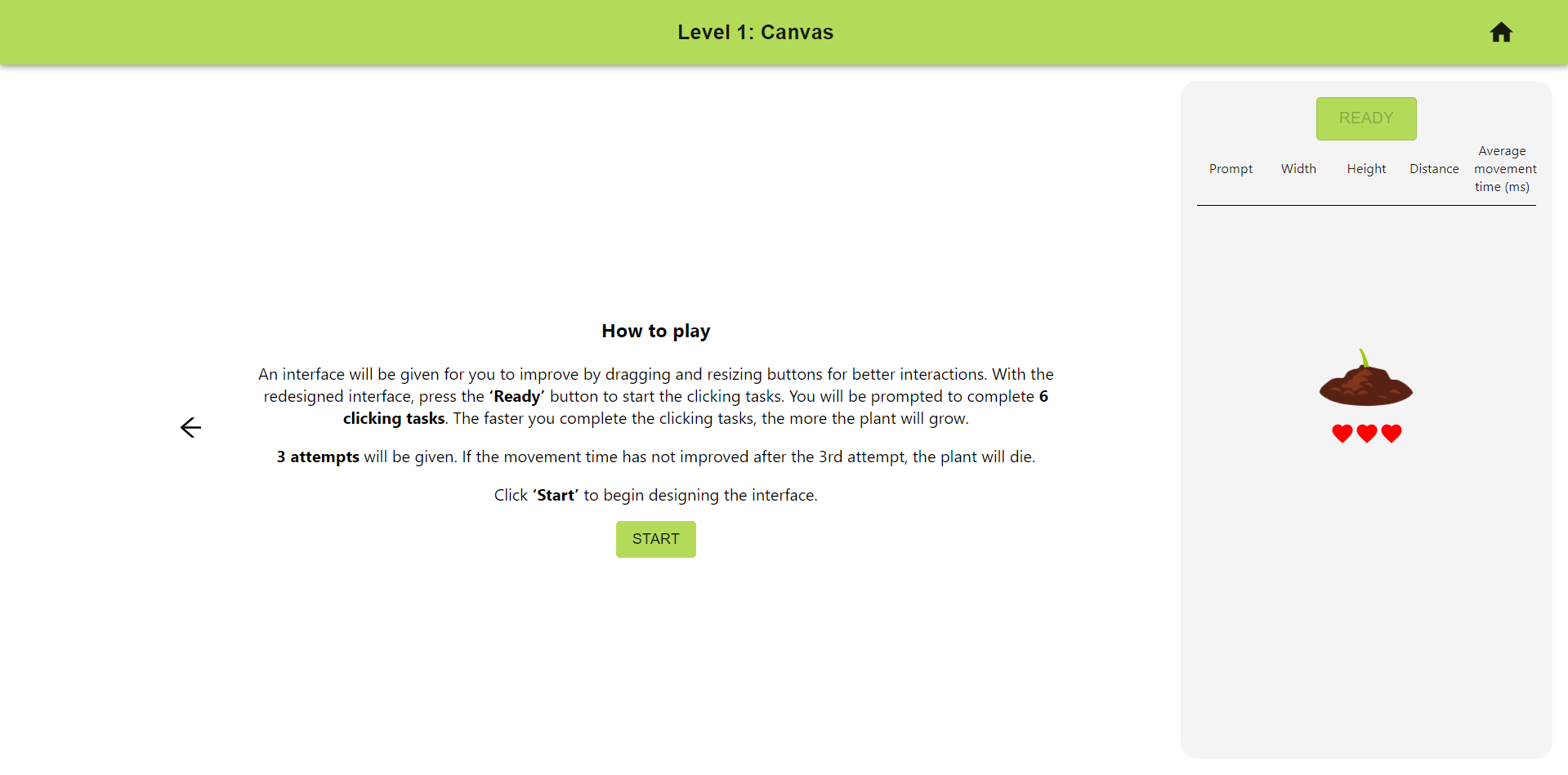 After clicking 'start' on the home page, a background on Fitt's law and instructions on how to play the game is given.
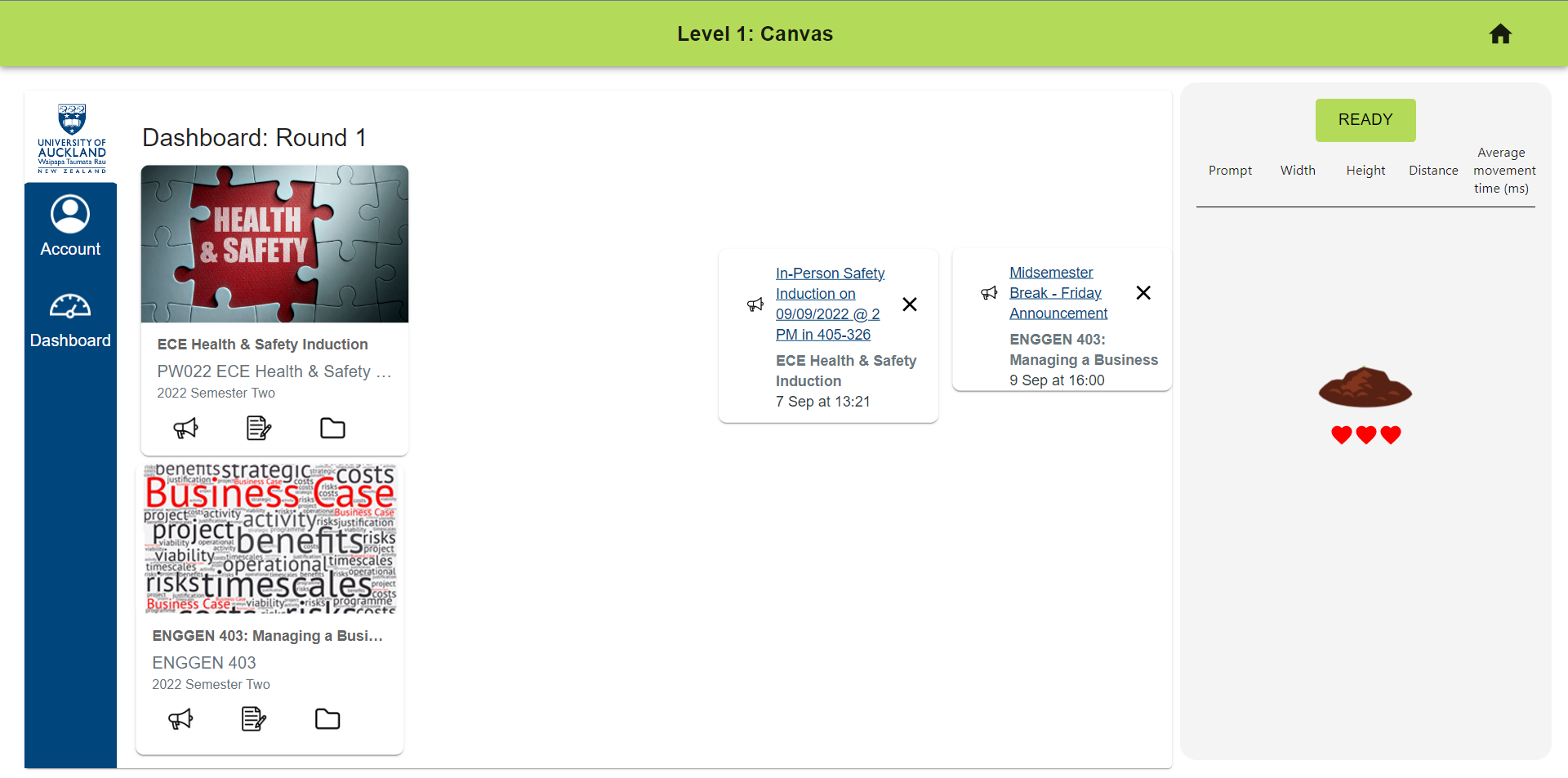
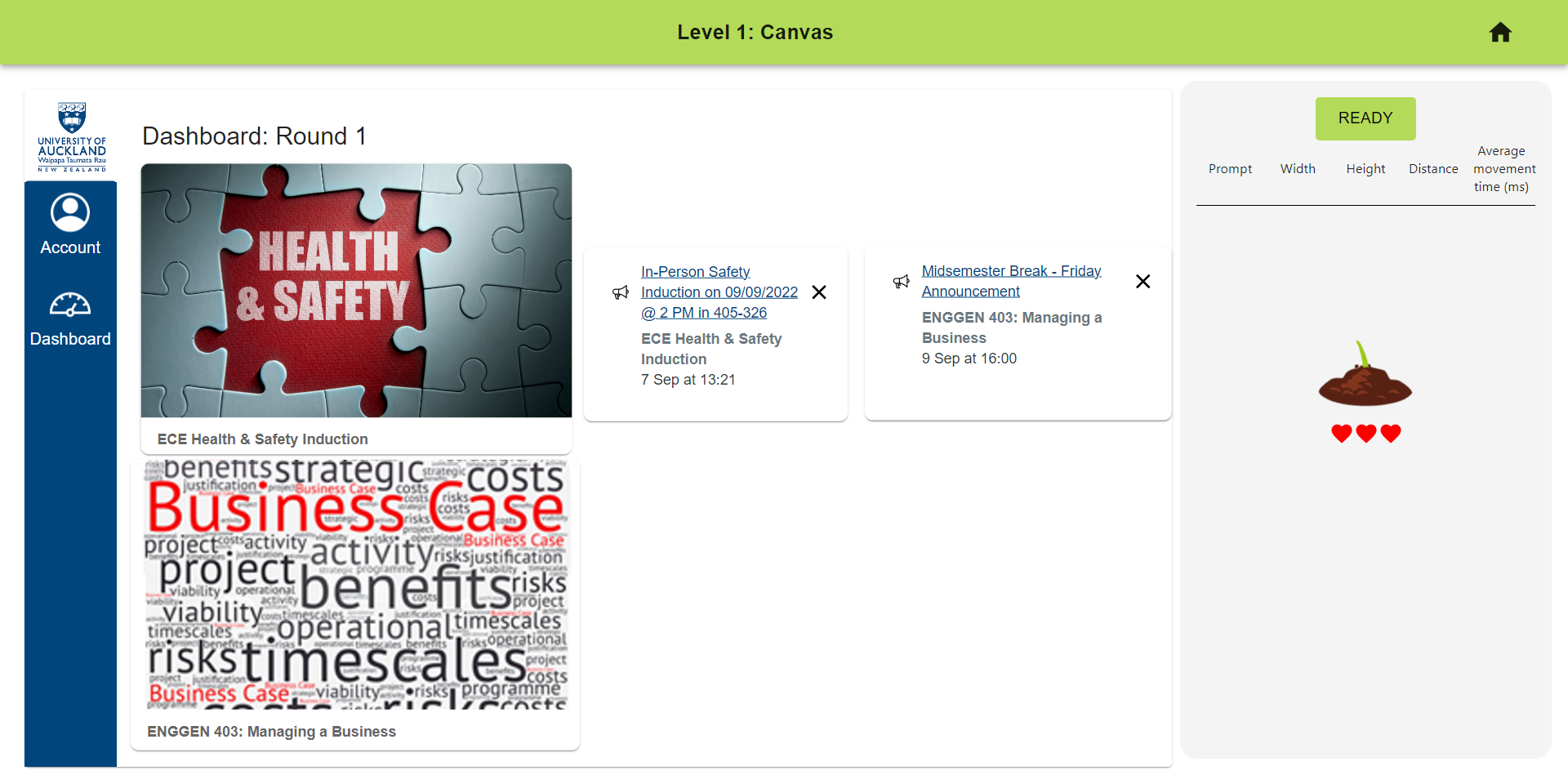 Then clicking the 'start' button of the instructions page, the editing board with the buttons will be shown. Buttons can be resized and moved around to design the interface.
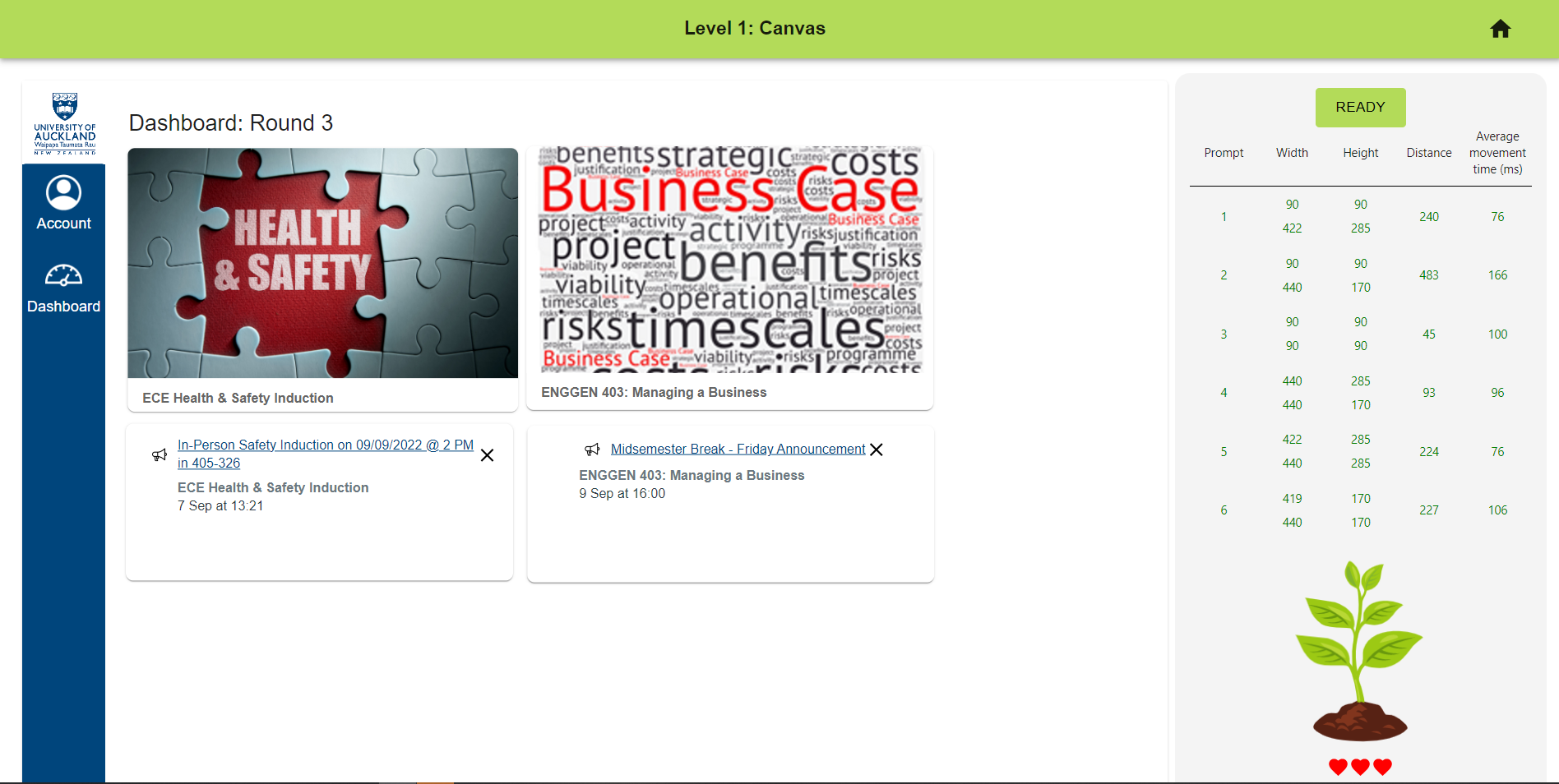
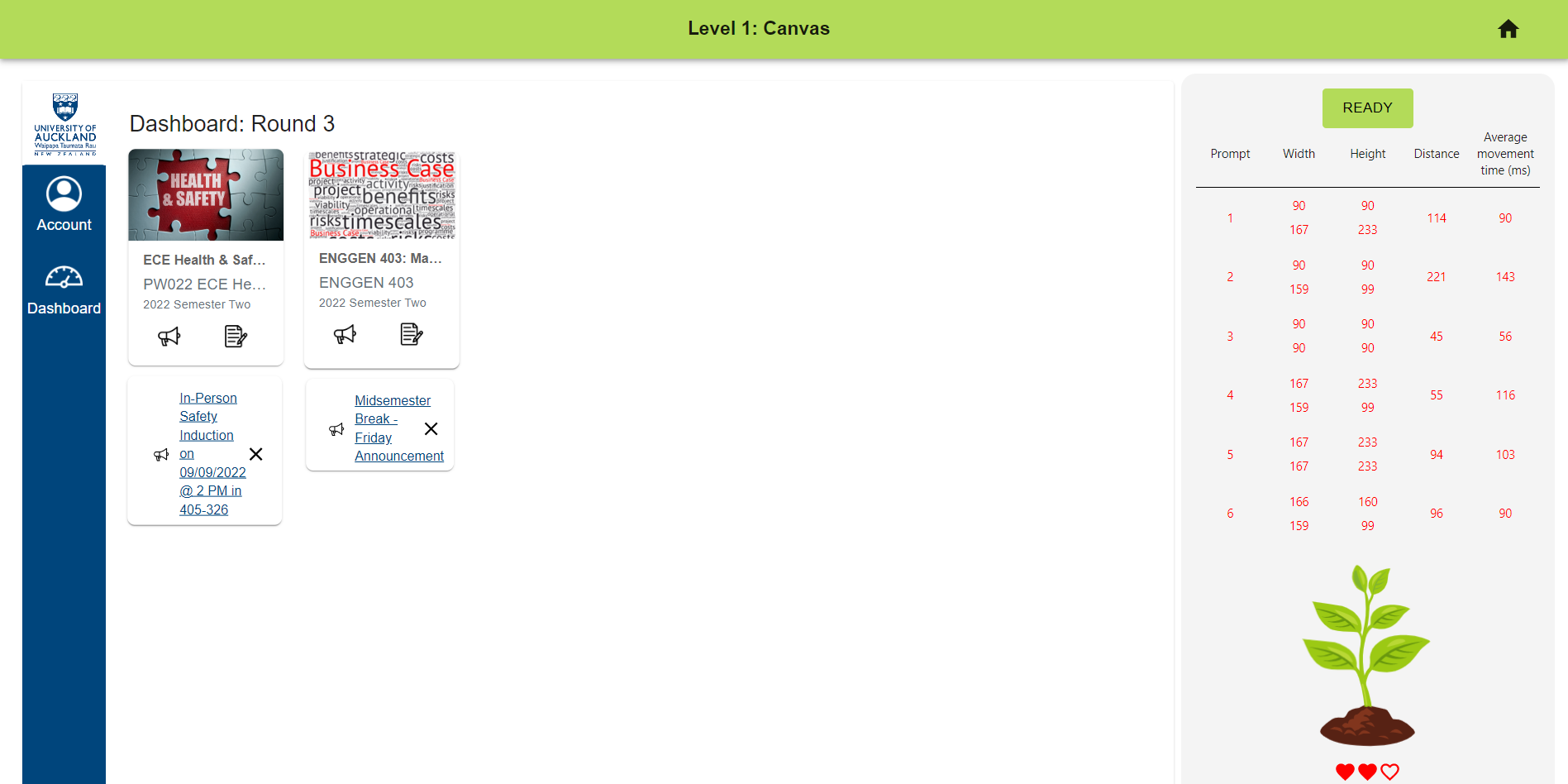 Once the designing of the interface is done, click the 'ready' button on the right side menu to begin the clicking tasks. These will be a series of clicking between a set of 2 buttons to determine if the interface best follows Fitts' law. Visual and text prompts will be shown to guide you through the clicking tasks. If an attempt has improved from the previous one, results on the right-hand side will be coloured green. Otherwise, it will be coloured red to show the current attempt was not an improvement and one life will be deducted. If there no further improvement is made after 3 attempts, the plant dies.
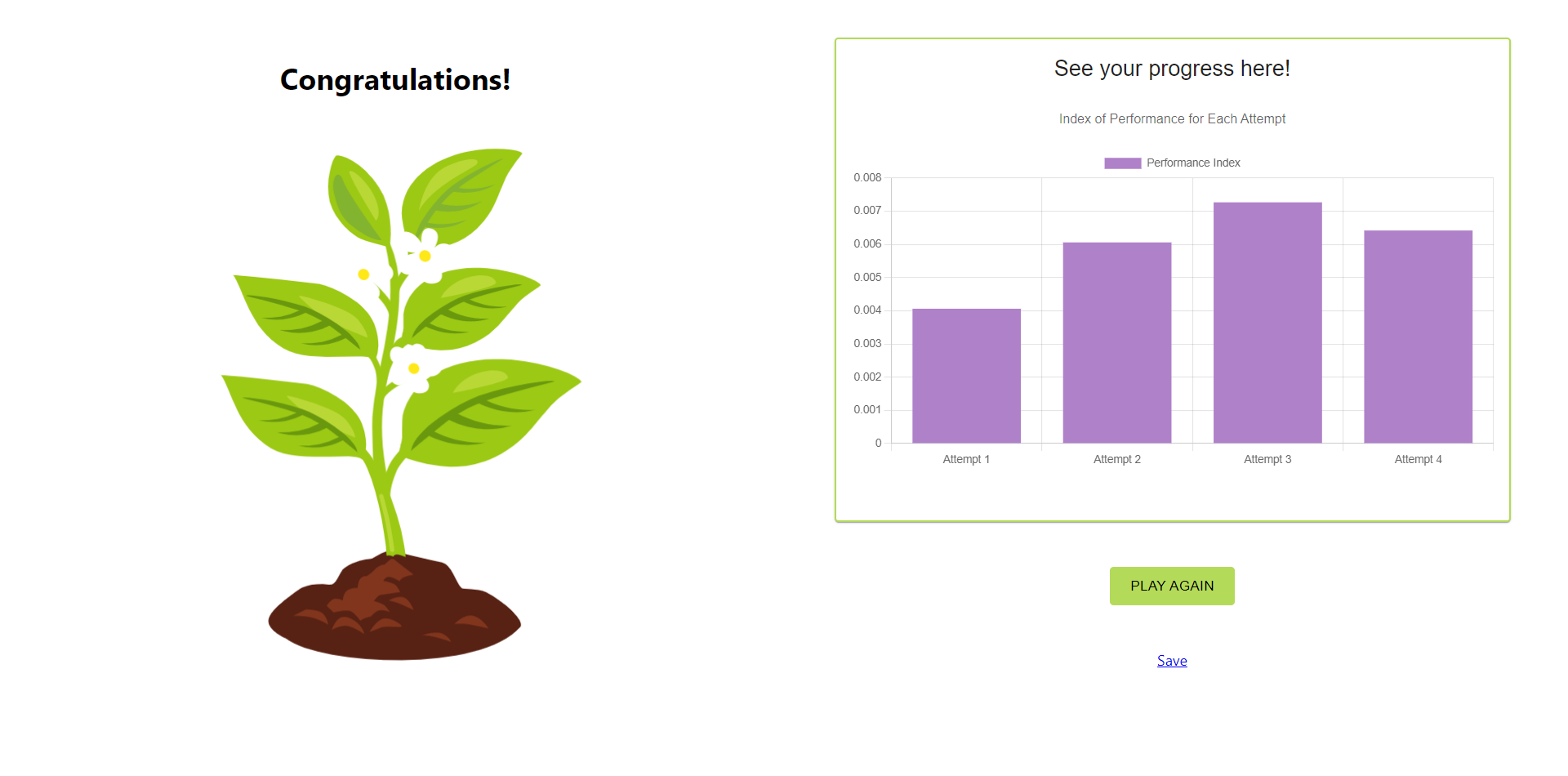
Results are shown after completing the game with the performance index indicated for each attempt. Users can play again and results can be downloaded as a .csv file by clicking the save button.
A similar game flow is followed for the static version.
Please follow the link to view the certificates stored in Google drive. Note that the document can only be viewed using the University of Auckland organisational google account.