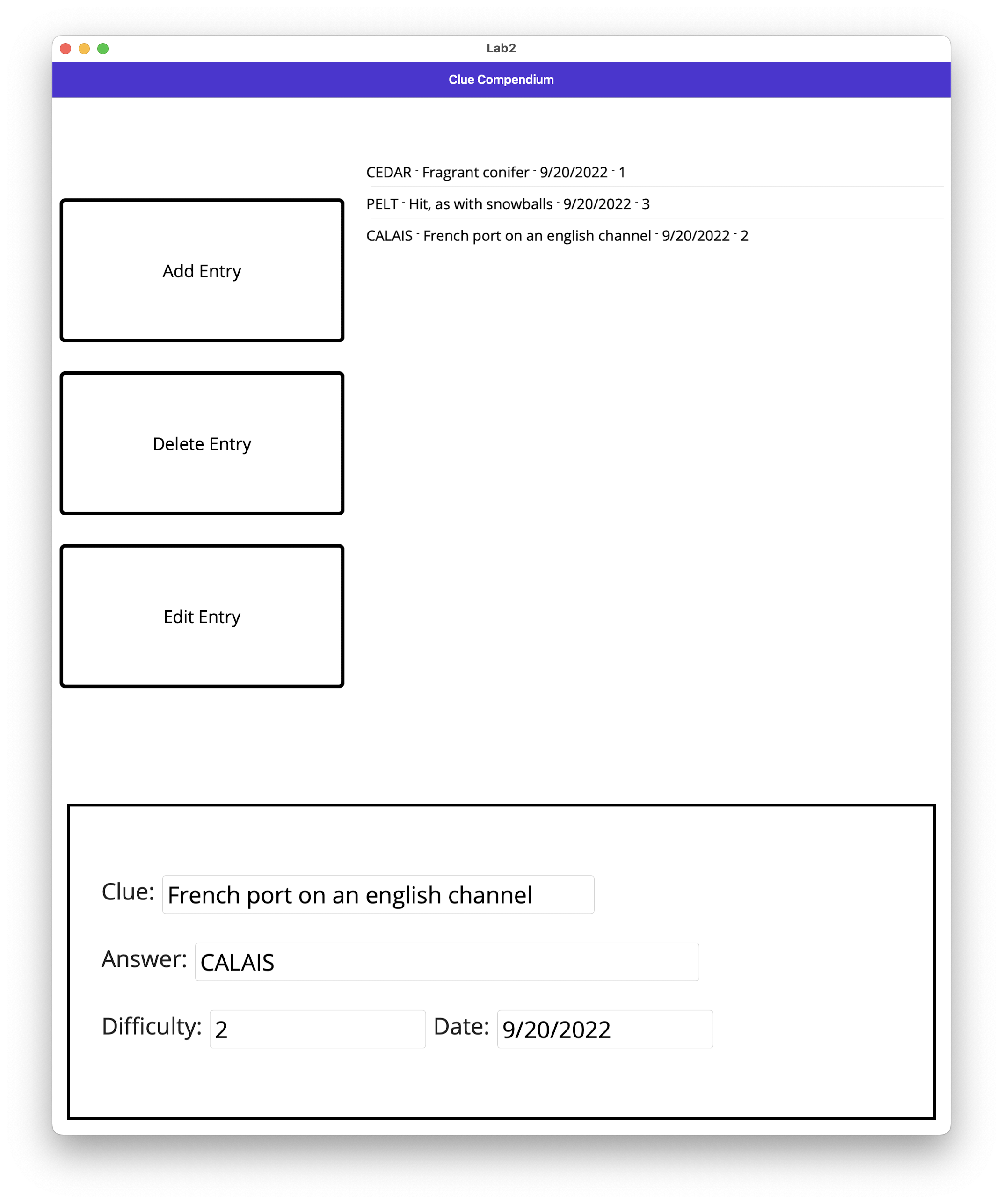
This lab helps get us familiar with .NET MAUI by creating a UI for the backend that was established in Lab 1.
- Responsible for defining the user interface
- This contains a ListView which is acquiring data from the Database (which is just a flat file titled clues.db)
- Responsible for establishing the connection between the ListView and the database with:
EntriesLV.ItemsSource = MauiProgram.bl.GetEntries();
- Also calls the proper
BusinessLogicmethods - Displays the alerts for any error messages that may appear
- Used as a means of communication between the UI (
MainPage.xaml/MainPage.xaml.cs) and the Database (Database.cs) by calling proper methods - Checks user input via
CheckEntryFields()
- Connected to the file that serves as the "database"
- This directly writes to and reads from the "database" and is responsible for serialization and deserialization
- Open the
Lab2.slnfile in the Visual Studio - Ensure that an Android device is able to be simulated (Android Studio was used for this specific lab)
- Run the application via Visual Studio and ensure that the target is an Android device that is able to be emulated

- The app should be exist within the tablet and function there!
If there are issues that arise with running it via an emulated device, you're able to just target it to be ran just as .NET MAUI Application directly on your computer.

Before Insertion:
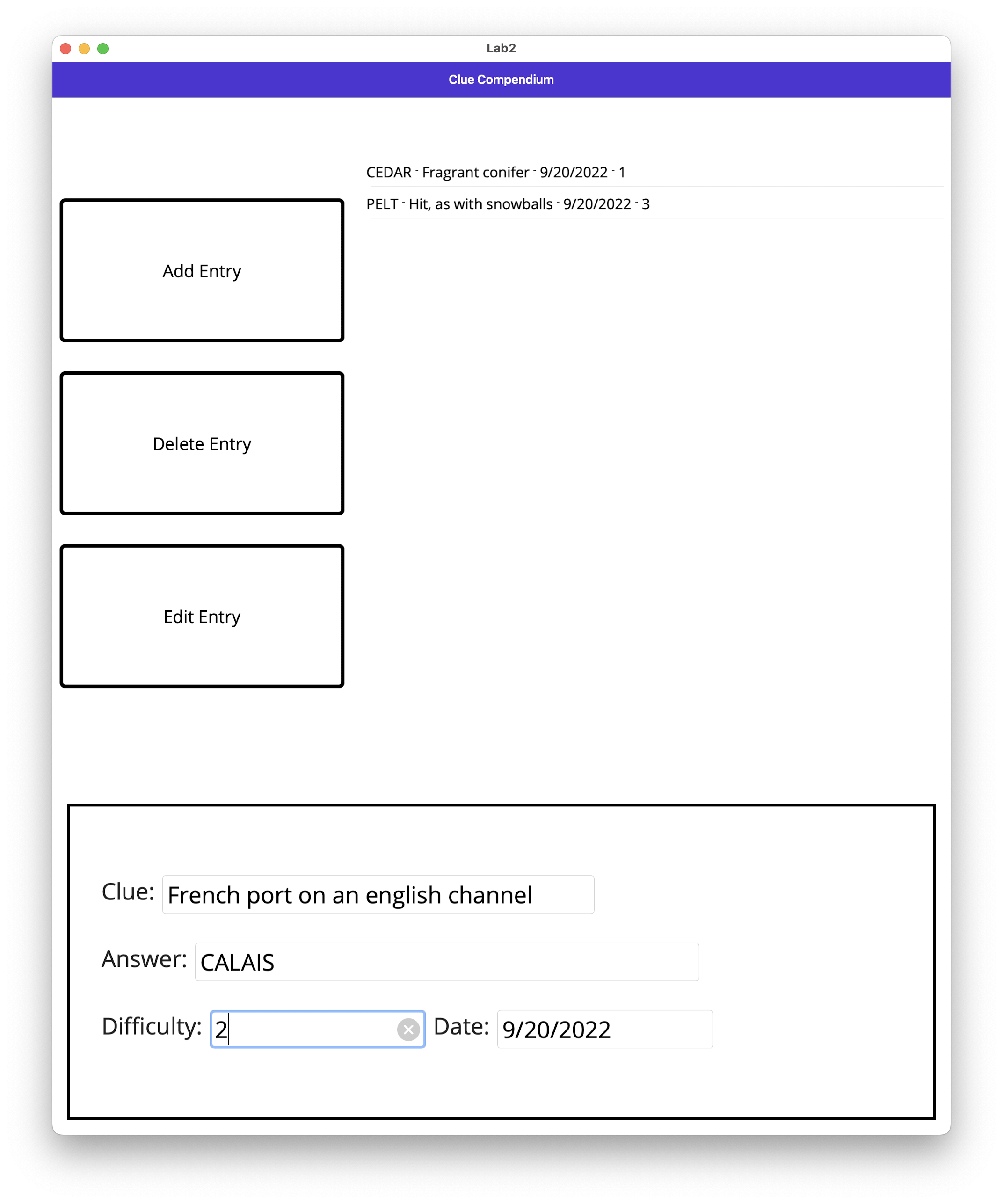
After Insertion: