




- Monitor running experiments from mobile phone
- Monitor hardware usage on any computer with a single command
- Integrate with just 2 lines of code (see examples below)
- Keeps track of experiments including infomation like git commit, configurations and hyper-parameters
- Keep Tensorboard logs organized
- Dashboard to locally browse and manage experiment runs
- Save and load checkpoints
- API for custom visualizations
- Pretty logs of training progress
- Open source! we also have a small hosted server for the mobile web app


You can install this package using PIP.
pip install labmlfrom labml import tracker, experiment
with experiment.record(name='sample', exp_conf=conf):
for i in range(50):
loss, accuracy = train()
tracker.save(i, {'loss': loss, 'accuracy': accuracy})from labml import experiment
from labml.utils.lightning import LabMLLightningLogger
trainer = pl.Trainer(gpus=1, max_epochs=5, progress_bar_refresh_rate=20, logger=LabMLLightningLogger())
with experiment.record(name='sample', exp_conf=conf, disable_screen=True):
trainer.fit(model, data_loader)from labml import experiment
from labml.utils.keras import LabMLKerasCallback
with experiment.record(name='sample', exp_conf=conf):
for i in range(50):
model.fit(x_train, y_train, epochs=conf['epochs'], validation_data=(x_test, y_test),
callbacks=[LabMLKerasCallback()], verbose=None)pip install labml psutil py3nvml
labml monitor- API to create experiments
- Track training metrics
- Monitored training loop and other iterators
- API for custom visualizations
- Configurations management API
- Logger for stylized logging
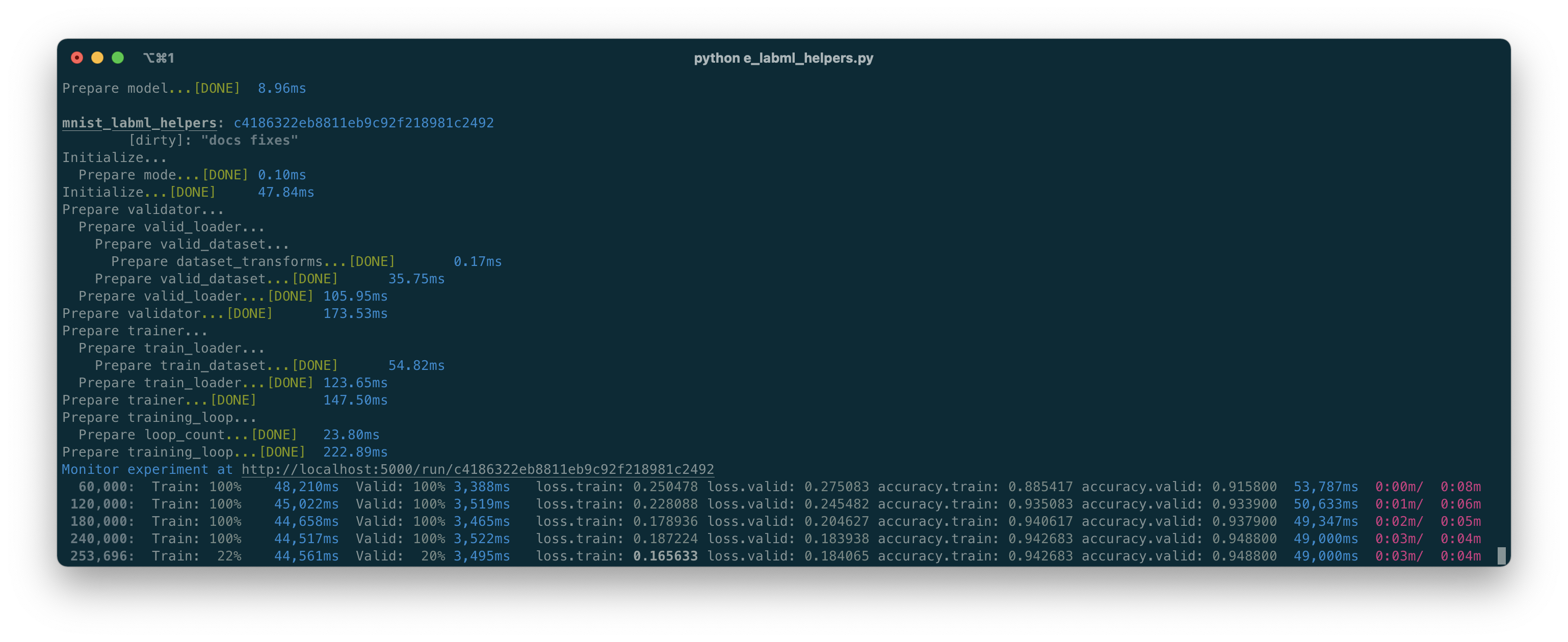
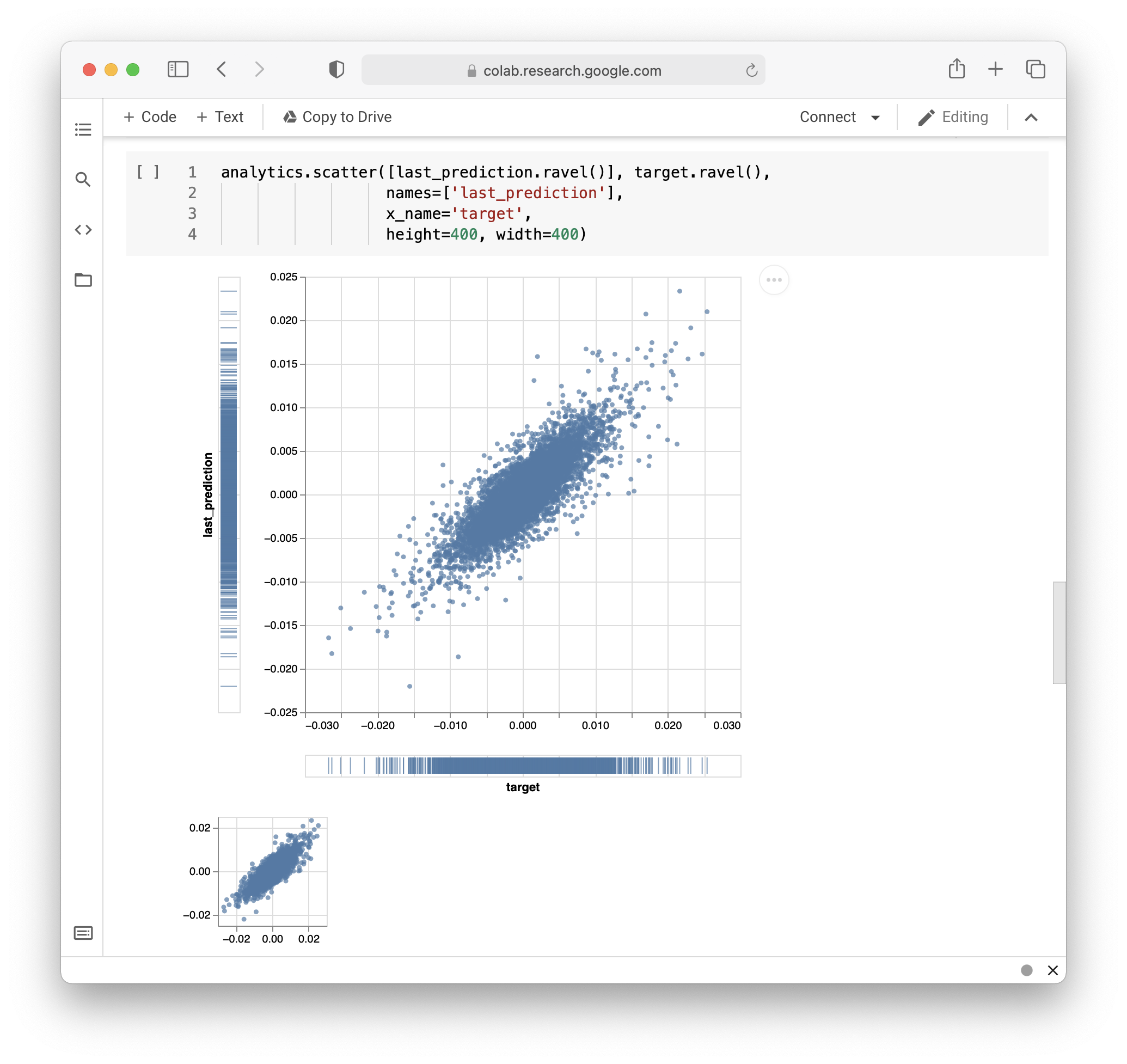
If you use LabML for academic research, please cite the library using the following BibTeX entry.
@misc{labml,
 author = {Varuna Jayasiri, Nipun Wijerathne},
 title = {labml.ai: A library to organize machine learning experiments},
 year = {2020},
 url = {https://labml.ai/},
}