Kickstart your new projects with one command. Screenshot
$ npm install -g kikKik is a command-line tool and a library for creating projects by using starters. It'll save your time from initializing projects from scratch, letting you choose what kind of project that you'd like to choose. It's designed not only for JavaScript, you can use it for creating any project by choosing or creating a starter.
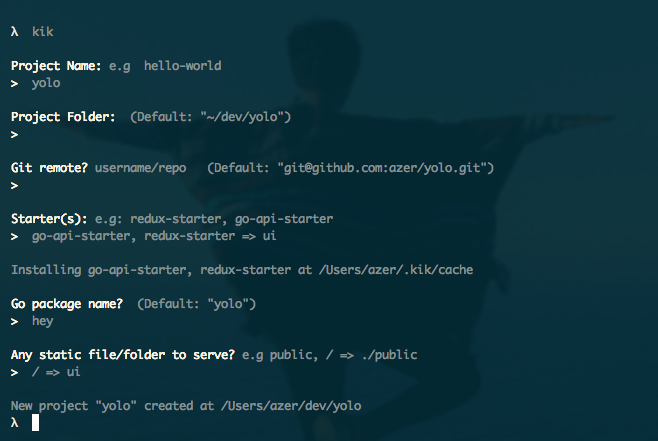
After installing it, you can simply call it on command-line to start your next project:
$ kikIt'll prompt you some basic questions like your Github handle, where you keep your code for once, and some project specific questions like its name, Github URL etc.
See examples/programmatical.js for how to use kik programmatically.