
New to Updater: Preliminary support for the upcoming Innioasis Y2 and a new Software option "Solar + Rockbox-Y1" which adds online music streaming and downloads from Deezer and Soulseek, and a better Rockbox dual-boot experience (useful for times where you'd like to use the video player but prefer to use Rockbox)
Innioasis Updater is the official firmware installation tool for the Innioasis Y1, built by the users, for the users.
Came from an old Rockbox tutorial or guide? We've got a new, guided tool called Innioasis Updater, To get started with it, or if you're looking for firmware downloads or updates for another Innioasis device, please head to innioasis.com/pages/download
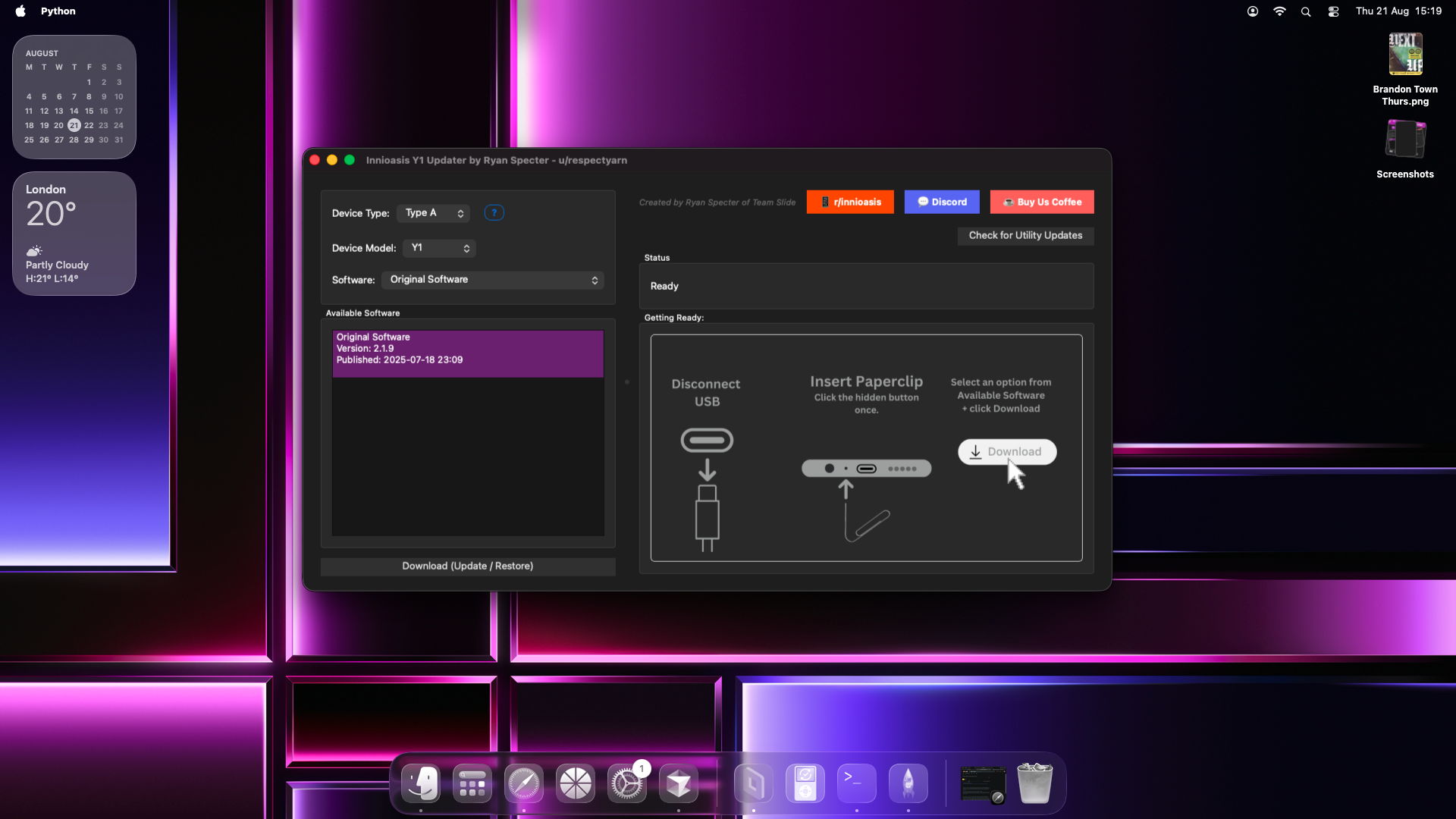
Innioasis Updater

Looking to update or customise your Innioasis player? head to innioasis.app/guide.html to begin
Developed in Python using Cursor IDE by
- Ryan Specter of Team Slide
Special Thanks to
Team Slide branding lead
- u/_allstar
r/innioasis and its mods
Rockbox Y1 Port and ROM Developer
TikTok / YouTube creators
- Ryan /@catsteal3r on TikTok
- Corduroy cat - YouTuber
- Edit: I previously credited these as the same individual but it turns out they are actually seperate content creators. Sorry for any confusion caused. - Ryan Specter
MTKclient Credits
- bkerler for creating mtkclient
- kamakiri [xyzz]
- linecode exploit [chimera]
- Chaosmaster
- Geert-Jan Kreileman (GUI, design & fixes)
Installing on Linux (Not officially supported - you're on you're own)
- Install script (beta):
Try this install command in your terminal, and if it doesn't work for some reason, file an issue explaining your Linux distribution and the issue you encountered.
curl -fsSL https://innioasis.app/run_linux.sh | bash
- Setting up the MTKclient backend (if the install script doesn't do this properly and run it for you)
Please clone the repo on your linux system and follow the MTKclient setup instructions, once you've completed the setup process for MTKclient, simply open a terminal window, change into the directory you cloned Innioasis Updater into and run the command below.
python firmware_downloader.py
Contributors

catsteal3r