Skip to content

yashmit28/MLops

Folders and files

NameName
Last commit message
Last commit date

Latest commit


History

7 Commits


Repository files navigation

Automating Machine Learning with DevOps : ML + Jenkins + Docker + Github

With the help of the Git plugin Jenkins can easily pull source code from any Git repository that the Jenkins build node can access.

The GitHub plugin extends upon that integration further by providing improved bi-directional integration with GitHub. Allowing you to set up a Service Hook which will hit your Jenkins instance every time a change is pushed to GitHub. Jenkins's job creation is an effortless process, In this article, we will learn how to create a job in Jenkins and configure project cloning from the Git.
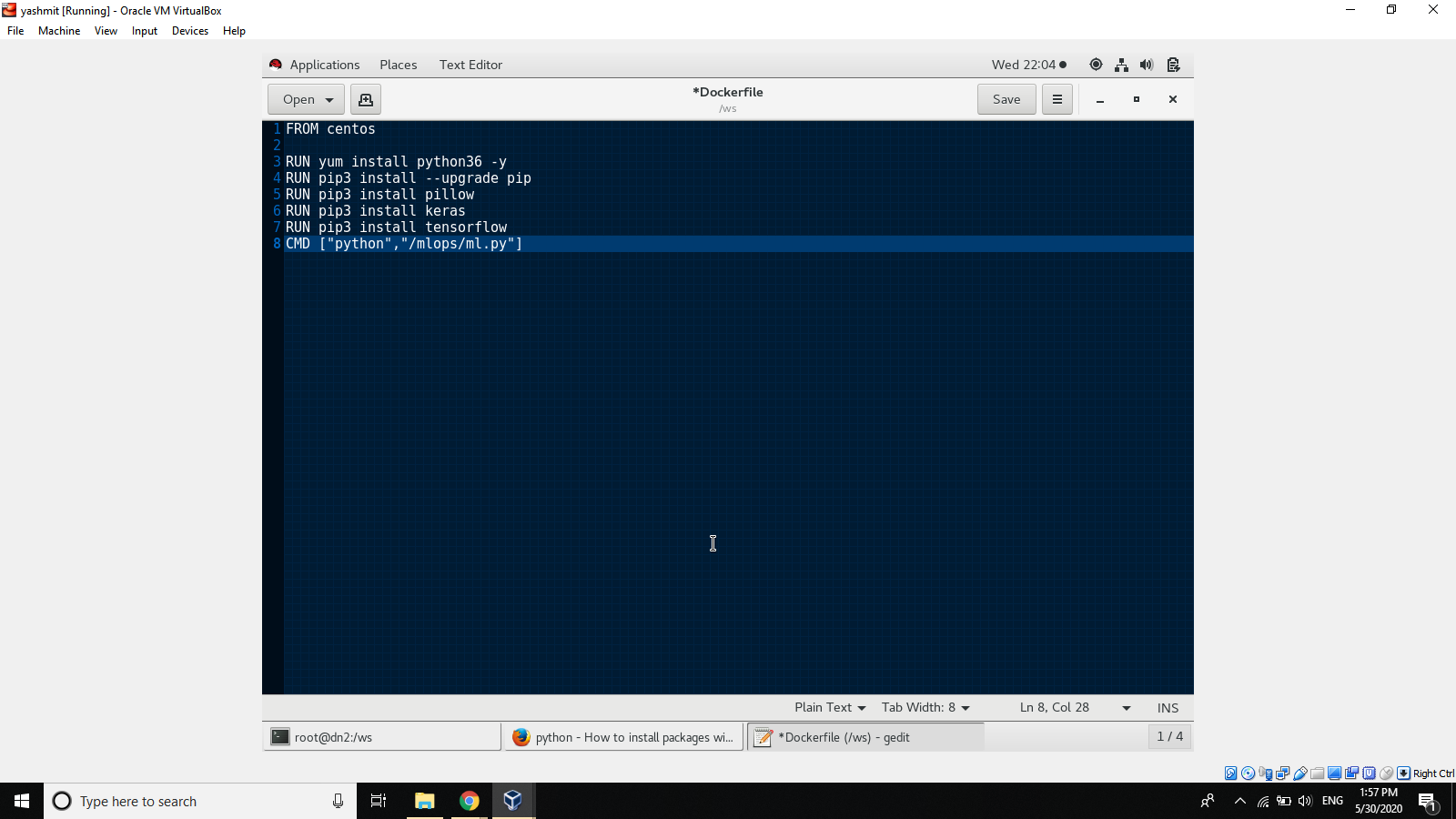
Creating Docker File

Screenshot (20)

Creatimg Docker container

docker build -t cnn newcnn:v1 /ws/
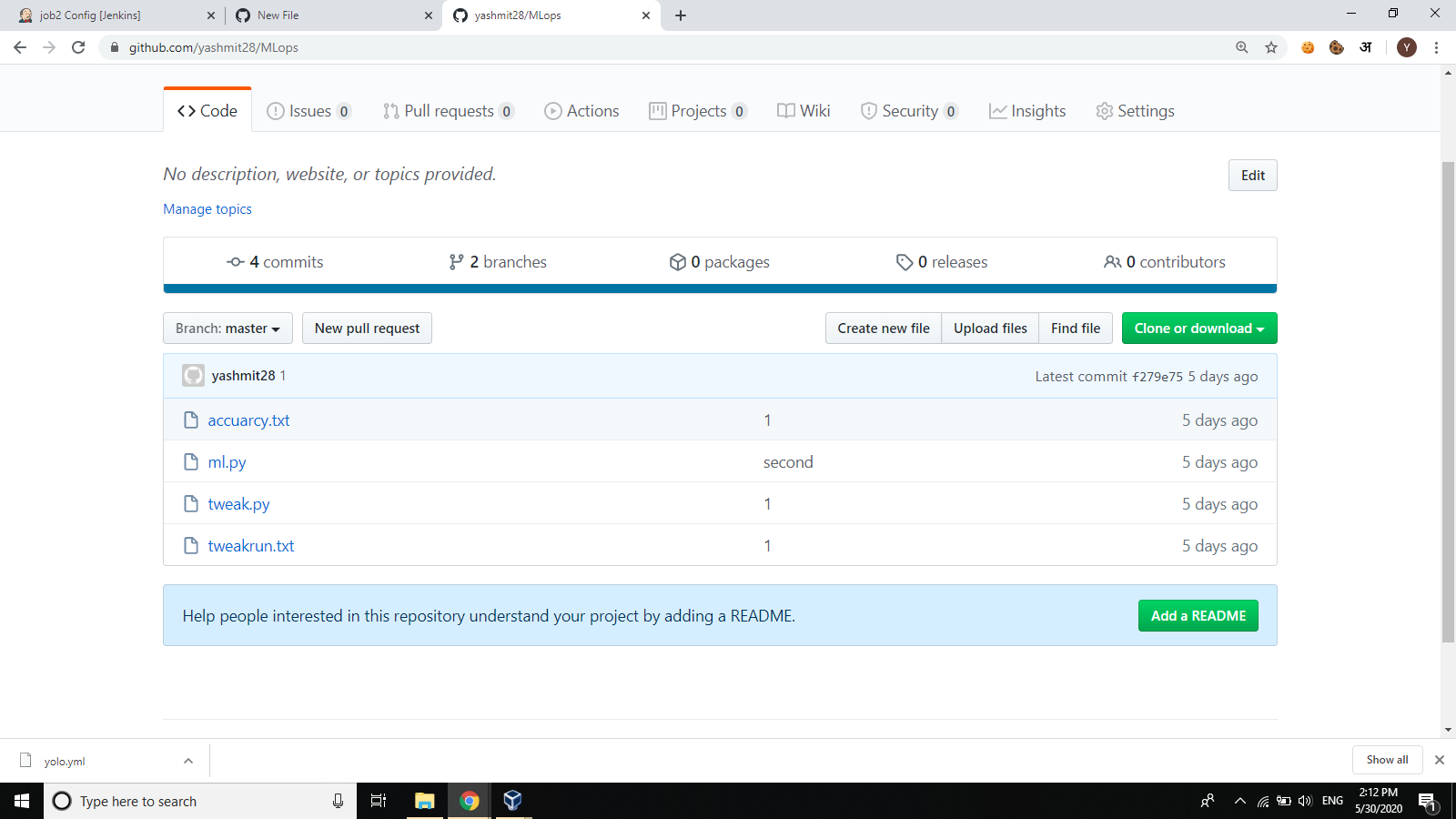
Creating the Github to push the ML program

Screenshot (23)

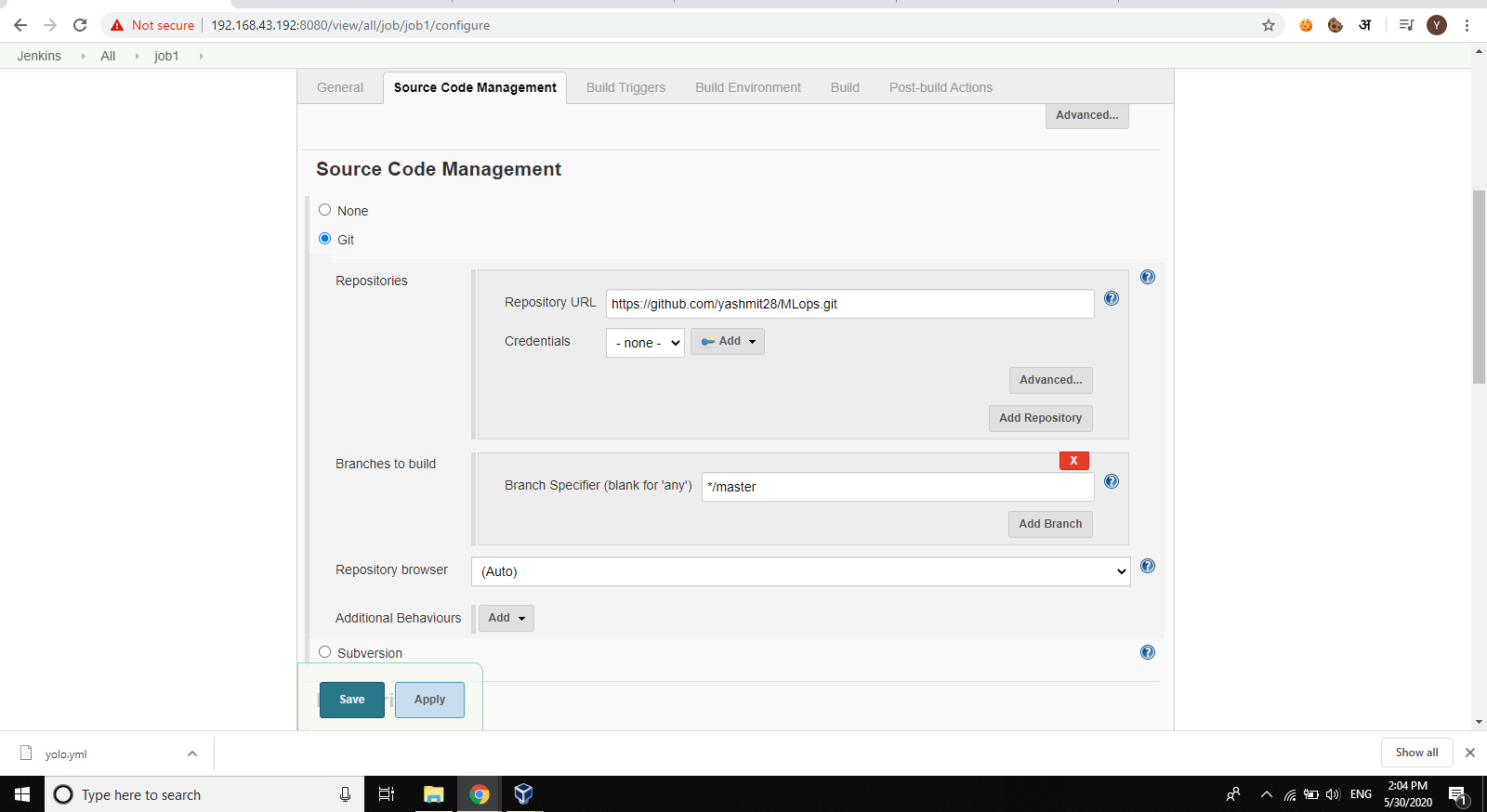
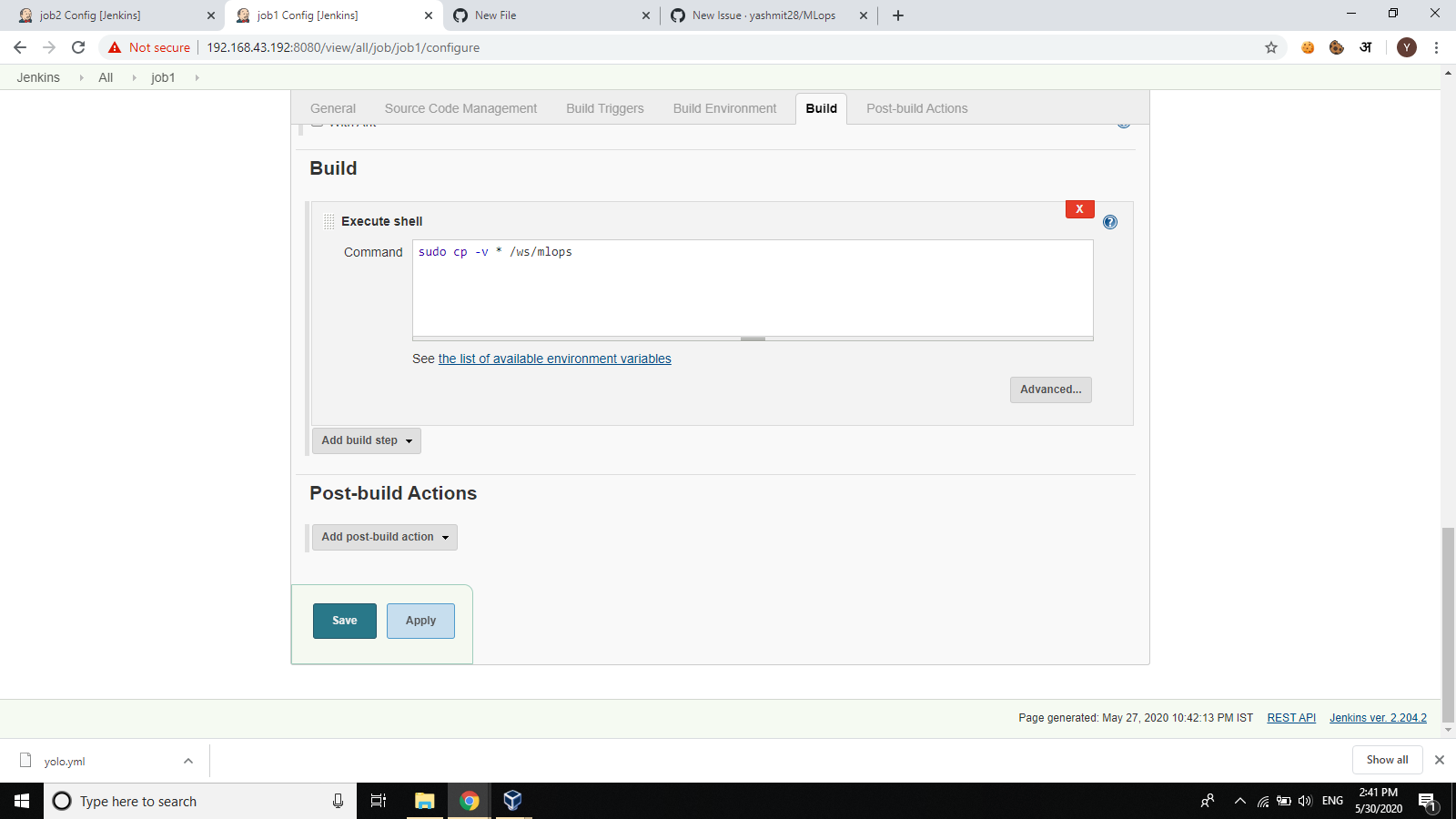
JOB 1 :

Pull the codes from the Github when the Developer pushes the code .

Screenshot (24) Screenshot (28)

Creating enviroment

Screenshot (27)

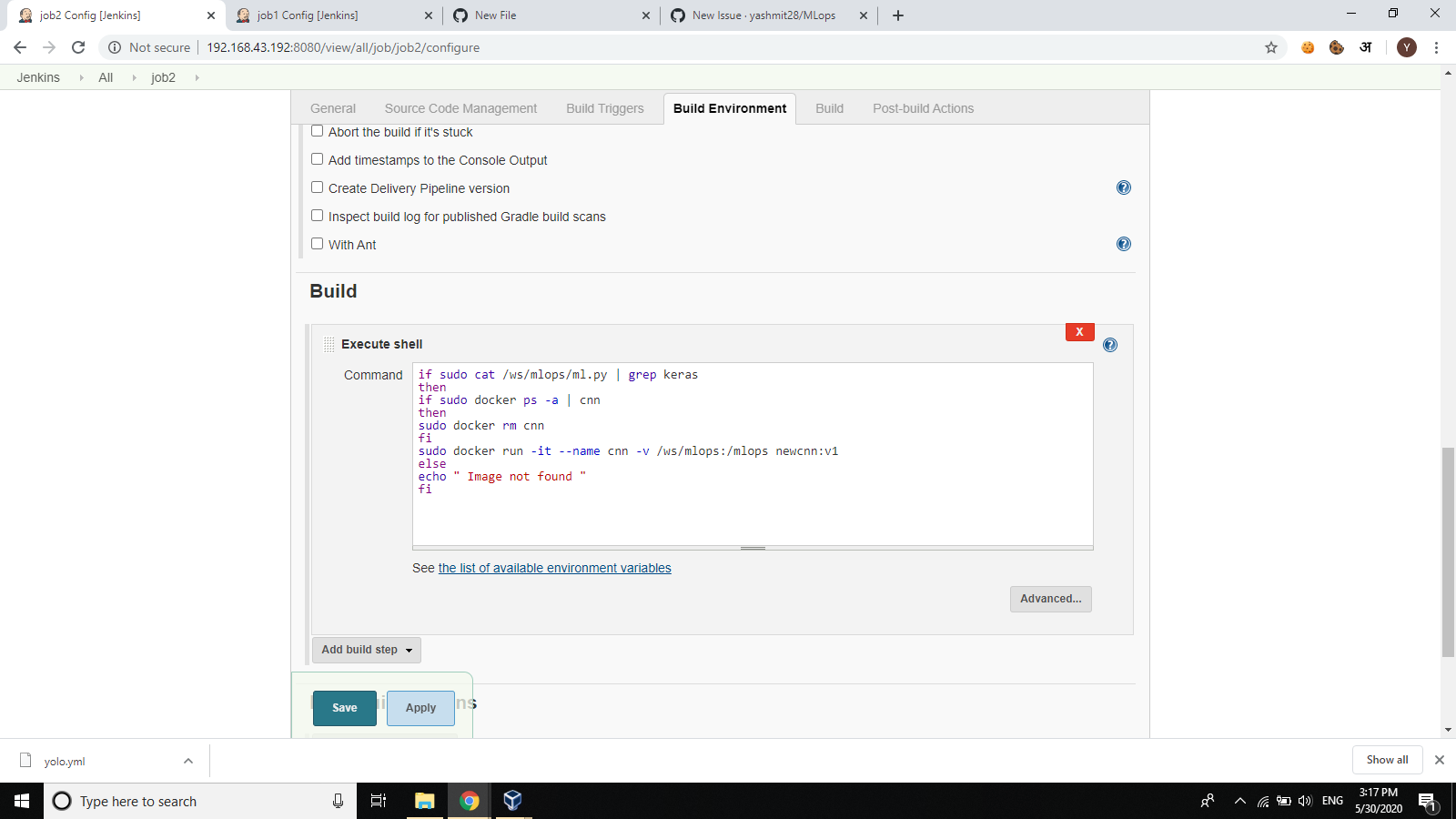
Job 2:

Check the code for being a Deep learning code and then Launch the Docker image

Screenshot (28) Screenshot (29)

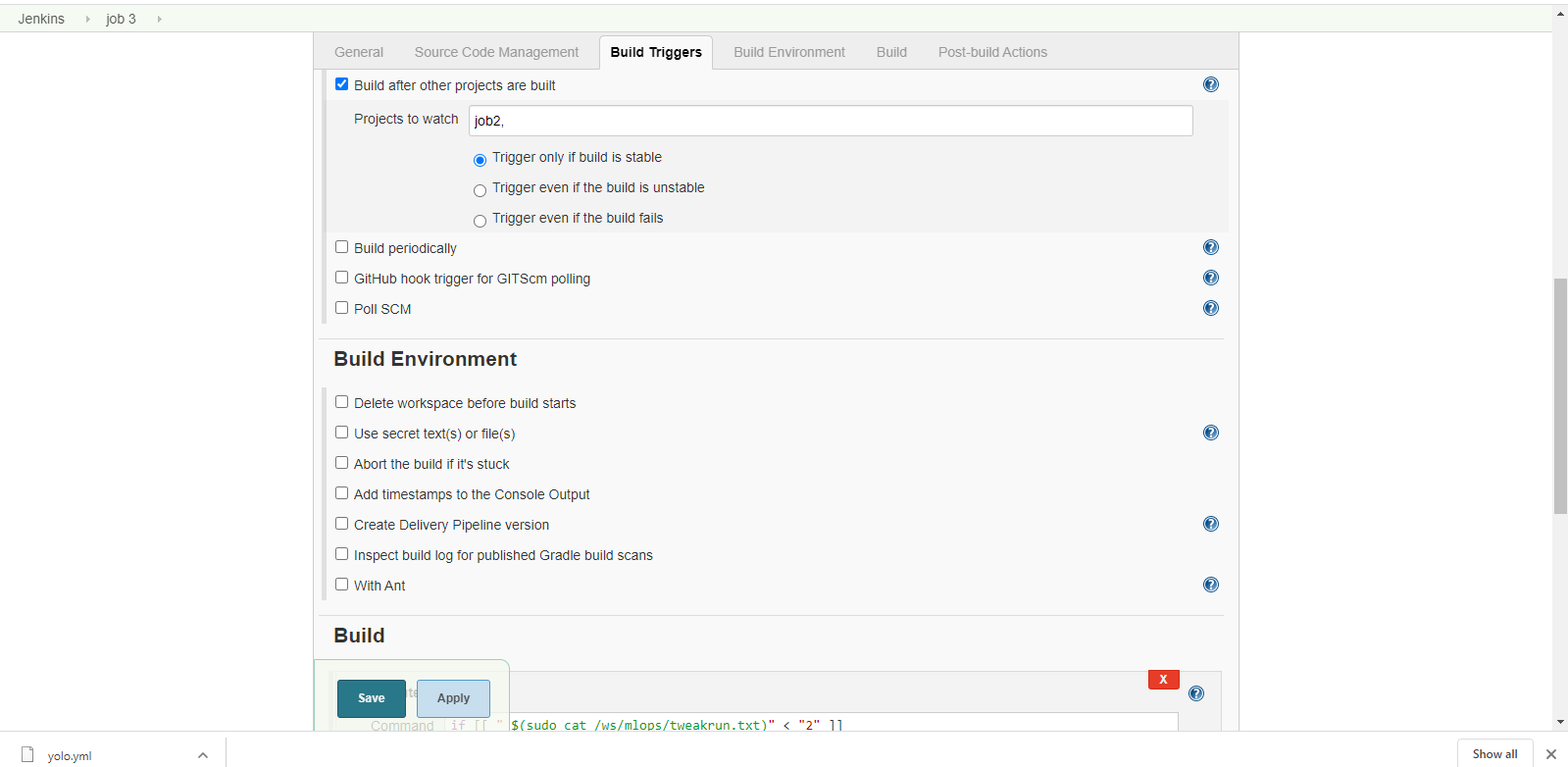
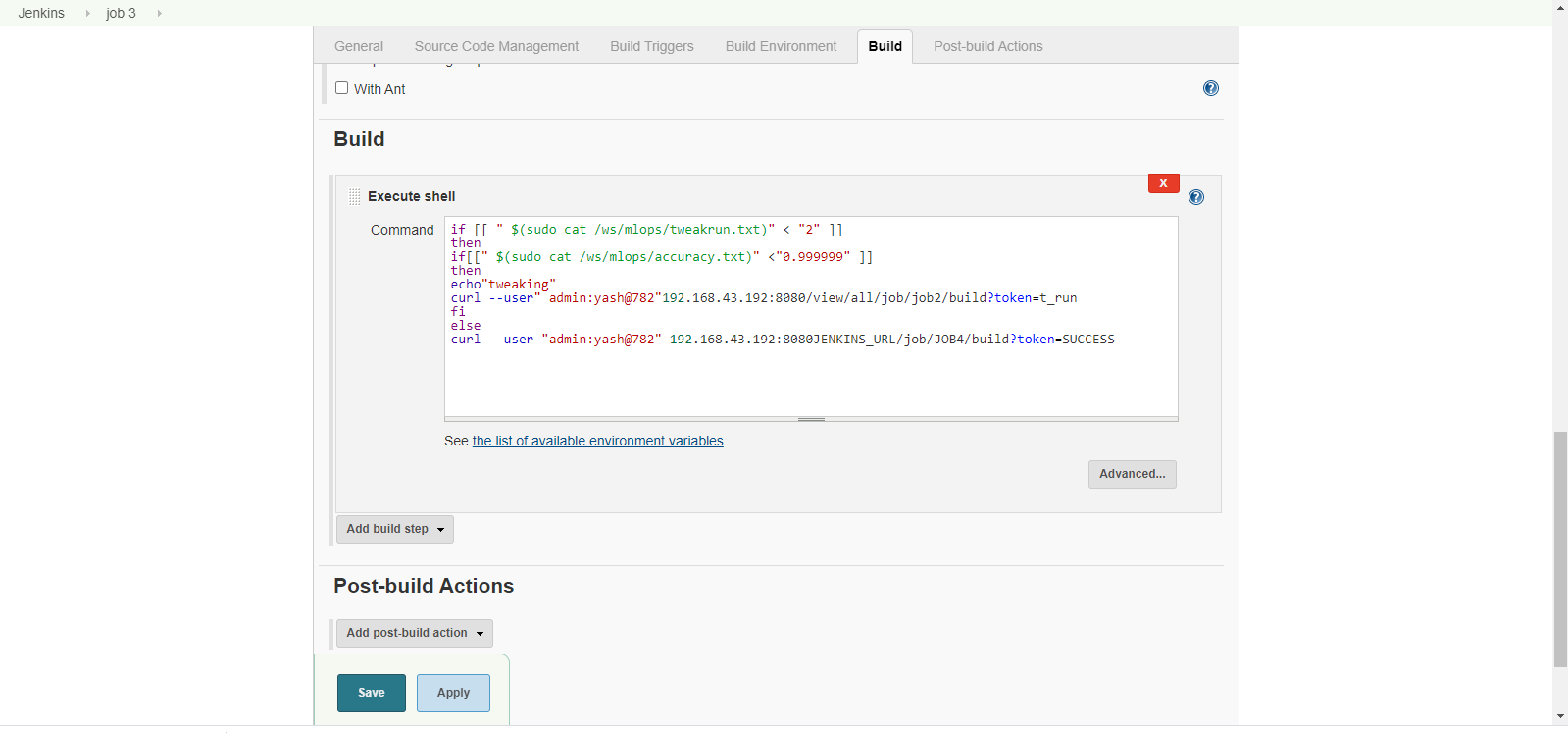
Job 3:

If the tweaking parameters are still left and accuracy hasn't been achieved then tweak and trigger job 2 . Otherwise , trigger Job 4 for merging the code to master branch of Github.
Screenshot (32) Screenshot (33)

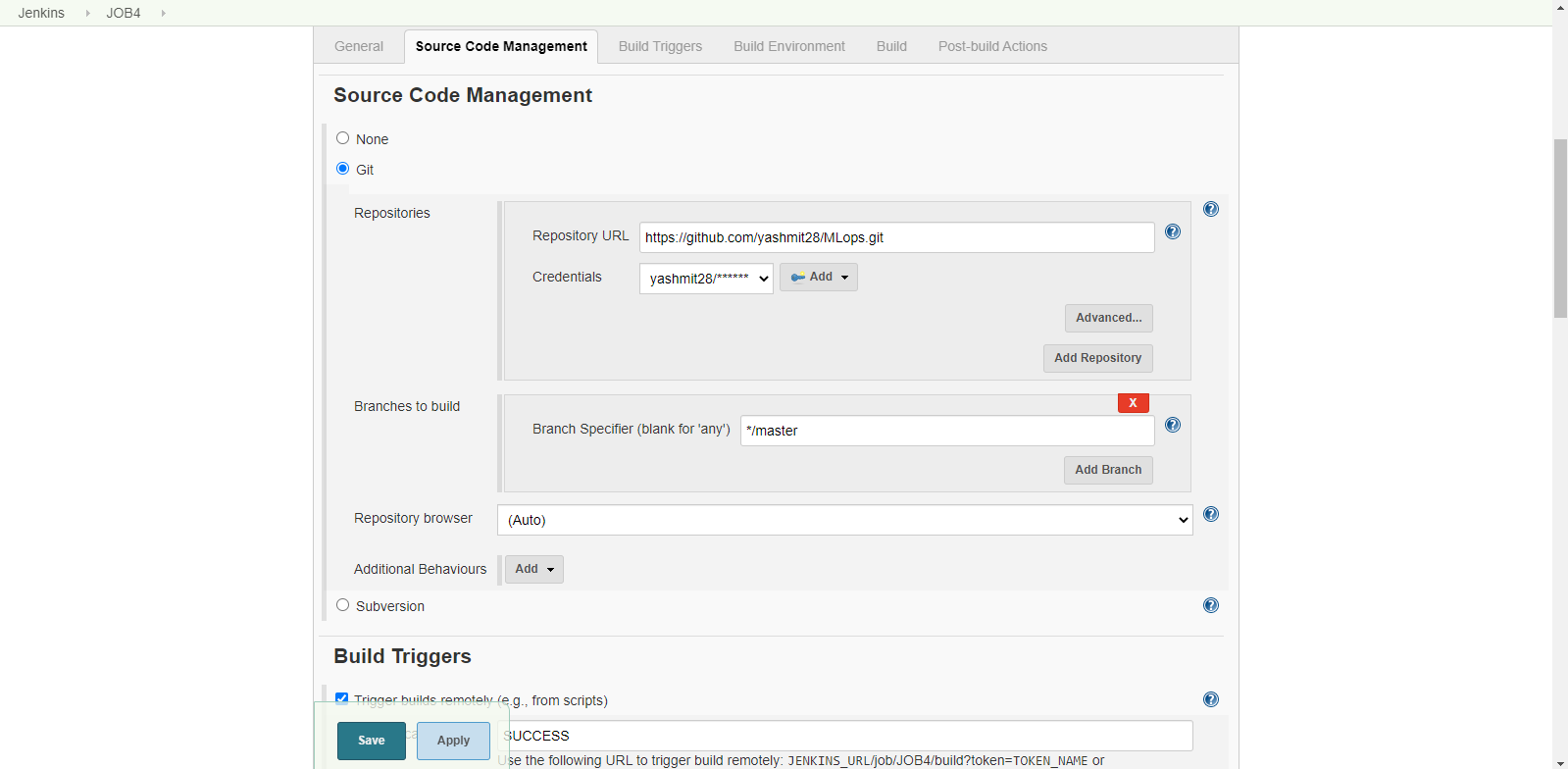
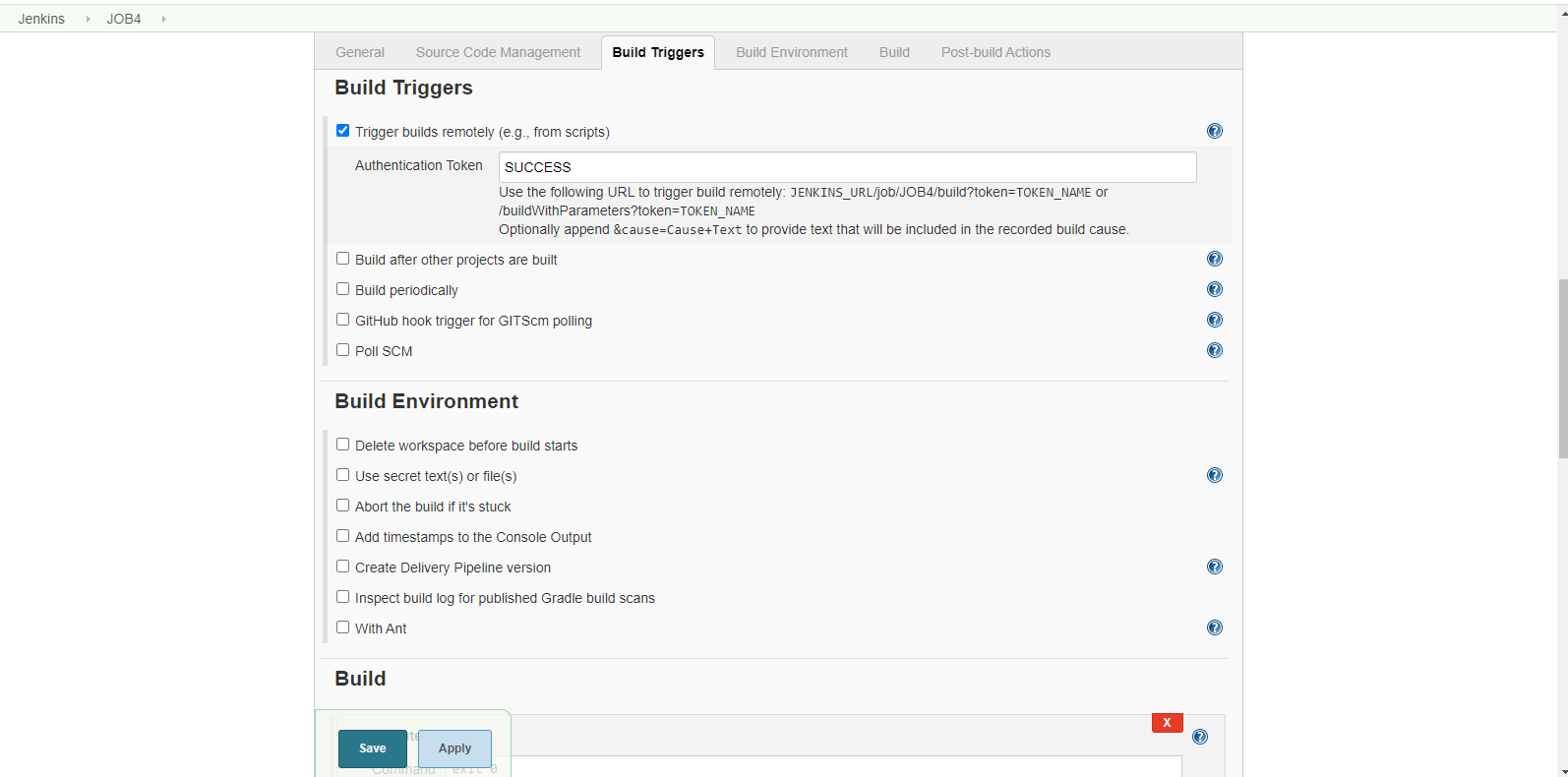
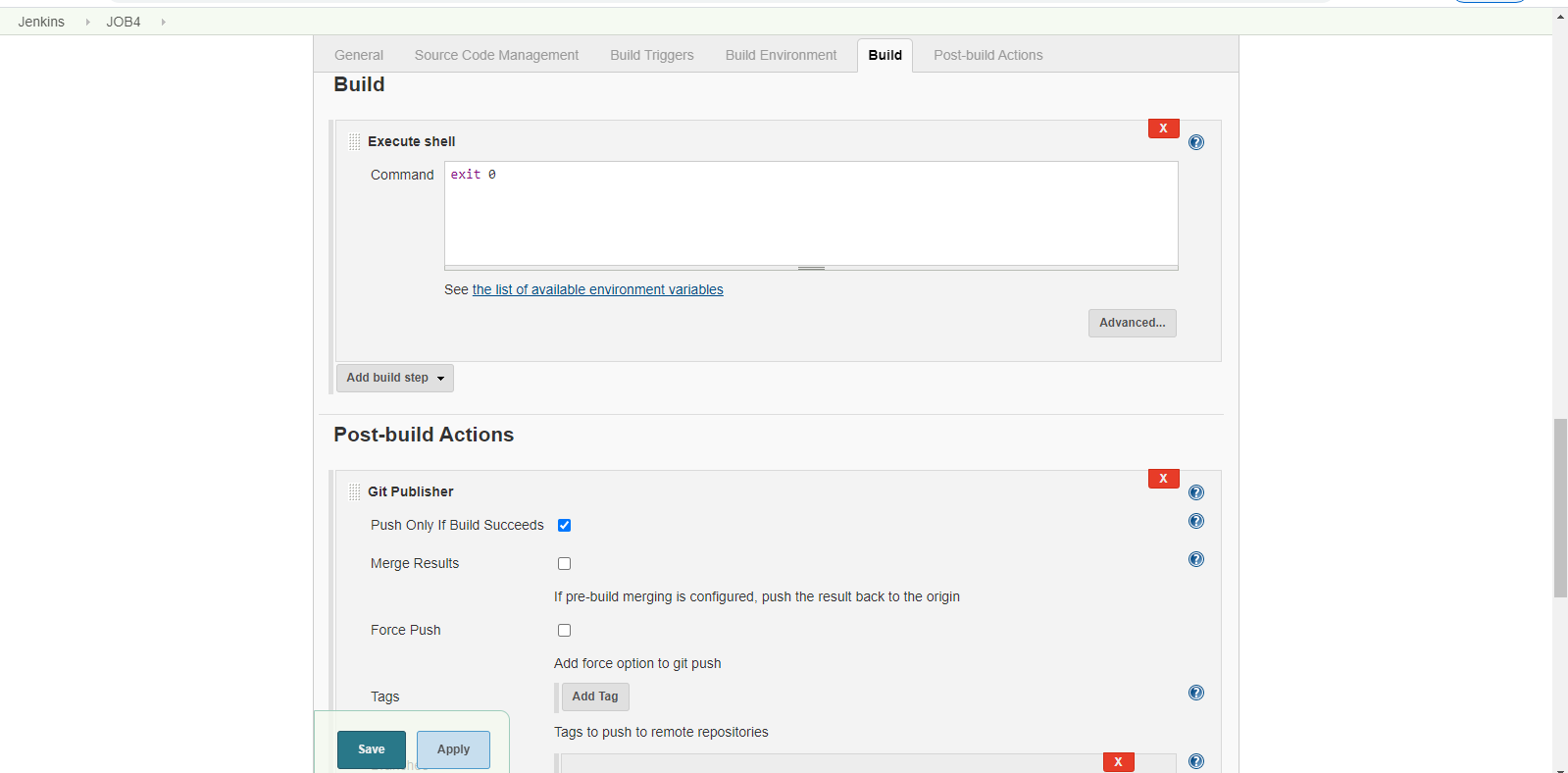
Job 4:

When the Job 3 triggers , then merge the code onto GitHub master branch .

Screenshot (36) Screenshot (33) Screenshot (34)

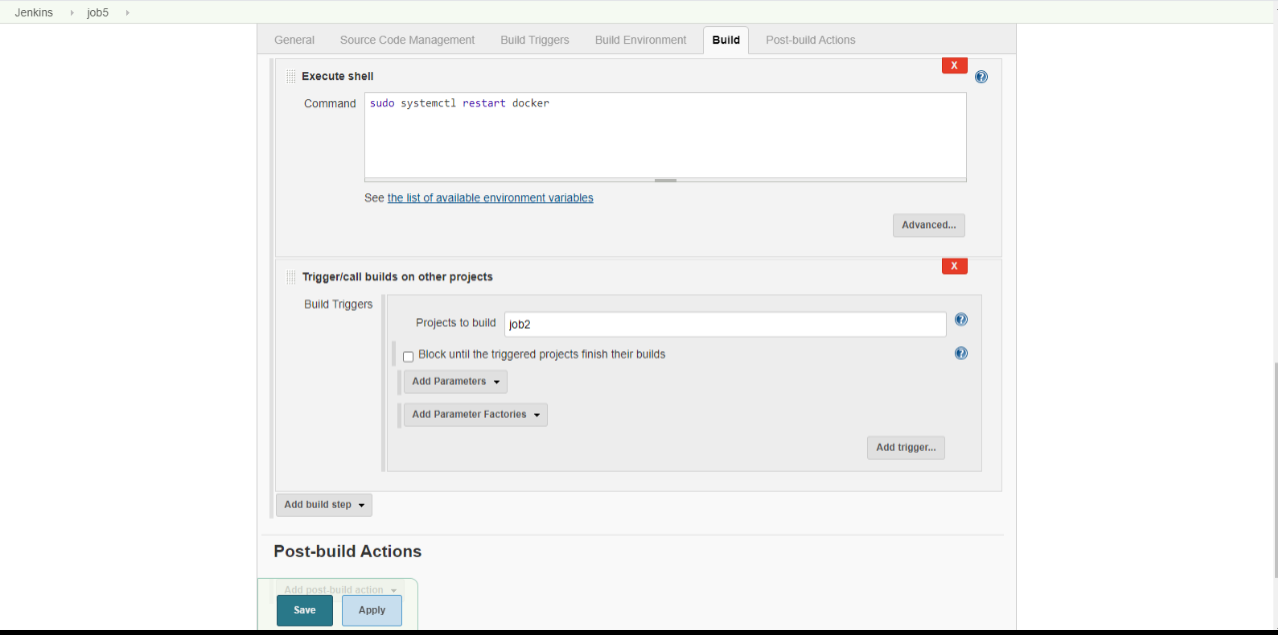
Job5

Monitors the Docker . If the container stops suddenly due to some failure , then restart it.

Screenshot (39)

So , these are all the setting and management for creating the whole system. These are following above mentioned steps I did to complete my MLops Task 3.
Yashmit Sharma

About

No description, website, or topics provided.

Resources

Stars

Watchers

Forks

Releases

No releases published

Packages


Contributors

Languages