- Project: Open-source robot platform providing personalized advertisements
- Paper: http://koreascience.or.kr/article/JAKO202013363977204.page
- Paper git link: https://github.com/ADRobot2019/ADRobot2019
- 논문에 옴니휠 제어 코드에 오류가 있습니다. geometry_msgs/Transform을 geometry_msgs/Twist로 변경하였습니다.
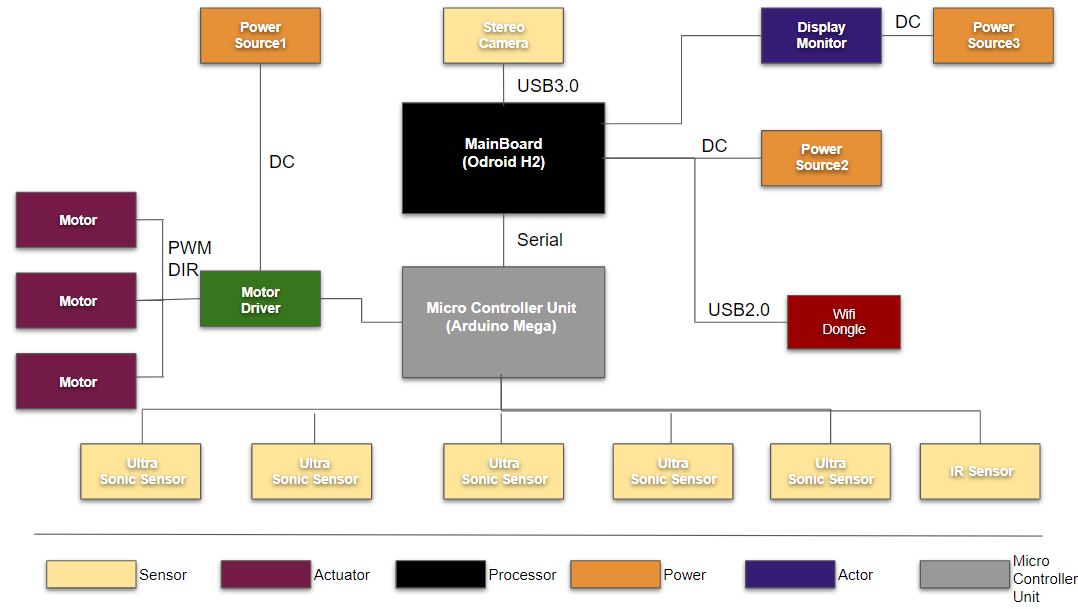
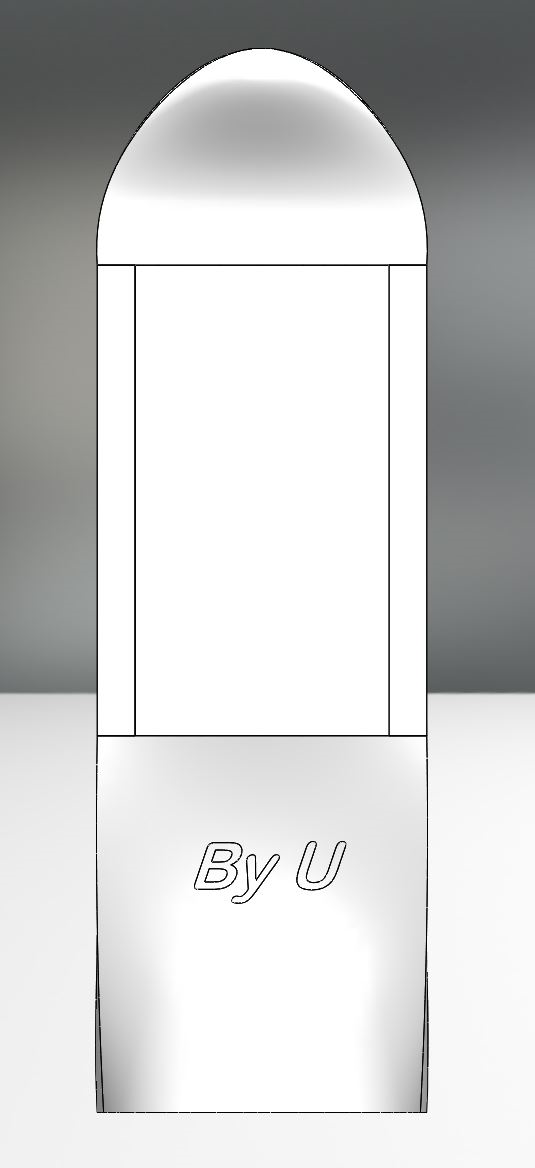
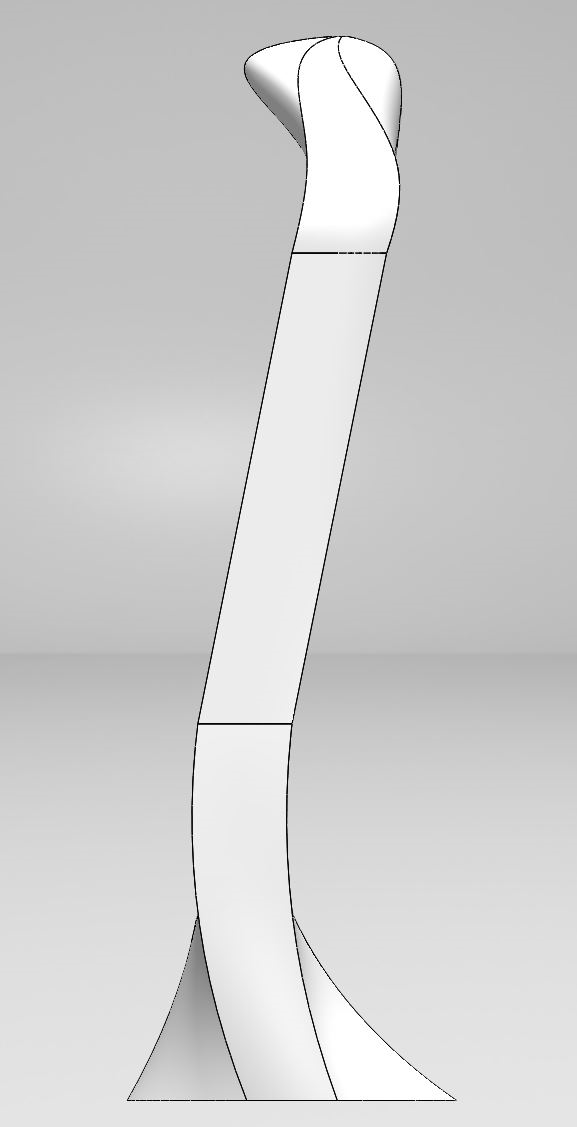
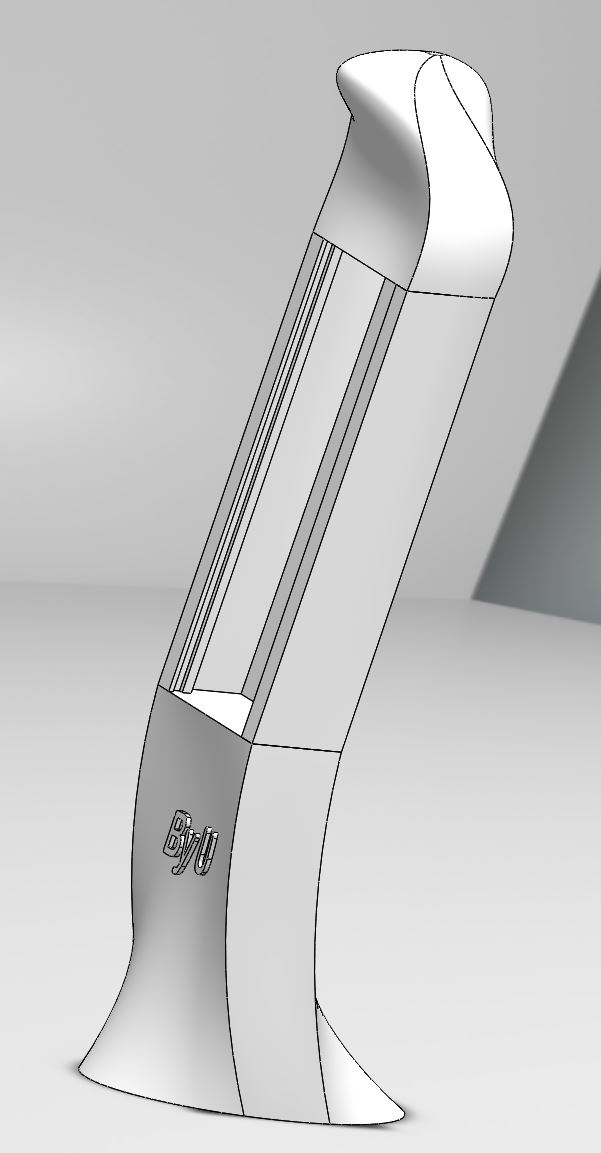
- Odroid H2
- Arduino Mega2560
-
rosserial install for Arduino
-
http://wiki.ros.org/rosserial_arduino/Tutorials/Arduino%20IDE%20Setup
-
Arduino IDE Setup
$sudo apt-get install ros-kinetic-rosserial-arduino $sudo apt-get install ros-kinetic-rosserial -
Installing from Source onto the ROS workstation
$cd ~/catkin_ws/src $git clone https://github.com/ros-drivers/rosserial.git $cd ~/catkin_ws && catkin_make -
Install ros_lib into the Arduino Environment
$cd ~/Arduino/libraries
$rm -rf ros_lib
$rosrun rosserial_arduino make_libraries.py .
-
-
Start ROS Master & rosserial
   $roscore
   $rosrun rosserial_python serial_node.py _port:=/dev/ttyACM0
-
byu_robot_mode_add.ino file upload on Arduino Mega
-
connect Arduino Mega and odroid H2(Master) to rosserial
$rosrun rosserial_python serial_node.py _port:=/dev/serial_port_file(=ttyACM#,#:serial_port_number) -
robot control ros command
$rostopic pub -r 15 /byu_control geometry_msgs/Twist "linear: x: 0.0 y: 0.0 z: 0.0 angular: x: 0.0 y: 0.0 z: 0.0" -
Example
$roscore
$rosrun rosserial_python serial_node.py _port:=/dev/ttyACM0
$rostopic pub -r 15 /byu_control geometry_msgs/Twist
  "linear:
   x: 1.0
   y: 1.0
   z: 0.0
   angular:
   x: 0.0
   y: 0.0
   z: 0.5"