Click here to access the deployed application.
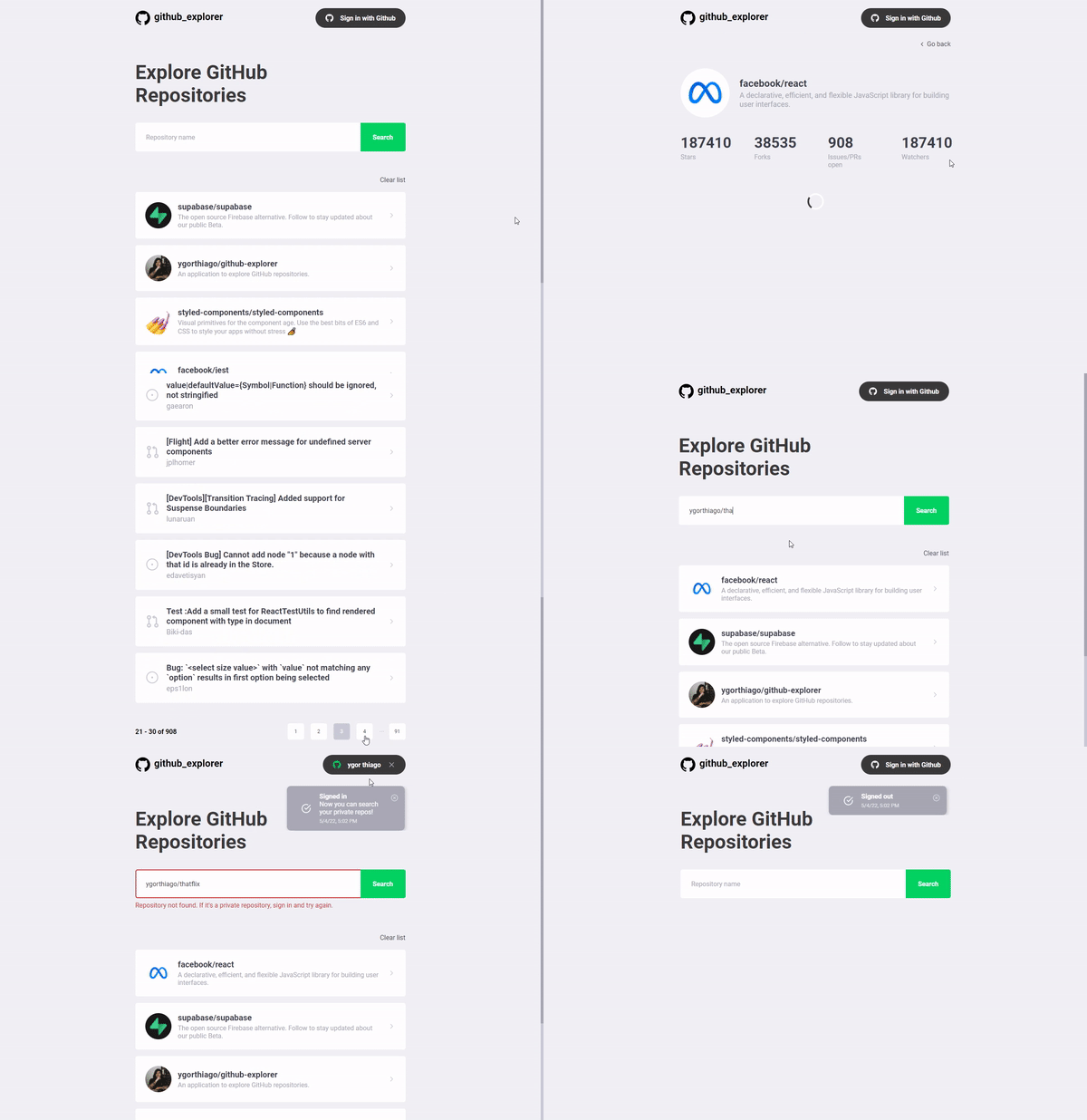
- Search repositories
- Auto search when the user is done typing
- Social authentication with Github to search private repositories
- Sign in
- Sign out
- Show user name when signed in
- Save user repositories on the repository list and storage them on localStorage
- Clear list
- Remove items from the list
- Pagination
- Toast to give feedbacks to user
- Display information about the API timing responses
- Use browsers navigator properties to display relative dates and times
- Toast variants for success, error and info.
- Repository details
- Repository README
- Repository issues list
- Pagination
- Reponsive app
- Improve app accessibility
- Internationalization
- 100% unit and integration test coverage
- Cypress E2E tests
-
git clone https://github.com/ygorthiago/github-explorer.git
or
git clone git@github.com:ygorthiago/github-explorer.git
-
npm install
-
npm run dev
The project will start on port 3000 - access http://localhost:3000
⚠ To use the GitHub social authentication feature, it's necessary to have an application on Firebase and integrate it with Github OAuth. Then, just have to create a ".env" file in the project root and populate it based on ".env.example" file with your Firebase configuration data. In case of doubts, you can contact me here!
-
npm run test
-
Install Cypress Test Runner. You can install using this link.
-
Run the application locally running the "dev" script in the terminal:
npm run dev
-
Run the "cypress:open" script in other terminal:
npm run cypress:open