-
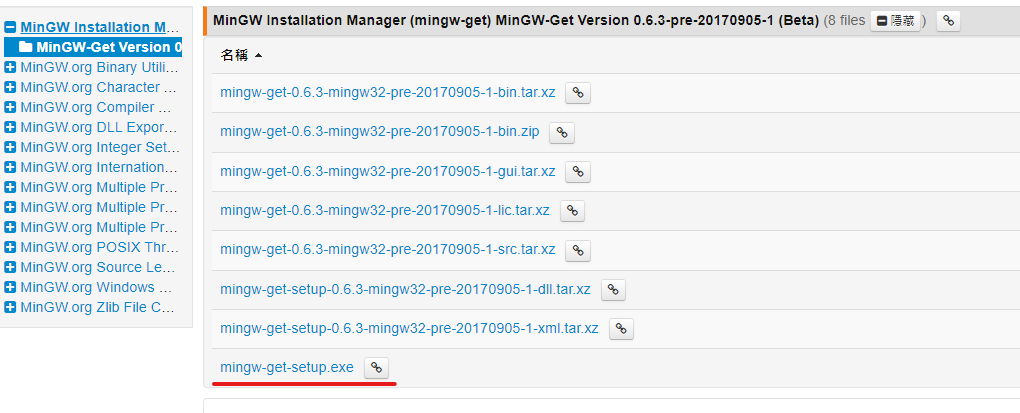
前往 MINGW 選擇 mingw-get-setup.exe
-
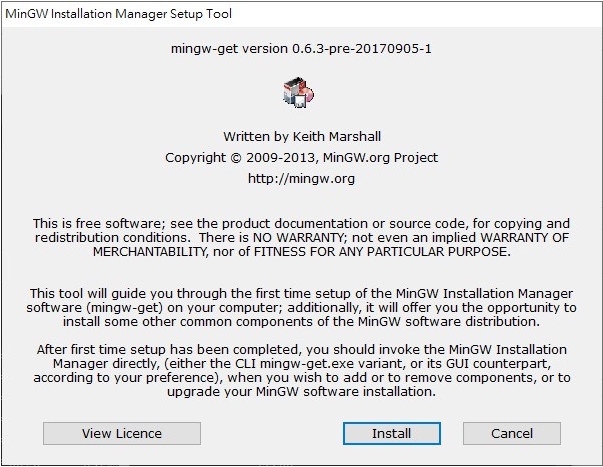
下在後點開一路安裝
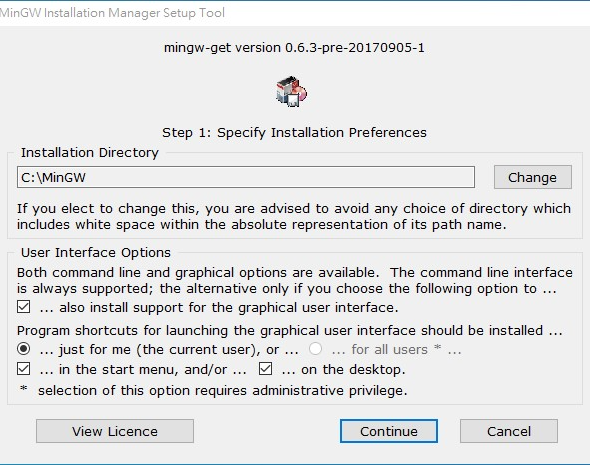
這邊位置要記一下,後面要用
-
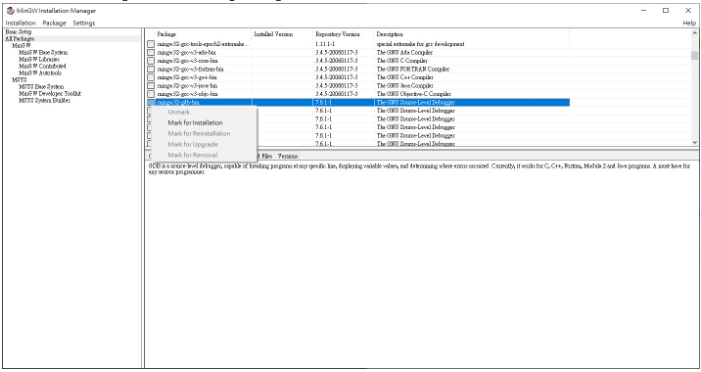
安裝完後會啟動 MinGW Installer Manager,找到 mingw32-gcc-g+±bin 點取左方窗格,選擇 Mark for Installation

-
選左側 All Packages,找到 mingw32-gdb-bin 點取左方窗格,選擇 Mark for Installation
-
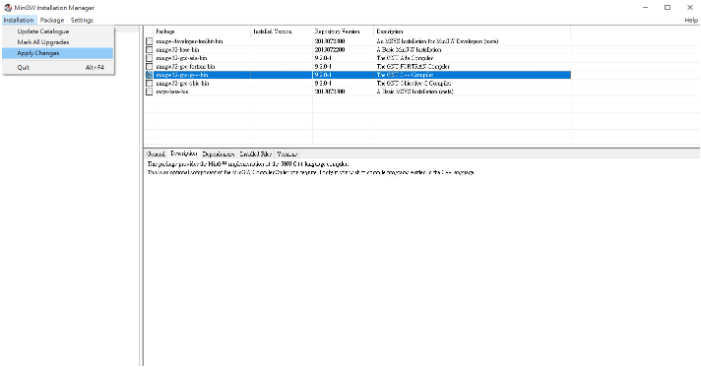
選擇 Installation --> Apply Change
-
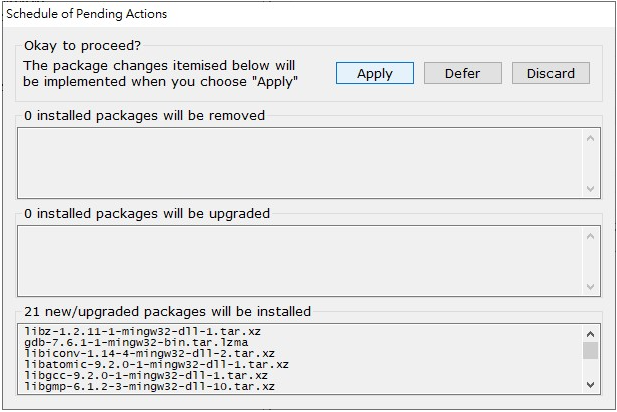
點選Apply
-
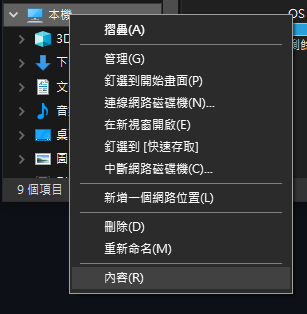
前往本機->右鍵->內容->進階系統設定
-
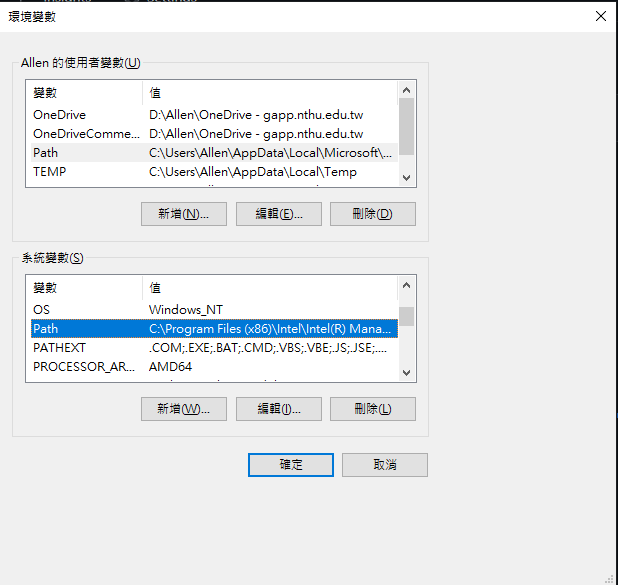
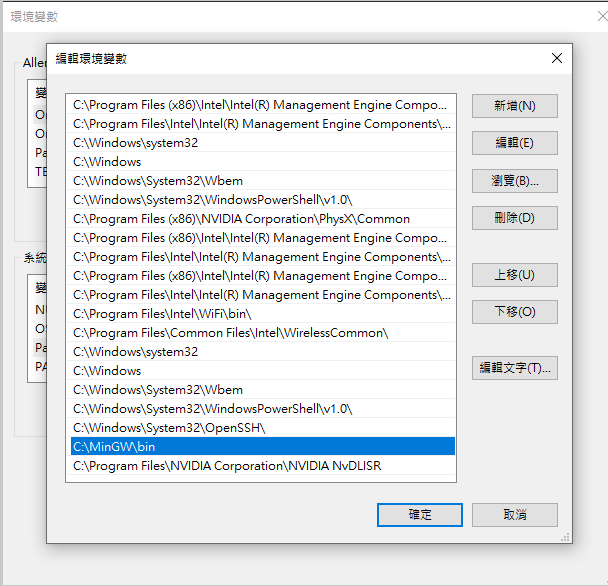
環境變數->系統變數->PATH->編輯->新增
-
新增 C:\MinGW\bin 點選確定
-
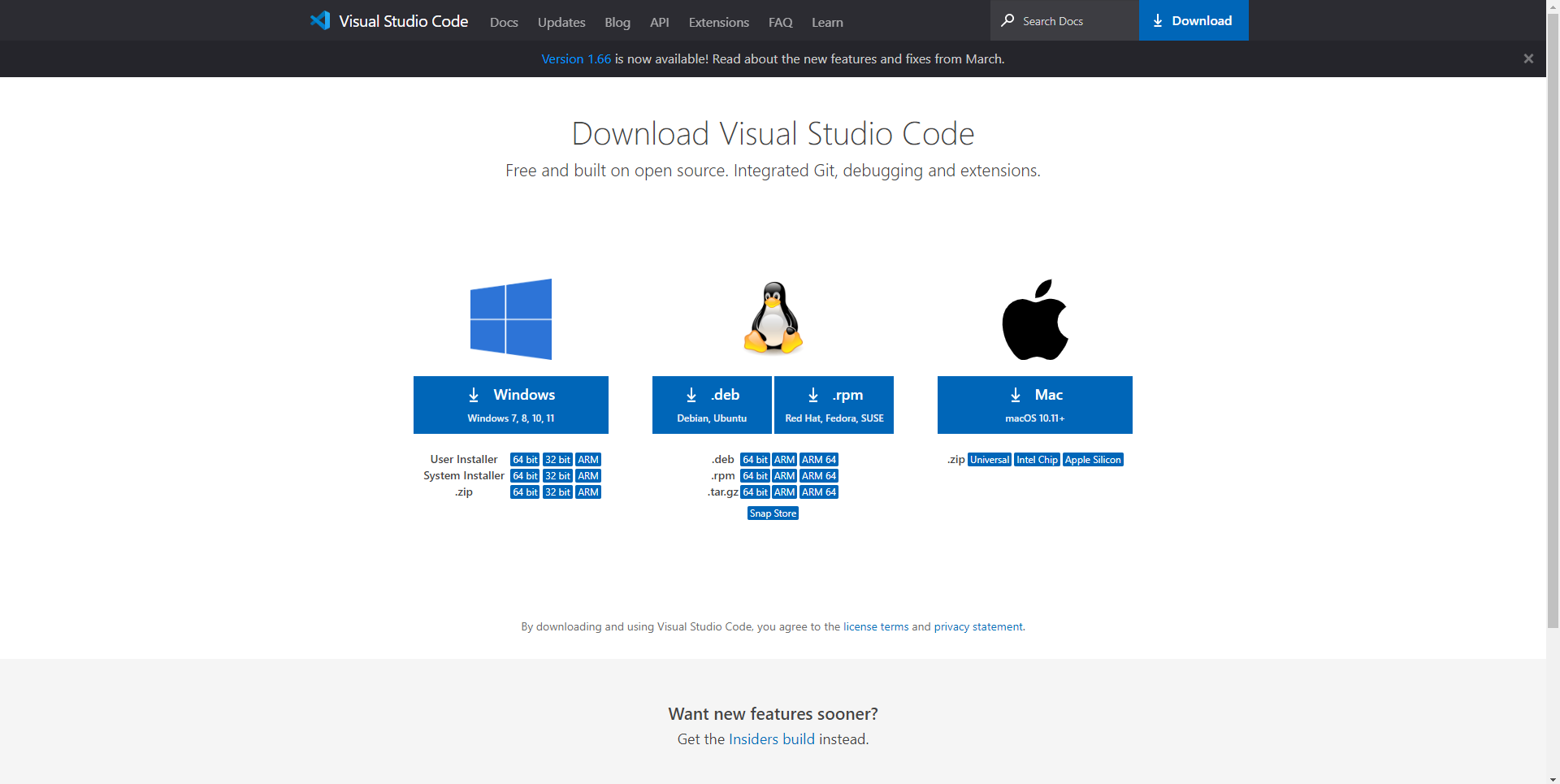
前往 https://code.visualstudio.com/Download 選擇自己的平台
-
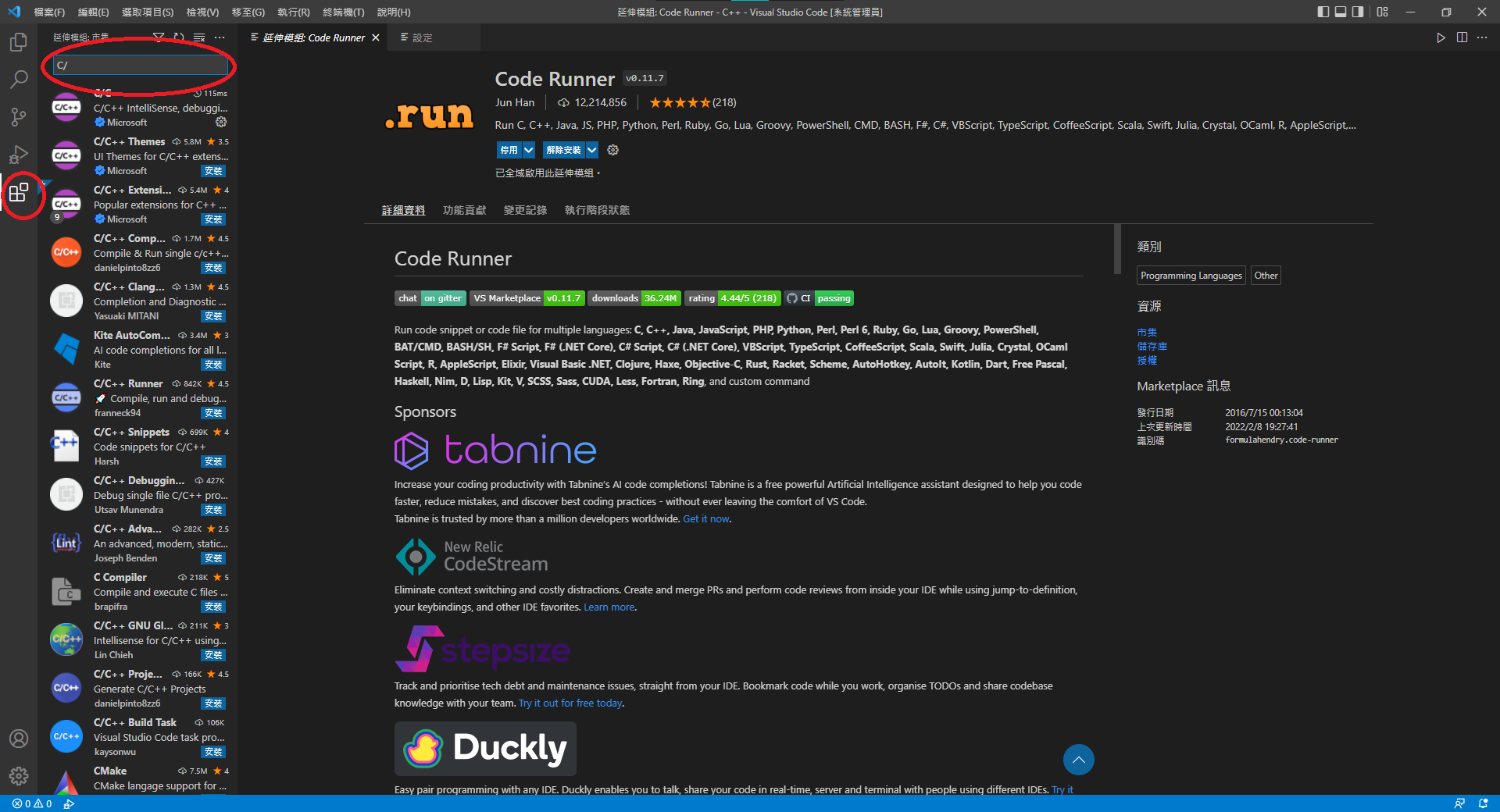
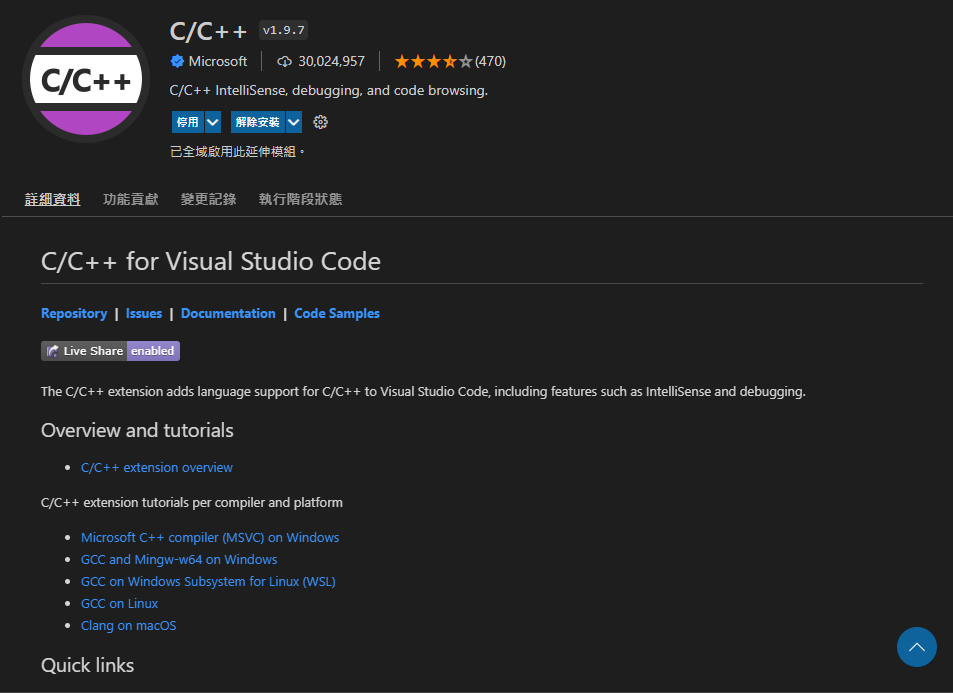
打開VScode安裝延伸套件(C/c++,Code Runner)

-
更改Code Runner設定
i. 點選Code Rnner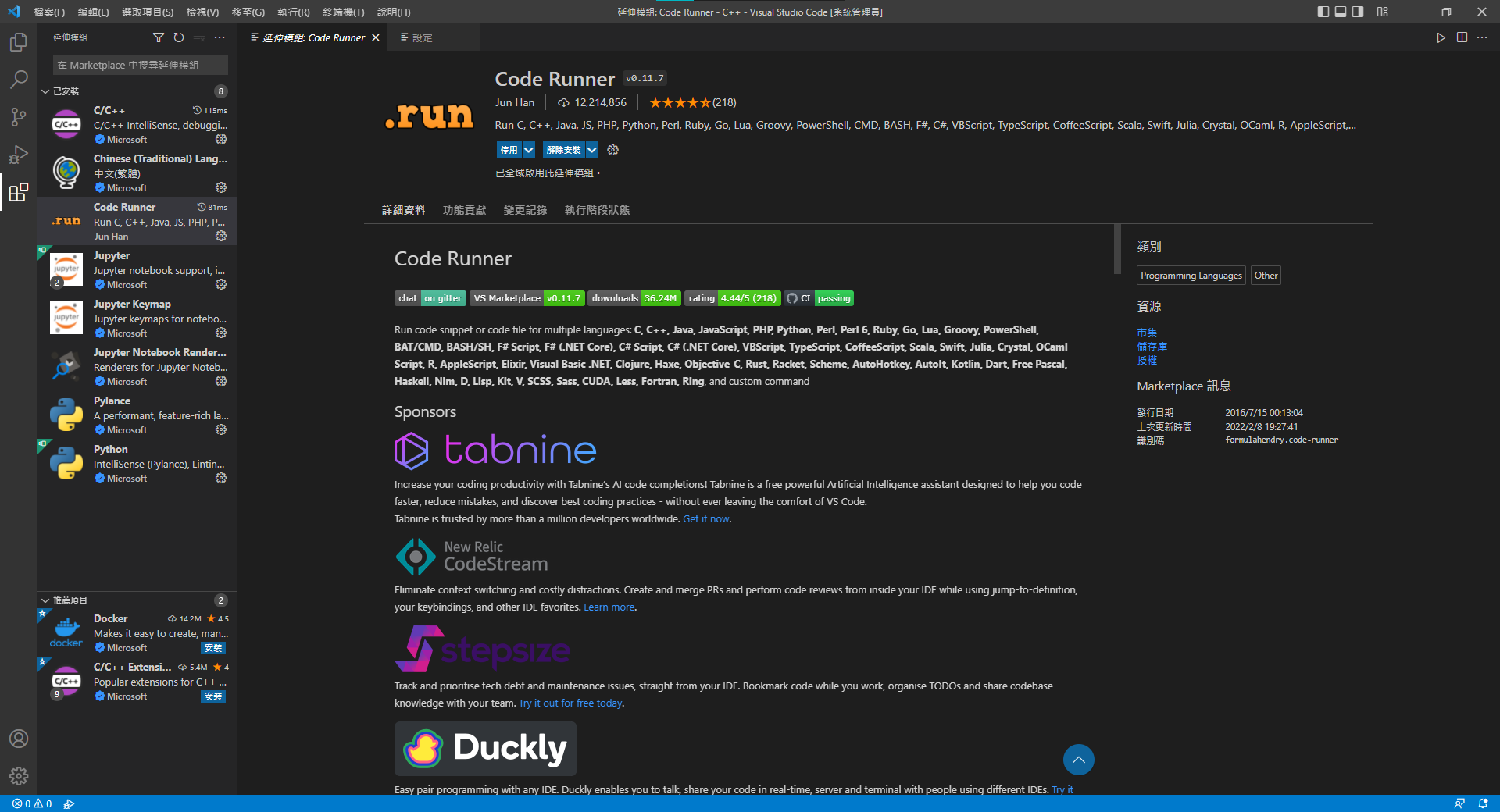
ii. 設定(齒輪圖案)->擴充設定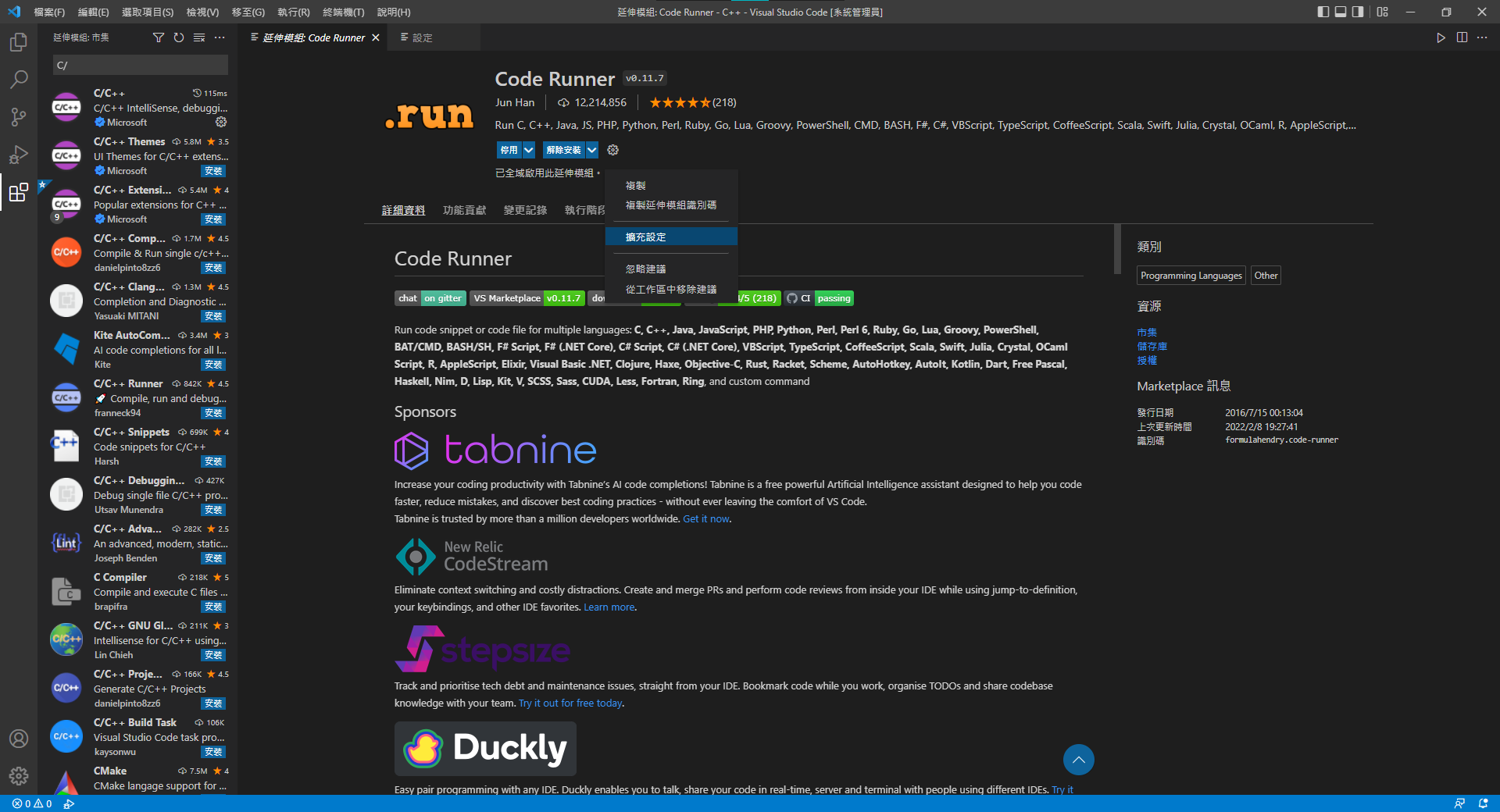
iii. 找到ExecutorMap->點下方 在settings.jason內編輯

iiii. 找到 "code-runner.executorMap"
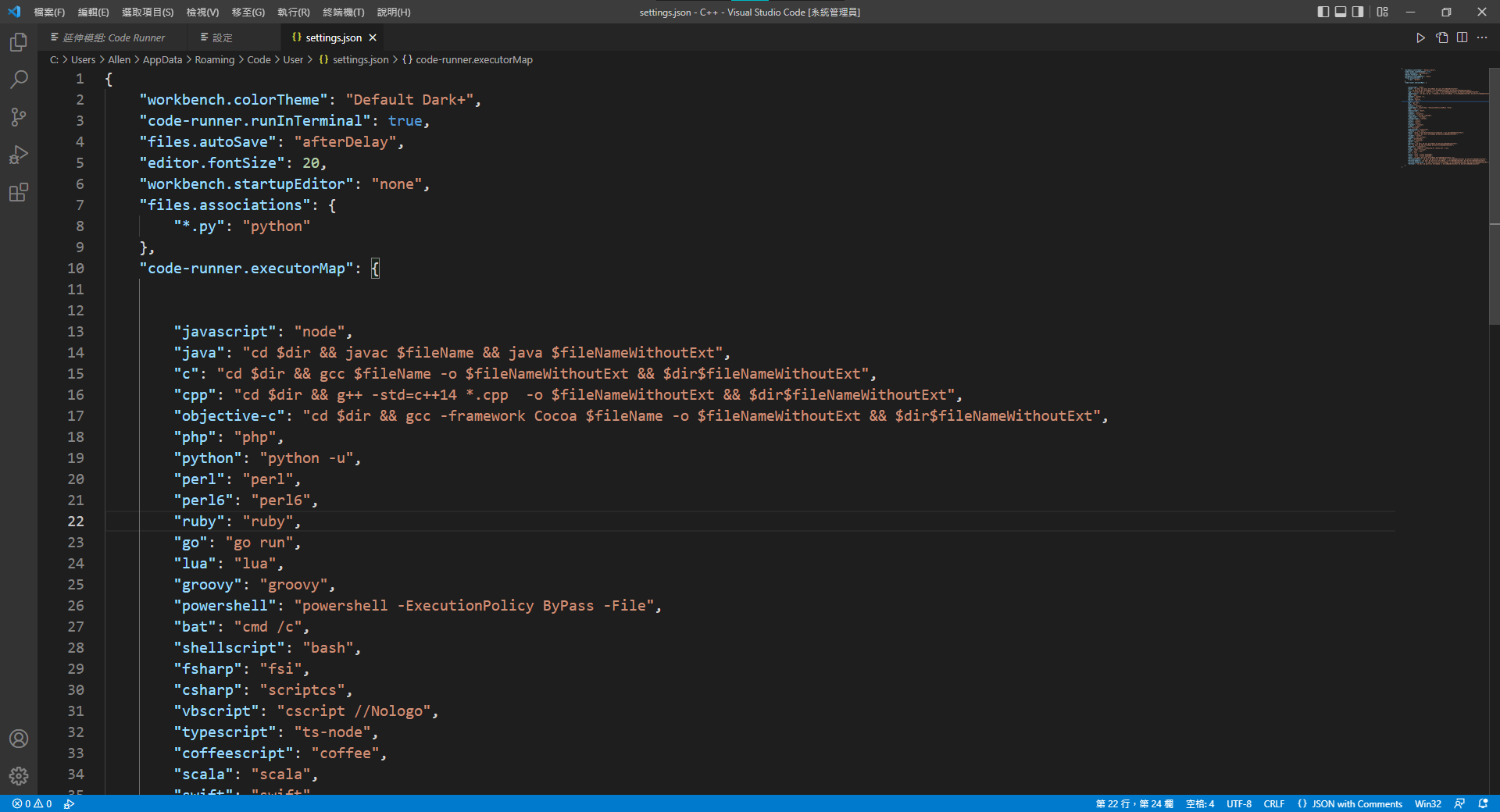
iv. 將"cpp"後內容刪掉改為
"cpp": "cd $dir && g++ -std=c++14 *.cpp -o $fileNameWithoutExt && $dir$fileNameWithoutExt",