This script was designed with one goal: maximizing workflow. It empowers users to efficiently prepare a codebase for a language model. Through a navigable tree interface, users can select specific files and then copy them, formatted as a single prompt, directly to the clipboard.
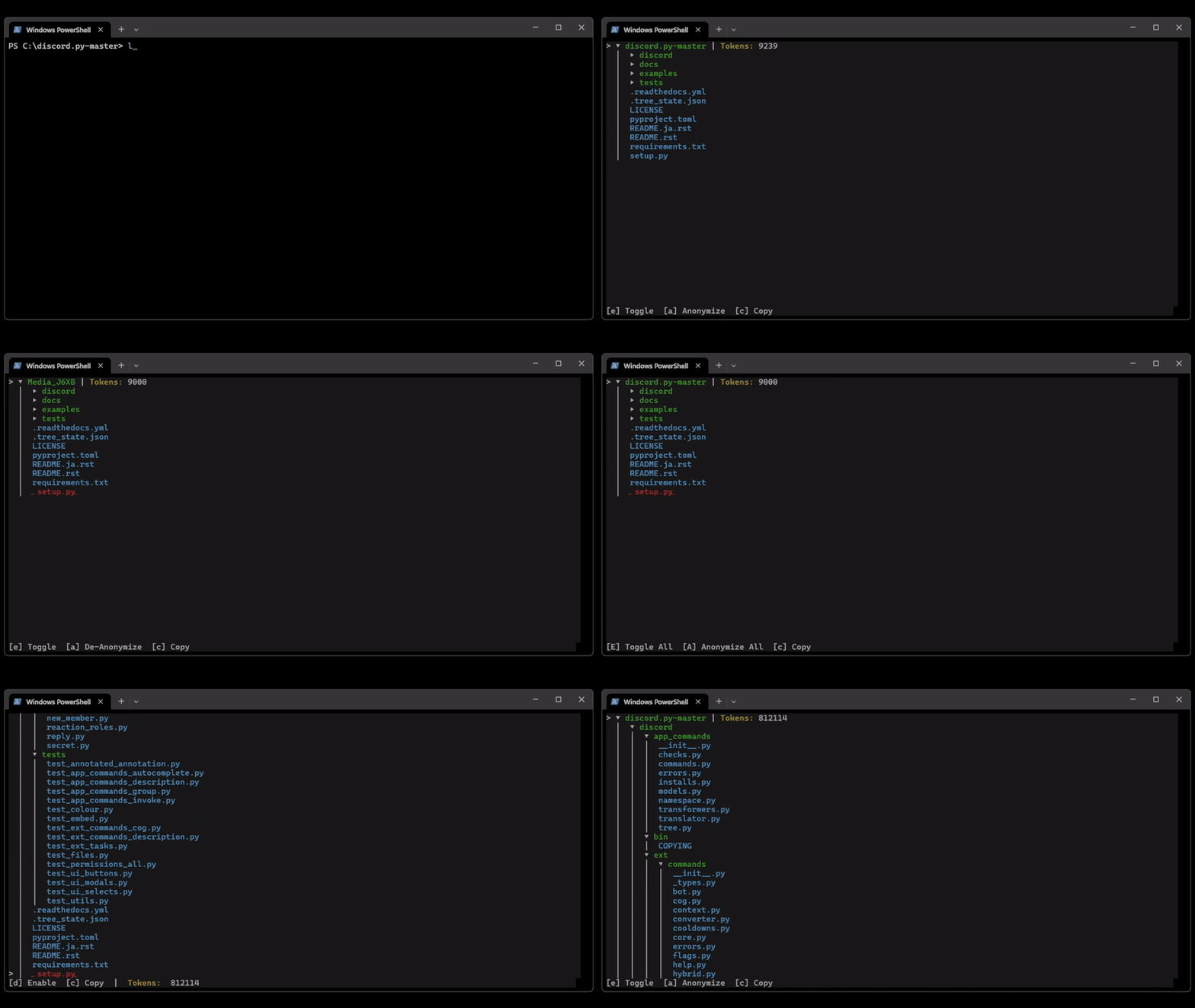
- SHIFT-based subtree actions: expand/collapse
- Single-folder toggles: expand/collapse
- Single-file toggles: enable/disable to exclude files from clipboard copying.
- Clipboard copying of visible, enabled files.
- State persistence for expanded and file enablement.
- Selection arrow (
>) beside the selected entry.
Navigate through your directory structure and perform actions using the following key bindings:
- [W]/[S]: Navigate the tree
- [e]/[E]: Expand/collapse a single folder or entire subtree
- [a]/[A]: Anonymize/de-anonymize a single folder or entire subtree
- [d]: Enable/disable a single file
- [c]: Copy all visible, enabled files to the clipboard
- [q]: Quit the application (saves state to
.tree_state.json)
-
Clone the repository:
-
Navigate to the directory:
-
Setup CodeMap:
pip install -e . -
Run CodeMap:
codemap