


A full-stack, scalable video conferencing application built with Next.js, Node.js, Mediasoup, and Terraform AWS.
This repository is designed to demonstrate high-performance real-time video streaming capabilities. It elegantly supports both peer-to-peer (P2P) mesh networking for small rooms, and Selective Forwarding Unit (SFU) topologies via a dedicated media backend for large-scale enterprise meetings.
- Live Demo: https://hubstream.yuchia.dev
- System Metrics & Dashboard: Grafana Dashboard
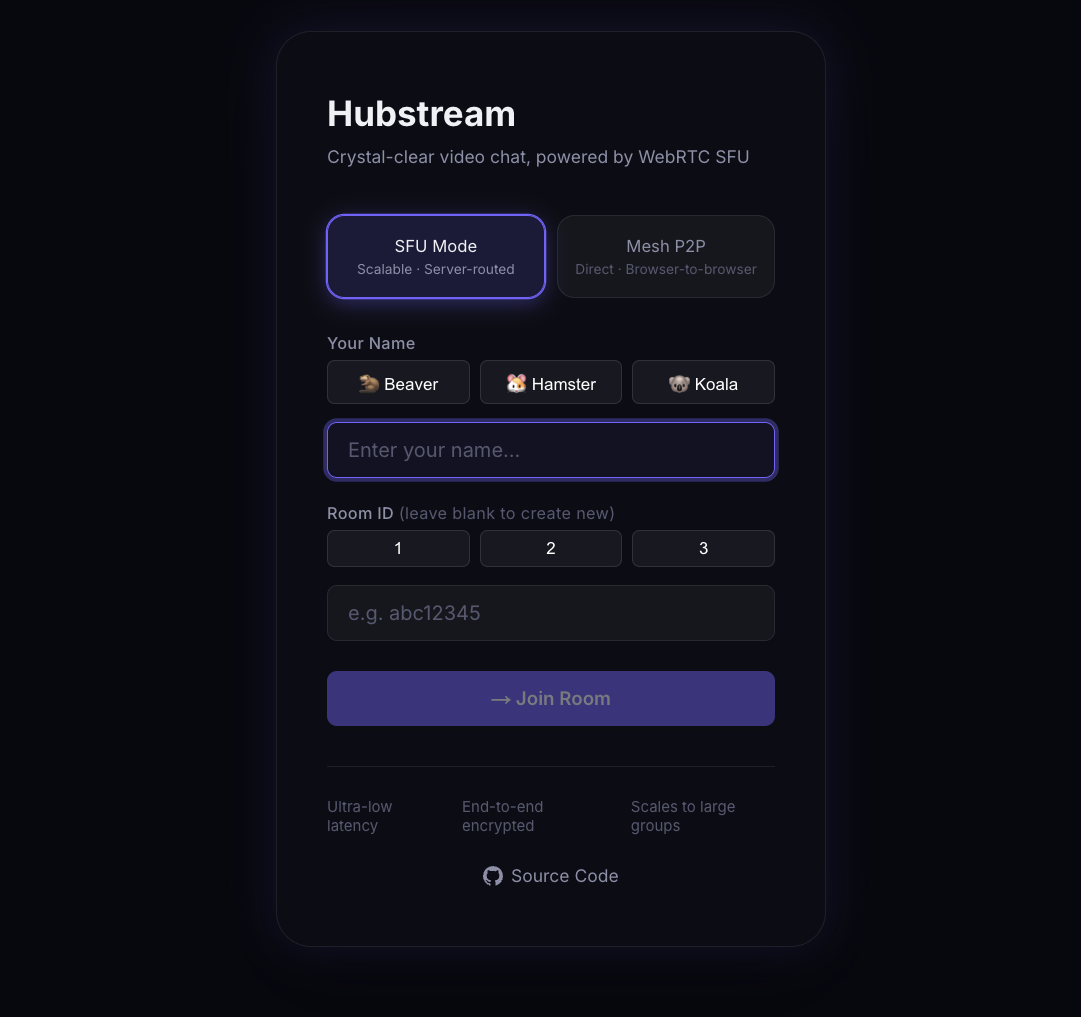
The project is structured across three primary directories:
- client/: The Next.js 15 frontend application. Handles UI, dynamic routing, and device camera/microphone permissions.
- server/: The Node.js + Mediasoup backend application. Acts as the SFU to intelligently forward UDP media streams between participants.
- infra/: The Terraform AWS infrastructure blueprint. Automatically provisions networking, EC2 servers, and Cloudflare DNS rules for 1-click cloud deployment.
- Auto-scaling Layouts: The frontend grid automatically adapts to the number of participants, highlighting active speakers dynamically with border glows.
- Mobile Safari Optimization: Bypasses aggressive iOS auto-zoom behaviors scaling inputs seamlessly.
- Cloudflare WSS Proxy: The Next.js API securely natively proxies WebSocket Secure (
wss://) traffic from Port 443 to the backend Port 4000, effortlessly bypassing restrictive Cloudflare Flexible SSL limitations. - Automated CI/CD: A deeply integrated GitHub Action (
.github/workflows/deploy.yml) pipeline automatically runs Dockerbuildxforlinux/arm64targets and pushes updates to the live EC2 node securely via AWS Systems Manager.
You do not need Docker to run this application locally! Simply clone the repository and run the unified startup script:
git clone https://github.com/yuchia329/hub_stream.git
cd hubstream

# Safely installs dependencies and intelligently boots BOTH the client and server!
./start-local.sh
Navigate to http://localhost:3000 to create a room. For remote devices (e.g. testing with your smartphone over LTE), the script optionally utilizes ngrok to provide a secure public tunnel out of the box.
This project utilizes Terraform to instantiate the backend components into AWS. See the specific infra/README.md for detailed step-by-step instructions.