Repository navigation
Home
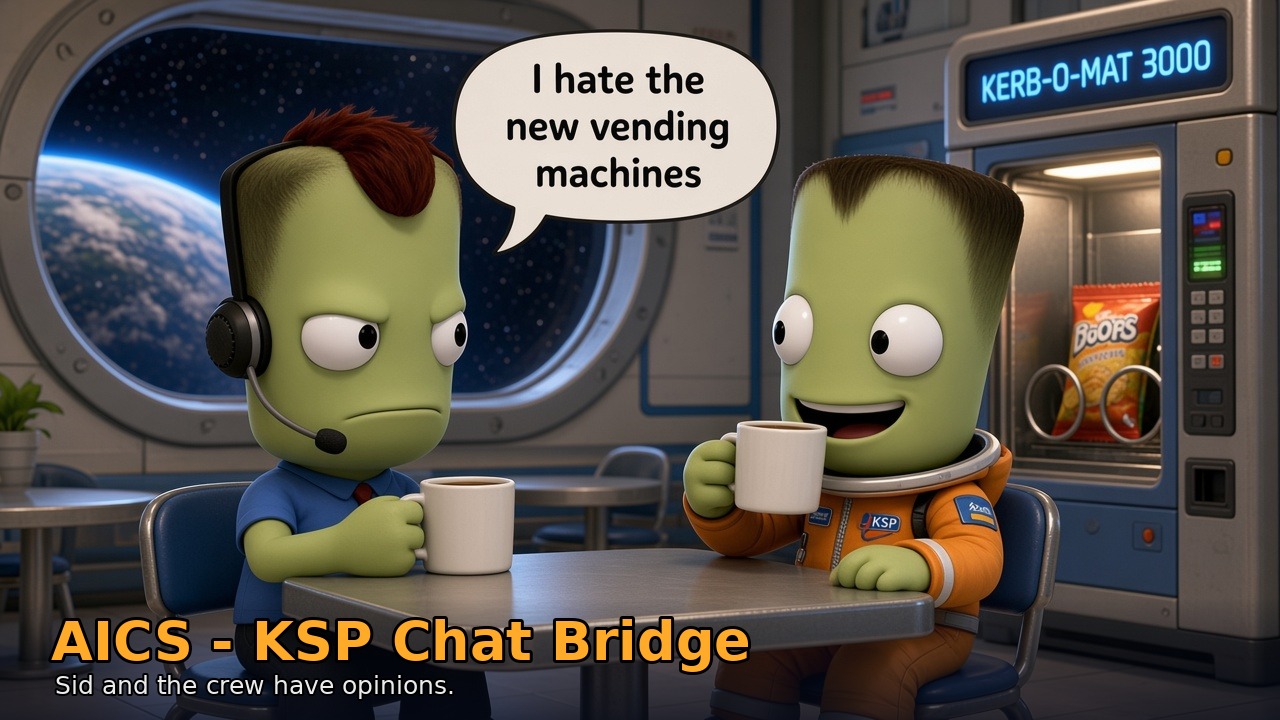
AICS - KSP Chat Bridge (repo and CKAN name: KSPChatBridge) lets you talk to your Kerbal Space Program craft in plain English and have something sensible happen. You type "gear down", "climb to 3000" or "land at the Island Airfield" into a little chat window in KSP, and a co-pilot running on your own PC does it through kRPC (and MechJeb, when you have it).
On top of the co-pilot there's AICS, the "AI Control System" menu: autopilots for planes, propeller craft and helicopters, flight plans, landing guidance, a systems dashboard with master caution lights, and a crew who absolutely will not keep quiet during your emergencies.
[INTERCOM] Bob (Sci): Is this the part where we read the manual? Sidry: It's a wiki, Bob. Same thing, more links.
There are two pieces, and you need both:
-
The plugin in
GameData/KSPChatBridge: the chat window, the AICS menu, the STATUS window and the Systems dashboard. CKAN or the release zip installs this part. - The bridge, a small Python program from the GitHub repo. It talks to KSP through kRPC, runs the autopilots and the emergency watcher, and asks an AI model what you meant. The plugin starts it for you when KSP starts and stops it when KSP quits.
The AI can be a local model in LM Studio (free, private, needs a decent GPU) or one of several cloud services, several of which have free tiers. A lot of everyday orders ("gear up", "heading 270", "throttle 60") never go to the AI at all: the bridge understands them directly, so they're instant and work even with small local models.
-
Chat (Alt+K, or left-click the speech-bubble toolbar button). Ask questions, give orders. Replies come from your pilot:
Sidry: Gear down, Captain. - AICS menu (Alt+J, or right-click the same button). Autopilot panels, landing, flight plans, orbit tools, docking, science, crew transfer, power, settings.
- STATUS window: what the autopilot is doing right now, targets, overrides, distance and ETA.
- Systems dashboard: a light per system (engines, fuel, power, surfaces, rotors, wheels...) plus MASTER WARNING / MASTER CAUTION lamps.
- The crew: every kerbal gets a personality. They panic on the intercom in emergencies, ask "are we there yet?" on long flights, gossip on quiet cruises, and answer back if you talk to them.
[COMMS] Bill (Eng): Everything on this page is load-bearing. Please don't remove any of it.
- Installation: CKAN or manual install, kRPC, the Python bridge, picking an AI
- Local AI Setup: free, offline AI with LM Studio or Ollama, and which model to pick
- Quick Start: your first chat-flown flight in about five minutes
- Captain's Orders: every command the bridge understands directly
- Autopilots: planes, propellers, helicopters and rockets
- Flight Plans: write a whole flight, press Fly
- Emergencies and the Systems Dashboard
- The Crew: personalities, chatter, small talk, dad jokes, talking to a kerbal
- Settings and Slash Commands
- The AICS Menu and Windows
- Troubleshooting and FAQ
- Contributing and Known Issues
Requirements in one line: KSP 1.12.x, kRPC 0.6.x, Python 3.12, and an AI backend. MechJeb2 + kRPC.MechJeb are recommended for the rocket stuff.
MIT licensed. Made by Luke Benko (zernon916). Bug reports and ideas go to the issue tracker.