Authentication
Foo Scrobbler for Mac (foo_scrobbler_mac) must be authenticated with the Last.fm website once before scrobbling can begin.
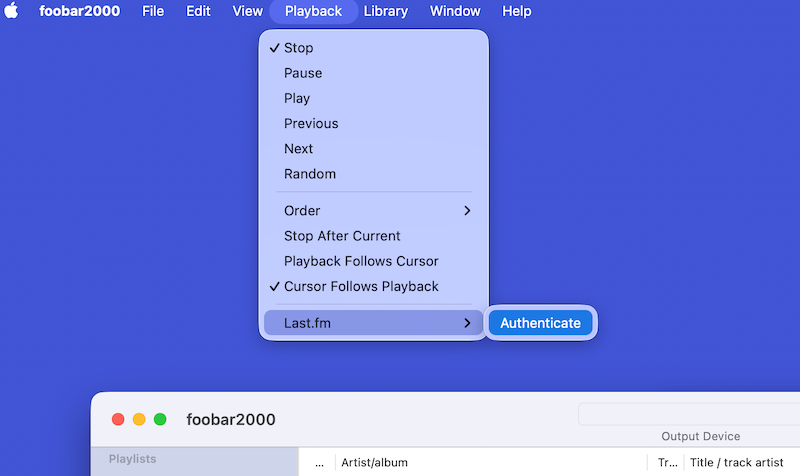
First, open the main foobar2000 menu and select Playback → Last.fm → Authenticate.
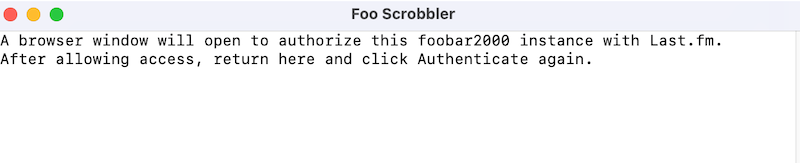
Next, a pop-up message from foobar2000 will inform you that a browser window will open and redirect you to the Last.fm authentication page.
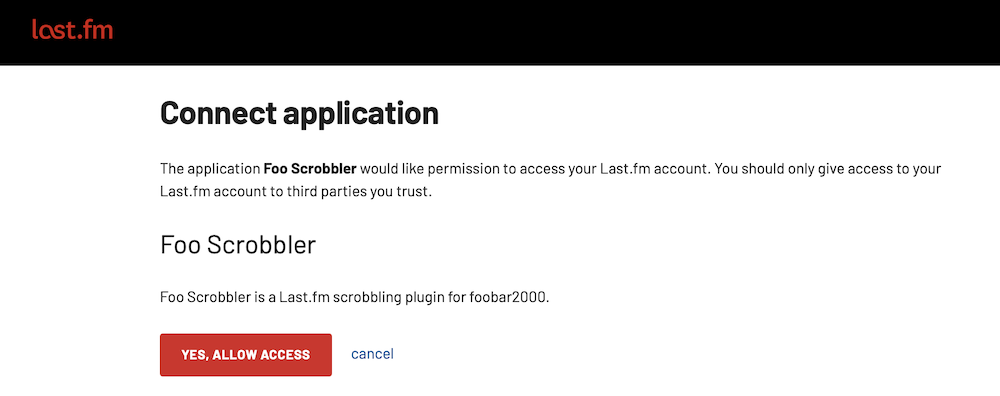
On the Last.fm web page, click "Yes, allow access".
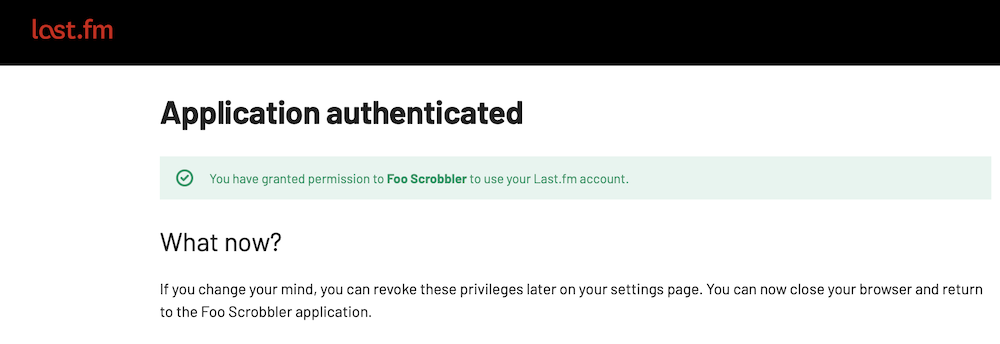
After successful authorization, you will be informed that the process has completed.
Next, click Authenticate again in foobar2000.
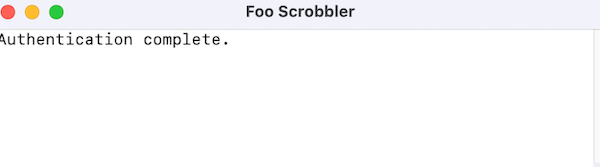
You will then receive a confirmation message indicating that authentication is complete.
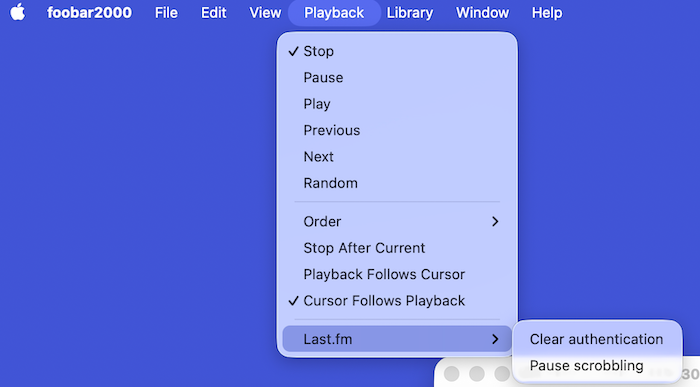
Finally, two options will remain available in the menu: clearing authentication and suspending scrobbling.
You are now ready to start scrobbling.