


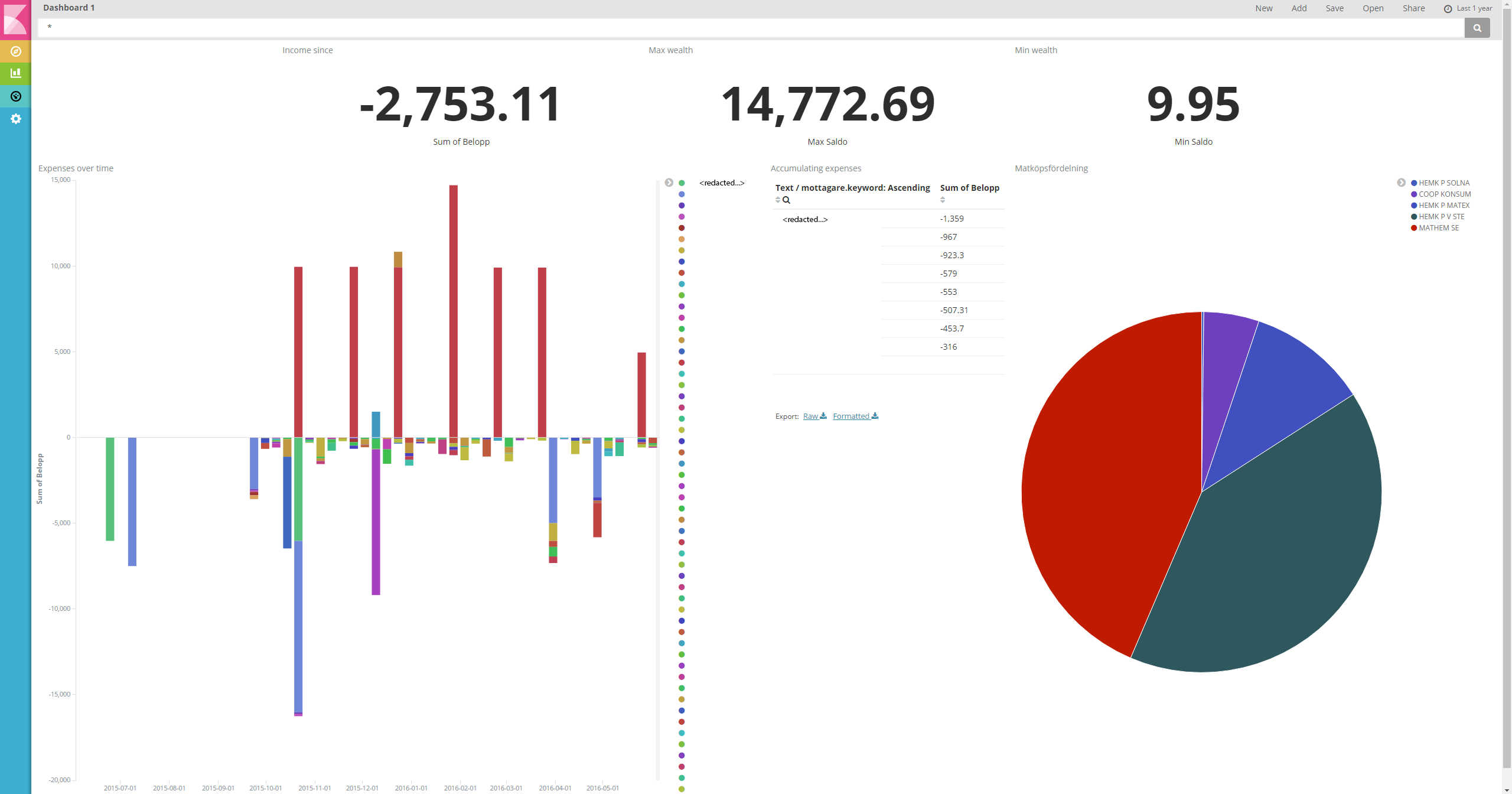
Parses XLSX files into ElasticSearch using column titles from specified row combined with data in columns on each row. For use with Kibana or other visualization applications, example result using a transaction log in excel format image. The application comes with a web interface to simplify uploading.

The application requires ElasticSearch as its output.
ElasticSearch and Kibana (version 5.0.0) should not require any additional configuration or installation, just download and run from Elastic.
Running the application,
java -jar <filename.jar> run Launcher
If any connection errors occur check that the ElasticSearch listen port matches with the elastic_port in the configuration file. Make sure that ElasticSearch is running by directing your browser at localhost:9200.
Compiling a new fatjar,
mvn clean package
├── configuration.json
web_port (8080) port that the webserver will listen on.
elastic_port (9200) port that ElasticSearch listens to, host is set to localhost.
elastic_host (localhost) address of the ElasticSearch server.