This is our weekly newsletter with updates and new blog posts.
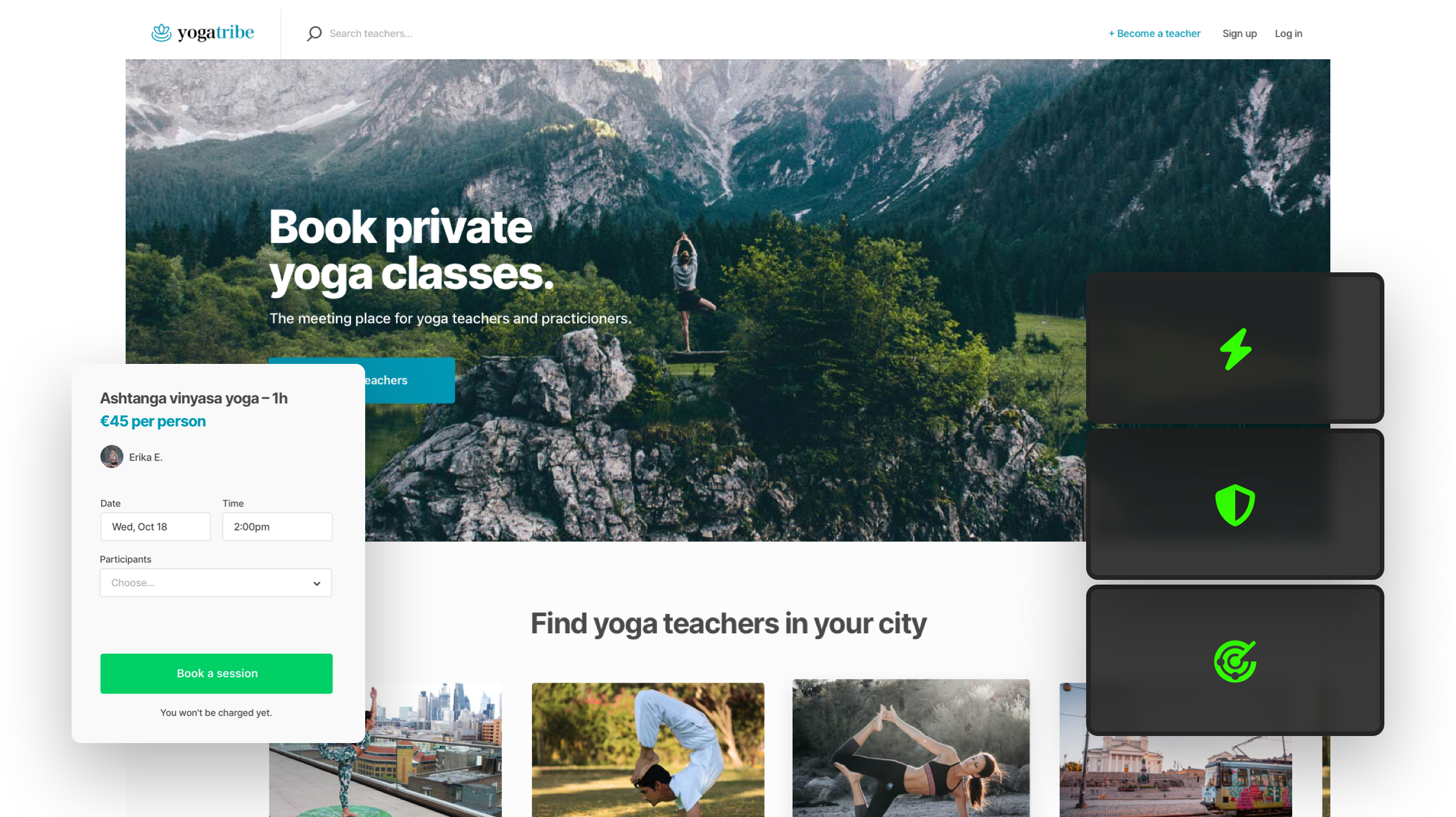
" }' ``` #### Get All Subscribers (Admin Only) ```bash curl -X GET http://localhost:5000/api/newsletter/subscribers \ -H "Authorization: Bearer your-admin-token-here" ``` #### Unsubscribe User (Admin Only) ```bash curl -X DELETE http://localhost:5000/api/newsletter/unsubscribe/1 \ -H "Authorization: Bearer your-admin-token-here" ``` ## Database Models ### Post - `id`: Integer, Primary Key - `title`: String(200), Required - `content`: Text, Required - `image_url`: String(500), Optional - `created_at`: DateTime, Auto-generated ### NewsletterSubscriber - `id`: Integer, Primary Key - `email`: String(120), Unique, Required - `subscribed_at`: DateTime, Auto-generated ## Authentication The API uses token-based authentication for admin operations. Include the admin token in the Authorization header: ``` Authorization: Bearer your-admin-token-here ``` Set your admin token in the `.env` file: ``` ADMIN_TOKEN=your-secure-admin-token ``` ## Environment Variables Required environment variables (see `.env.example`): - `DATABASE_URL`: SQLite database path - `SECRET_KEY`: Flask secret key - `ADMIN_TOKEN`: Admin authentication token - `AWS_ACCESS_KEY_ID`: AWS access key for S3 - `AWS_SECRET_ACCESS_KEY`: AWS secret key for S3 - `AWS_REGION`: AWS region (default: us-east-1) - `S3_BUCKET_NAME`: S3 bucket name for image storage - `SMTP_SERVER`: SMTP server for sending emails - `SMTP_PORT`: SMTP port (default: 587) - `SENDER_EMAIL`: Email address for sending newsletters - `SENDER_PASSWORD`: Email password/app password ## CORS Configuration CORS is configured to allow requests from `http://localhost:5173` (React dev server). To modify allowed origins, update the CORS configuration in `app.py`. ## File Upload Supported image formats: PNG, JPG, JPEG, GIF, WEBP Maximum file size: 16MB hosted image link ```bash https://images.prismic.io/sharetribe/d0939fa7-3c69-4007-84fc-be592884f071_Hero+-+Hosted+cloud+insfrastructure.png ``` ## Error Handling The API returns appropriate HTTP status codes: - `200`: Success - `201`: Created - `400`: Bad Request - `401`: Unauthorized (missing/invalid admin token) - `404`: Not Found - `500`: Internal Server Error ## Development To run in development mode: ```bash export FLASK_ENV=development # macOS/Linux set FLASK_ENV=development # Windows python app.py ``` The application will run with debug mode enabled and auto-reload on file changes. ## Production Deployment For production deployment: 1. Set `FLASK_ENV=production` in your environment 2. Use a production WSGI server like Gunicorn 3. Configure a proper database (PostgreSQL recommended) 4. Set up proper logging 5. Use environment-specific configuration Example with Gunicorn: ```bash pip install gunicorn gunicorn -w 4 -b 0.0.0.0:5000 app:app ``` # DevopsBackendFolders and files
| Name | Name | Last commit date | ||
|---|---|---|---|---|