Style Guide
This is a style guide that all files in this repository should follow
All Subsystems should follow the following rules.
1. All Subsystems should contain a README.md
All subsystems should contain a README.md with a brief description and a link to its respective wiki page.
2. Folder structure
Follow this folder structure
Arm
├── Cmd
│   ├── Cmd_ArmDefault.java
│   ├── Cmd_ArmExtensionPID.java
│   └── Cmd_ArmShoulderPID.java
├── Const_Arm.java
└── SubSys_Arm.java
In this example, Arm is the root folder of the subsystem. Contained inside this there is a constants file and a subsystem file that follows our file name guide. There is also a directory named Cmd this folder holds our commands that use this given subsystem. Most likely a default command or an autonomous command.
- A file containing constants for a subsystem should be named
Const_[RootFolderName] - A file containing the main subsystem class should be named
SubSys_[RootFolderName] - A file containing a command that references/uses a subsystem should be named
Cmd_[RootFolderName][FunctionDescription] - A file containing a group of commands or otherwise called a
CommandGroupshould be namedCmdGrp_[RootFolderName][FunctionDescription]
An example of this naming convention can be seen in the folder structure example above.
Global method names for something that does something physical on the robot:
(What part it affects)(Where that part is/subpart if applicable)(What it is doing to that part/how it is changing it)(What input it needs)
For example, if we had a subsystem named SubSys_Arm.java we would base our method names on that. Assume inside this subsystem we had a method that raised the arm given a set amount of power -1 -> 1. We would create a method named something like this.
ArmRotatePercentOutput()
Arm is the part of the physical robot that is being affected. Then we have Rotate which is what the Arm is doing. Finally, we have PercentOutput this shows that the method needs a double value inputted or a percent.
1. Avoid nesting and unstyled code Code should not be nested more than three layers deep as it becomes extremely confusing for other developers to understand. A good general rule of thumb is to create a function for what would otherwise be nested code if you need that level of function. The code should also be styled generally. Deepsource should automatically fix your styling but please be sure to try to keep the code as neat as possible.
2. Avoid using abbreviations Code should be able to be read by anyone who comes across it not just the developer. If you are finding that you are using many confusing abbreviations you may want to consider using the full word instead. This change can also help you if you have to come back to a piece of code you have not seen in a while.
3. Use JavaDocs
All recent java versions include Javadoc or Jdoc which allows for an easier understanding of methods and code. Here is an example of the do's and don't's of using Jdoc while in this repository.
Bad:
/**
* Sets the tooltip text.
*
* @param text  the text of the tooltip
*/
public void setToolTipText(String text) {
The description above says nothing beyond what you know from reading the method name. The words "set", "tool", "tip", and "text" are simply repeated in a sentence.
Good:
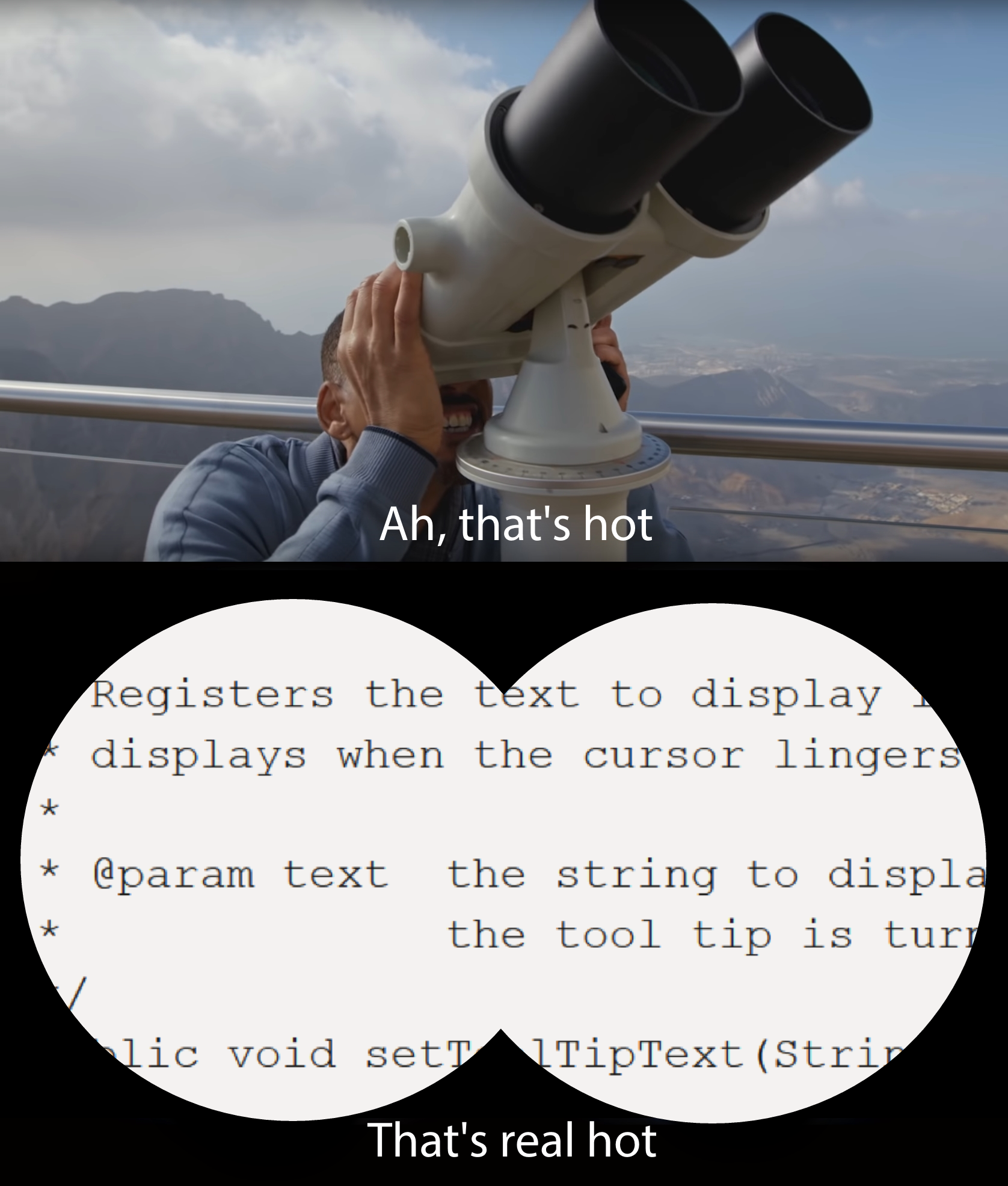
/**
* Registers the text to display in a tooltip.   The text
* displays when the cursor lingers over the component.
*
* @param text the string to display.  If the text is null,
*              the tooltip is turned off for this component.
*/
public void setToolTipText(String text) {
This description more completely defines what a tooltip is, in the larger context of registering and being displayed in response to the cursor.
1. Make it descriptive
Ask yourself does the variable name accurately reflect what it does or is? Is it confusing? Will I be able to understand what this does in the future?
2. Does it work well in conditional logic?
If Conditional logic is written correctly, then it should read like English. Read your conditions out loud "IF HandTime > 5 && MoveTime > 5, then..." If a variable name is confusing when you read it then consider changing it. For instance change HandTime to TimeHandIsOpen
3. Are you using the right units?
If you're getting confused about the units that a variable is in consider adding it to the name like TimeHandIsOpen_MilliSec This does not mean you need to add the type (like double or int) to the end
1. Where does this Constant belong?
If the constant belongs to more than just one subsystem then it belongs in the Constants.java file. CanIDs also belong in there so they are all in one place, and so two things are not assigned to a single CanID on accident. else the constant belongs in the Const_[SubsysName] file
2. Structure of Constant variables
Here is an example of a constant file
package frc.robot.ChargedUp.Arm;

public class Const_Arm {
  // *! Everything is in meters */
  public static final double kARM_SHOULDER_z = 0;
  public static final double kARM_SHOULDER_x = 0;
  public static final double kHAND_LENGTH = 0;
  public static final double kMAX_EXTENSION_x = .120; // .120m or 120cm (width)
  public static final double kMAX_EXTENSION_z = .198; // .198m or 198cm (Height)
  public static final double kMAX_ROTATION_SPEED = .2;
  public static final double kMAX_EXTENSION_SPEED = .2;
  public static final double kROBOT_WIDTH = 0;
}