The Professional Label Printing Solution for Google Sheets, Excel, and CSV.
SheetsToLabels is the ultimate tool for designing and printing labels directly from your spreadsheet data. Whether you are managing inventory, organizing an event, or printing product tags, SheetsToLabels streamlines your workflow with a powerful, drag-and-drop designer and seamless cloud integrations.
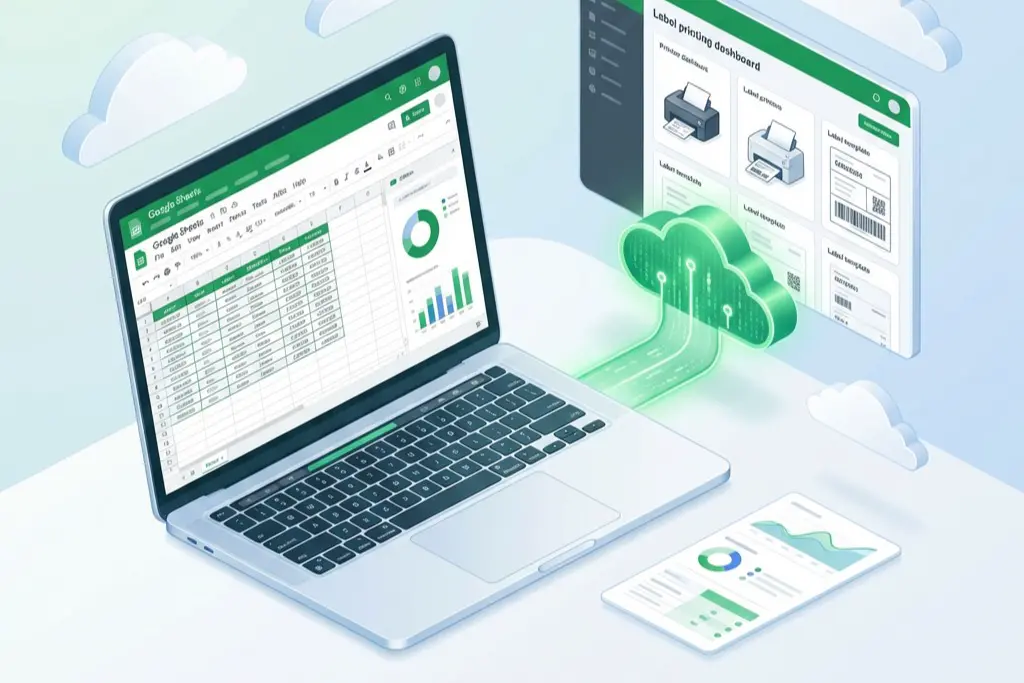
- Seamless Integration: Connect directly with Google Sheets to print labels without exporting files.
- Universal Compatibility: Support for Excel (.xlsx) and CSV files.
- Visual Label Designer: extensive drag-and-drop editor to design pixel-perfect labels.
- Live Data Sync: Updates in your spreadsheet are reflected instantly in the designer.
- Cloud Printing: Generate print-ready PDFs compatible with any standard printer (Avery templates supported).
- Privacy Focused: Your data is processed securely and never sold.
Explore our specialized tools designed for every labeling need:
- Google Sheets to Labels: The best alternative to basic add-ons. Connect your Google Drive and turn any spreadsheet into professional mailing labels, address stickers, and badges.
- Excel to Labels: Import your
.xlsxfiles directly and map columns to your label design in seconds. - CSV to Labels: reliable processing for large datasets exported from any system in CSV format.
- XML Label Printing: Advanced integration for enterprise workflows requiring XML data sources.
- School Asset Tags: specialized templates for schools and libraries to track equipment and books.
- Jewelry Price Tags: Create tiny, precise price tags for jewelry and retail items.
- Food Nutrition Labels: Generate FDA-compliant ingredients and nutrition facts labels (Nutrition Facts Panel) automatically from your data.
- QuickBooks Label Printing: Streamline your accounting workflow by printing labels directly from QuickBooks exports.
- Label Designer: Our core drag-and-drop canvas for creating custom label layouts with barcodes, images, and rich text.
- Bulk Barcode Generator: Generate thousands of barcodes (UPC, EAN, Code128, QR Codes) in batches.
This project is built with a modern, high-performance stack:
- Framework: Next.js 15 (React 19)
- Styling: Tailwind CSS 4
- Database: Drizzle ORM
- Authentication: Better Auth
- PDF Generation: jsPDF
- Canvas: Fabric.js for the label editor
To run the project locally:
-
Clone the repository:
git clone git@github.com:52imnet/sheets2labels.git cd sheets2labels -
Install dependencies:
npm install # or pnpm install -
Run the development server:
npm run dev
-
Open the app: Visit http://localhost:3000 to start designing labels.