Screenshots
A tour of the v2.2.6 workspace. All screenshots use sample data ("Jane Doe") — none of this is real user data.
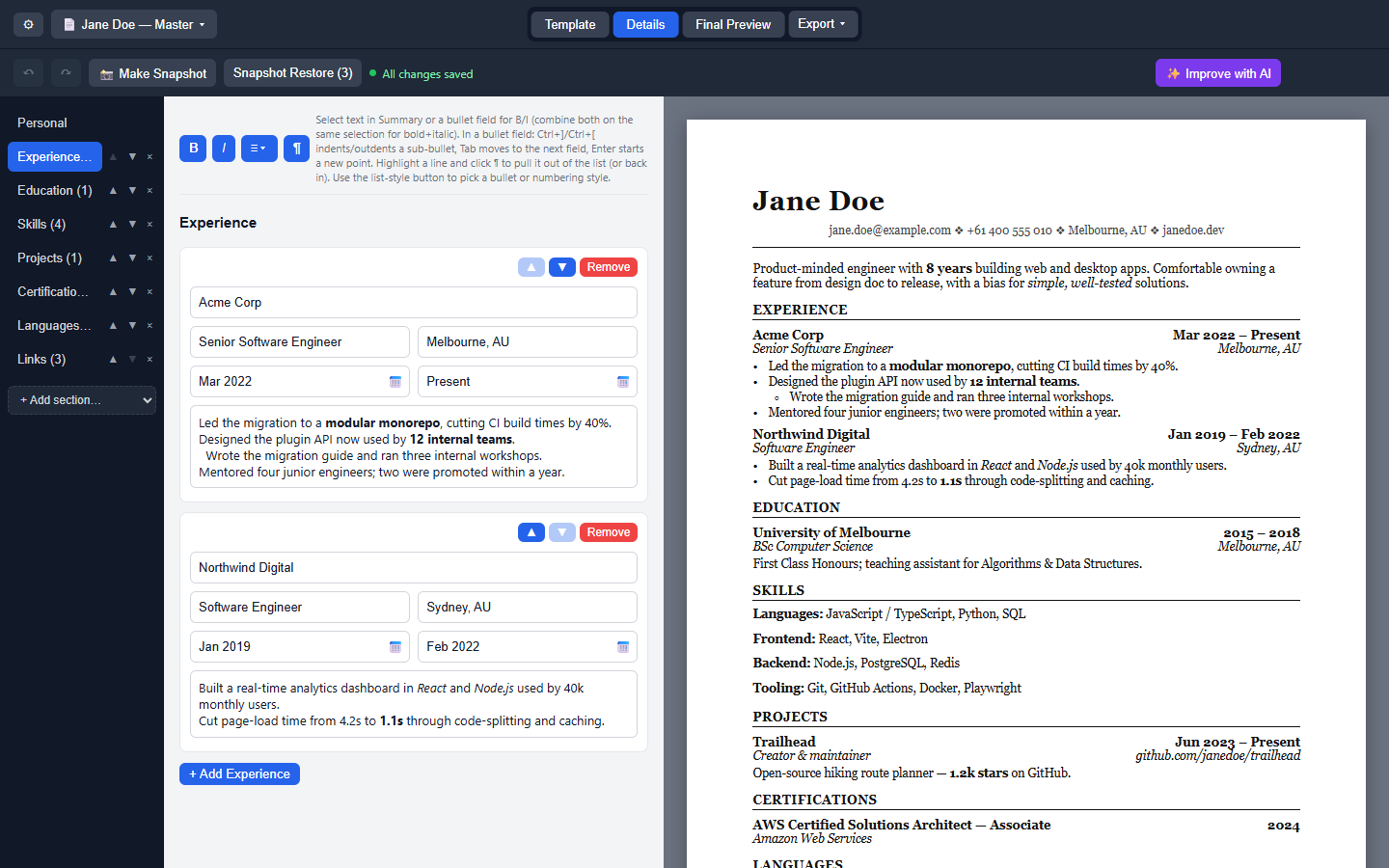
The main editing workspace: a left nav for jumping between Personal info and your sections (with ▲▼ to reorder sections and a live item count), a form in the middle, and a live A4 preview on the right that updates as you type. Note the profile switcher (📄), undo/redo (↶/↷), snapshot buttons, and the autosave indicator in the toolbar.
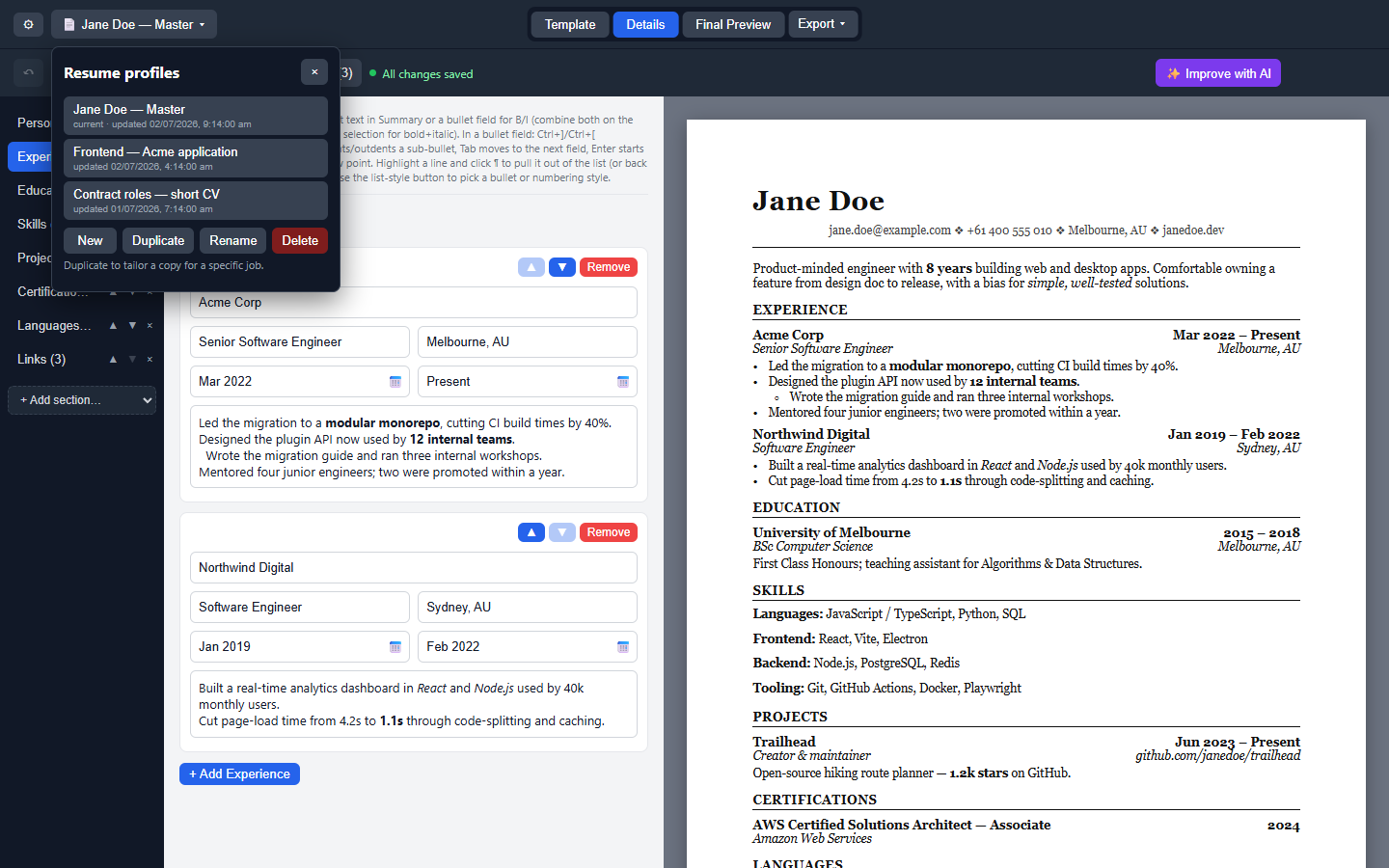
The 📄 dropdown lists every profile with its last-edited time. Duplicate clones the current resume as "Copy of …" so you can tailor it for a specific job without touching your master copy. Snapshots, autosave, and undo history are all per-profile.
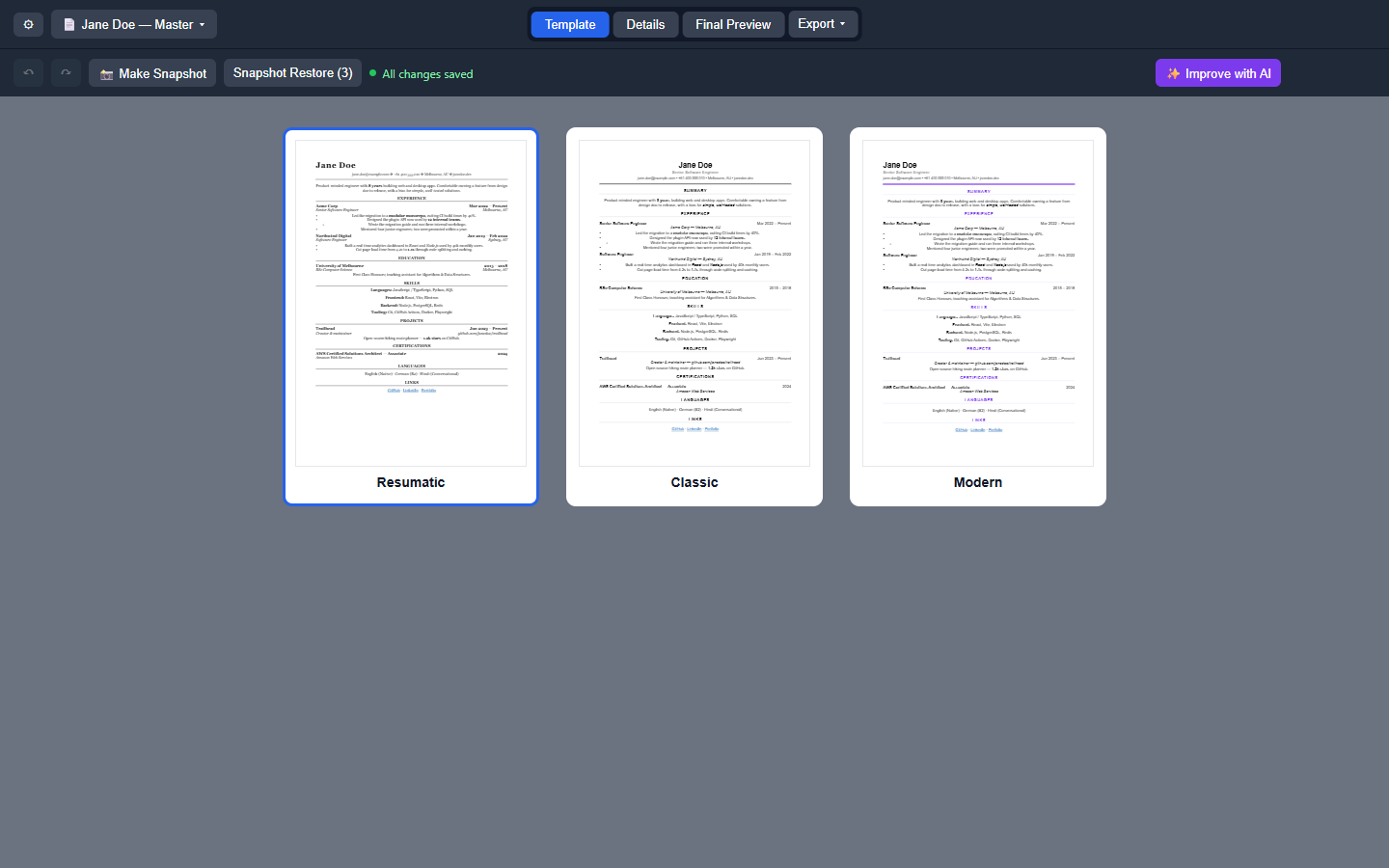
Pick a template by seeing it rendered with your actual resume content, not a generic mockup. Currently: Resumatic (serif, bold header — the default), Classic, and Modern.
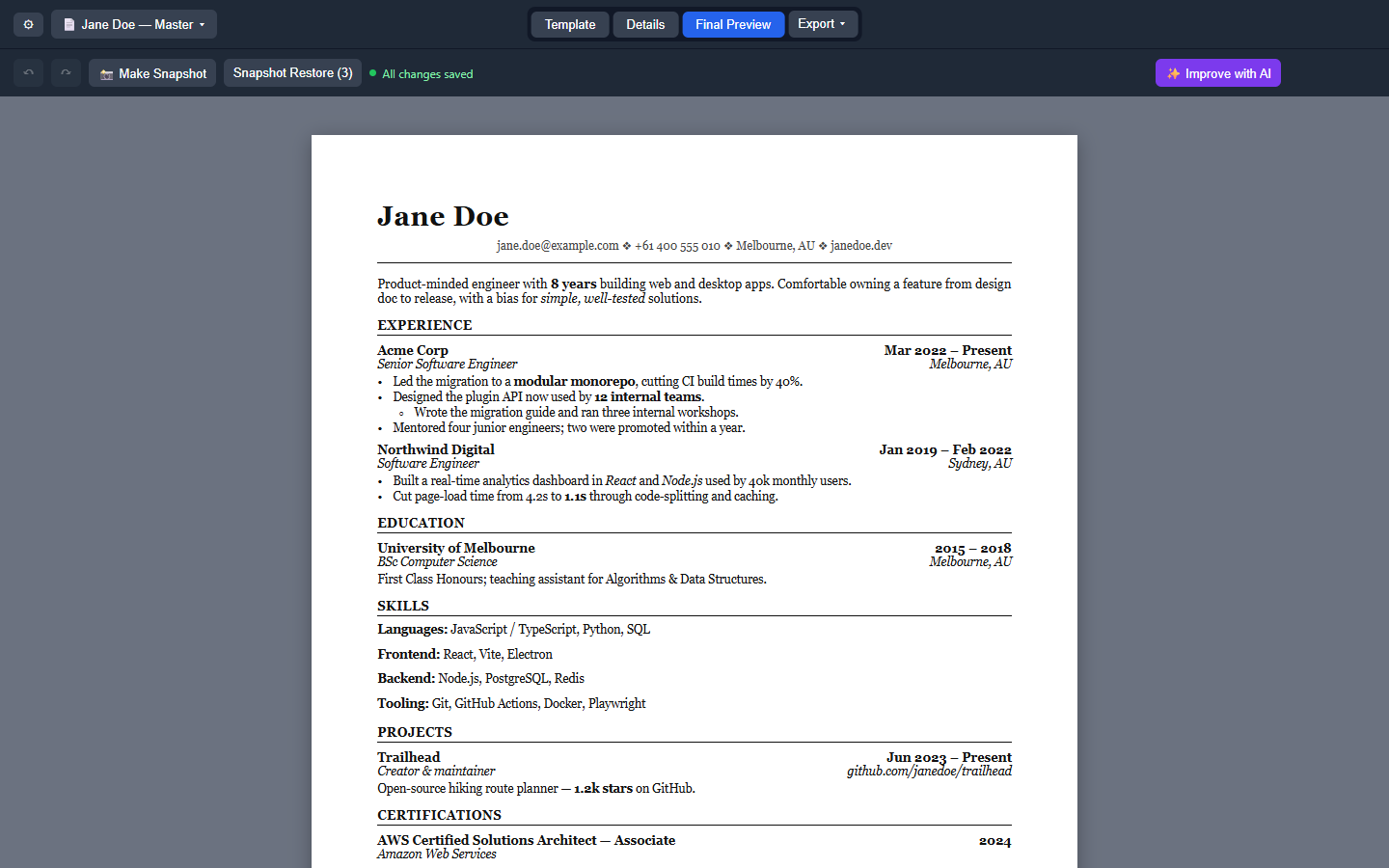
A distraction-free look at exactly what will get exported, with no editor or toolbar clutter.
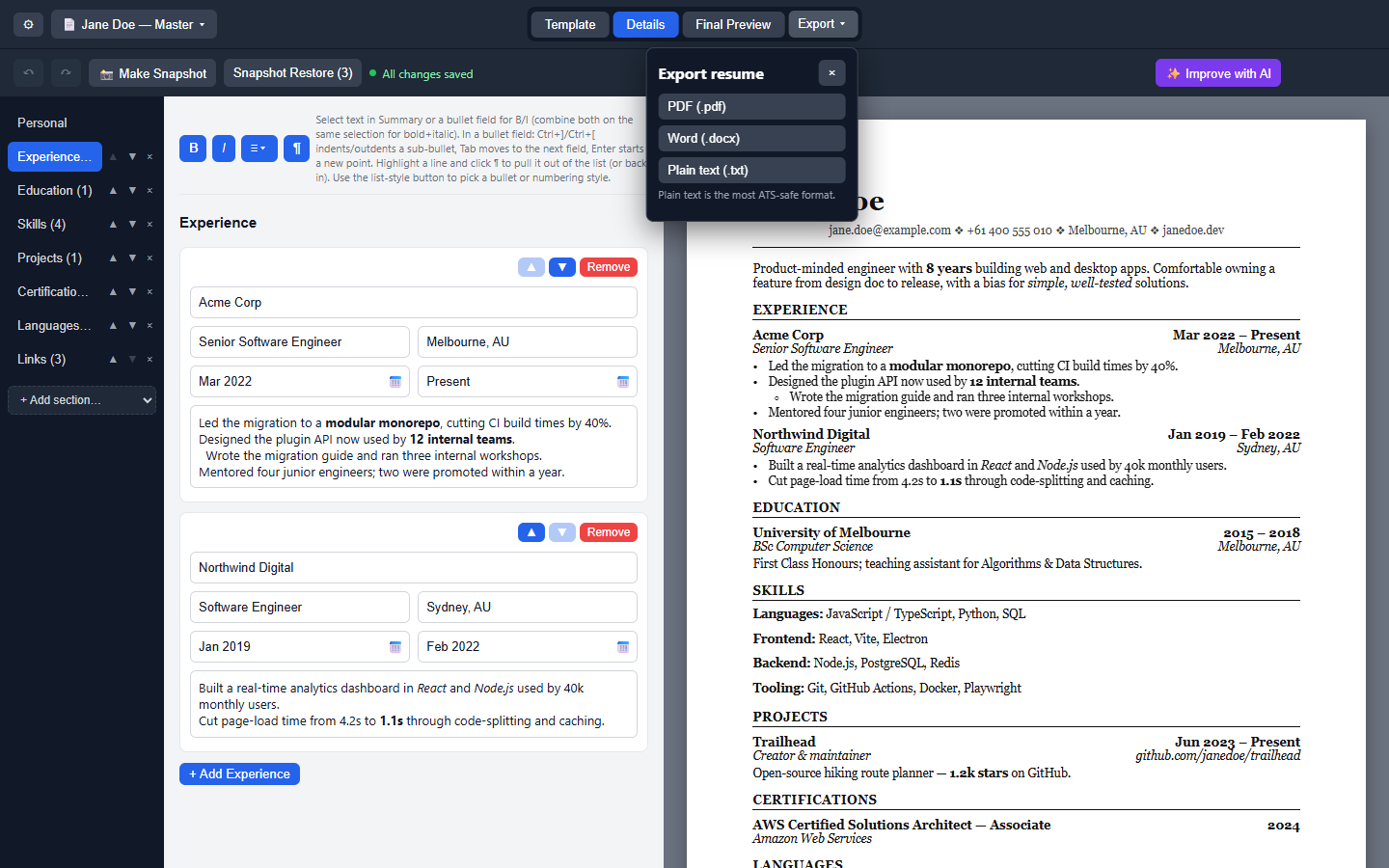
One dropdown, three formats. The Word export produces real bold/italic runs, real numbering, and clickable hyperlinks; plain text is the most ATS-safe format for paste-into-a-form applications.
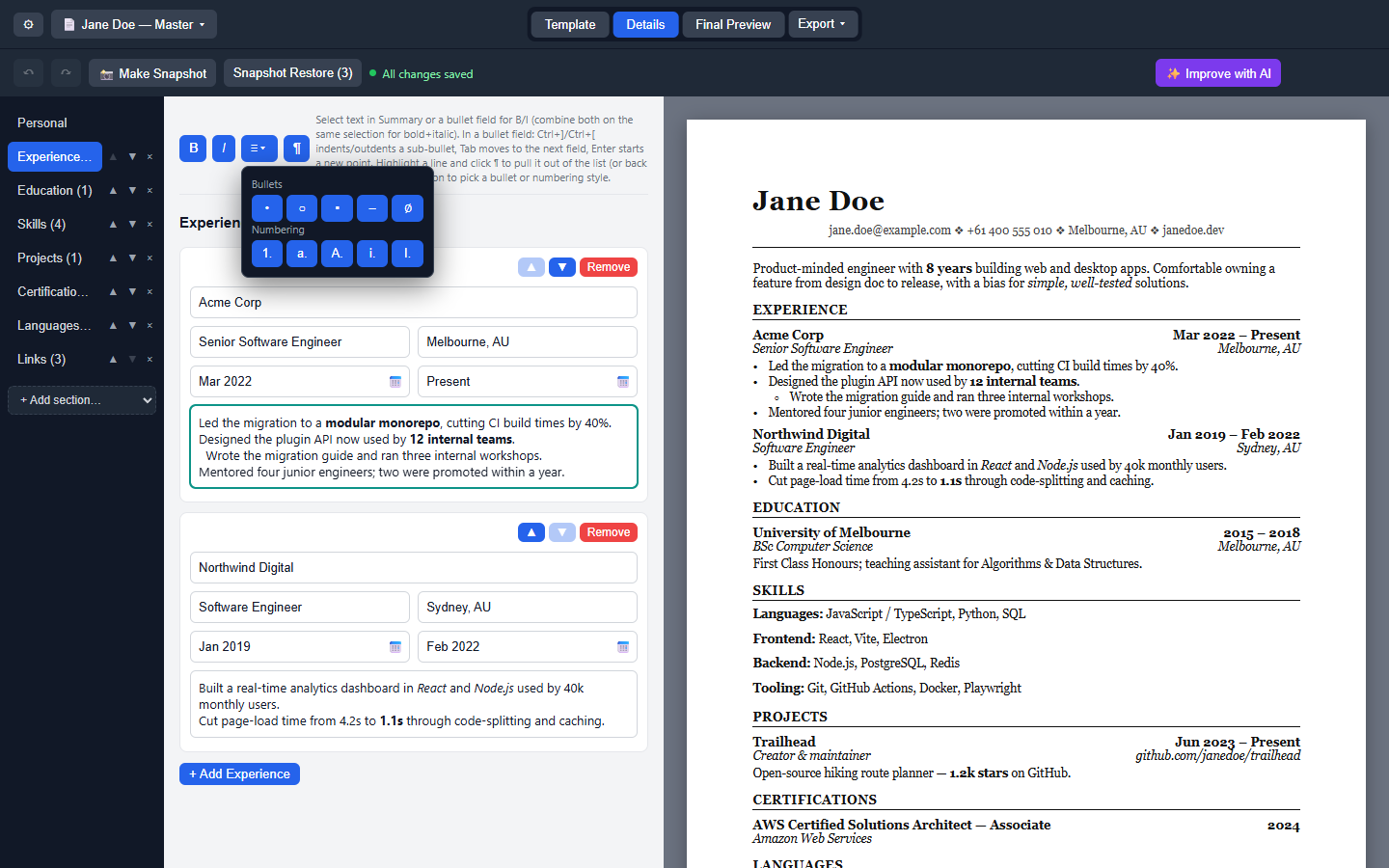
Bold/italic render for real as you type in the Experience description, Custom Section, and Skill rows — no visible ** markers. The list-style button (shown open here) offers a Word/LibreOffice-style gallery of bullet and numbering styles; Ctrl+]/Ctrl+[ indent/outdent sub-bullets, and the "¶" button pulls a line out of the list into a plain intro sentence. The focused list field gets a teal outline.
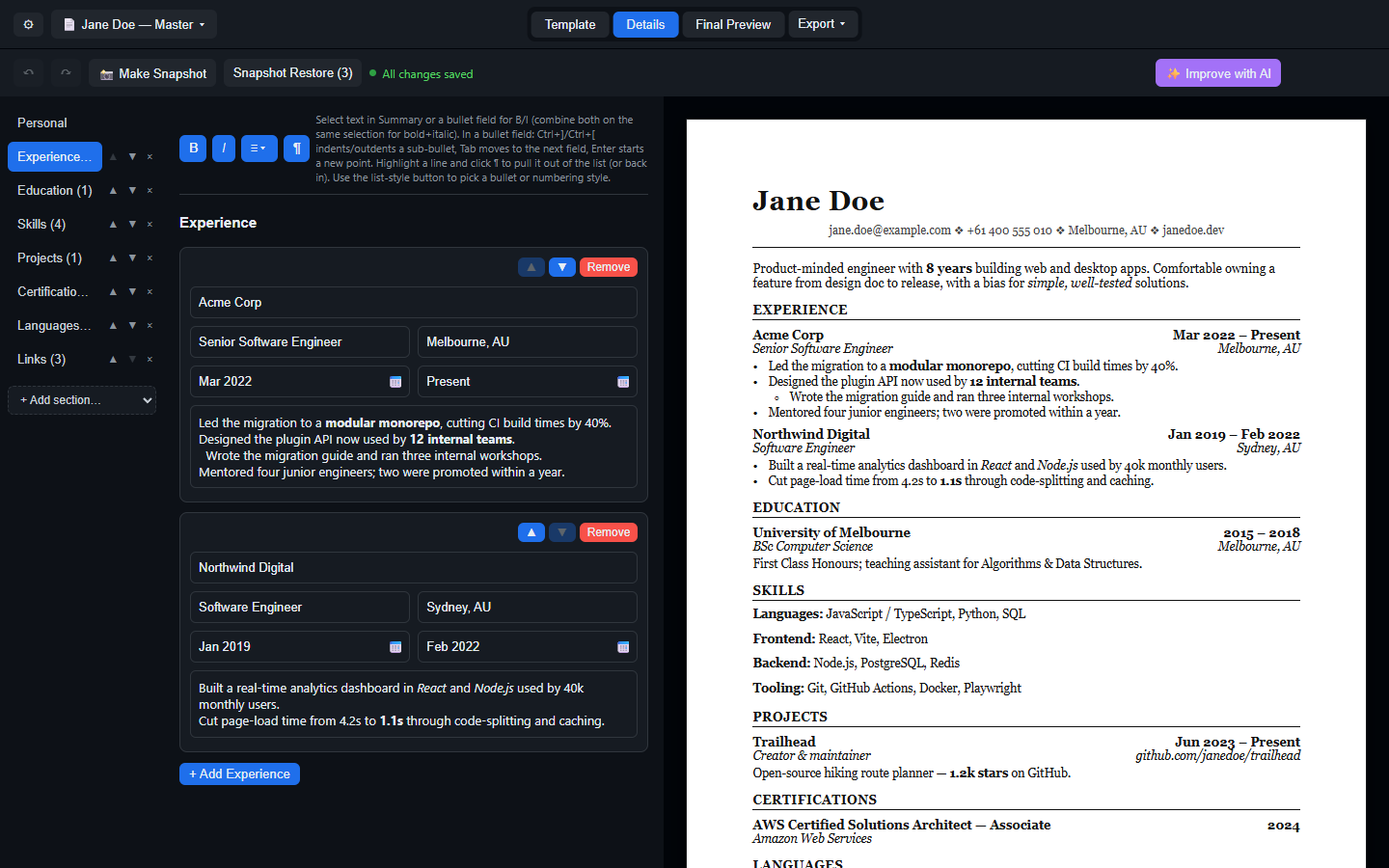
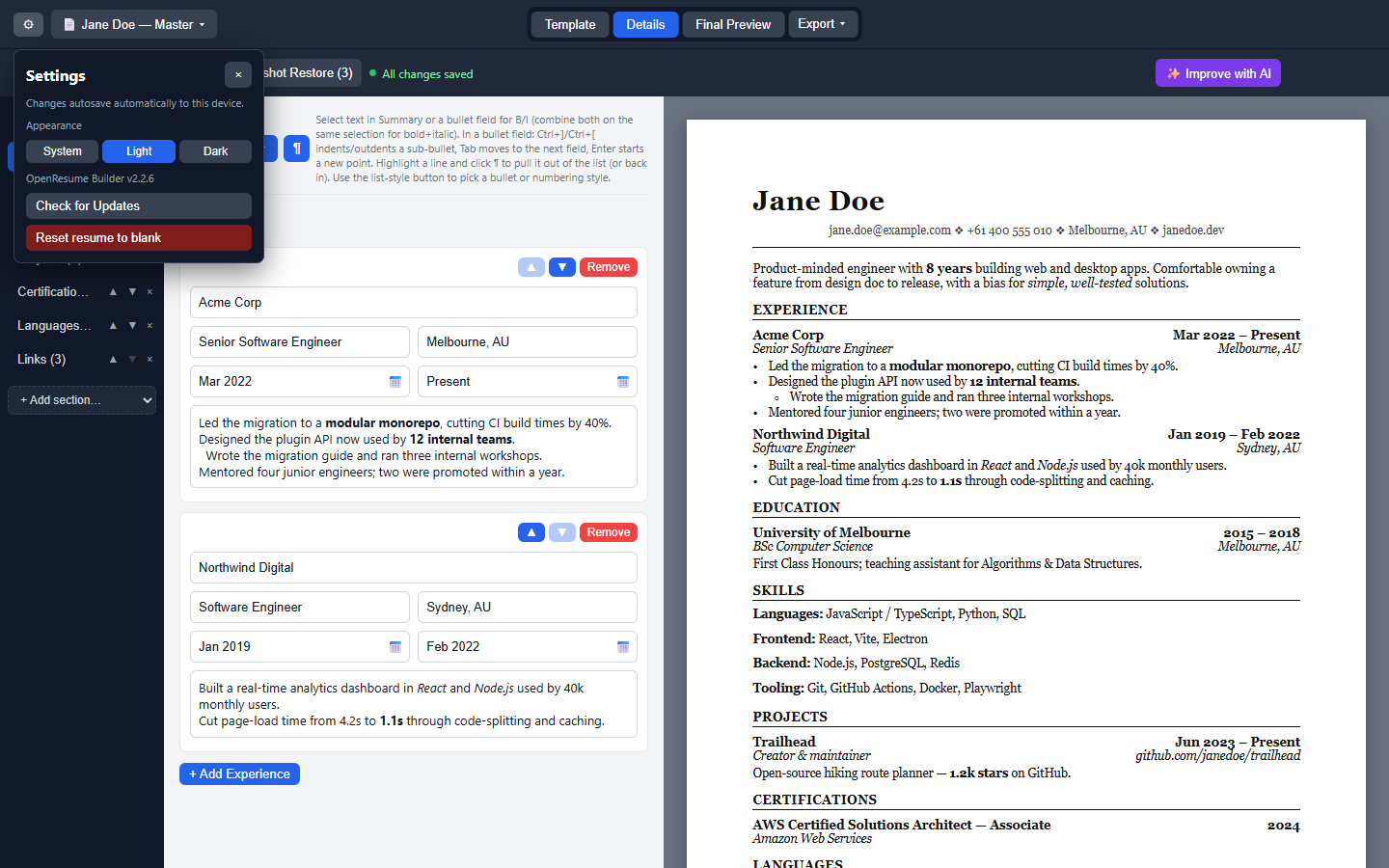
The three-way System / Light / Dark setting lives in Settings. The editor chrome goes fully dark; the resume sheet stays paper-white on purpose, since it represents the printed page.
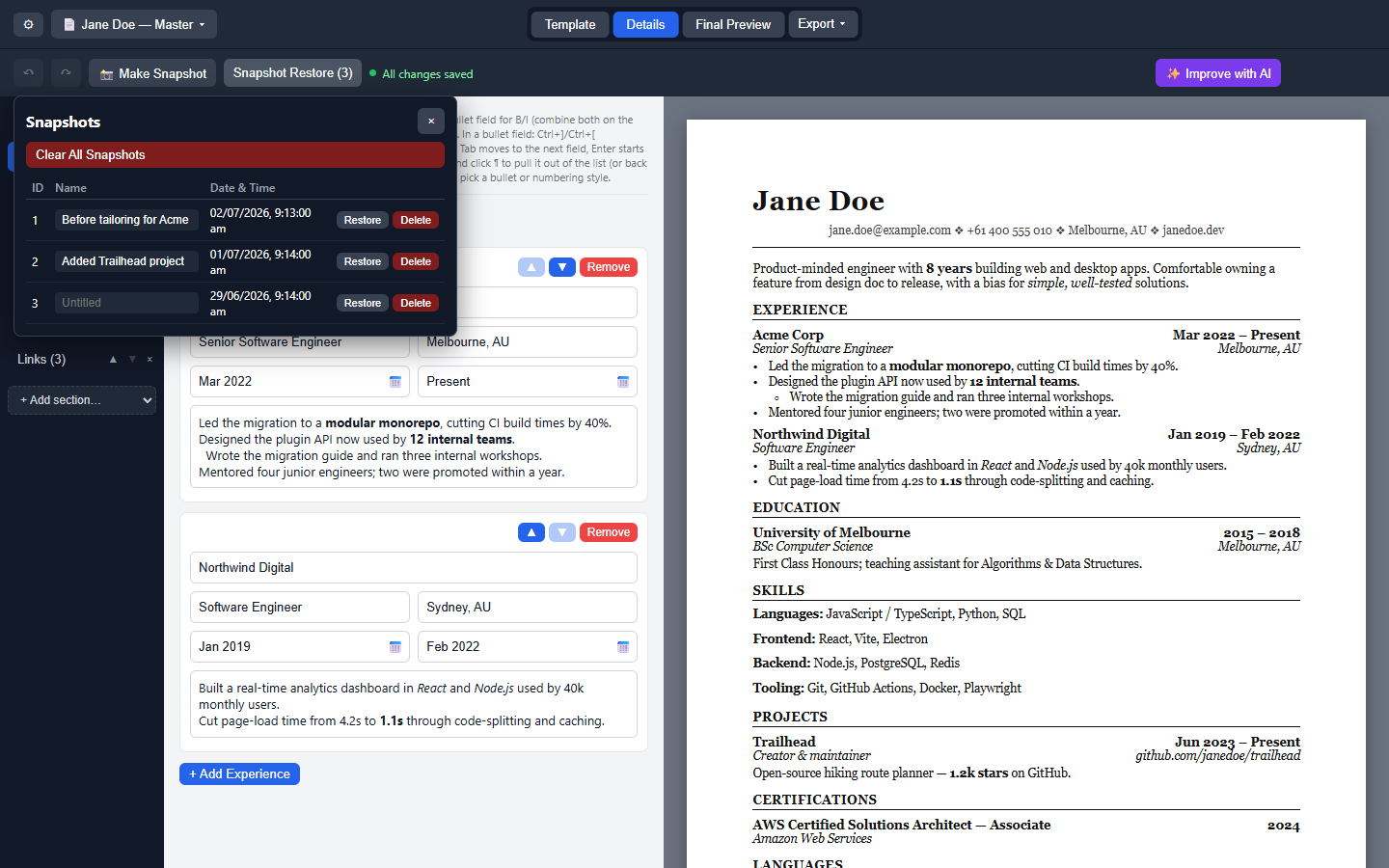
Take a timestamped snapshot before a risky edit, give it a name, and restore/delete it later from this table. Restoring always asks for confirmation first, since it overwrites whatever's currently in the editor. Deleting a profile also drops a final snapshot of it here, as insurance.
Housekeeping in one popover: the System / Light / Dark appearance toggle, the installed version number, a manual "Check for Updates" button, and resetting the resume to blank (with a confirmation warning).
See Features for the full feature list, or Installation to get the app.