Project Overview

Self-hosted network inventory, local network scanner, and documentation dashboard




LanLens turns a Docker host into a local network scanner that discovers MAC/IP devices, builds a device inventory, and gives home lab or small IT operators a clean web UI for documentation, security awareness, and CMDB/i-doit export workflows.
LanLens gives you a quick, local view of what is on your network:
- Devices found by MAC/IP device discovery, with vendor hints and online/offline state
- A practical device inventory for names, notes, owners, locations, services, ports, and history
- Segments for routers, switches, servers, IoT, cameras, clients, and unknown devices
- Awareness signals for DHCP, ARP/MAC, topology, SNMP, and scan-detected changes
- Export paths for CMDB/i-doit workflows when inventory data should leave LanLens
Why people use it:
- Fast start: a Docker network scanner for home lab network monitoring and small IT networks.
- Less spreadsheet work: turn scan results into a maintained self-hosted network inventory.
- Local by default: no cloud account is required, and there is no product telemetry pipeline.
Optional expert views add SNMP switch-port context, passive discovery hints, services, TLS checks, notifications, and CMDB/i-doit integration when you need them. Credentials are masked in API responses; protect the database volume and backups because configured secrets live there.
Important
Use LanLens only in networks you own or where you have explicit permission to scan and monitor devices. Network discovery and port scanning can be misused against third-party systems.
The screenshots below use sanitized demo data with documentation IP ranges and example names.
| Dashboard | Device detail |
|---|---|
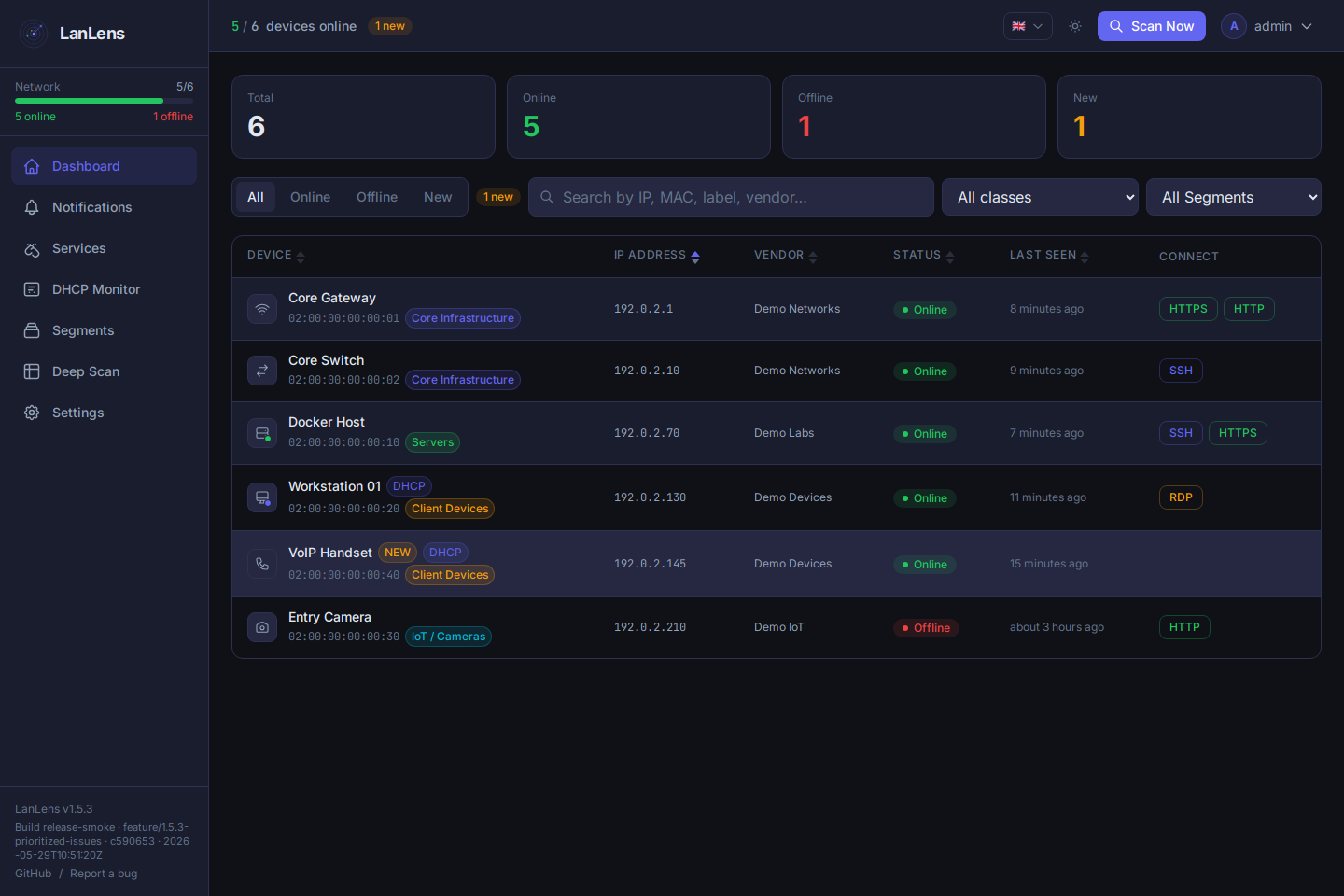 |
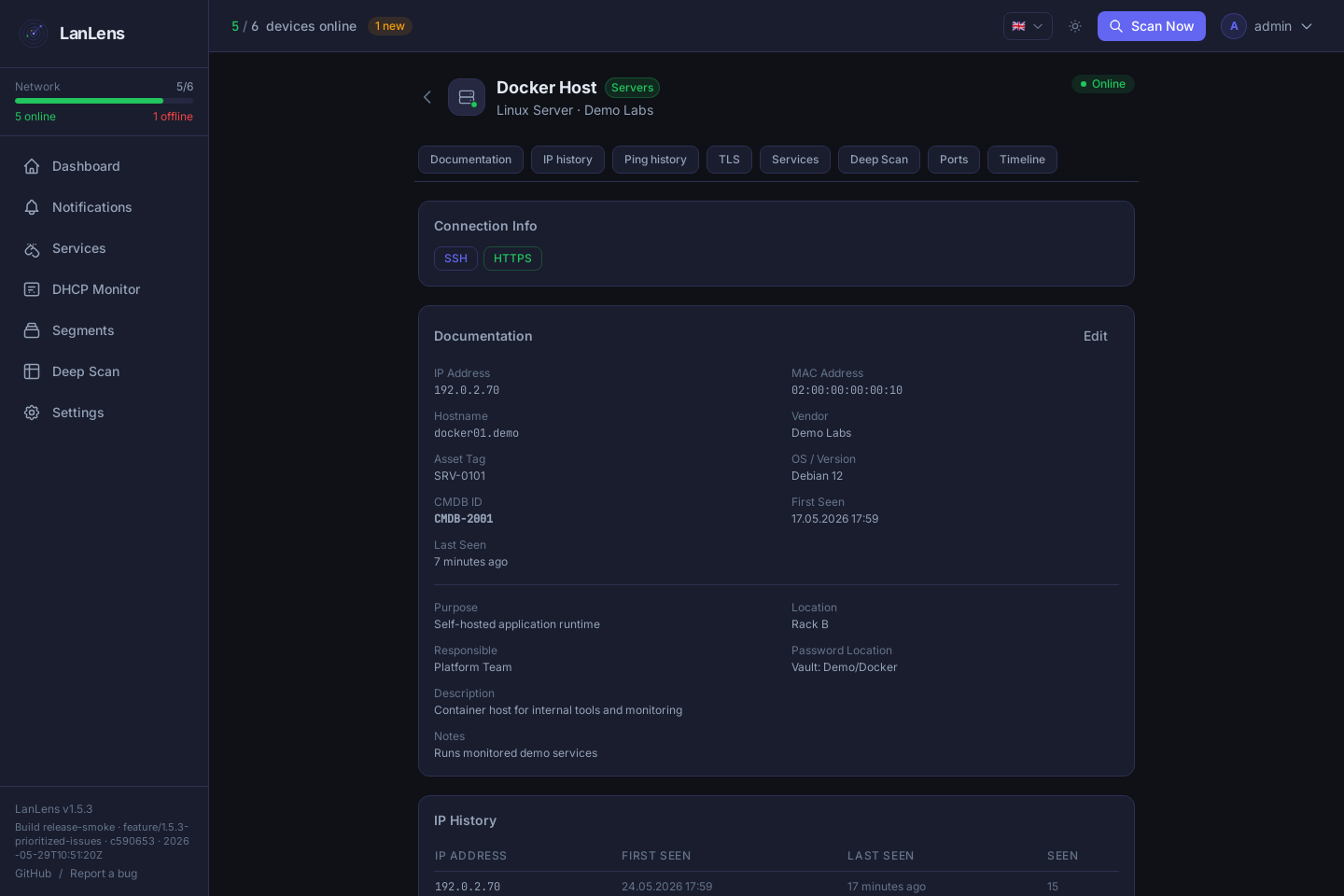 |
| Segments | DHCP security awareness |
|---|---|
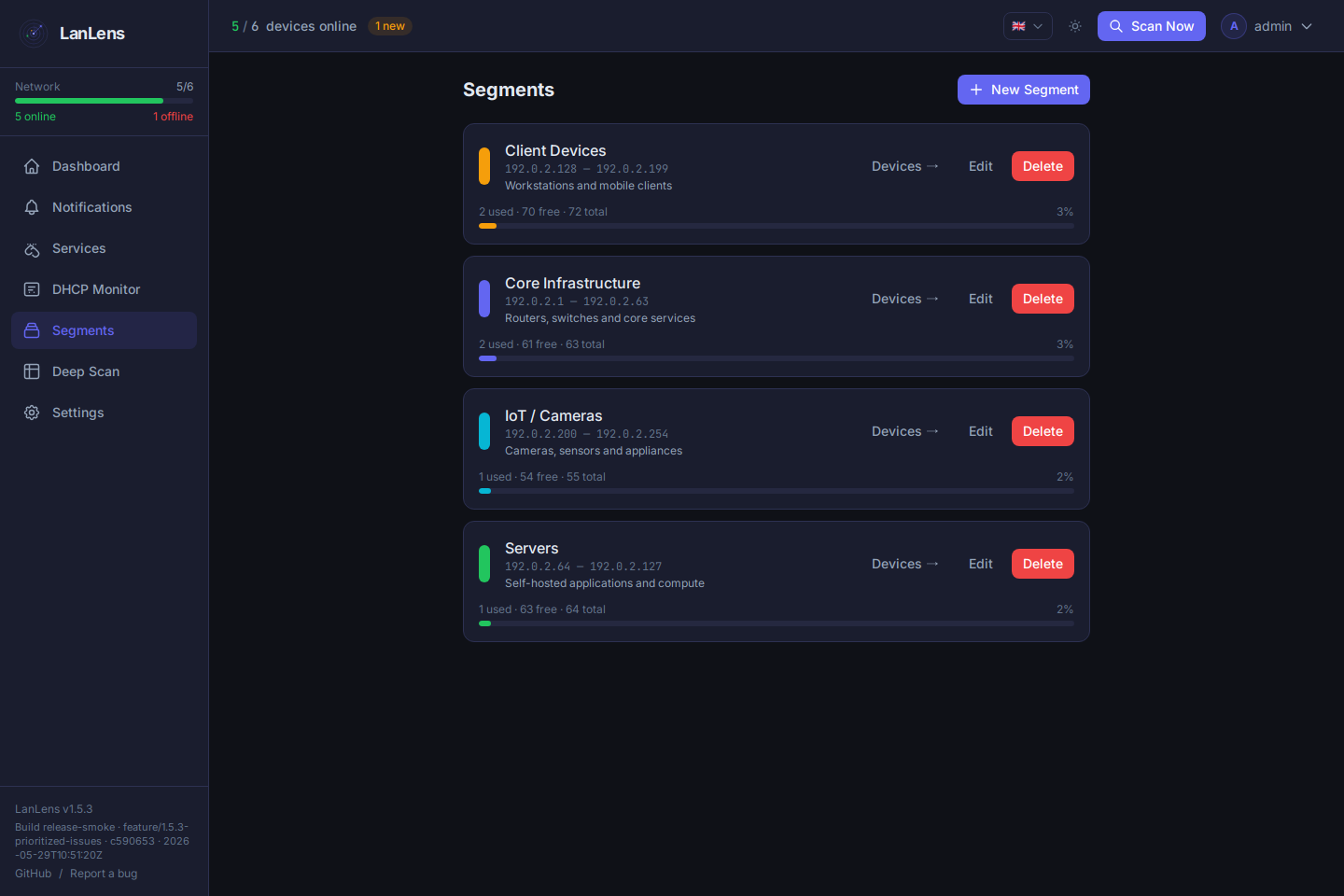 |
 |
| LLDP/CDP class hints | SNMP targets |
|---|---|
 |
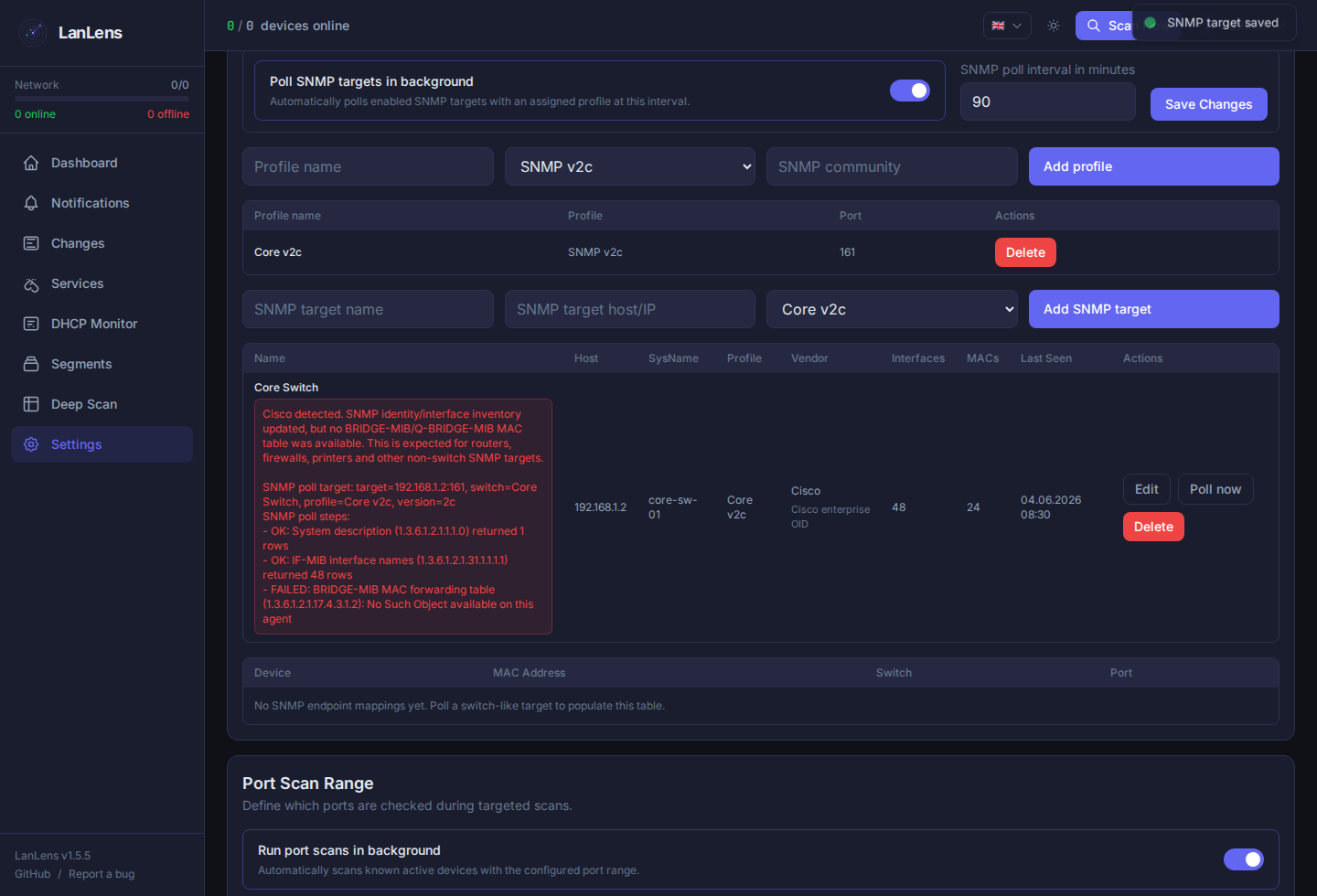 |
| SNMP poll diagnostics | Device linked to SNMP identity |
|---|---|
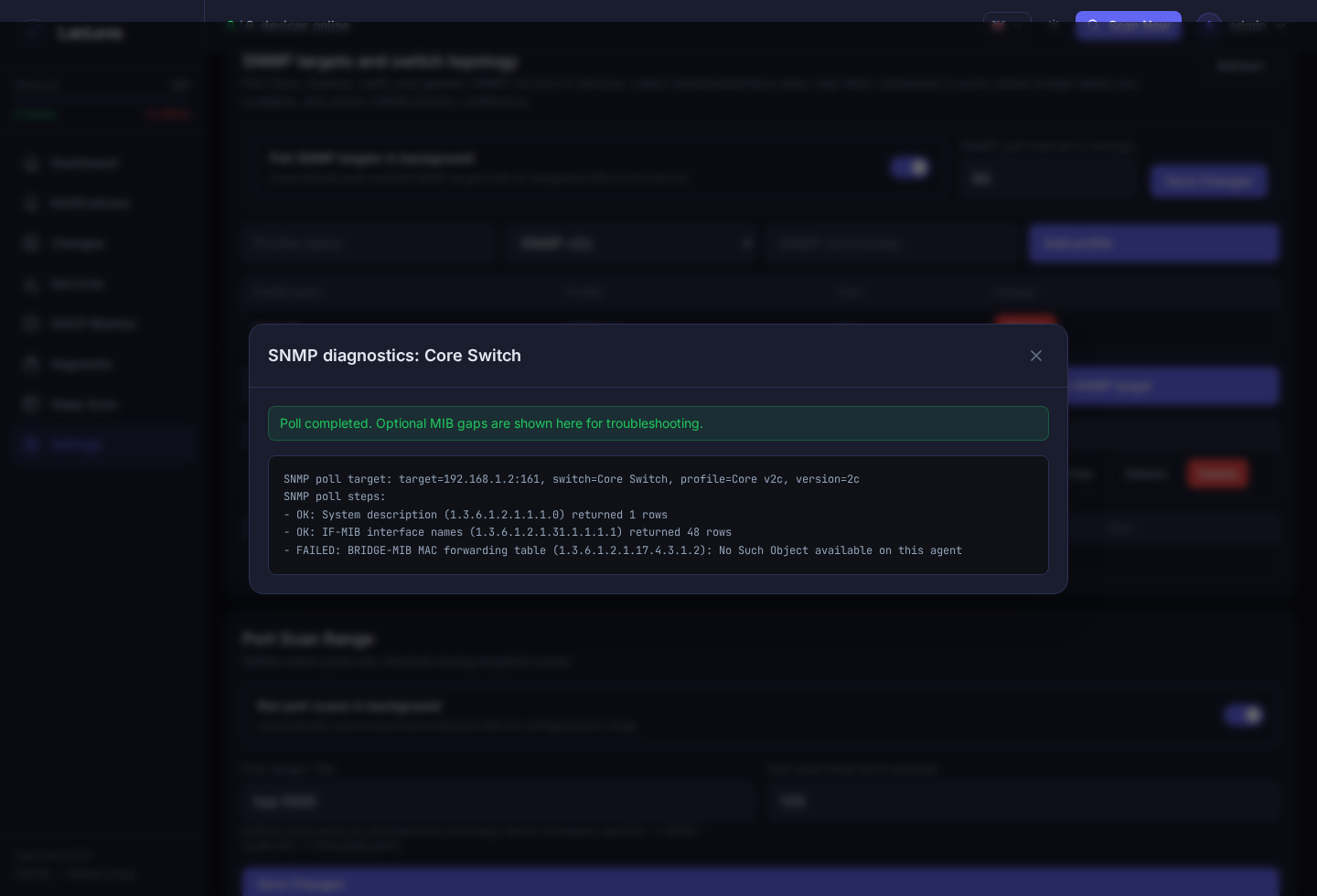 |
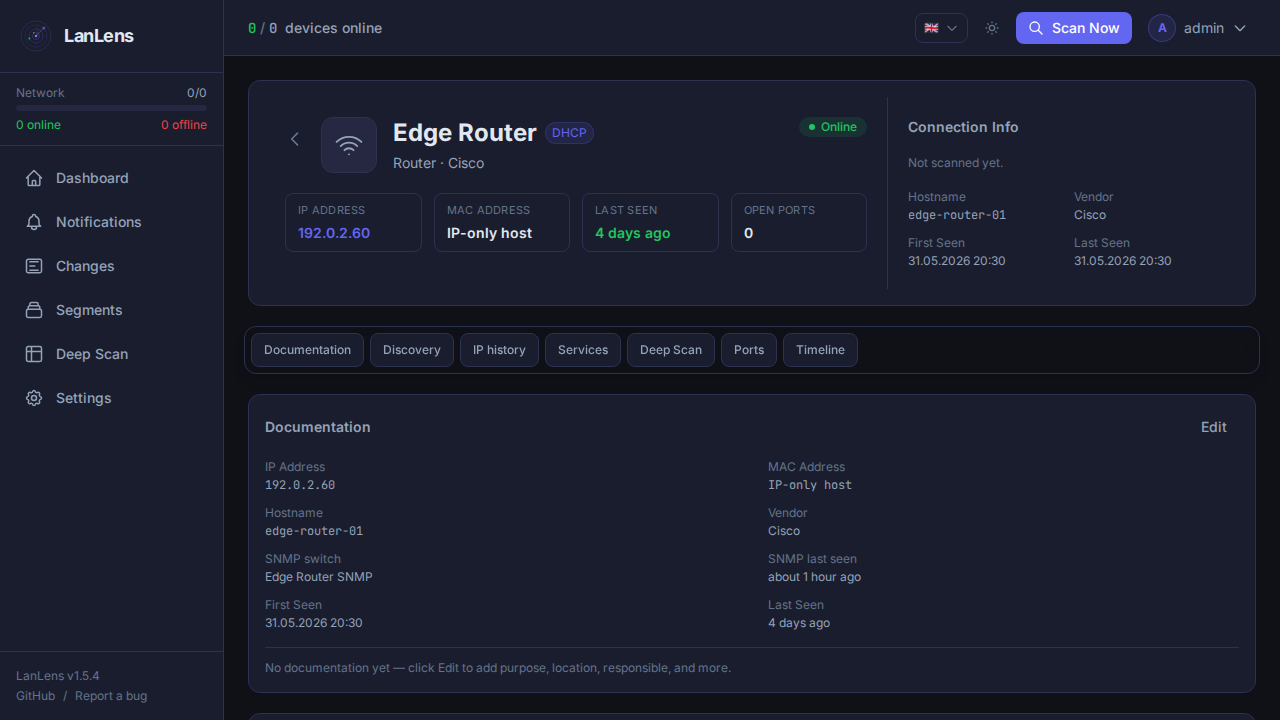 |
| CMDB / i-doit settings | Reviewed i-doit CSV export |
|---|---|
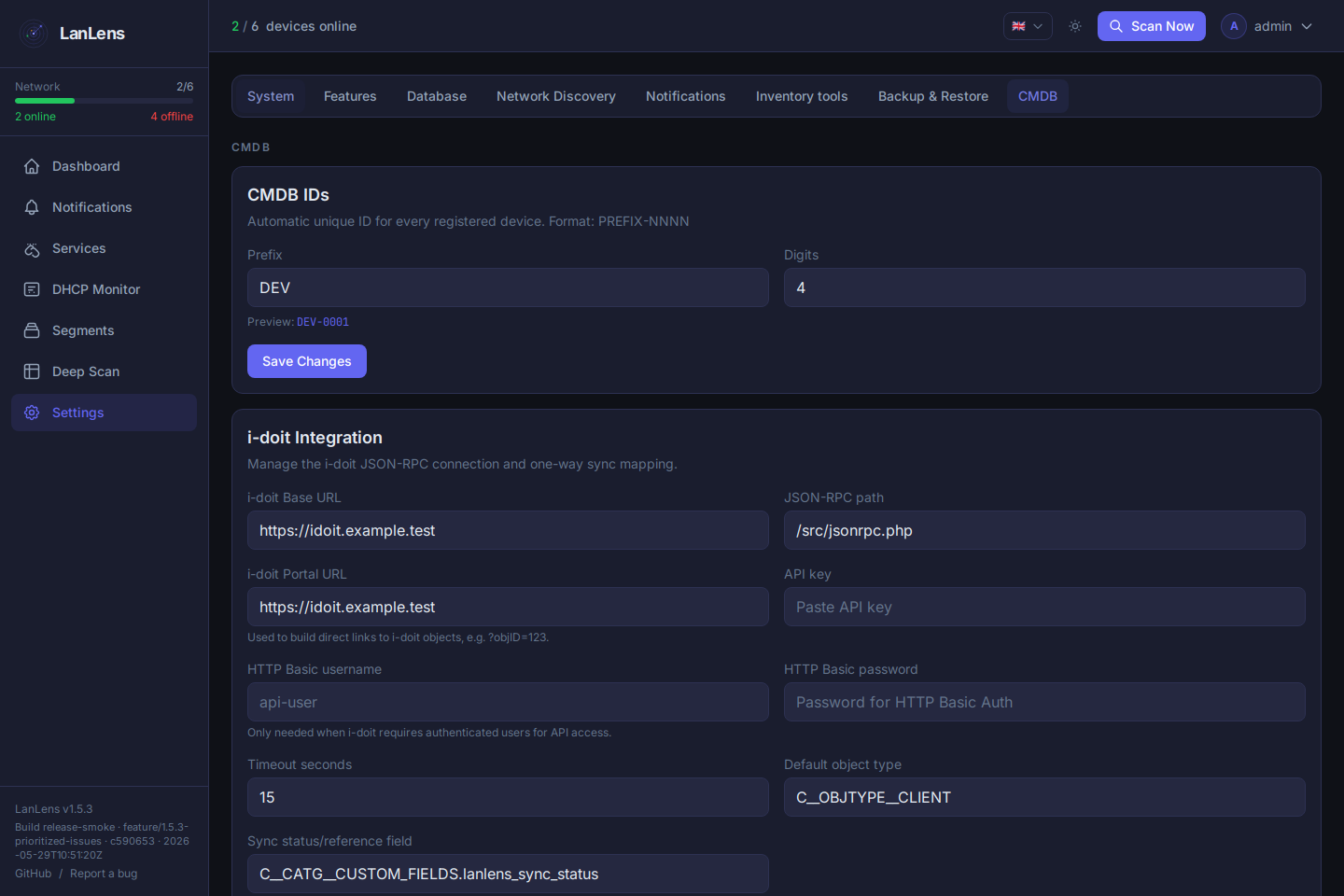 |
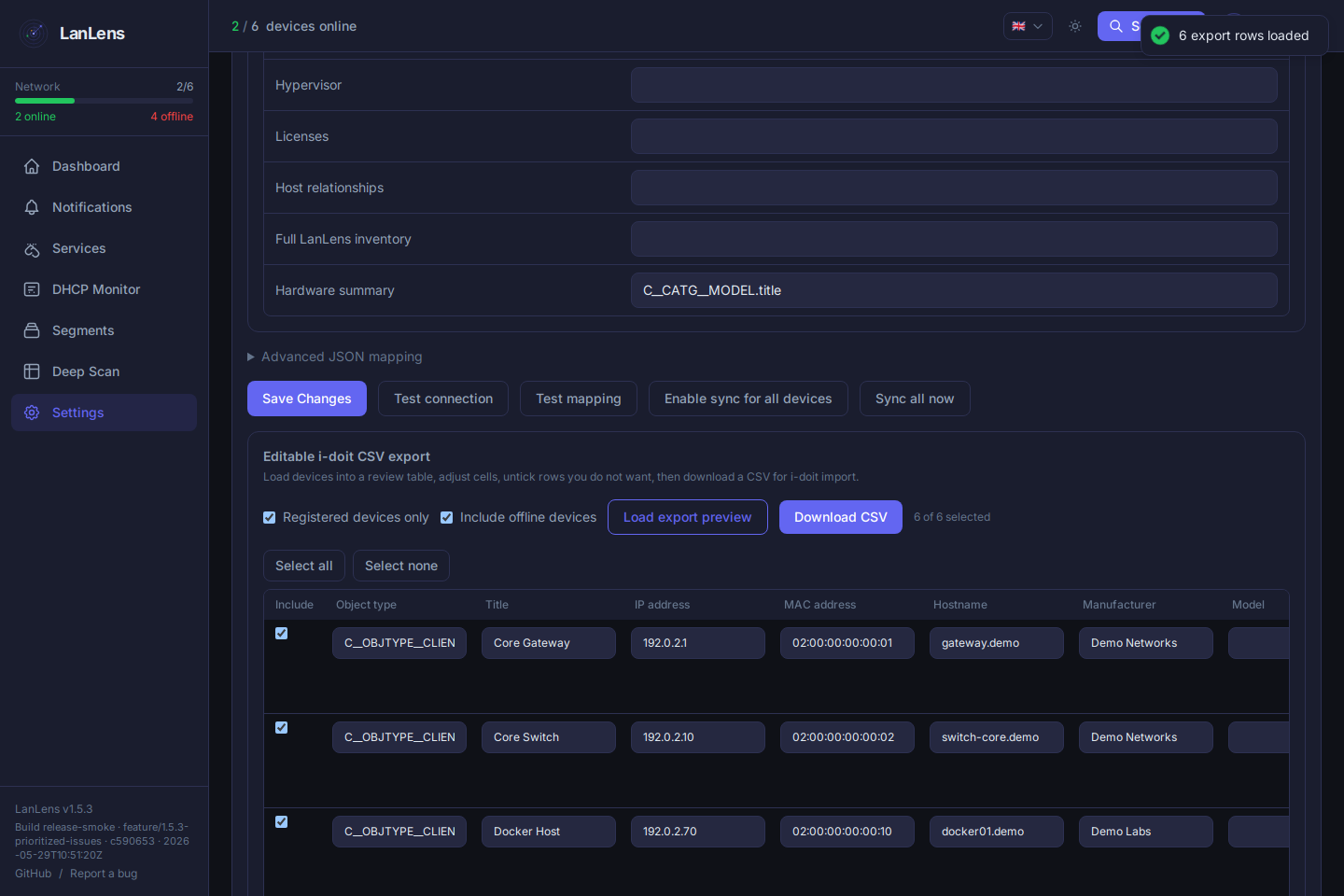 |
- Docker 20.10+
- Docker Compose v2
- Linux host recommended for direct ARP scanning
curl -O https://raw.githubusercontent.com/AlexRosbach/LanLens/main/docker-compose.ymlpython3 -c "import secrets; print(secrets.token_hex(32))"Replace CHANGE_THIS_TO_A_LONG_RANDOM_STRING in docker-compose.yml with the generated value, then start LanLens:
docker compose up -dOpen:
http://<your-host-ip>:7765
Default first-run credentials:
admin / admin
LanLens forces a password change after the first login. For full MAC/vendor discovery, run it on a Linux host with host networking as shown in the compose file.
LanLens uses network_mode: host by default because local ARP discovery needs raw network access on the host interface. Bridge mode can serve the UI, but direct ARP/MAC discovery will not work the same way.
Core runtime settings:
| Variable | Default | Purpose |
|---|---|---|
SECRET_KEY |
required | Encryption/signing key; set a strong random value |
DEFAULT_ADMIN_PASSWORD |
admin |
Initial admin password when no user exists |
LANLENS_PORT |
7765 |
HTTP port exposed by nginx |
BACKEND_PORT |
17765 |
Internal FastAPI port behind nginx |
DB_PATH |
/data/lanlens.db |
SQLite database path |
TZ |
UTC |
Container timezone |
For HTTPS, external databases, Scan Nodes, deep scan permissions, CMDB/i-doit, SNMP, backups, and troubleshooting, use the technical documentation.
- Technical documentation: architecture, deployment, configuration, API, scanning behavior, deep scan, CMDB/i-doit, SNMP, external databases, and development notes
- Knowledge Base / FAQ: common setup errors, scanning behavior, i-doit/CMDB troubleshooting, and Scan Node notes
- Security Policy: vulnerability reporting and supported versions
Docker images are published at alexrosbach/lanlens. Use the compose file in this repository for the expected host-network deployment model and required environment variables.
Project updates and occasional build notes are posted on X / @itneedtoknow.
LanLens is free and open source. If it helps you or saves you time, you can support ongoing development voluntarily. Support does not buy support priority, features, or access.

Backend:
python3 -m venv .venv
source .venv/bin/activate
pip install -r backend/requirements.txt

export SECRET_KEY=dev-secret-key-at-least-32-chars-long
export DB_PATH=./data/lanlens.db
mkdir -p data

python backend/cli/init_db.py
python backend/cli/init_admin.py
uvicorn backend.main:app --reload --port 8000
Frontend:
cd frontend
npm install
npm run devMIT License, see LICENSE.
Dependency note: LanLens uses GPL/LGPL and dual-licensed libraries for network discovery and remote connectivity features. See THIRD_PARTY_NOTICES.md before redistributing bundled builds or Docker images.