Repository navigation
4. User Guide
If you have installed the UniBoxServer like decribed before you are able to request the login mask via http://server:port/UniBox.
Log in using your login credentials:
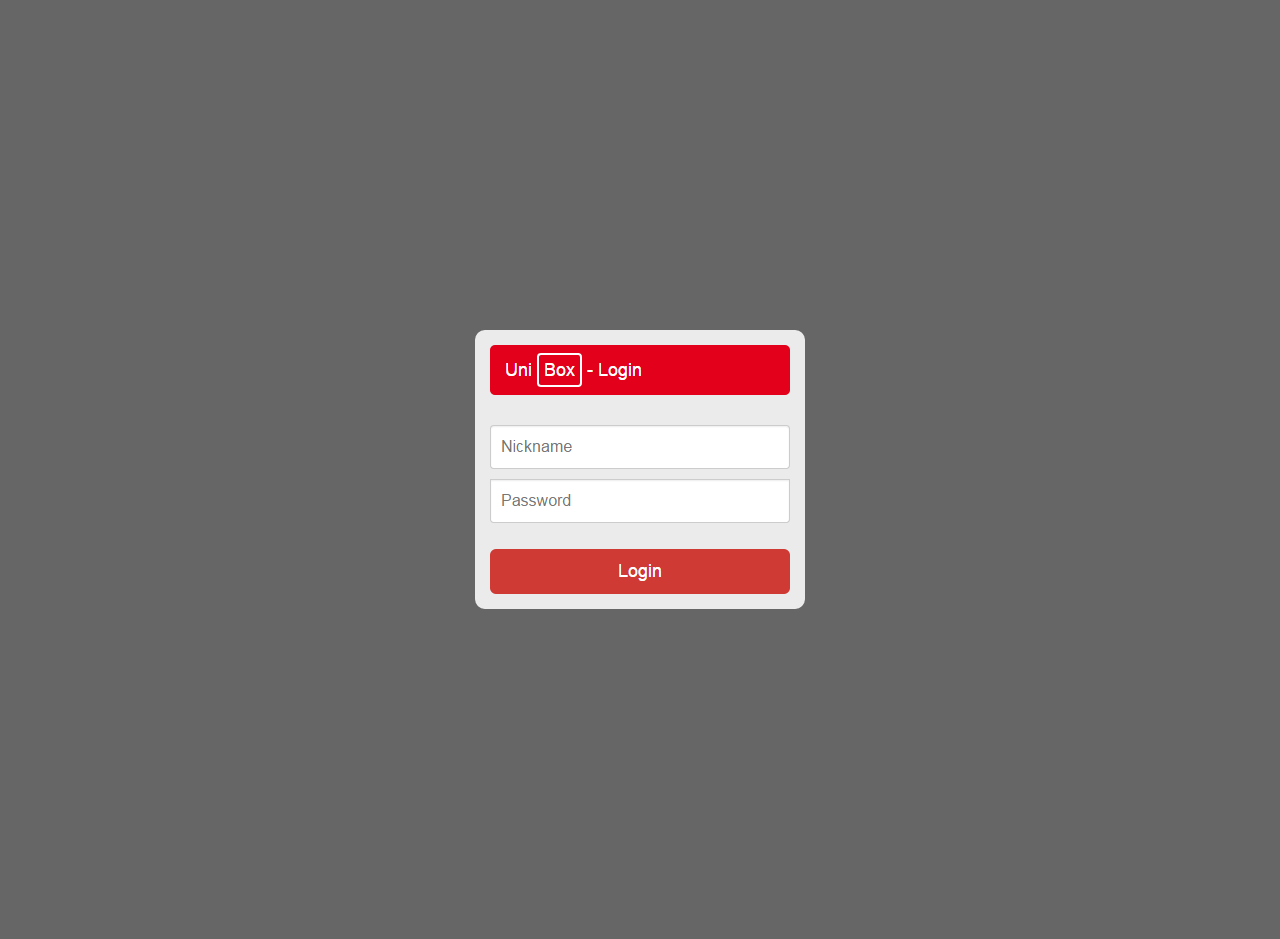
If you can see the Dashboad. Good job!
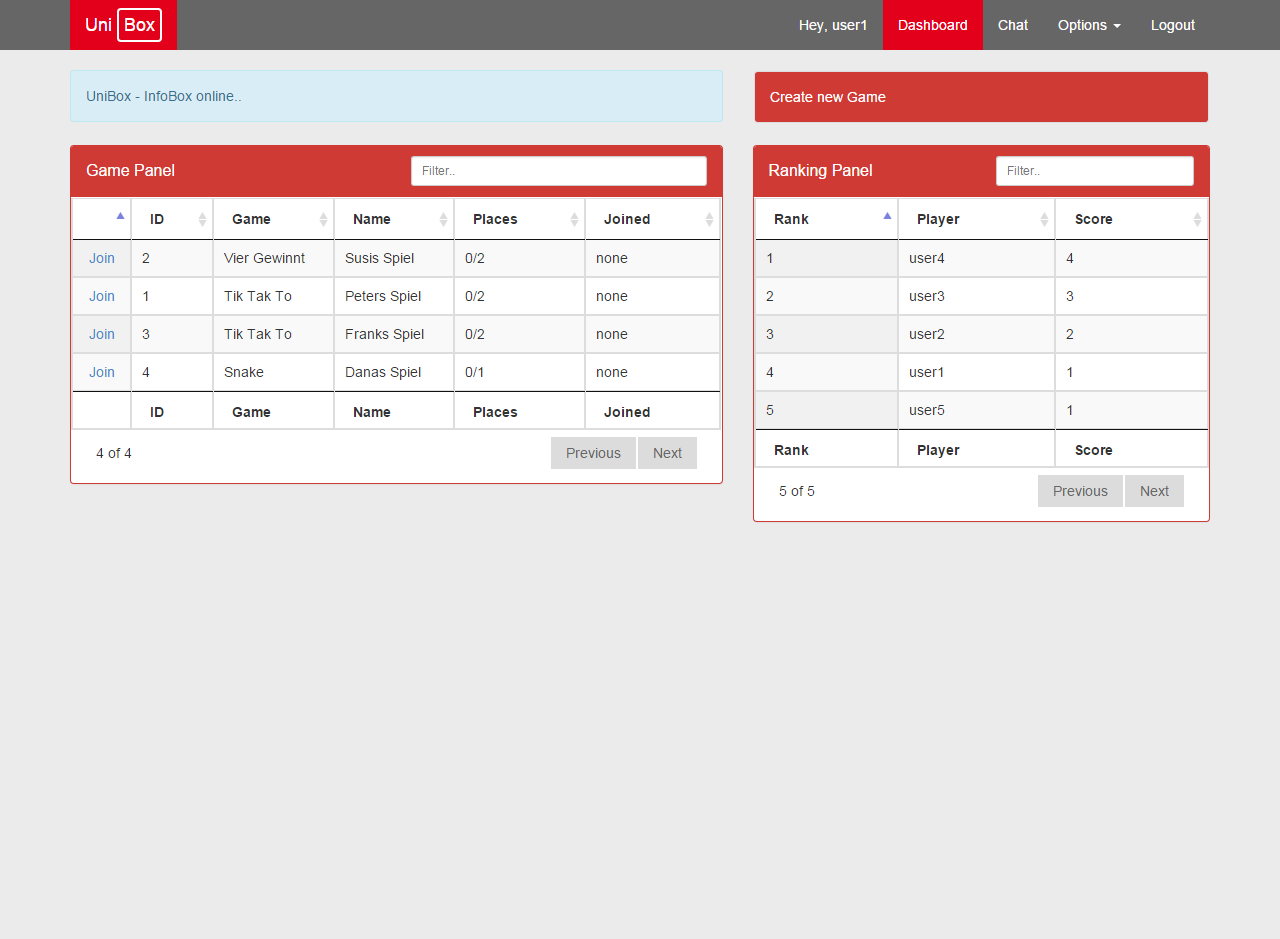
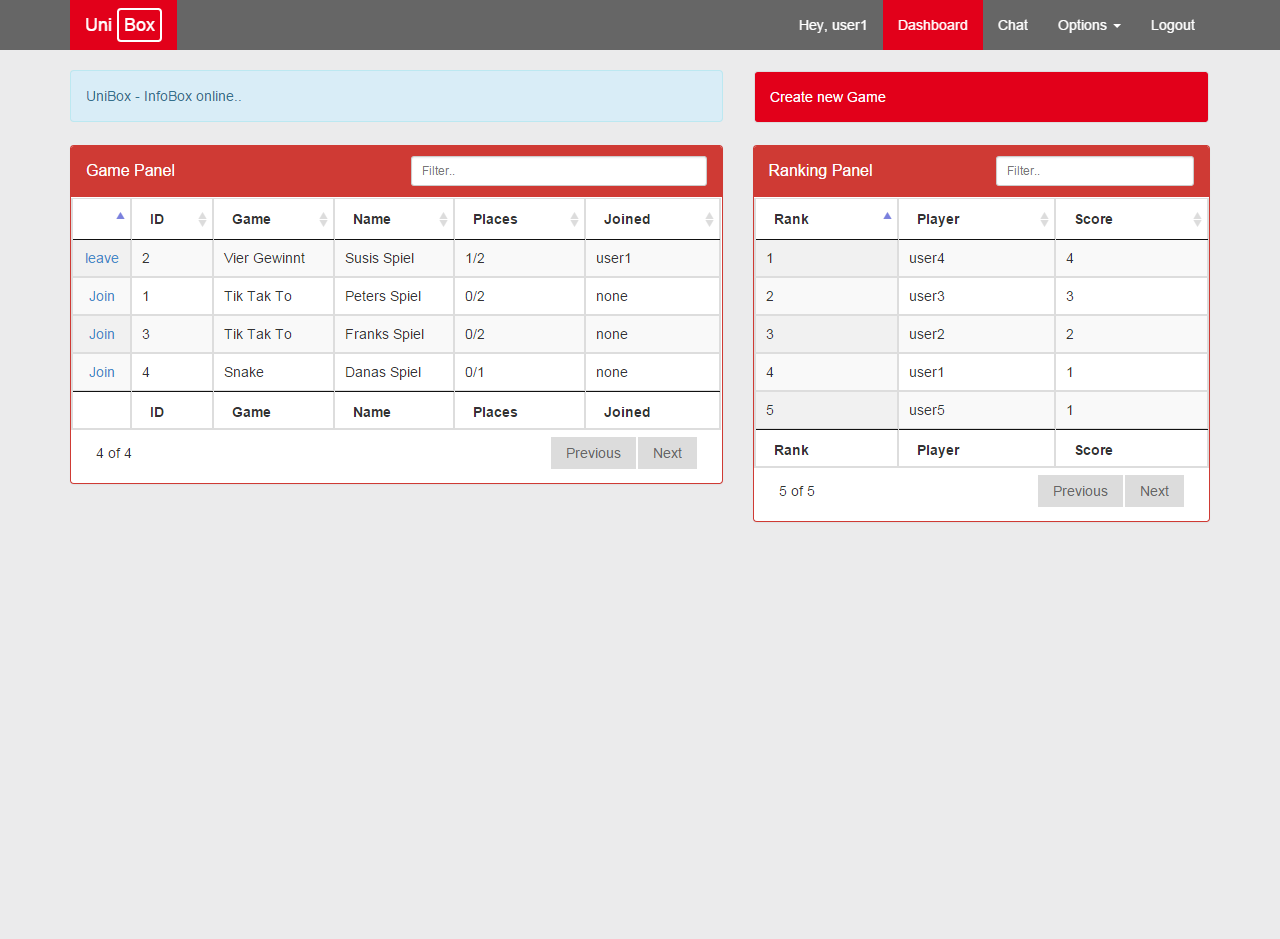
On the dashboard view you can create, join or leave games via the Game Panel. You can see actual rankings stats with the Ranking Panel. Each Panel got input and column filters to find a certain entity fast, even in pagination mode.
First of all you should change your password. There is a options pane in the right top corner:
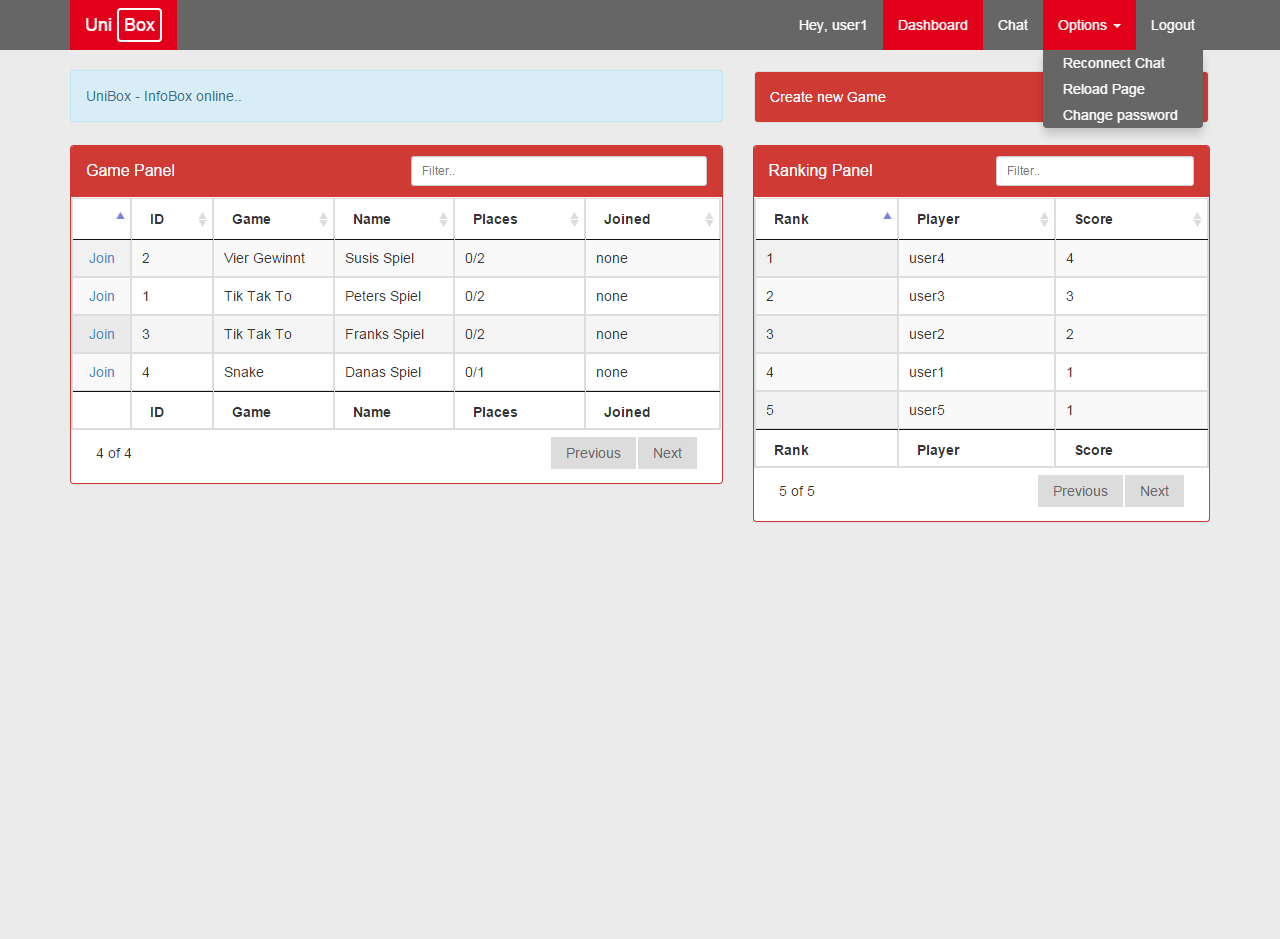
Hit change password to open the formular:
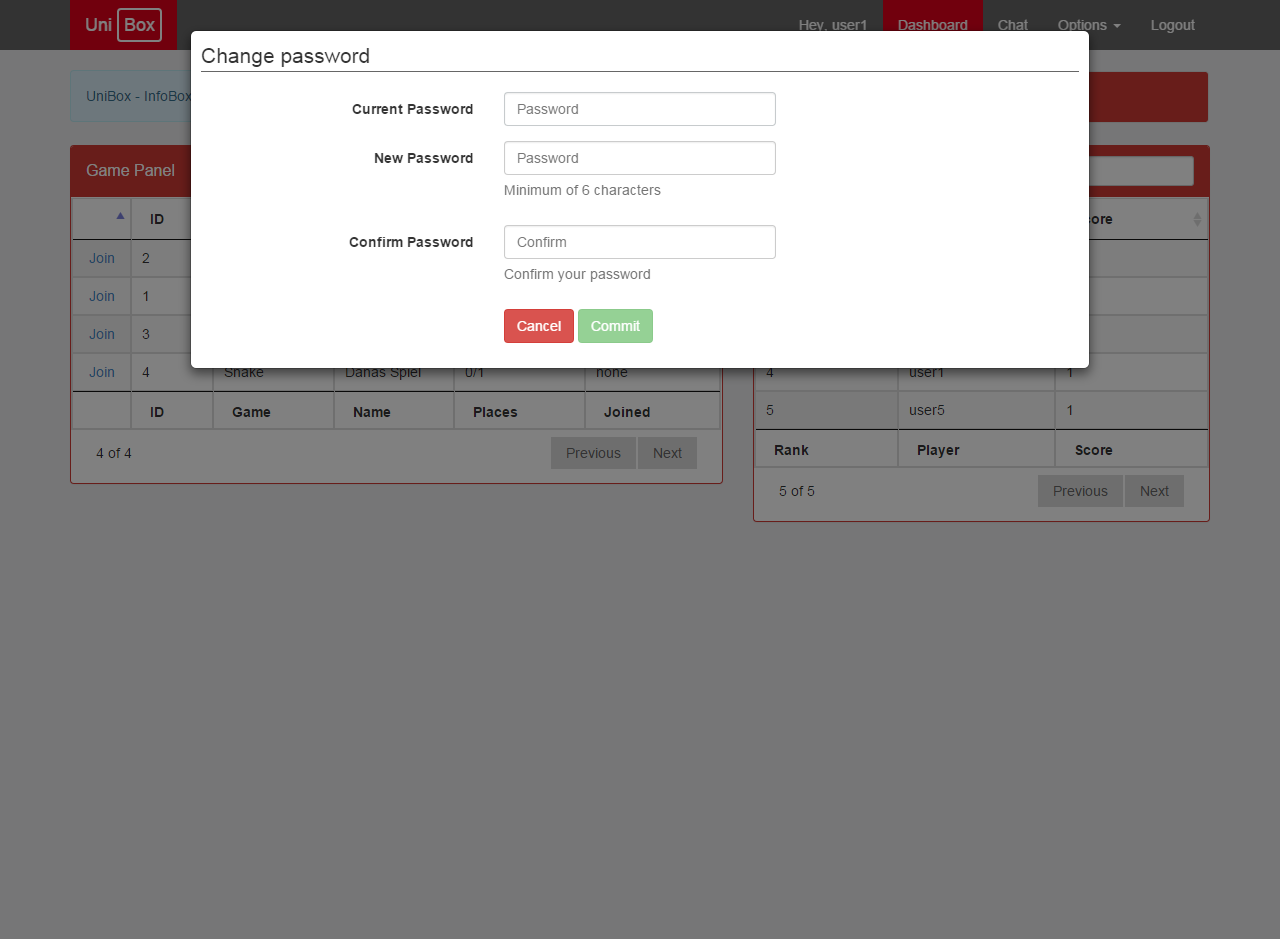
Fill out the formular and hit the Commit Button to confirm your request.
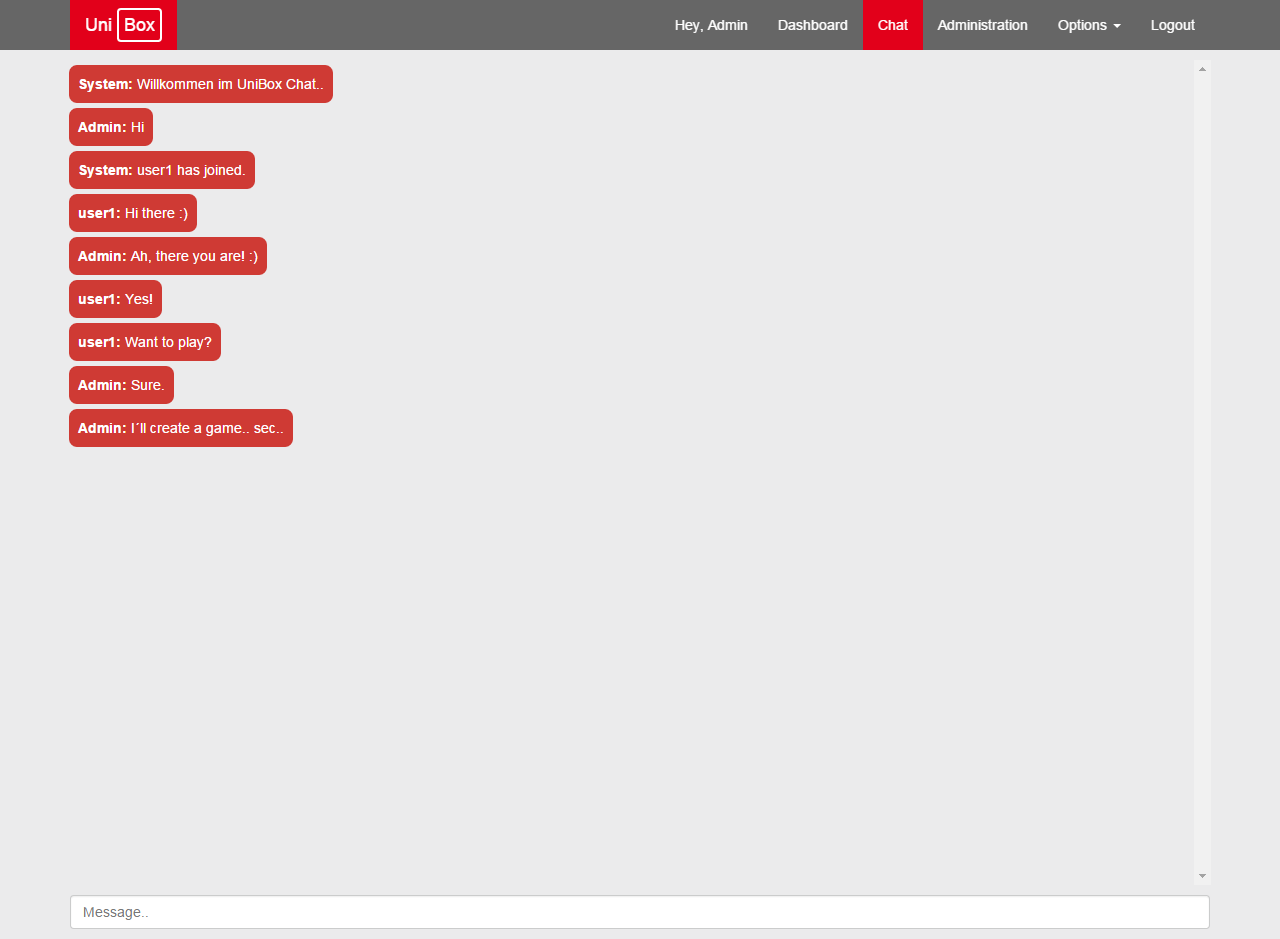
After that you can give the chat function a try:
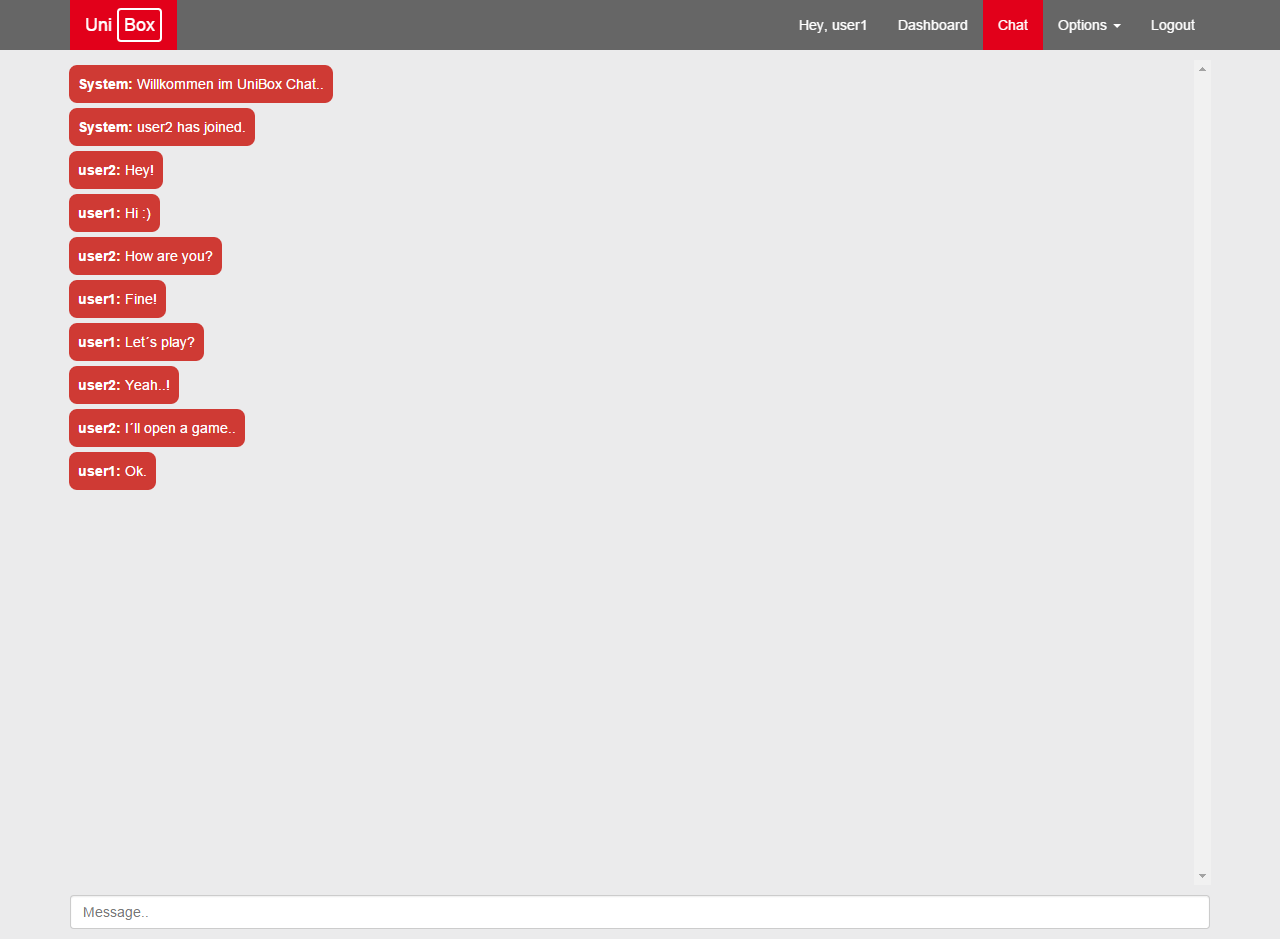
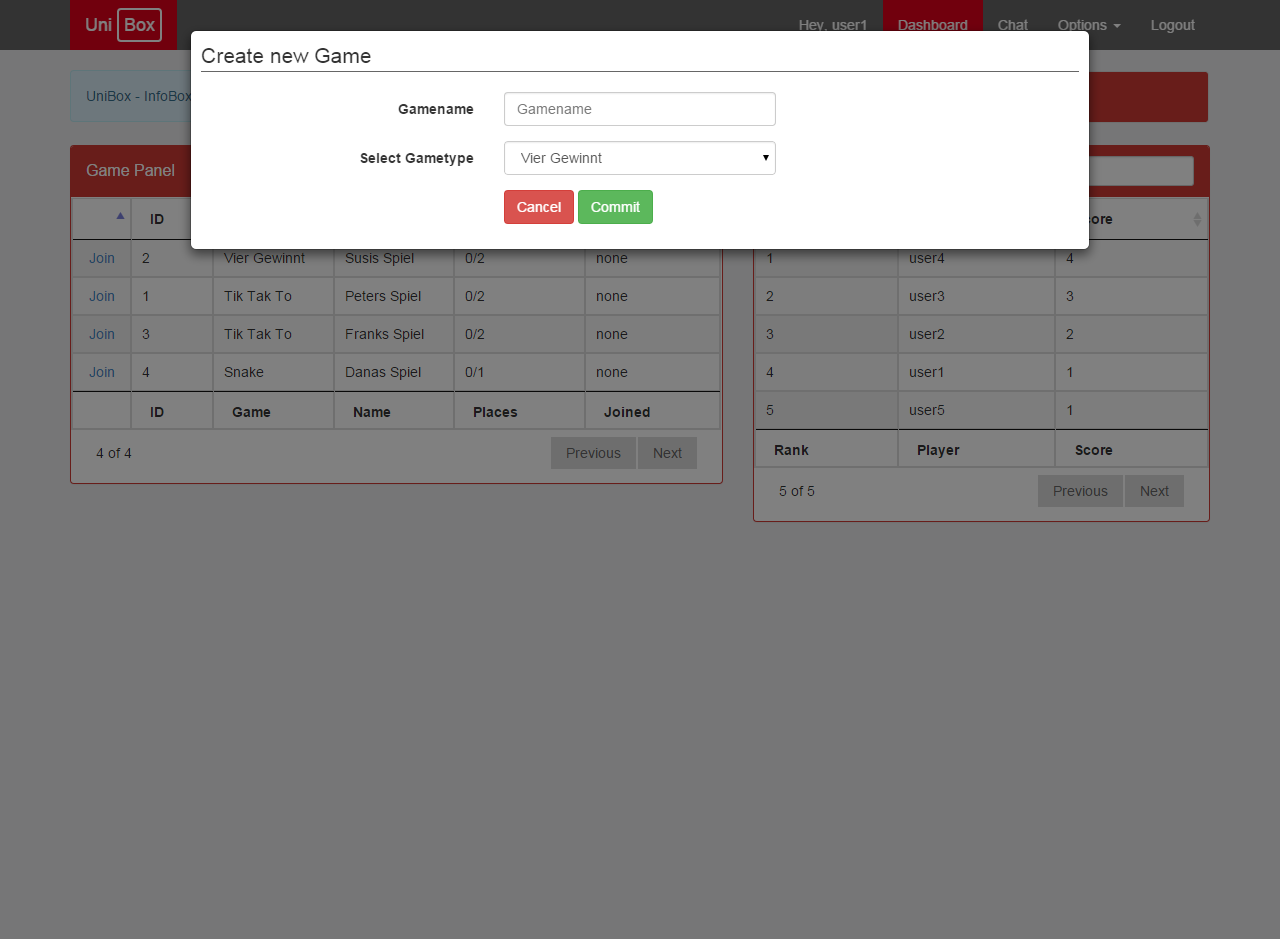
You can create a new game:
Or join an existing one:
Default Administrator Credentials:
| Username | Password |
|---|---|
| Admin | user |
As you are logged in with an Admin Account you got an extra option tab in the right top corner:
- Dashboard
- Chat
- Administration
- Options
- Logout
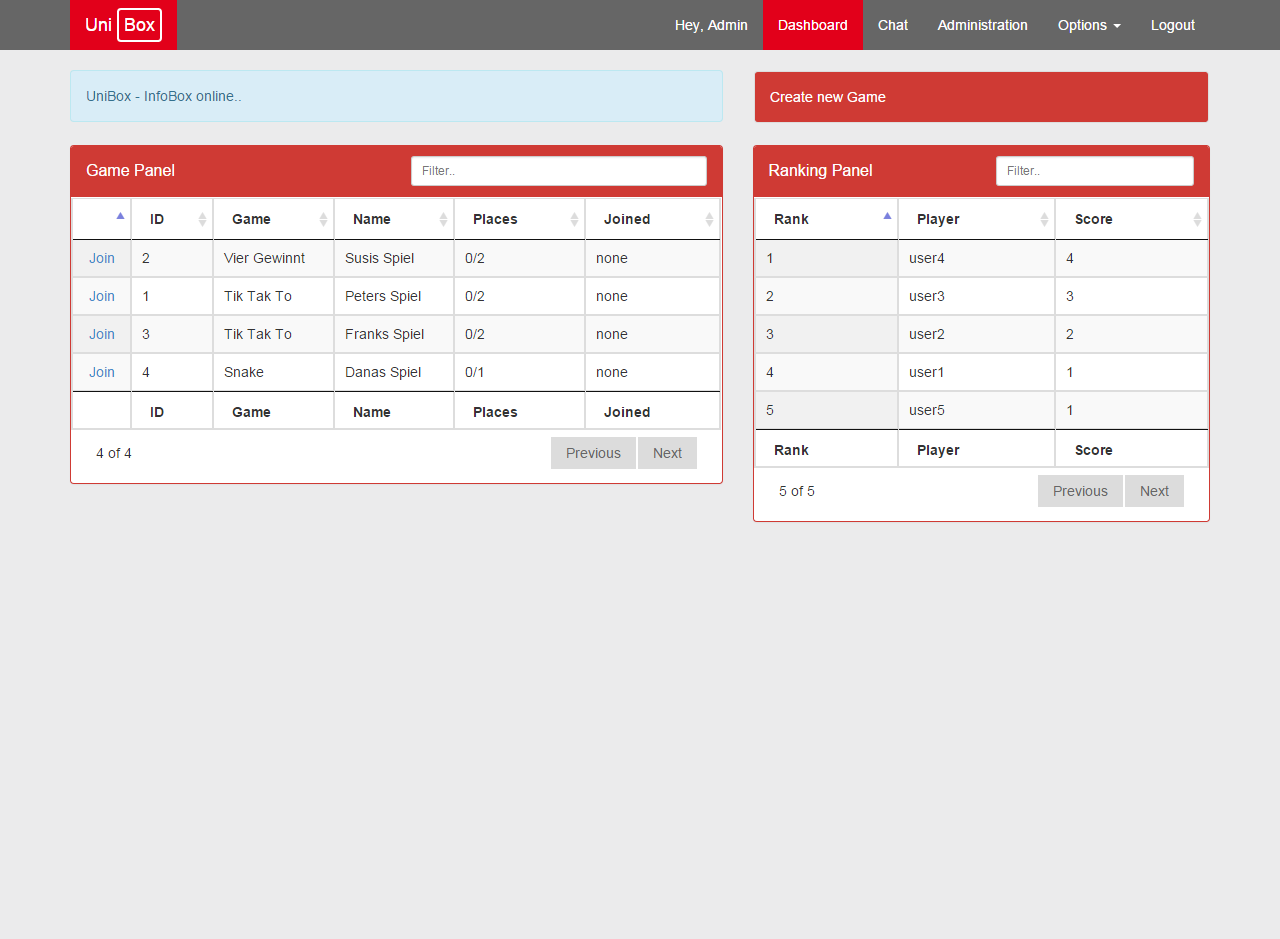
Admin´s can chat as well:
As you click on the Administration Tab in the right top corner:
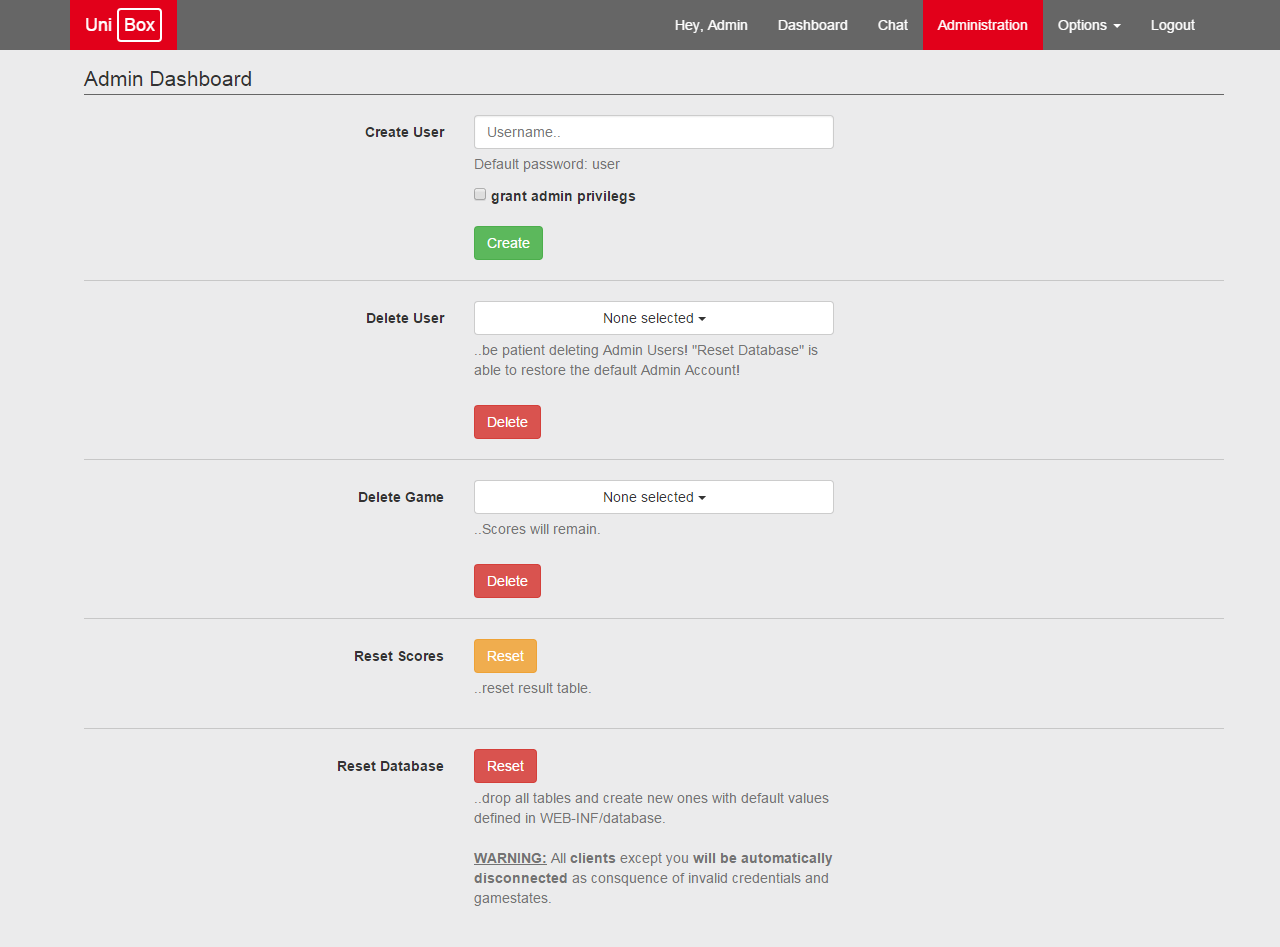
You are able to:
- Create Users (even with admin-rights)
- Delete (multiple) Users
- Delete (multiple) Games
- Reset Highscores (global)
- Reset Database (global)
Note: Please read the instructions displayed on that page carefully. They have direct and maybe heavy impacts on the functionality of unibox.