
Abora OS EVEREST 4.0
Screenshots
 |
 |
 |
 |
What's New?
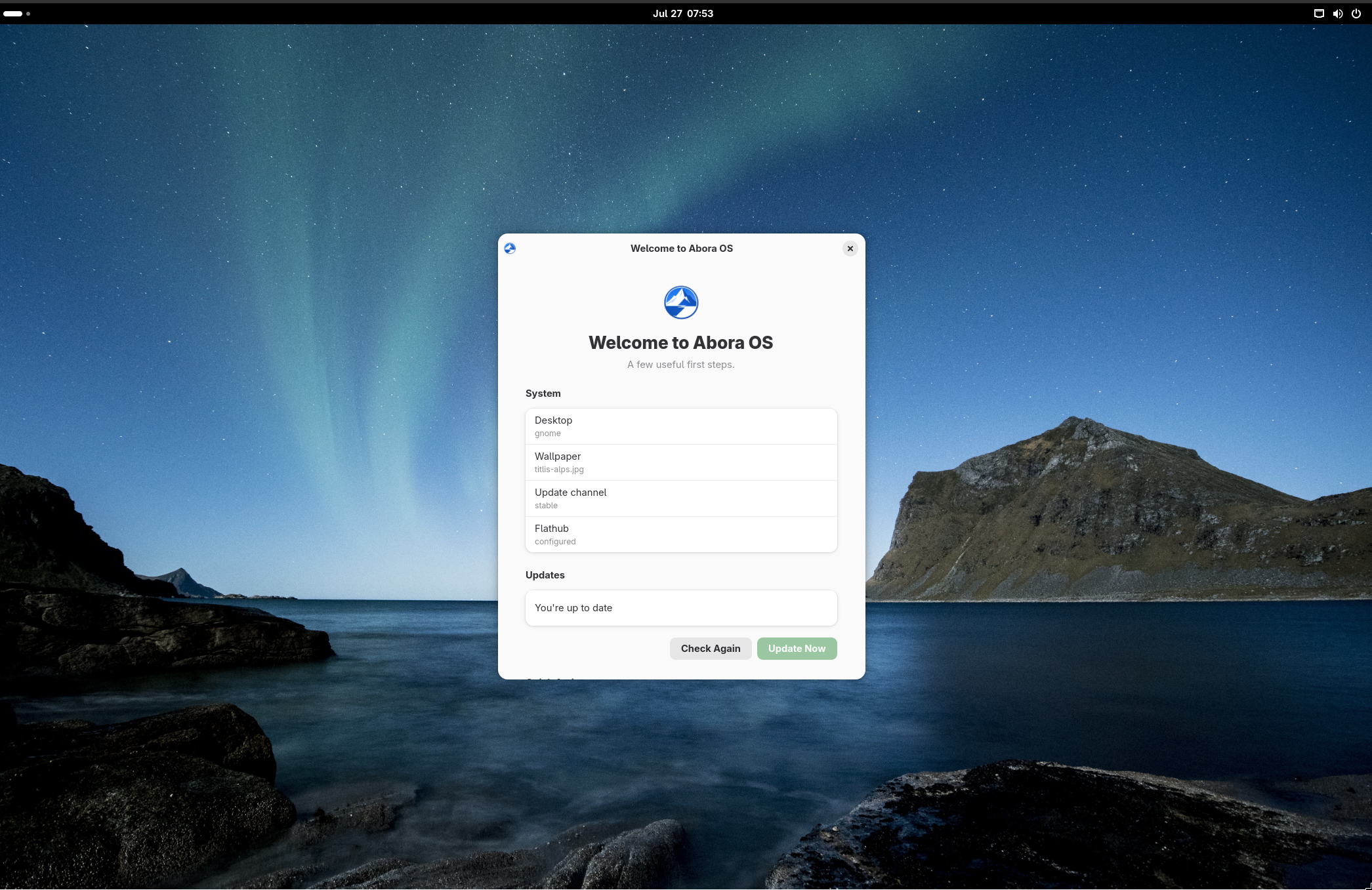
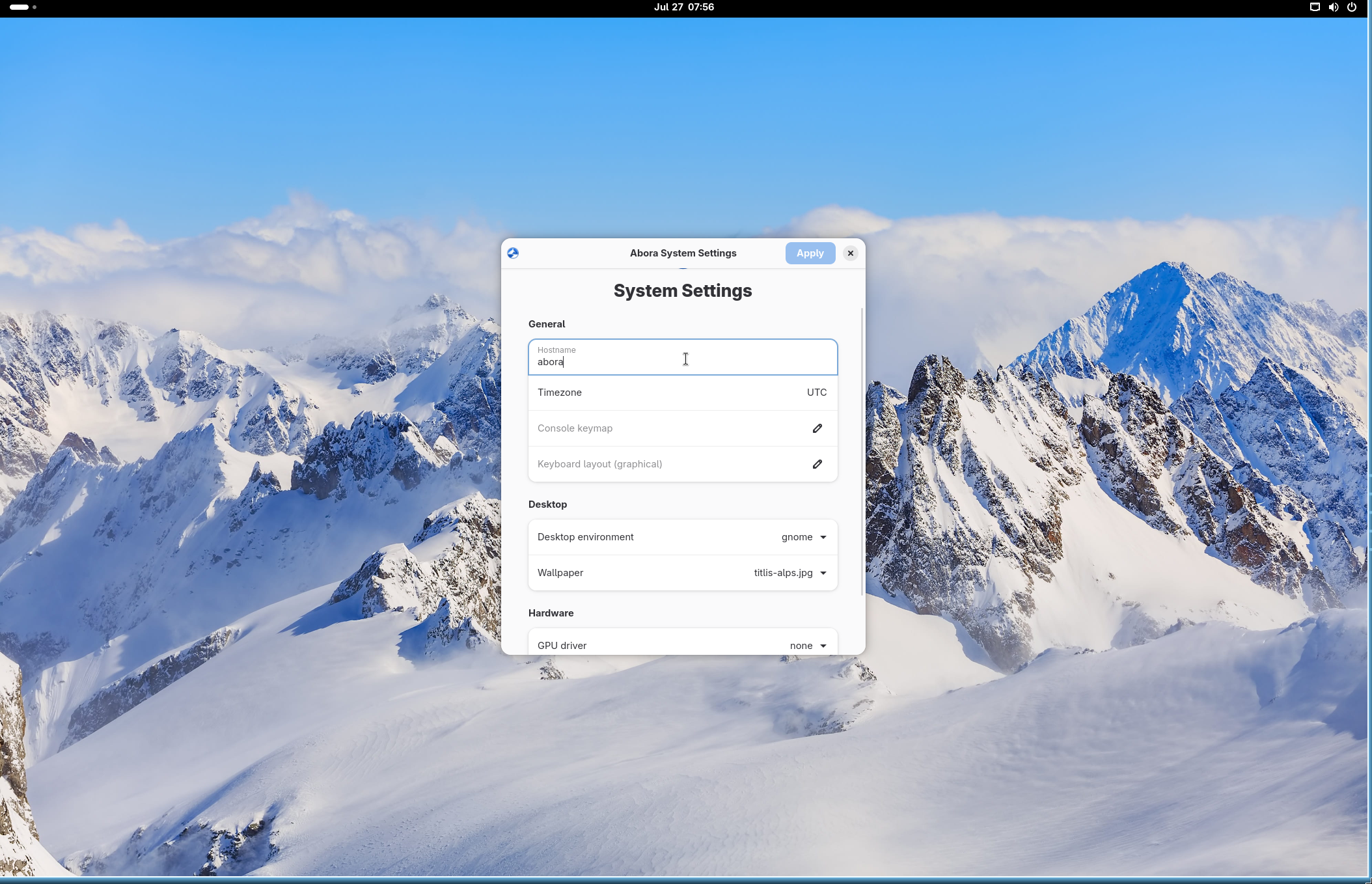
Big one this time. 5 editions now instead of one giant ISO, real GPU driver picking so you're not stuck guessing what your NVIDIA card wants, and ANIX can finally read config written in something other than its own language (MKO or ModuCPP if you're into that). Also shipped our first two actual GUI apps, welcome screen and a settings editor, both just thin wrappers over the CLI so you're never locked into clicking buttons.
Also quietly fixed a Wi-Fi bug that's been breaking installs on some laptops, a disk-safety issue in the installer, and a couple ANIX bugs that were more serious than they looked. Details below.
Changelog:
Multi-edition ISOs
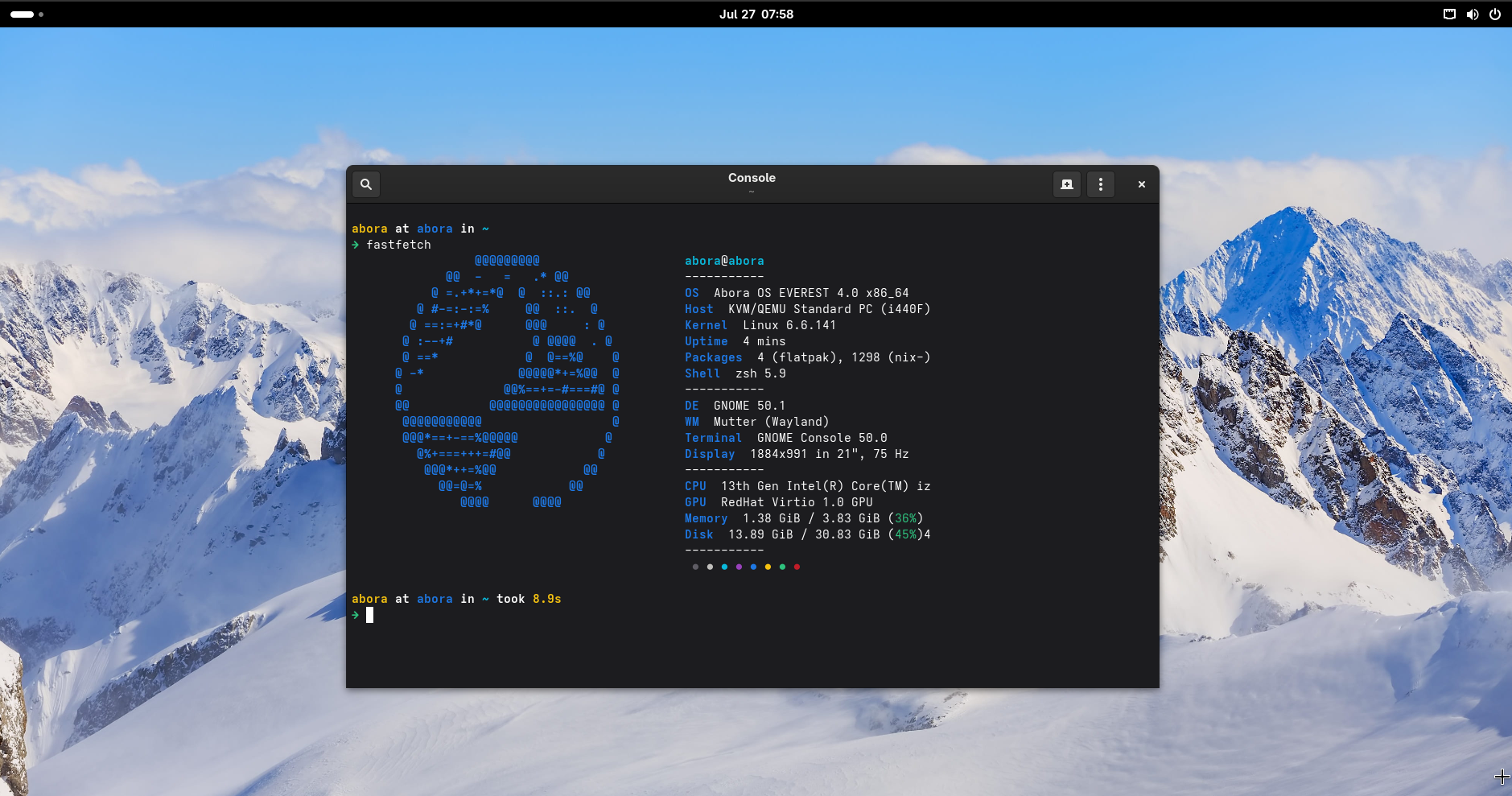
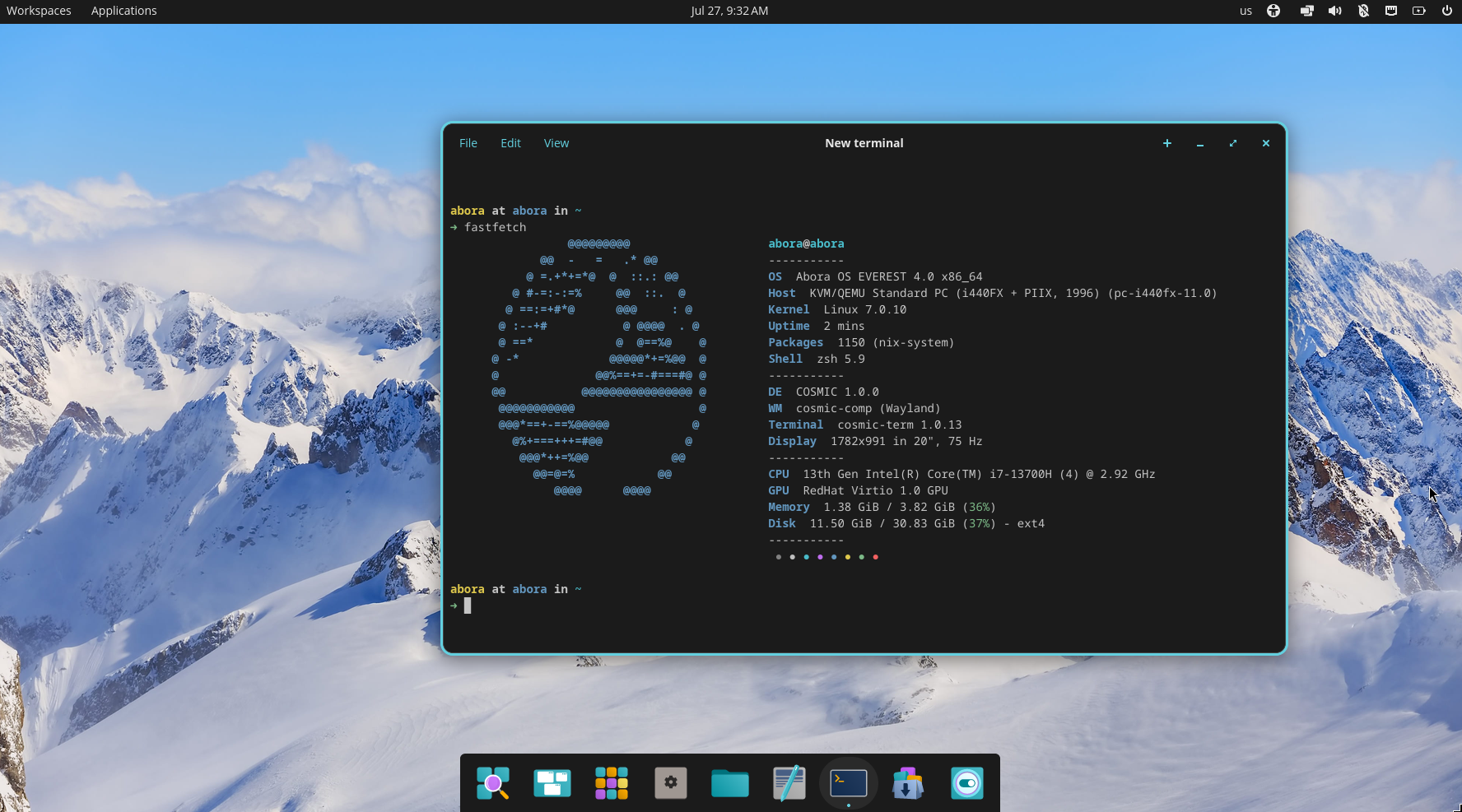
- 5 editions now: Cosmic, Hyprland, GNOME, KDE, and Other (console-first, all 23 desktops available at install)
- every edition still has the full desktop matrix, the edition just picks what the live session boots into by default
make iso-allbuilds all of them at once
GPU driver support
- new
abora.gpuoption: nouveau, nvidia, nvidia-open, amdgpu, intel, or none - installer checks your GPU with lspci and picks sane defaults, NVIDIA cards default to nouveau (no license popup, just works)
- change it later with
abora config set gpu nvidia && abora config apply
ANIX v2
- configs can be written in ANIX Native, MKO, or ModuCPP now, all get turned into the same plan under the hood
anix language list/anix run/anix diff-plan/anix apply-plan- diff-plan tells you ADD/CHANGE/SAME per setting before you touch anything, no matter which language you wrote it in
First GUI apps
abora welcome-gui— status card + update check + the same quick actions as the terminal version, opens once on first loginabora config-gui— settings editor for hostname, timezone, keyboard, desktop, wallpaper, GPU- both just call the existing CLI scripts, nothing GUI-only
abora update --checkif you just want to know if there's an update without installing it
Carried over from 3.14
- 23 desktops, 7 starter app bundles, TinyPM v4, the TUI installer, Limine + Plymouth, NetworkManager/Bluetooth/firmware stuff, Flathub auto-added on first boot
Fixes since release
- live ISO Wi-Fi: a setting was quietly blocking wpa_supplicant from ever registering over D-Bus, some cards would just sit at "unavailable" forever. installed systems were never affected, just the live/installer environment
- installer won't let you pick the boot USB itself as the install target anymore
anix package removeactually removes packages now (the regex was broken, it was silently a no-op)- every anix set/apply-plan/run is atomic now, either the whole plan lands or none of it does
- fixed a leftover
denalicodename showing up in/etc/os-releaseon 4.0 builds, says everest now
3.14
Abora DENALI 3.14 was the installer/identity/tooling release. Still the foundation everything above builds on:
- the Omarchy-style TUI installer with the boxed UI
- config gets validated before nixos-install runs
- Abora branding everywhere (bootloader, Plymouth, wallpapers, fastfetch)
- ANIX v1 (snapshots, diff/test/boot/switch/rollback)
- TinyPM v4
- 23 desktops selectable at install, COSMIC and MangoWM both added this release
- desktop matrix gets checked in CI so we don't ship a broken profile
Other
- MINT (the Go/Bubble Tea installer front-end) is built but not wired up as the default yet, that's on hold for now
- if you hit an install issue,
abora-support-reportorabora-hardware-test --with-reportbefore asking, saves everyone time - as always,
stablechannel tracks tagged releases,unstabletracks main if you like living dangerously
This is the first Alpha release of v4 Everest!
- While this is an Alpha release, it is fully usable for testing and day-to-day use.
- You may still encounter bugs, unfinished features, or changes as development continues.
- We recommend using it if you want to try the latest features and help improve Abora OS by reporting issues.