Railway Signals
The mod includes a set of track signals inspired by real railway signalling. They are all found in the "Rodalies: Signals" creative tab and are crafted from the Base block (see Crafting).
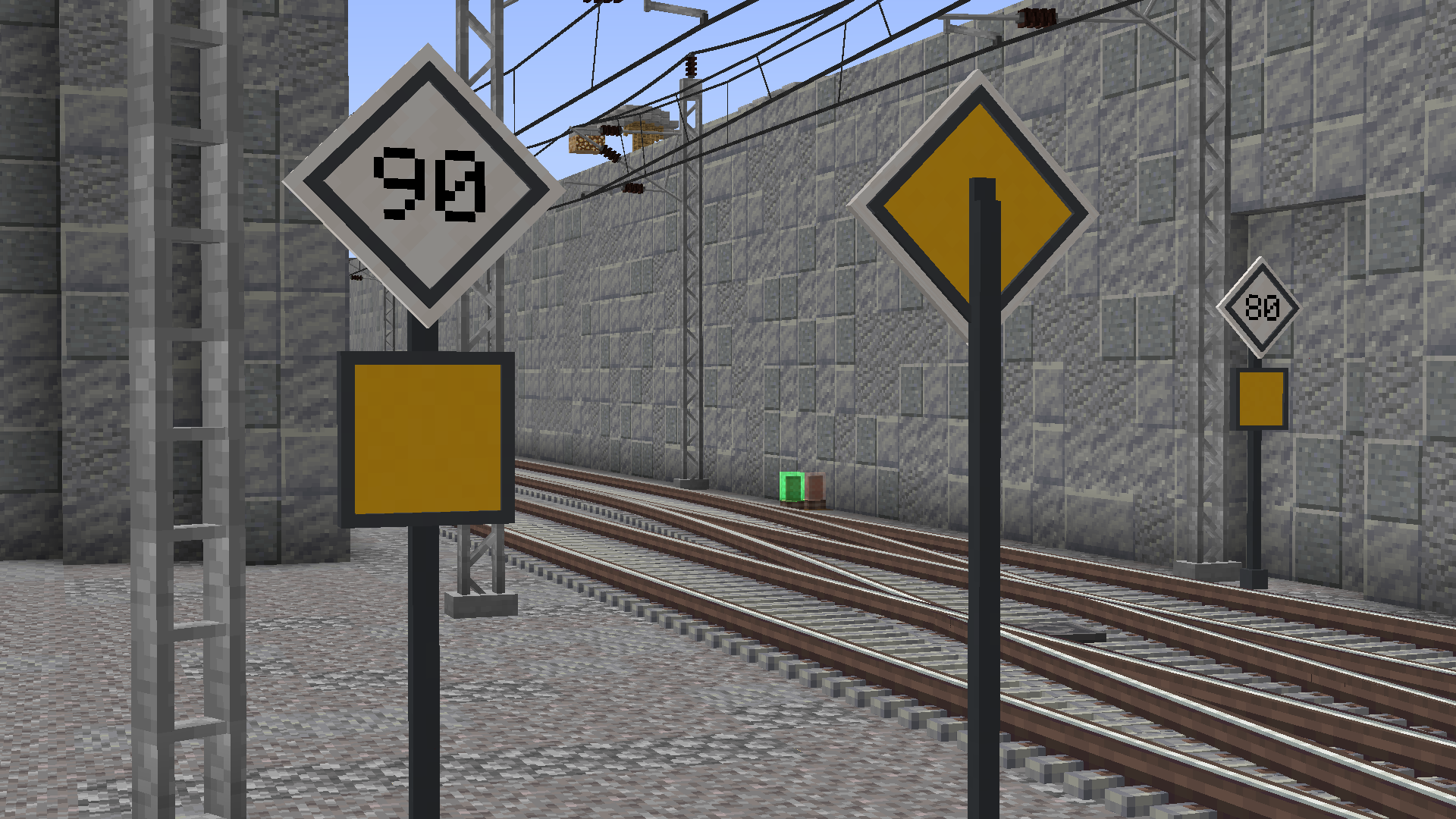
| Signal | Appearance | Editable text | Short version |
|---|---|---|---|
| Speed signal | White diamond, black digits | Yes (1–3 digits) | Yes |
| LTV (temporary speed restriction) | Yellow diamond, black digits | Yes (1–3 digits) | Yes |
| End of LTV | Yellow square | No | Yes |
| Warning sign | White square | Yes (up to 2 lines) | Yes |
| Halt sign | Dedicated panel | No | Yes |
| Whistle sign | Dedicated panel | No | Yes |
| Immediate-stop sign | Dedicated panel | No | Yes |
| Platform-number sign | Grey panel | Yes (up to 3 characters) | — |
LTV (Limitación Temporal de Velocidad) is the Spanish term for a temporary speed restriction; the block keeps that name in game.
The platform-number sign and the station signs are documented under Decorative Blocks as they are platform signage.
Most signals exist in two heights:
- Full — tall post. The model takes up one extra post cell below the sign.
- Short — post trimmed by one cell. It is placed directly at panel height, useful when you do not want the full post.
Both versions share the same panel appearance; only the post height changes.
Signals with editable text (speed, LTV, warning sign and platform number) are configured by right-clicking with an empty hand:
- A screen opens to type the panel content.
- The text is backlit and stays readable in any lighting.
- The text orients itself according to the direction the signal is placed in.
Signals without text (End of LTV, halt, whistle and immediate stop) require no configuration.
The speed signal supports stacking several signals in one column, and can even be combined with an End of LTV. This behaviour is detailed in Stacking Signals.