Repository navigation
User interface
At the beginning, when the players open the application, a short video will be played (about 5 seconds) showing the logo or game developer.

Then it will move to the next screen which has 2 selections for the player to choose whether they want to play versus another player or they want to play versus the machine. At the right bottom of the screen, there are 2 small options are music and instruction.

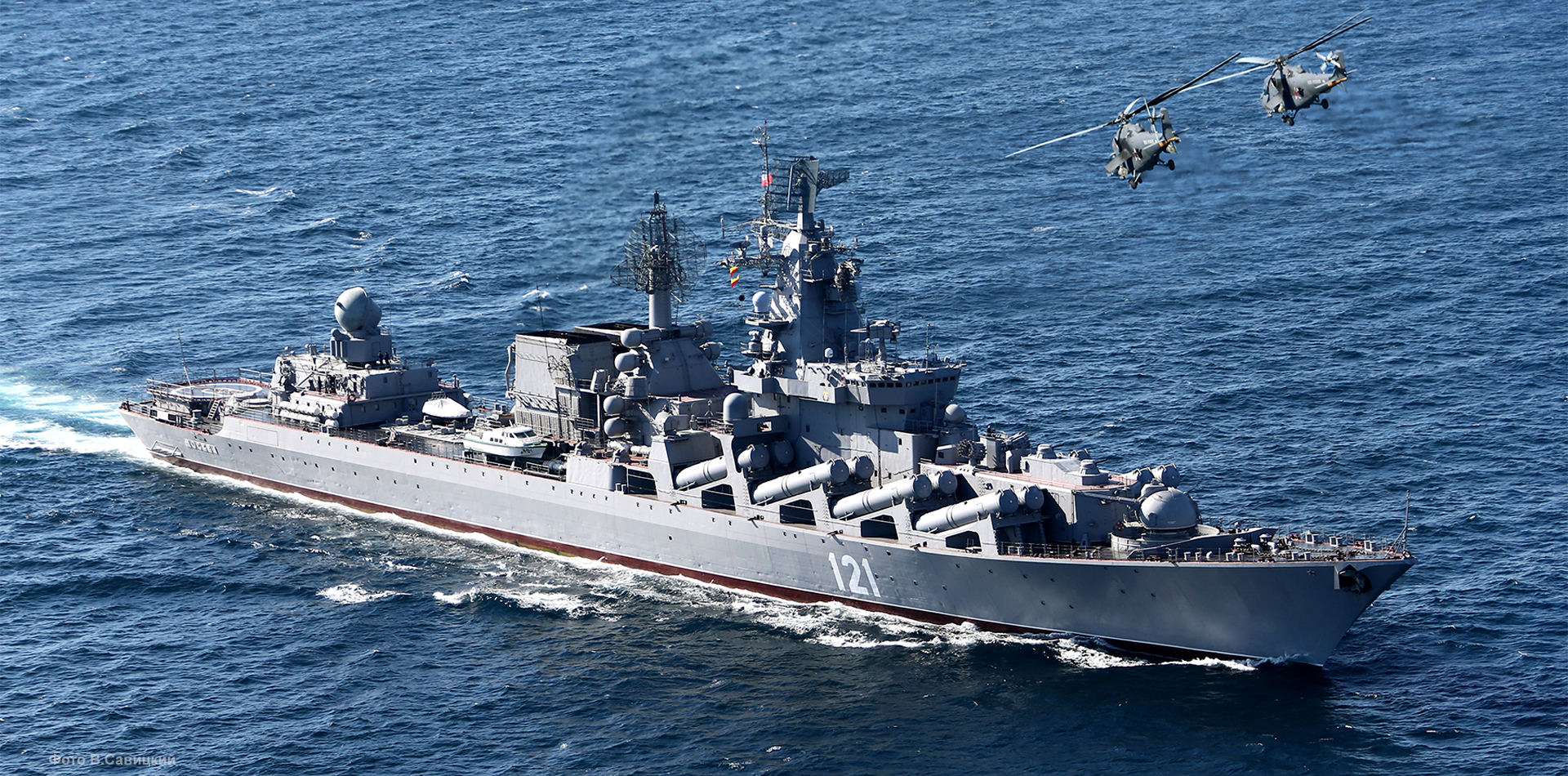
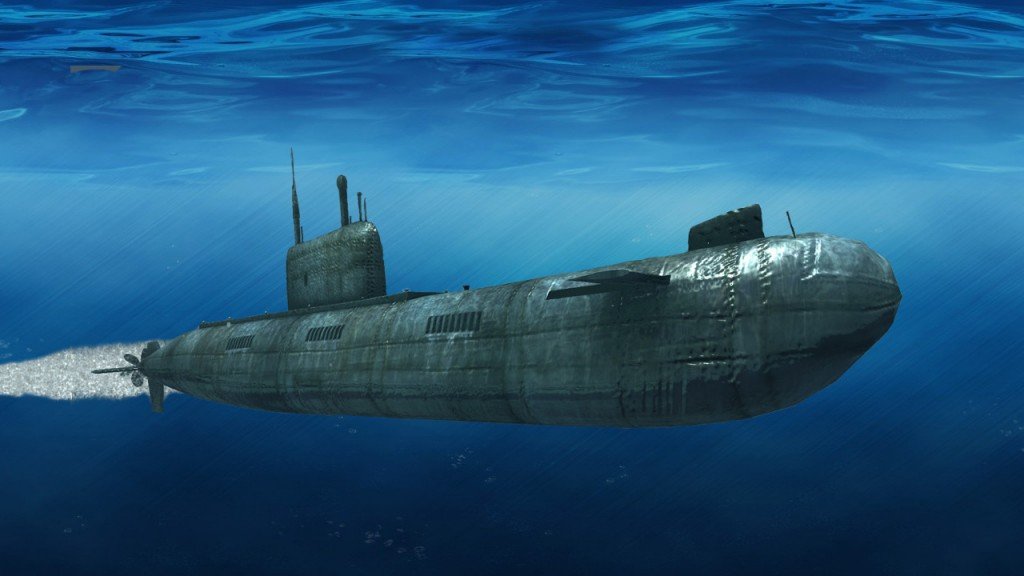
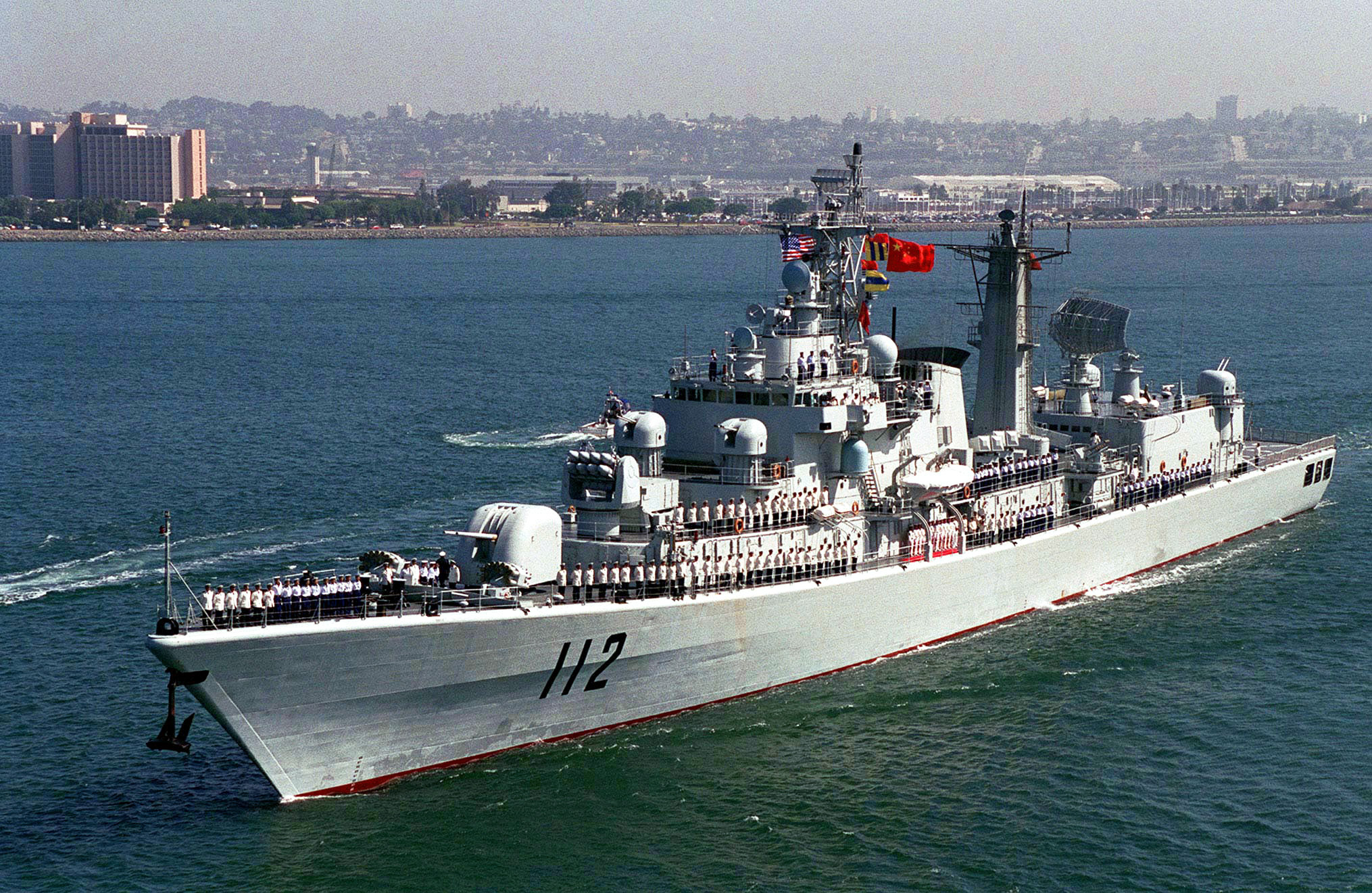
After selecting versus another player or the machine, the screen will pop up 5 battleships also how many square needed for each battleship.
The name and the square require for each battleship will be shown below:
-
Aircraft Carrier (Square require: 5)
-
Battleship (Square require: 4)
-
Cruiser (Square require: 3)
-
Submarine (Square require: 3)


5)Destroyer (Square require: 2)
The screen will pop up a map which contains 100 squares for the player to place the battleships. The example of the map is shown below:

After the player finish placing the battleships, there is a start button at the top right corner for them to click in and start playing the game. While playing the game, there will be a "PAUSE" button for the player to pause the game and an "EXIT" button to end the game straight away.

When all the battleships are destroyed, the new notification will pop up which says whether the player won or the machine won.
