
Welcome to the Simple Weather App. This App provides you the Temperature, The Feel-Like Temperature and other basic temperature-related attributes like the Atmospheric Pressure, Humidity, Visibility, Wind Speed and so on.
To provide all this information this project uses the OpenWeatherMap API to fetch all the required information needed to be displayed. OpenWeatherMap API has been used because its free-to-use and easy to understand, esp. for beginners.
To display the GUI pyedifice has been used. This library has been used because of its well-wriiten documentation and its easy to understand structure and most importantly its open-source nature. GitHub repository of PyEdifice..
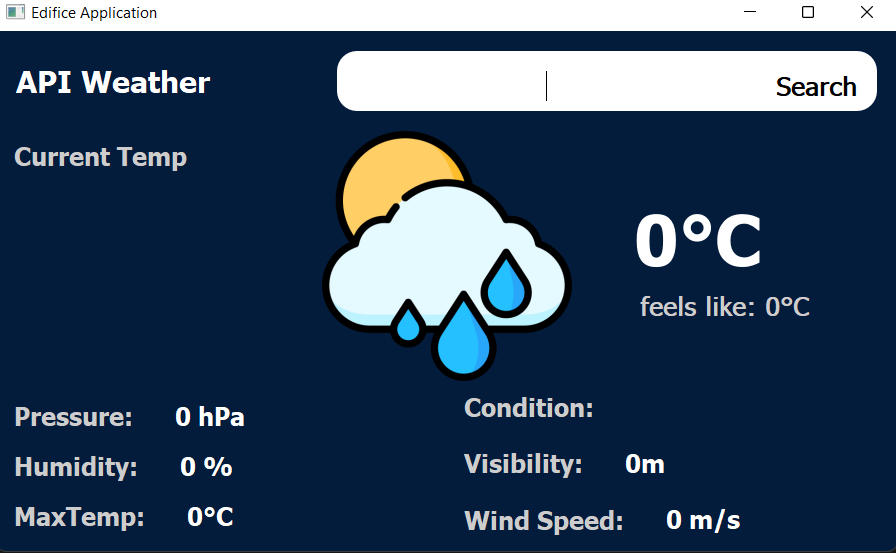
On starting the application you will see the beginning screen that looks similar to the below image:
 |
|---|
| starting page of application |
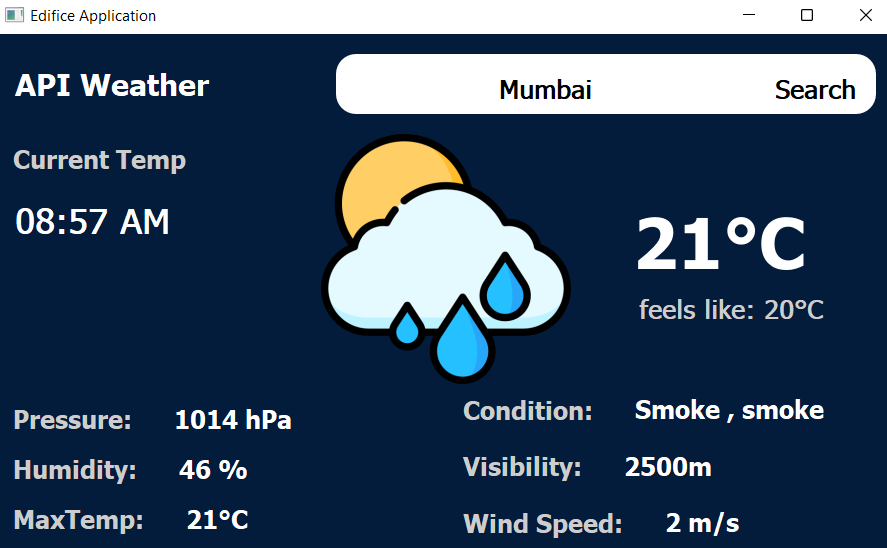
On starting this application all you need is to input the city-name in the searchbar provided on the top-right corner of the screen and press the Search button alongside the search text and VOILA! the required data will be updated on the page. The details once displayed will look similar to the below picture.
 |
|---|
| weather data display for Mumbai |
This application (at this moment) is guaranteed to run on python 3.10.9. However any version of the series Python 3.10.x could be used.
To download this application simply
-
Fork this repository using the Fork button provided on the top-right section of the screen. The on the new page select your account as the owner and press the Create Fork button. This would create a copy of this project on your GitHub account.
-
On your device open the folder where you want to download this file (can be done using the cd command eg.
cd /DirectoryWhereYouWantToInstall/) or you could also use your file manager to navigate to the desired location and right-click on the file you want to save it in and selectOpen Git Bash Here. (Note: you should previously have installed Git Bash. If not you could download it from here) -
Now just type
git clone https://github.com/<Your account name>/weather-app.git
And now the application should be installed on your local device
This application uses an API to fetch the temperature data and hence an API key is needed
-
To create one wisit OpenWeatherMap API
-
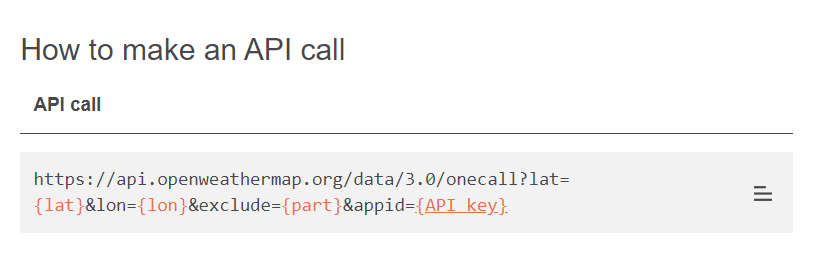
On the screen scroll down till you see a component similar to the below picture and then press the API key. It is in orange and an hyperlink.
 |
|---|
-
Then you need to create an account on this website. by entering your email and password.
-
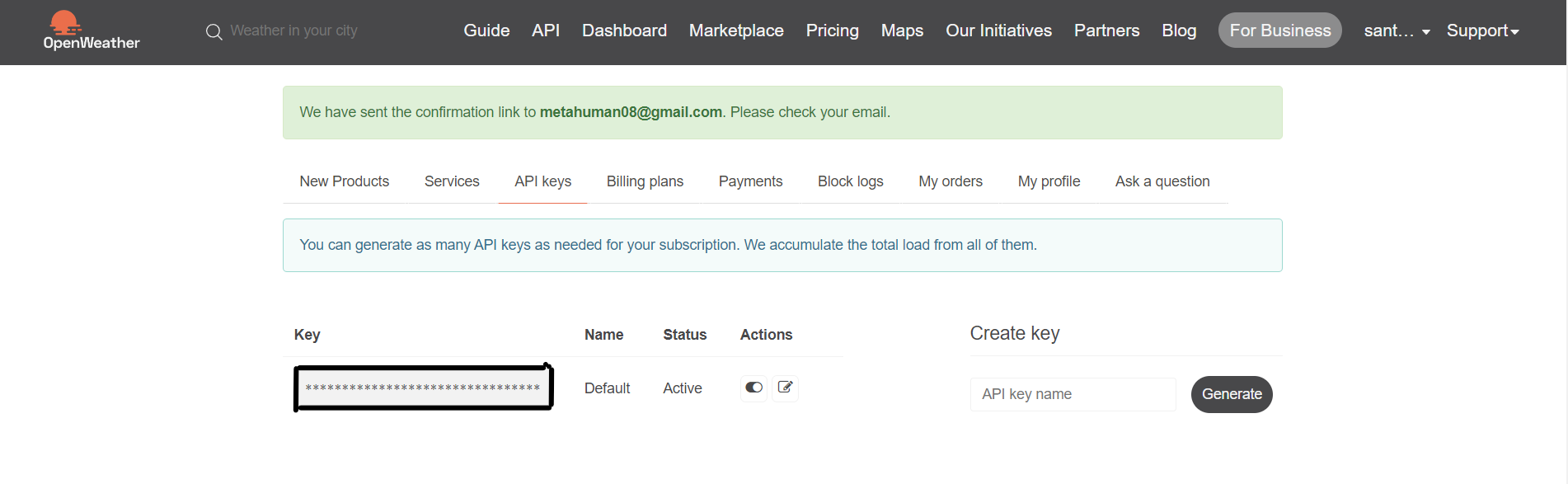
On creating an account an API key should be visible on your screen
 |
|---|
| Your API key is in the highlighted area |
- Copy that API key onto line 38 and replace it with
"YOUR API KEY HERE". (Note: Enter your API Key in the open and closed inverted commas.)
Finally in your command prompt type python main.py [Note: for some devices you may need to run python3 main.py]
Hope After Following these above steps you are able to run the application without any difficulties. If you do find any difficulties just tell me about it.
Thanks for reading uptill here and I wish you the very best on your journey through Open Source Software.
If you feel anything should be added or something could be improved, create an issue and we surely can implement it soon.