Repository navigation
Releases: Astienth/Panzer_Dragoon_Remake_VR_bHaptics_Provolver
Release list
Panzer_Dragoon_Remake_VR_bHaptics_Provolver

Description
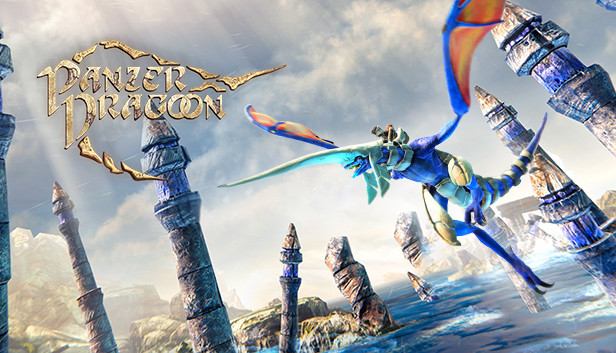
Panzer Dragoon Remake VR mod, Provolver and bHaptics support. Vest and Arms are supported.
Steam page of the game: https://store.steampowered.com/app/1178880/Panzer_Dragoon_Remake/
Two awesome VR content creators discord links:
Farmertrue: https://discord.gg/G8zZBTGuhP
Dteyn: https://discord.gg/Qt7GT69Pzx
☕ If you wanna show some support you can buy me a coffee : https://www.buymeacoffee.com/astienth4
Installation
- Download the zip file from https://github.com/Astienth/Panzer_Dragoon_Remake_VR_bHaptics_Provolver/releases/download/1.0/PanzerDragoonRemakeVR_bHaptics_Provolver.zip
- Extract its content into the game root folder, the folder containing the "Panzer Dragoon Remake.exe".
This is what your game folder should look like:

- Launch bhaptic player and turn your devices on if you have bhaptics devices. Turn your provolver on if you have one.
- Launch the game like you usually launch it via steam or the exe file.
- Enjoy !
Controls
You can access this picture in the game root folder: "VRControls.jpg"

Left Handed option
You can swap to left handed config in the file in BepInEx/config/com.astien.PanzerDragoonRemakeVR.cfg. This file will be created after the first launch of the mod.
Change the value leftHanded = false to lefHanded = true
Left and right triggers functions are then swapped and the gun will be in the left hand

Deactivate the VR mod
If you wanna deactivate the VR mod, you just need to rename the file winhttp.dll in the game root folder.
It can be named anything BUT "winhttp.dll".
"winhttp" = mod active
"anythingelse" = mod inactive.

License
Licences available in the README.txt file in the zip
Credits
The zip includes a Reflection Patch by @LoVeMaKeRz