Repository navigation
Make own OpenCV with CMAKE
Reference from here
-
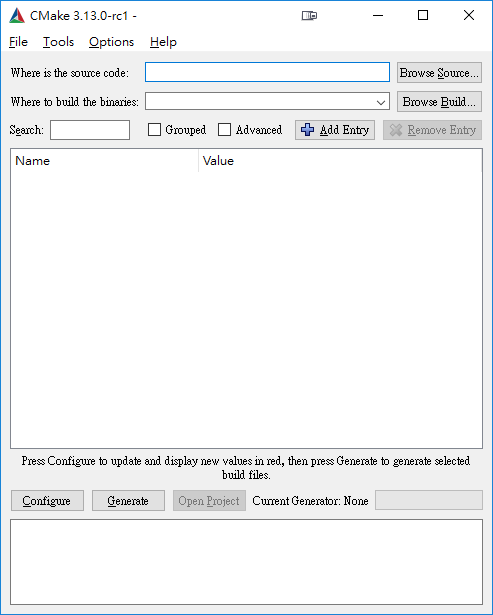
start cmake-gui
-
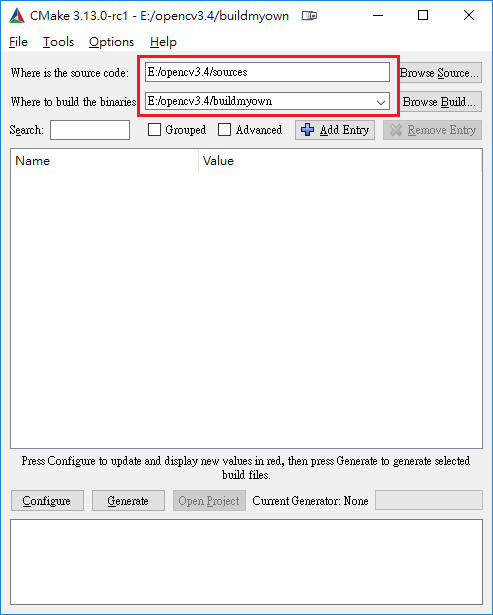
select the opencv source code folder and the folder where binaries will be built (the 2 upper forms of the interface)
-
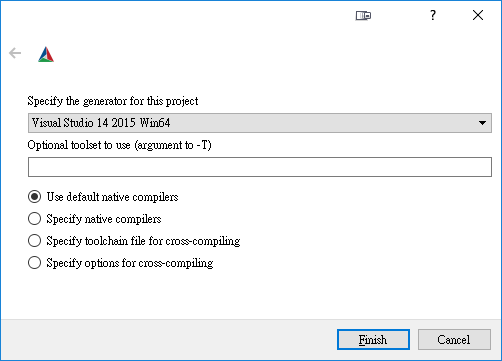
select your compile environment
-
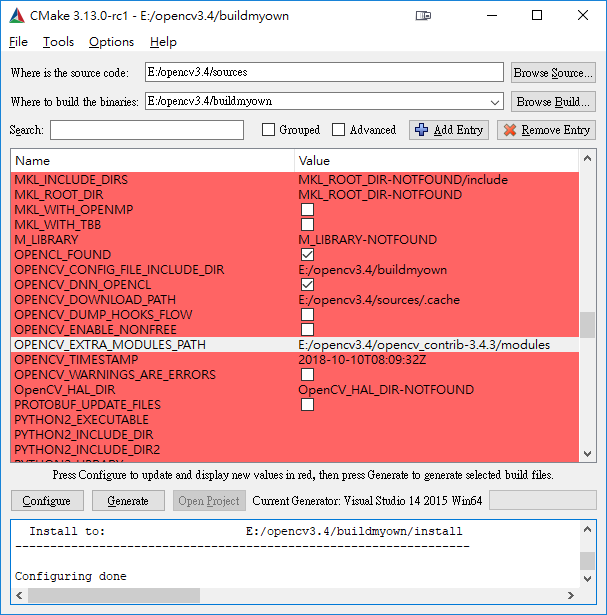
press the configure button. you will see all the opencv build parameters in the central interface
-
browse the parameters and look for the form called OPENCV_EXTRA_MODULES_PATH (use the search form to focus rapidly on it)
-
complete this OPENCV_EXTRA_MODULES_PATH by the proper pathname to the <opencv_contrib>/modules value using its browse button.
-
press the configure button again
-
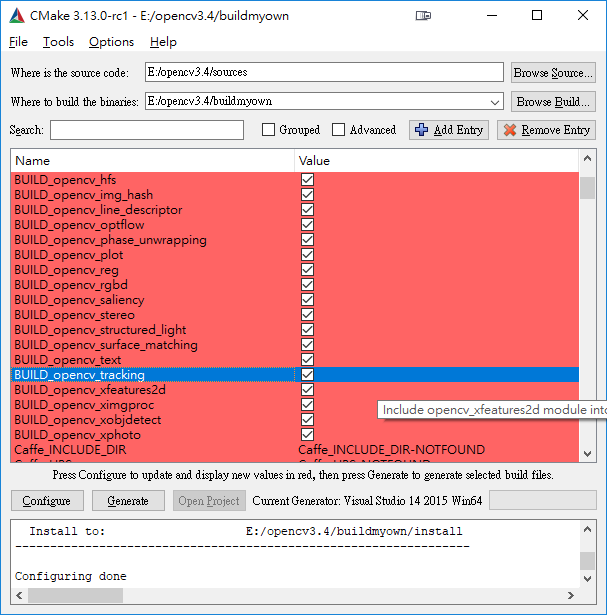
check
Build_opencv_tracking,the project need this module -
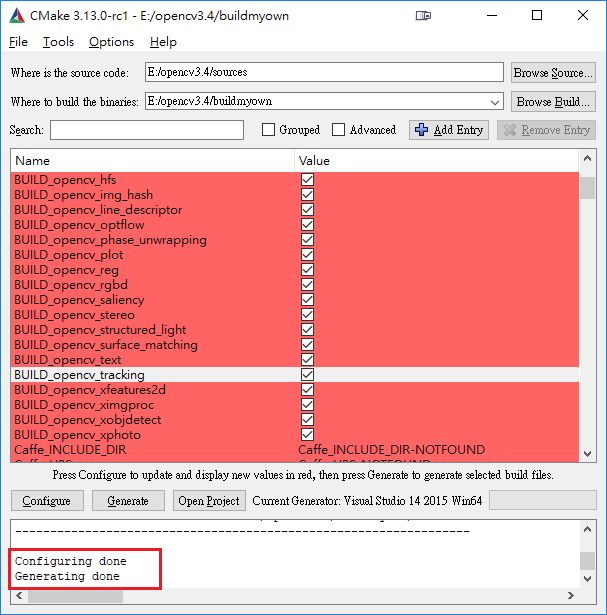
Generate & Open Project
-
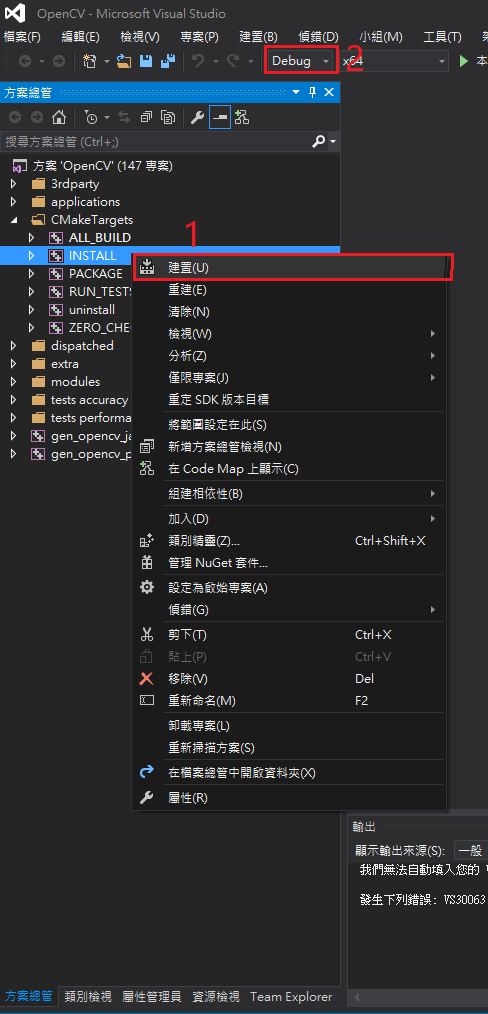
Build INSTALL ,and change Debug->Release,then build INSTALL again
-
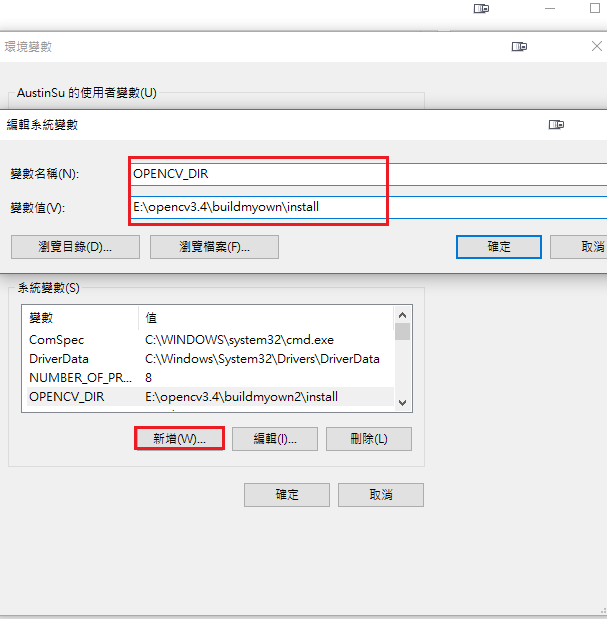
Add New Environment Variable
-
Edit environment variable Path
...;C:\opencv\build\x64\vc14\bin
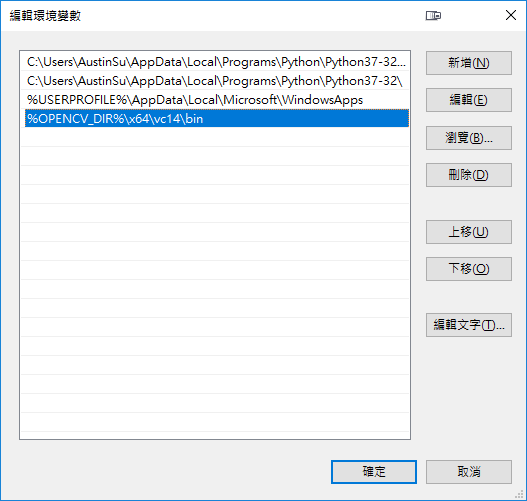
-
Done!