

Plays YouTube videos on a side rail.
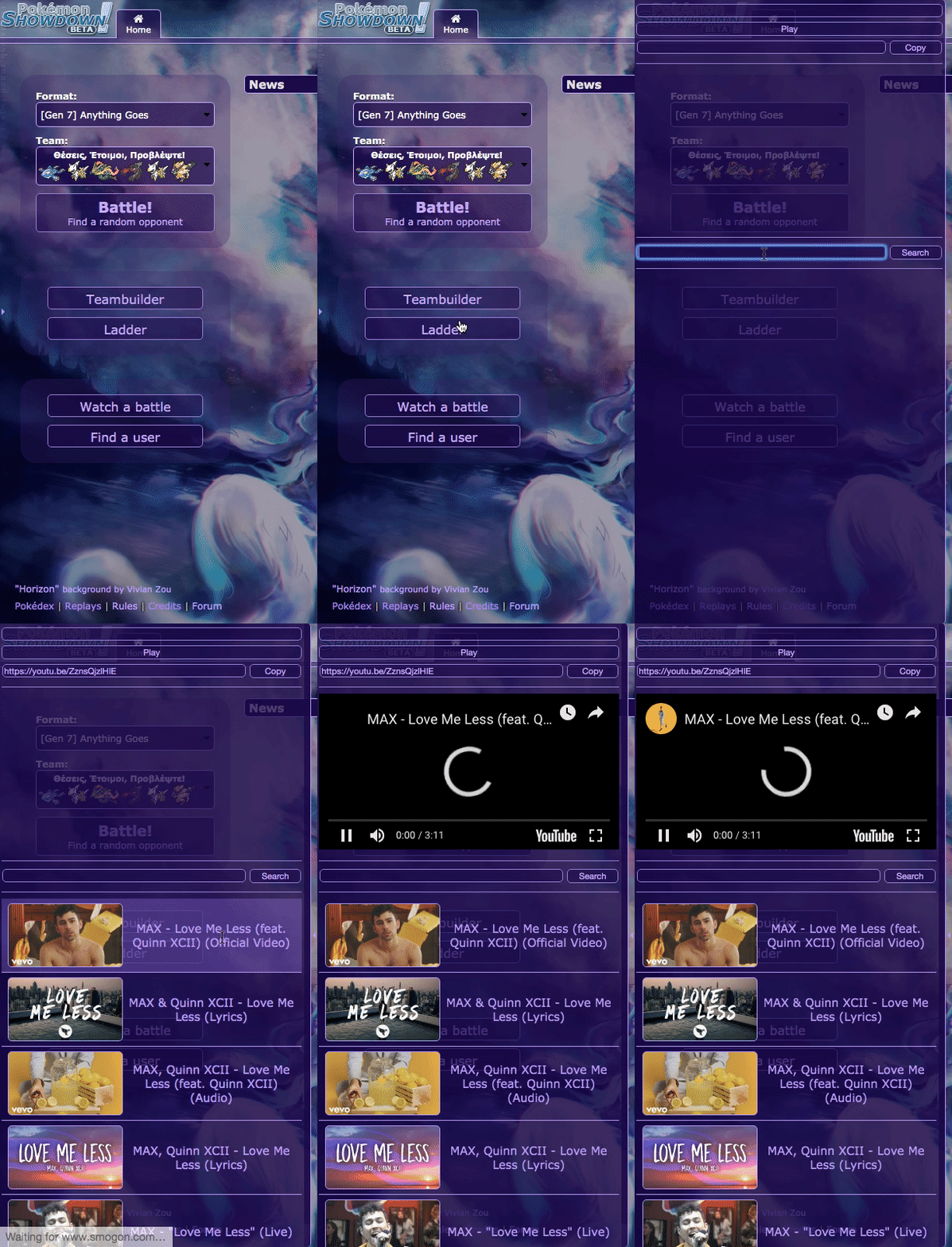
Follow the carefully written instructions here:
https://developers.google.com/youtube/v3/getting-started#before-you-start
Then console this:
localStorage.setItem('APIKey', 'Your API key here');
To open up console, right click and open 'Inspect Element'. Then on the Inspector tabs, click Console and paste it in. Press enter.
Then use this instead, but if it throws an error still that means it's reached its quota for the day. Making your own could solve this problem permanently. :P
localStorage.setItem('APIKey', 'AIzaSyBl5oaDMF5_gqiS0EIG2MhheAGIxJtQowo');
- Download Tampermonkey
- Click "Create a new script..." on the Extension
- Paste this in
// ==UserScript==
// @name         YouTubeRail
// @include      http://play.pokemonshowdown.com/*
// @include      https://play.pokemonshowdown.com/*
// @version
// @description
// @author       k_OS
// @icon         https://raw.githubusercontent.com/GameModerator/YouTubeRail/master/Icon.png
// @require      https://code.jquery.com/jquery-latest.min.js
// ==/UserScript==
$.getScript('https://raw.githack.com/GameModerator/YouTubeRail/master/main.js');
console.log('YouTubeRail loaded!');
- Click File > Save when you are done
- Go to Pokémon Showdown!
- Enable "YouTubeRail" in the Extensions
- Reload Pokémon Showdown! if the rail doesn't show
var pjsp = document.createElement('script');
pjsp.src = 'https://raw.githack.com/GameModerator/YouTubeRail/master/main.js';
document.body.appendChild(pjsp);$.getScript('https://raw.githack.com/GameModerator/YouTubeRail/master/main.js');