Repository navigation
Computer and AI opponents
Choose Computer on Home. The built-in computer player runs in your browser, so it needs nothing from the server, and it has five levels:
| Level | |
|---|---|
| 1. Wobbles | Beginner |
| 2. Dice | Casual |
| 3. Quark | Club player |
| 4. Tangle | Strong |
| 5. The Observer | Expert |
In the chess variants the computer plays at Easy, Normal or Hard.
Choose AI opponent on Home to play against a chess personality powered by a language model. It comments on the game as it plays. The built-in computer player takes over whenever the AI does not answer in time, so the game never gets stuck.
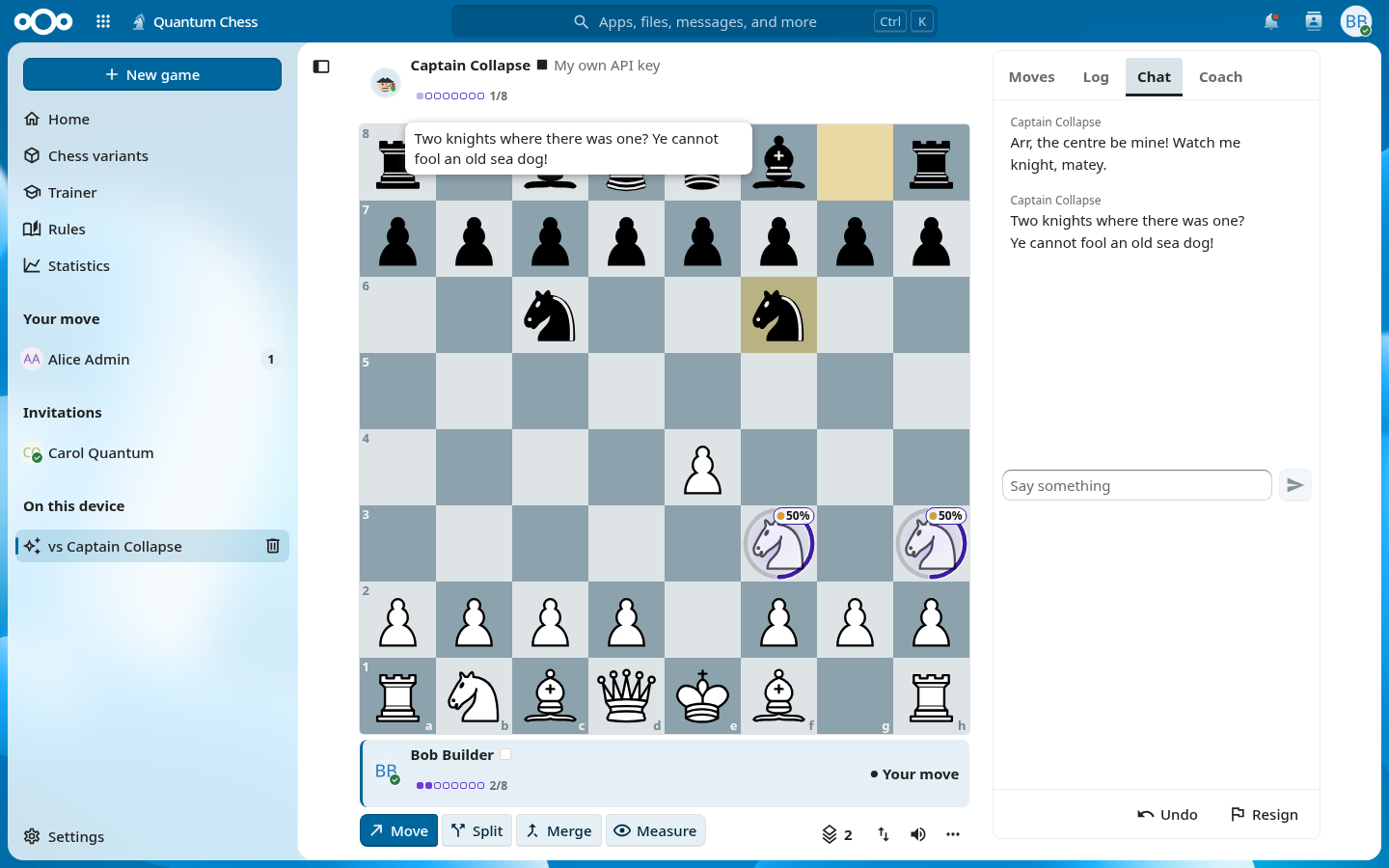
An AI opponent needs a text-generation service. You can use the sources your administrator made available:
- Nextcloud AI: the AI provider configured for your whole Nextcloud (Nextcloud Assistant / TaskProcessing).
- Organisation provider: a provider your administrator set up with a shared key.
- Your own key: when allowed, add your own provider in Personal settings → Quantum Chess. OpenAI, Anthropic, Mistral, OpenRouter, Groq, Google Gemini, Ollama, LocalAI, LM Studio and other OpenAI-compatible services work. Your key is stored encrypted on the server and never reaches the browser.
Before the first request to a source you see a notice naming the provider.
What the AI gets: the position, the moves, the legal moves, the computer player's candidate moves, the chosen persona, the question you typed and the language of the interface. Never: your user id, name, e-mail address, your opponent's identity, chat messages or the address of your Nextcloud.
In games against the computer, AI opponents, pass & play and the review, you can ask the AI coach about the position. See Trainer and review.
Administrators set up the AI sources as described on Administration.