Repository navigation
Trainer and review
Open Trainer in the navigation, or click Start the trainer on Home.
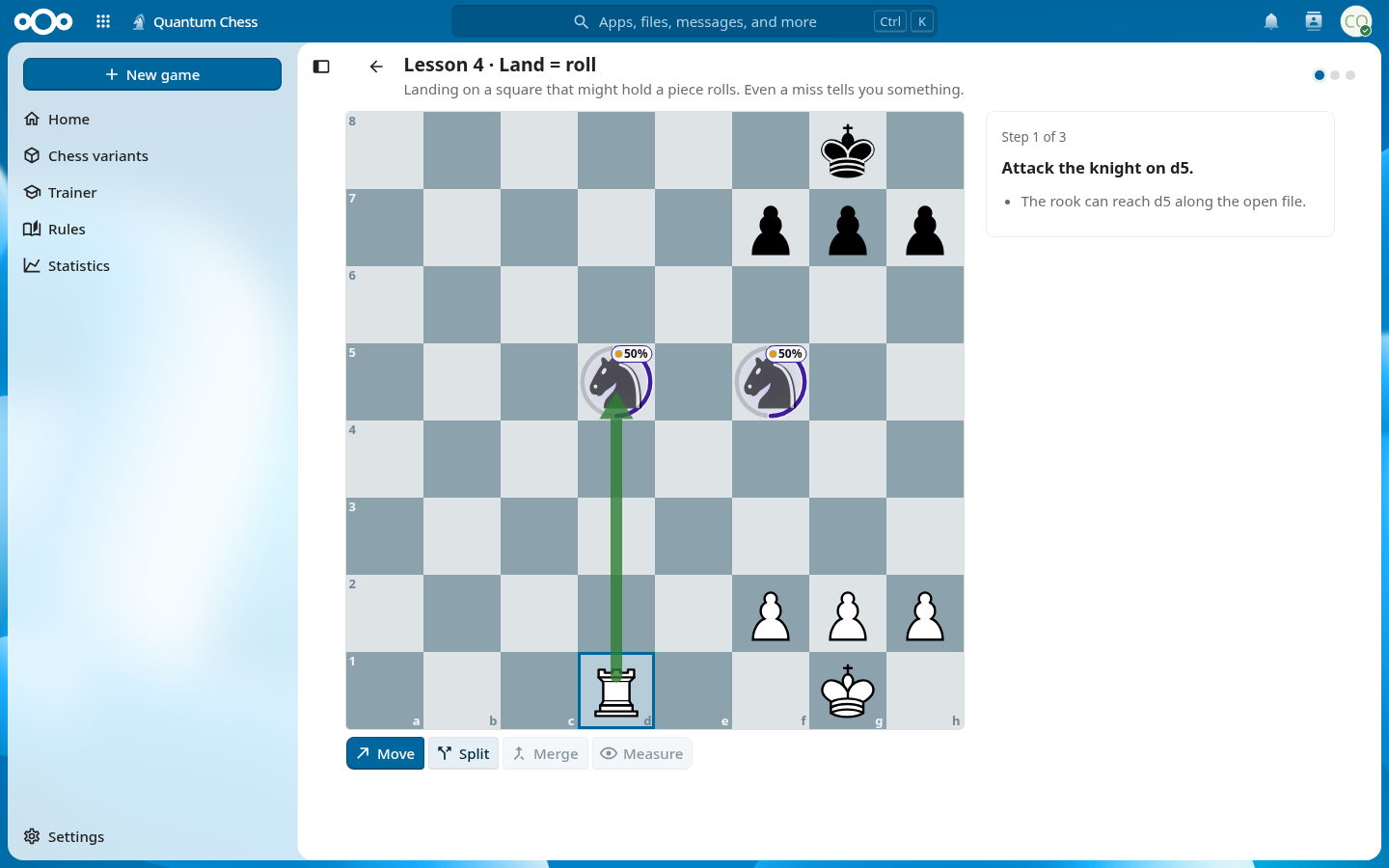
- Eleven lessons teach the game hands-on, one idea at a time. The essentials take about ten minutes.
- Eleven puzzles, each checked by the computer, test what you learned.
- Your progress is saved, so you can stop and pick up where you left off.
During a game against the computer or an AI, or in pass & play, the coach helps you:
- an evaluation bar that shows who stands better;
- hints when you are stuck;
- threat warnings before you leave something hanging;
- move-quality badges after each move;
- the AI coach, which you can ask about the position in your own words (when an AI source is available, see Computer and AI opponents).
The coach can be switched on and off under Settings → Coach and computer. In your own online games that are still running, the coach is off for fair play.
After a game, open the Review to step through it again, with an evaluation graph and the key moments of the game.