Releases: BelmanteGu/RaymanOriginsRecomp
Release list
v0.5.0 — Bug fixes, Redmi 10C, the game in 1.1 GB

📱 Rayman Origins Recompiled — v0.5.0
Bug fixes in the native renderer, a low-end phone running the game, and the whole game compacted from 5.4 GB to 1.1 GB without losing a single byte.
Note
This release is an announcement: it has no APK. Everything below is in the source code on main.
Important
This project contains no game code or assets. You need your own legally obtained copy of Rayman Origins for Xbox 360. Do not ask for or share copyrighted game data.
🐛 Rendering fixes
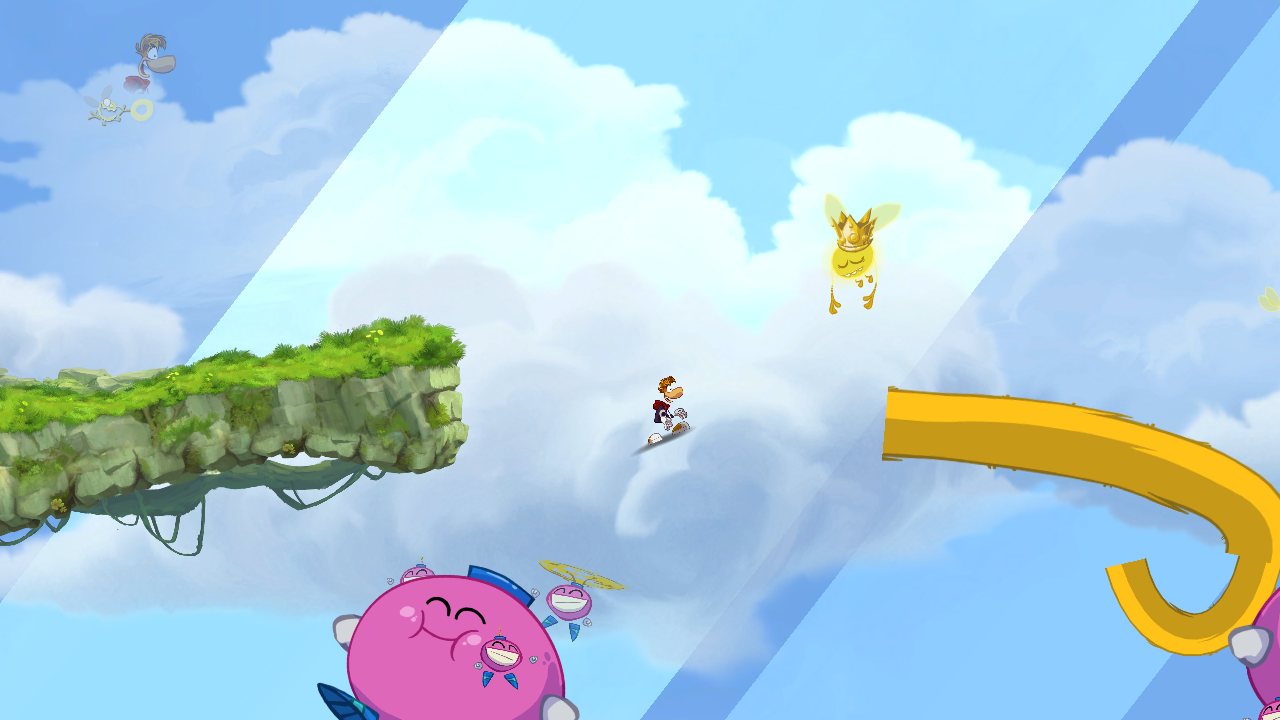
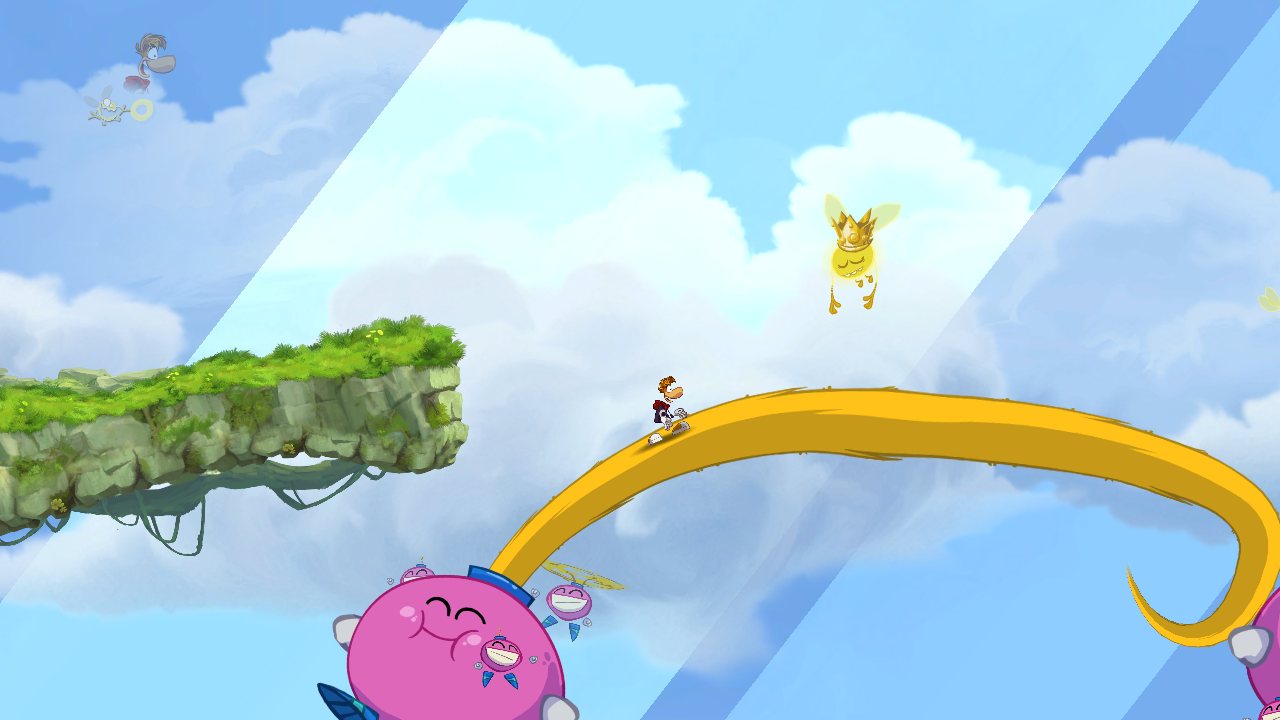
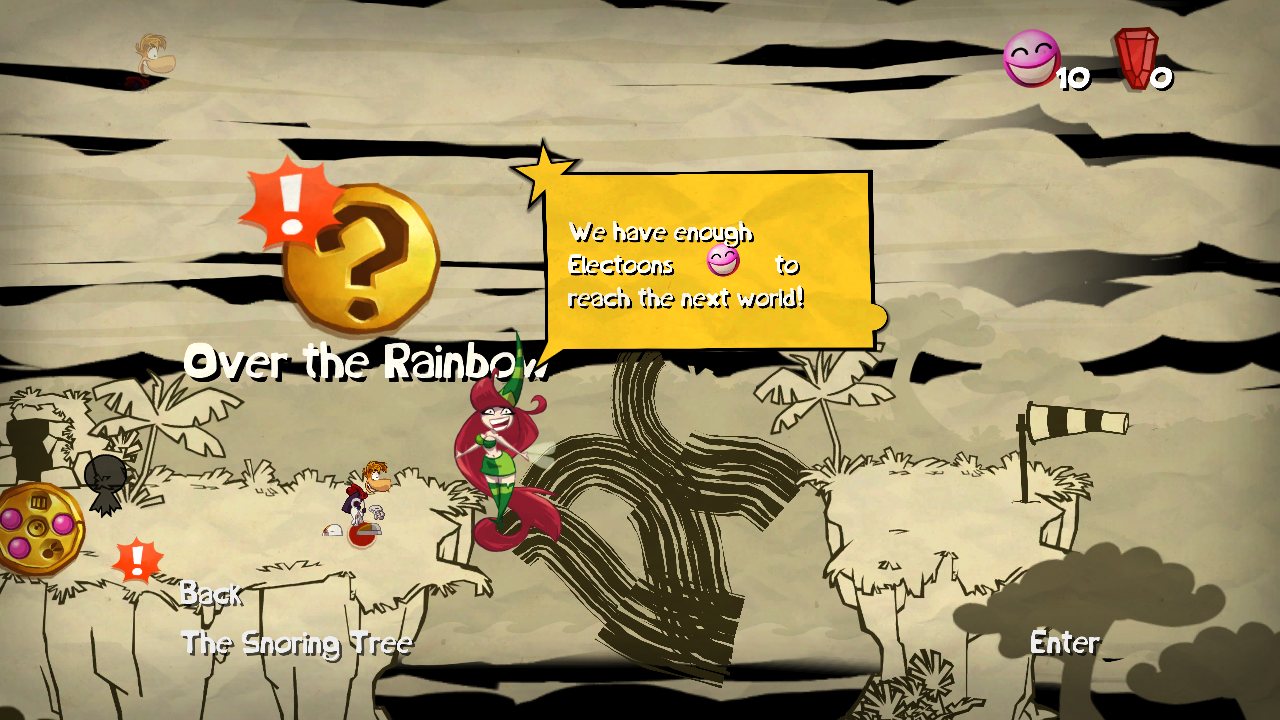
The sky bridge and the world map's vines. The curved strips the game draws (the tail that forms the bridge, the vines on the map) are computed on the GPU along a Bézier curve. The tool that converts the Xbox 360 shaders translated one instruction (setp_inv) wrong, so the start of the bridge was invisible and the vines broke into straight pieces. The renderer now fixes that instruction when it loads the shaders.
| Before | After |
|---|---|
 |
 |
 |
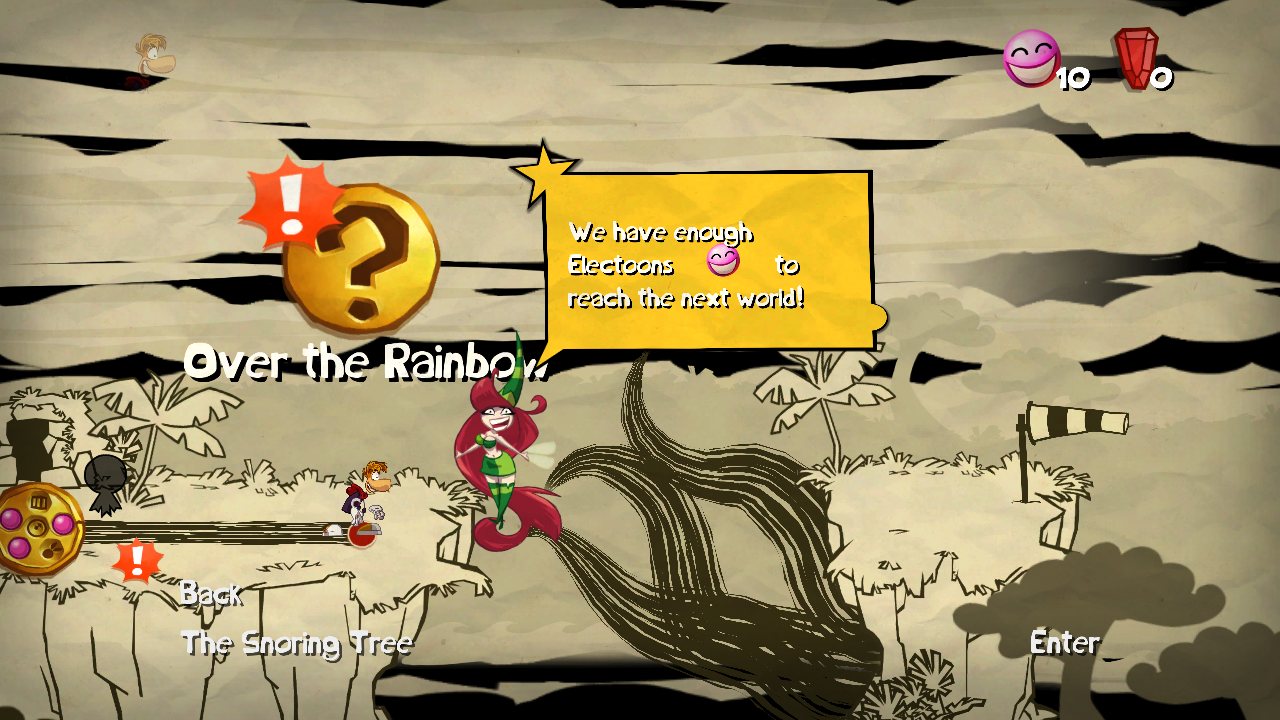 |
Rendered on a PC from frames captured on a Galaxy S23, through the same renderer. The vines look dark only in these captures (their texture wasn't saved in that dump); on the phone they have their art.
Water. The area under the waterline was black in water levels; the refraction now renders.
Debugging on a PC. A broken frame can be captured on the phone and replayed on a PC through the same renderer, to find and test fixes in seconds (docs/NATIVE_RENDERER.md).
📉 Low end: Redmi 10C
The game runs on the Redmi 10C (Snapdragon 680, Adreno 610, 4 GB RAM), a budget phone whose GPU only offers Vulkan 1.1. The renderer's plain Vulkan 1.1 path covers it. Frame rate still to be measured; Settings → Resolution is there for phones like it.
| Device | GPU | Status |
|---|---|---|
| Galaxy S23 | Adreno 740 | 60 FPS at full resolution |
| Galaxy A56 | Xclipse 540 (AMD RDNA) | 60 FPS in levels |
| Redmi 10C | Adreno 610 (Vulkan 1.1) | Runs |
🗜️ The game in 1.1 GB
The game's levels each carry their own copy of the music, sounds and sprites they share: 5.4 GB of files hold about 1.1 GB of unique data. tools/make_compact_pack.py stores every piece once and checks that every file rebuilds byte for byte, and the runtime reads the pack as if the original files were there. It is made from your own copy of the game, for your own use, in a separate Compact app (docs/ANDROID.md).
✨ Also new
- Back up / restore saves (Options): your saves to a
.zip, to keep them or move them to another phone. - Run button toggles: tap once to run, again to stop (a setting brings back hold-to-run).
v0.4.0 — 60 fps in levels, Exynos, new home screen
📱 Rayman Origins Recompiled — Android Release (v0.4.0)
Native static recompile of Rayman Origins for Android (ARM64) running via Vulkan at 60 FPS in true widescreen with on-screen touch controls and gamepad support.
⚠️ IMPORTANT LEGAL NOTICE — ORIGINAL GAME REQUIRED
Important
This APK contains NO game assets, music, levels, or copyrighted files.
To play, you must own an original, legally obtained copy of Rayman Origins for Xbox 360.
Everything required to run the game is loaded directly from your own game dump. Do not ask for or share copyrighted game data.
🚀 Quick Start Guide (100% on Phone — No PC or Tools Needed!)
You can install and set up everything directly on your Android device without needing a computer:
-
Download & Install the APK:
- Download
RaymanOrigins-0.4.0.apkfrom the Assets section below and install it on your Android device.
- Download
-
Prepare your Game Files:
- Place your legally owned Xbox 360 Rayman Origins game dump onto your phone storage.
- You can supply it either as:
- A standard folder containing
default.xexand the.ipkarchives, OR - A single
.zipfile containing those game files.
- A standard folder containing
-
Import inside the App:
- Open Rayman Origins on your phone.
- On the wooden home menu, tap Game files (or go to Options → Import).
- Use the Android file picker to select your game folder or
.ziparchive. - The app will extract and verify your game files with a real-time progress bar.
-
Play!:
- Once the files are detected, simply tap Play.
- Enjoy Rayman Origins natively at 60 FPS with touch controls or your favorite Bluetooth/USB gamepad!
📸 Screenshots & Interface
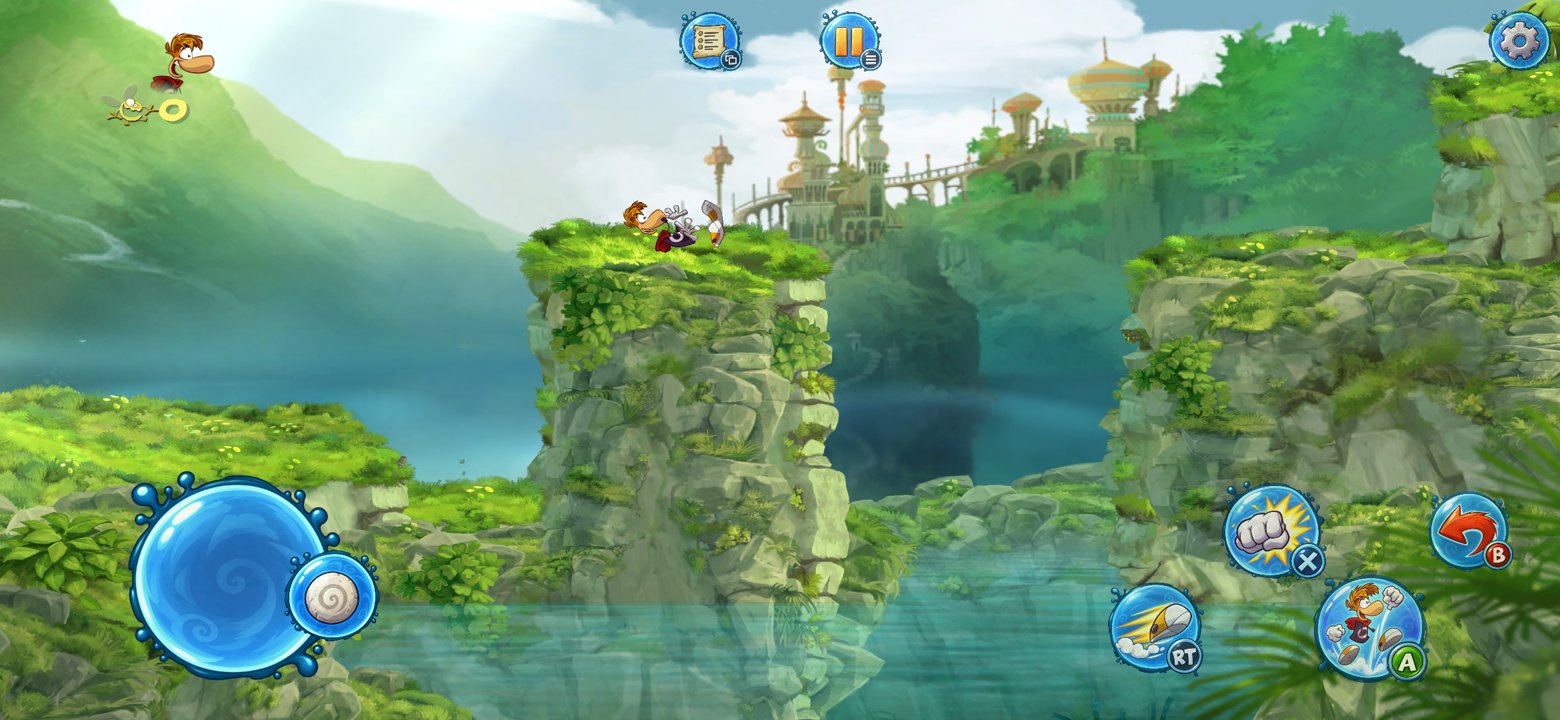
Native Vulkan renderer, true 19.5:9 widescreen, 60 FPS, on-screen controller
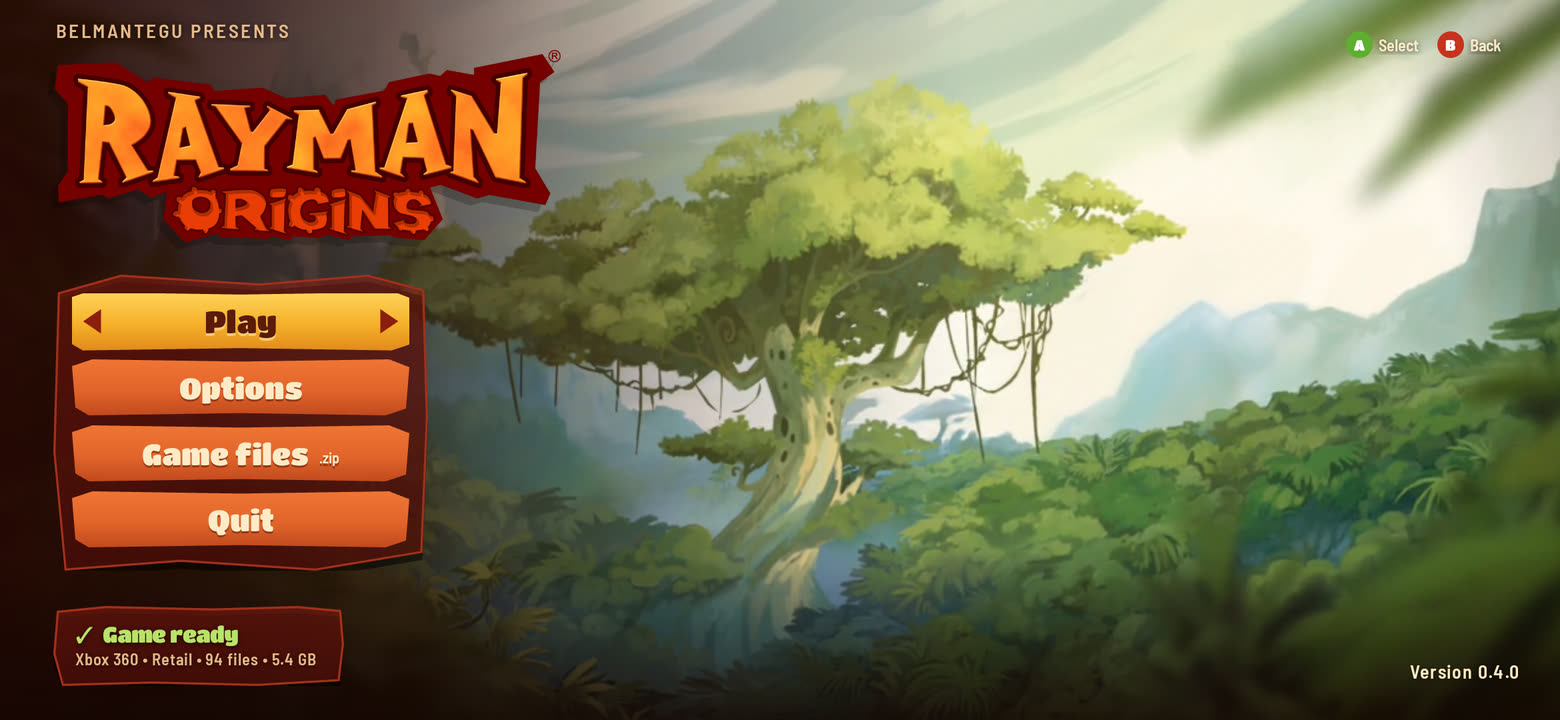 1. Home Screen Tap Game files to import your copy |
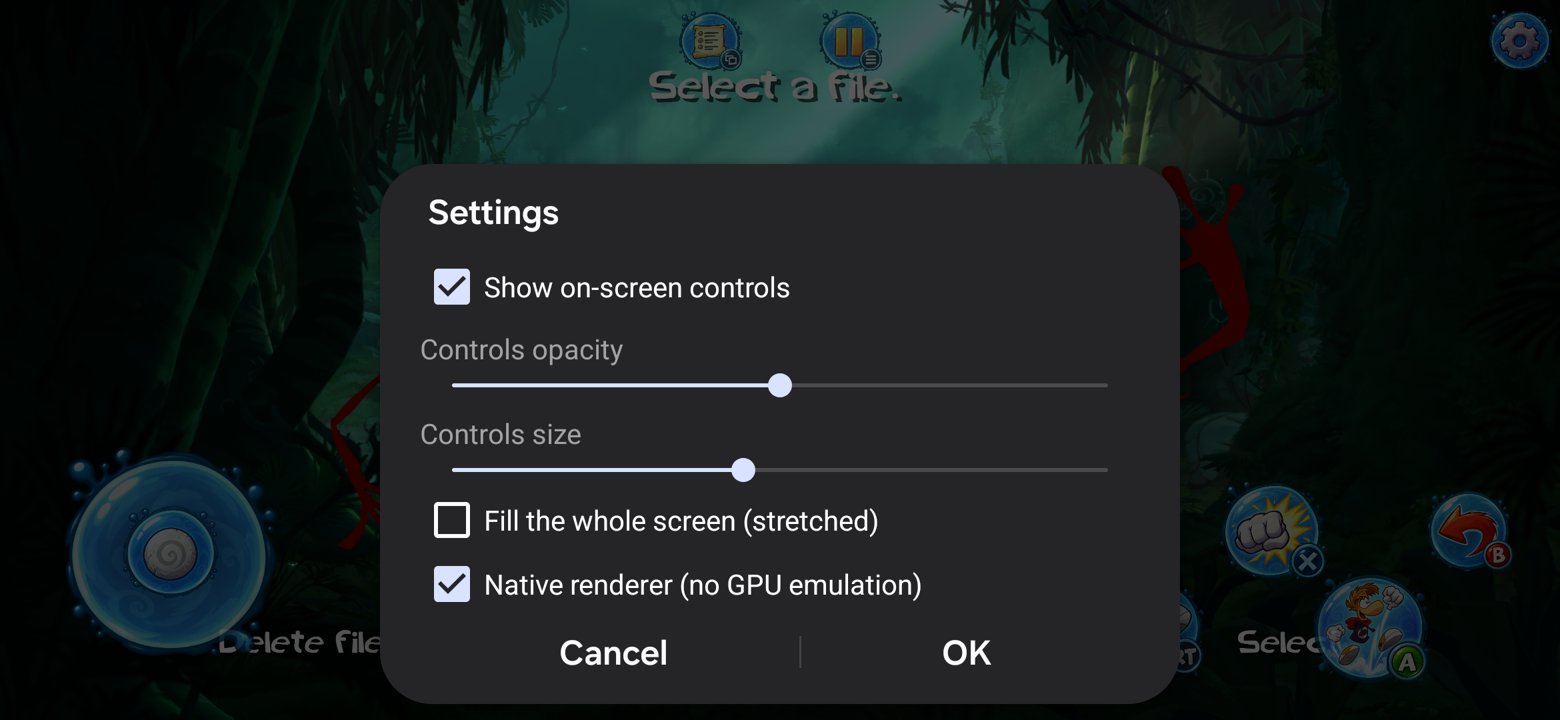
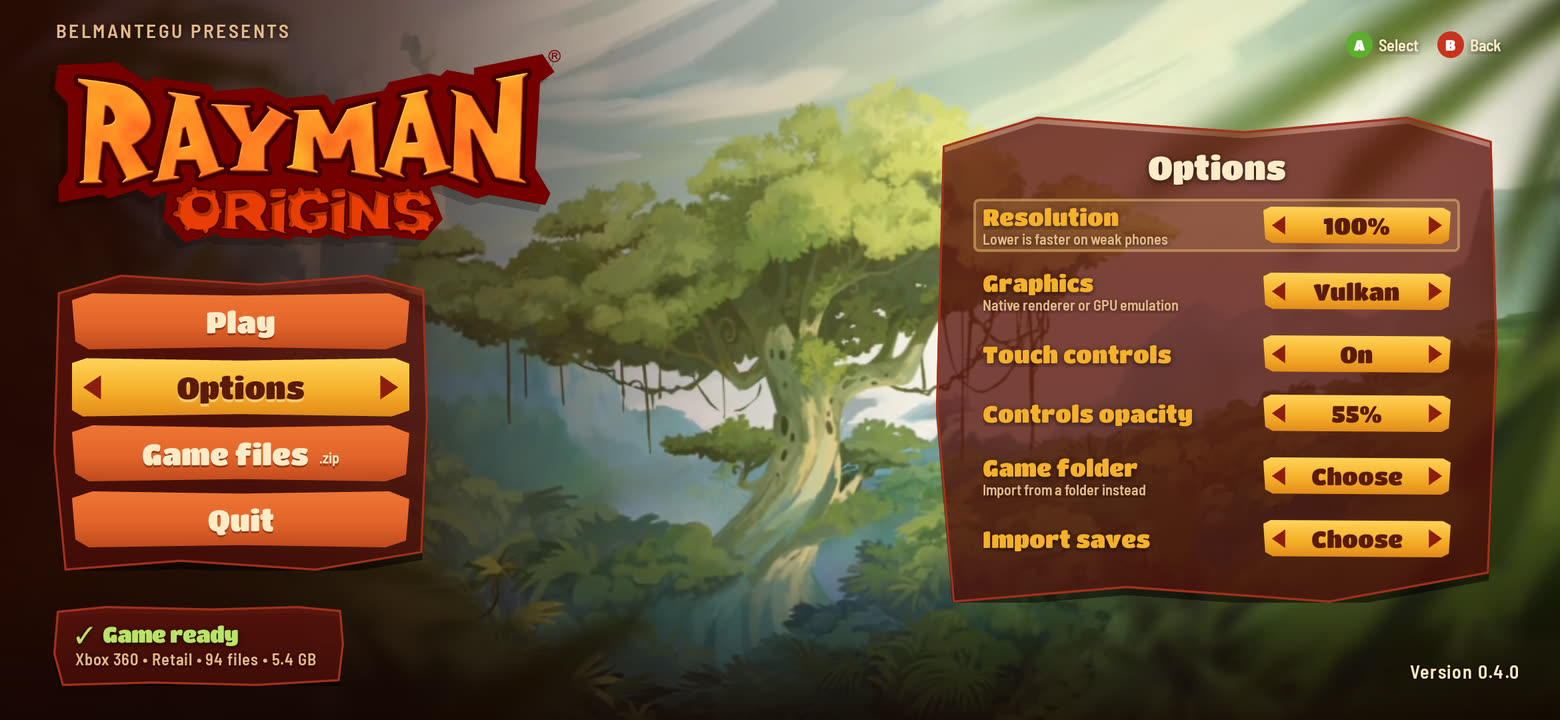 2. Options Menu Custom resolution, graphics path & touch opacity |
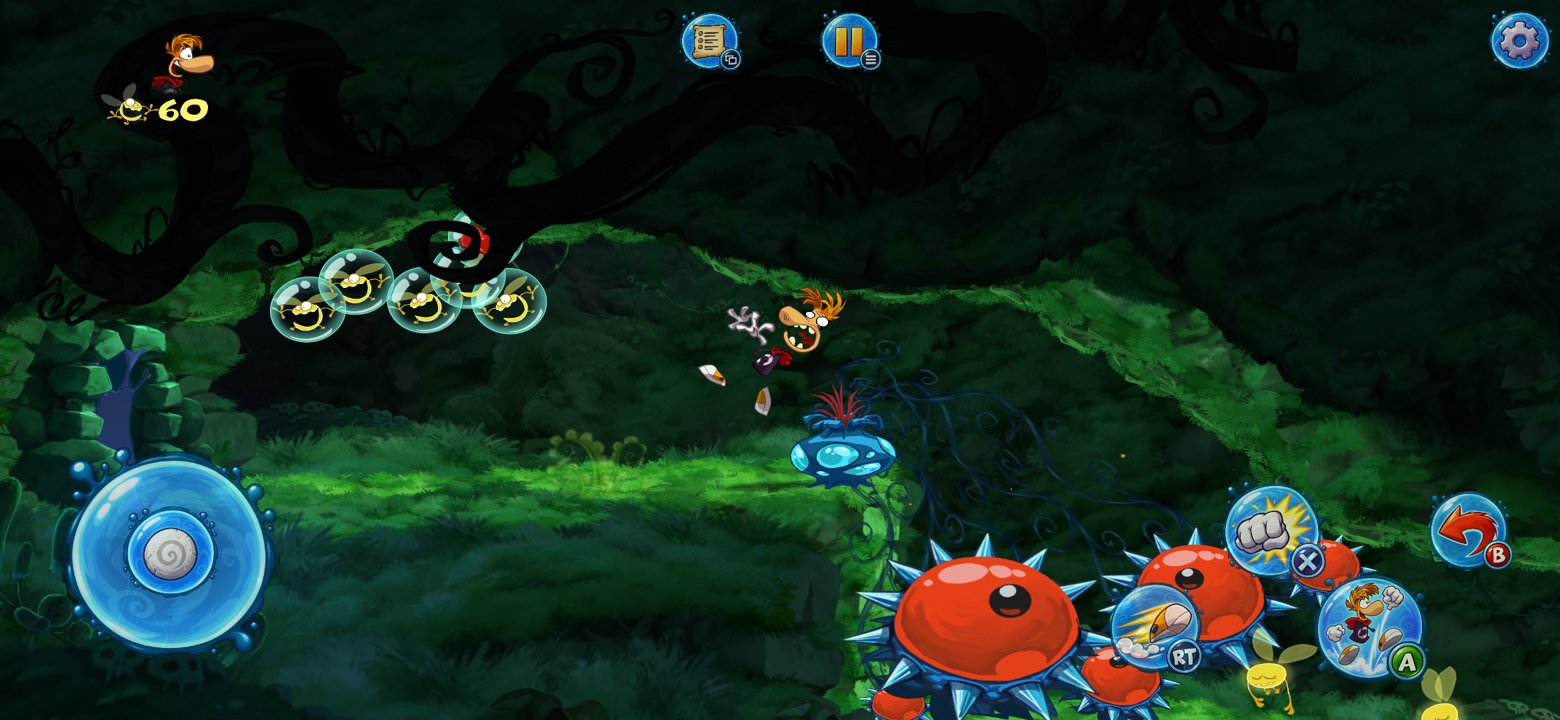 3. Native Gameplay Full 60 FPS combat in widescreen |
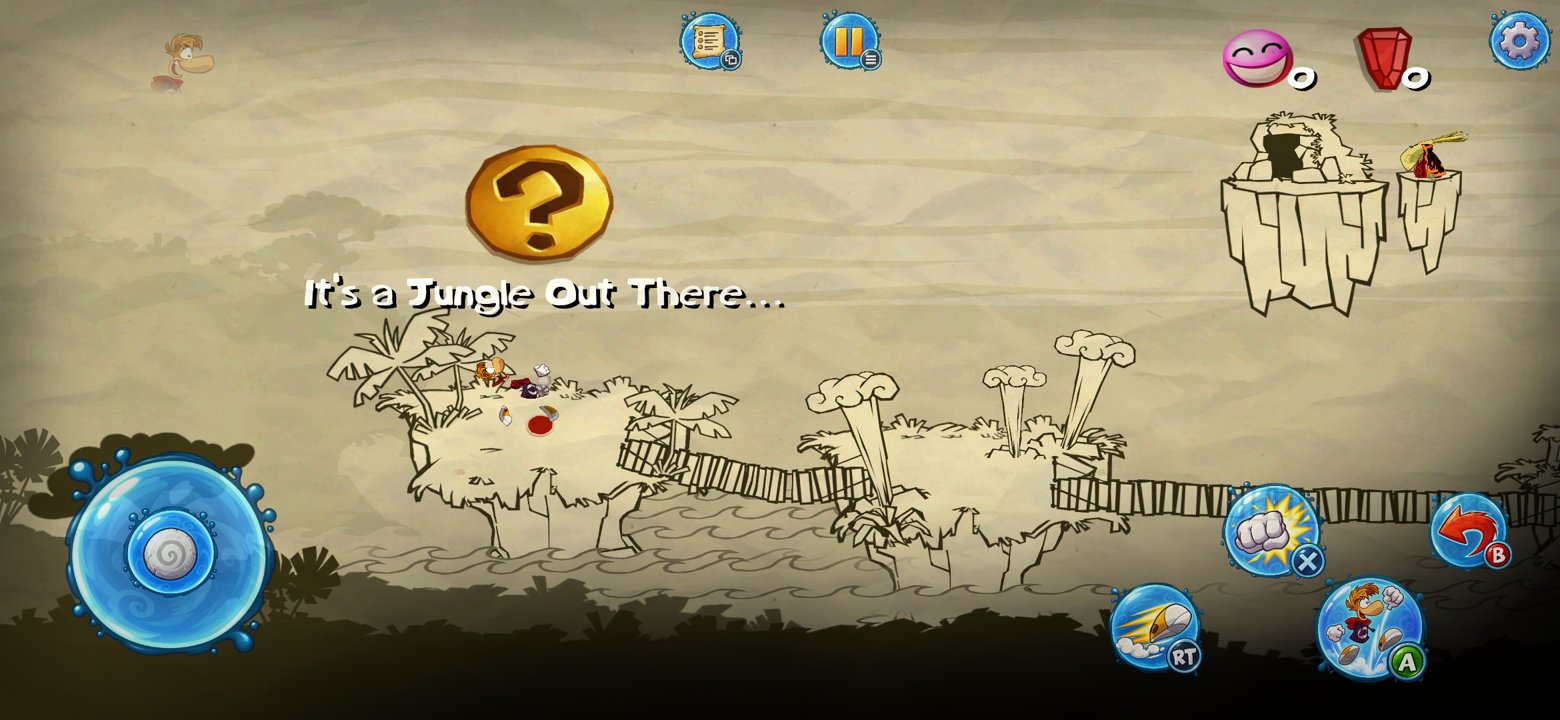 4. World Map Smooth transitions without stalls |
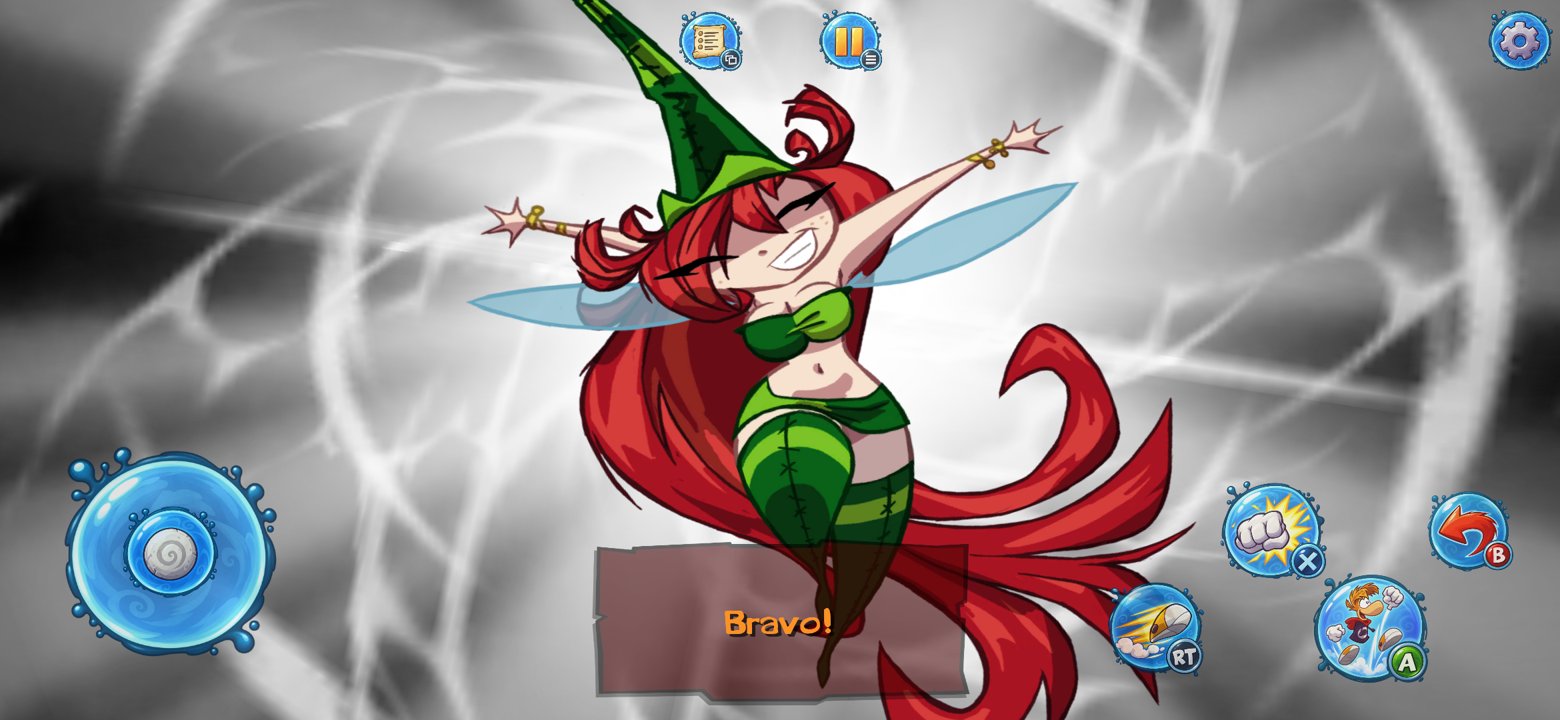 5. Cutscenes & Audio Full video & multi-channel sound support |
✨ What's New in v0.4.0
- 60 FPS in levels at full resolution on Galaxy S23 (previously 43–46 FPS). Swapchain recreation overhead fixed.
- Fewer stalls on world map and level changes: Guest memory commits no longer parse
/proc/self/maps. - Significant CPU efficiency: Audio worker polling reduced (73% → 7% of a core) and UI loop spin eliminated.
- Two frames in flight: Game thread no longer waits for the GPU (0.0 ms stall on Adreno 740 and Xclipse 540).
- Exynos / AMD GPU support: Verified at 60 FPS on Galaxy A56 (Samsung Xclipse 540).
- Plain Vulkan 1.1 path: Shaders rewritten at load time, ensuring compatibility with devices lacking descriptor indexing (e.g. Adreno 610).
- Faster video playback: Video decoder is 12× faster with reduced upload overhead.
- Persistent Shader Cache: Pipeline cache on disk prevents shader compilation stutter after the first run.
- Brand new Home Screen: Styled directly from the game's menu with Play, Options, Game files import, and Quit (docs/PORT_HOME.md).
- One-touch In-App Import: Import your game pack (
.zip) or folder directly from storage with live progress.
🎮 Device Compatibility & Testing
| Device | Chipset / GPU | Performance |
|---|---|---|
| Galaxy S23 | Snapdragon 8 Gen 2 (Adreno 740) | 60 FPS rock-solid at full native resolution |
| Galaxy A56 | Exynos 1580 (Xclipse 540 / AMD RDNA) | 60 FPS rock-solid in levels |
| Vulkan 1.1 devices | Adreno 6xx / Mali | Compatible via fallback renderer |
Full changes: #39.
v0.3.0 — Native renderer, widescreen, movies
Progress update — no binaries are distributed. The port needs your own copy of the game; build it yourself following the docs.
What's new
- Native renderer — no Xbox 360 GPU emulation: the game's draws go straight to Vulkan with its own shaders converted to SPIR-V. 60 fps on a Galaxy S23 (Adreno 740) and on an Apple M1.
- Native widescreen — the game frames a wider scene instead of stretching 16:9 (19.5:9 on a Galaxy S23).
- Intro movies play with the native renderer.
- 60 fps limiter — the game logic is tied to the frame rate, so 120 Hz screens no longer run it at double speed.
- Android app — home screen with game-file import, save import and graphics switch; app icon; on-screen controller.
Docs: native renderer · Android