Settings
Open Settings from the gear icon in the top bar. The panes are listed down the left; click one to open it, or use the search box at the top to jump straight to a setting by name.
Most people only ever touch the first few panes. Access and Git Host are marked advanced and can be safely ignored.
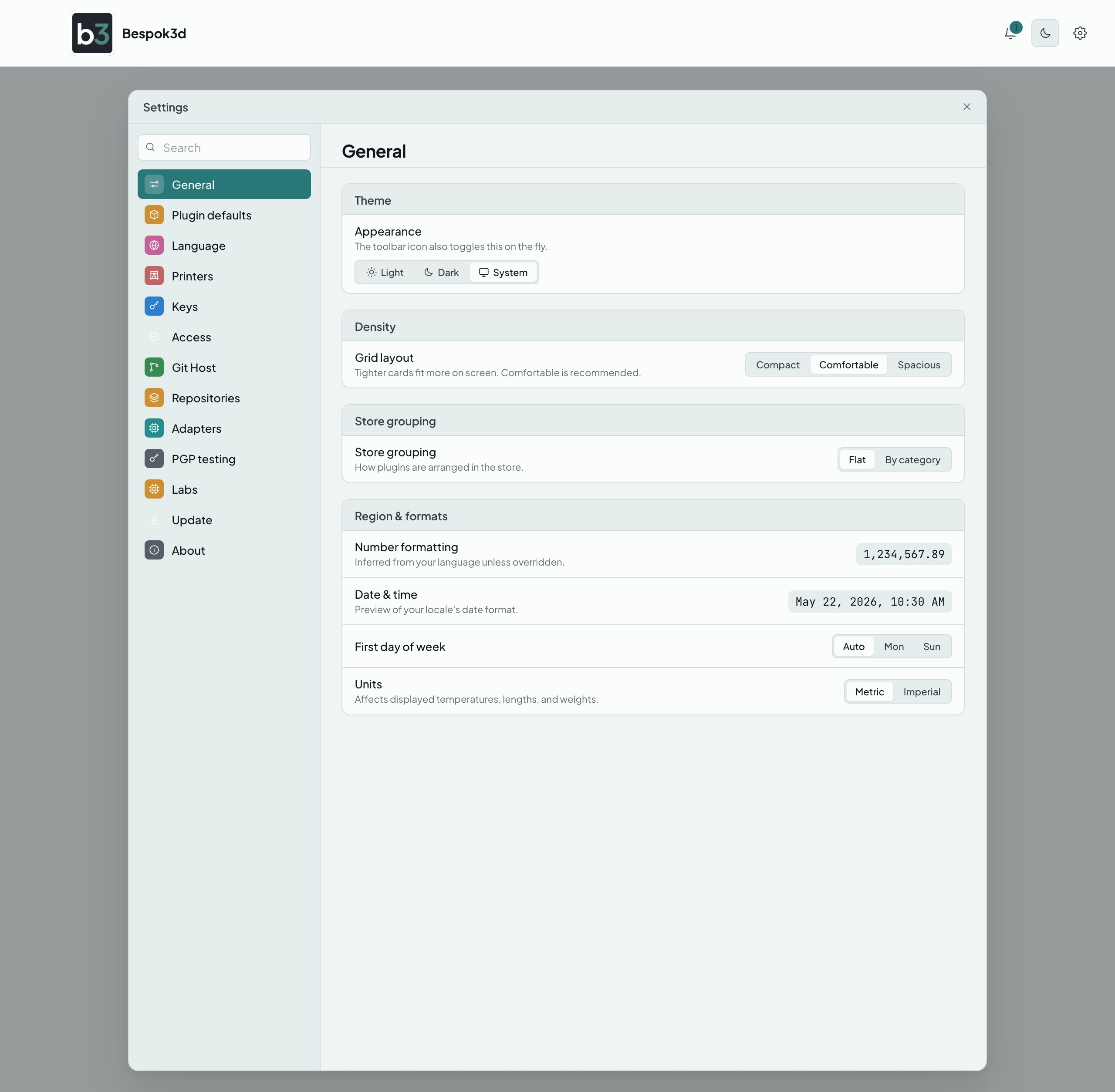
Look and feel, and your privacy choice.
- Theme. Light, Dark, or System (System follows your computer's setting). The sun/moon icon in the toolbar also flips light and dark at any time.
- Store density. How wide the plugin cards are: Compact, Comfortable (the default), or Spacious.
- Store grouping. Show all plugins in one list, or grouped by category (Camera, Filament, Screen).
- Region and formats. How numbers, dates, first day of the week, and units are shown.
- Privacy. The anonymous usage data switch, covered below.
Bespok3d asks this once, on first launch: Send anonymous usage data? Nothing is ever sent unless you answer yes, and you can flip the switch here at any time. It takes effect straight away.
| Sent when you say yes | Never sent, ever |
|---|---|
| That the app started, and a handful of things done with it: a printer enrolled, a plugin installed, the app updated. | Anything you type: no names, no addresses, no passwords, no keys. |
| When something breaks, the kind of break and which part of the app it happened in. Your app version goes with all of it. | Anything about your printers: no serial numbers, no network addresses, no file names. |
| The kind of app (desktop), the operating system it runs on, and the language it is set to. | Anything about where you are. Your internet address is never looked up and is never kept with what you send. |
| Error message text or stack traces. Only the kind of error, never its text. | |
| Anything that tells your copy of Bespok3d apart from anyone else's. There is no installation id; every copy reports as simply Bespok3d. |
Because there is no id of any kind, a count of anything is a count of events, never a count of people. Turning the switch off stops anything further being sent; it cannot take back what was already sent.
Set a value once and Bespok3d fills it in for you every time you install that plugin. For example, set your Spoolman server address here and it is already filled whenever you install the Spoolman Bridge (you can still change it before installing).
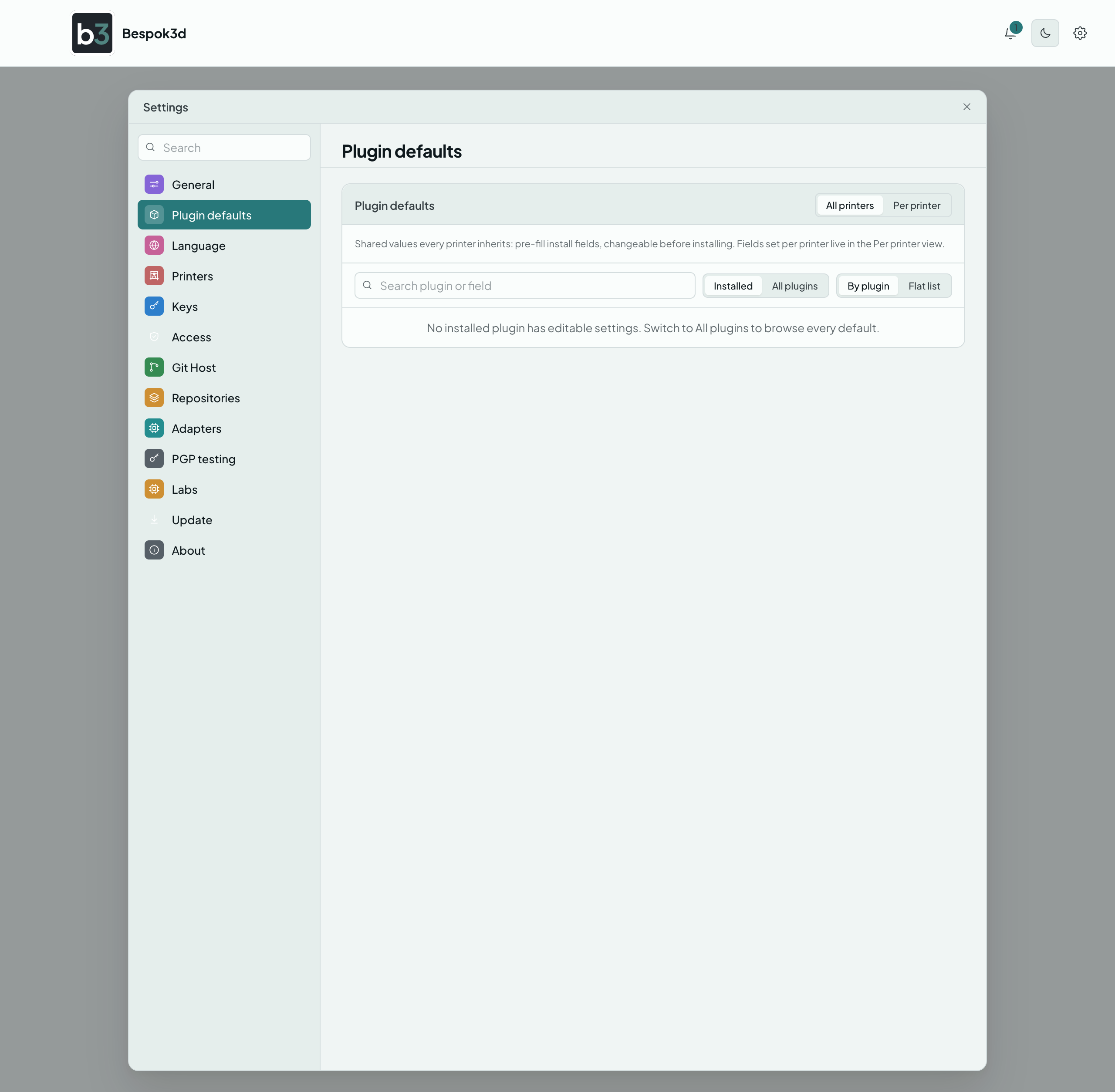
You can keep a shared value that every printer inherits, or set a different value per printer. These stay on your computer and are never sent anywhere.
Bespok3d uses your computer's language on first launch. Pick another from the list to switch right away, no restart. Each language shows a ring for how much is translated; anything not yet translated shows in English.
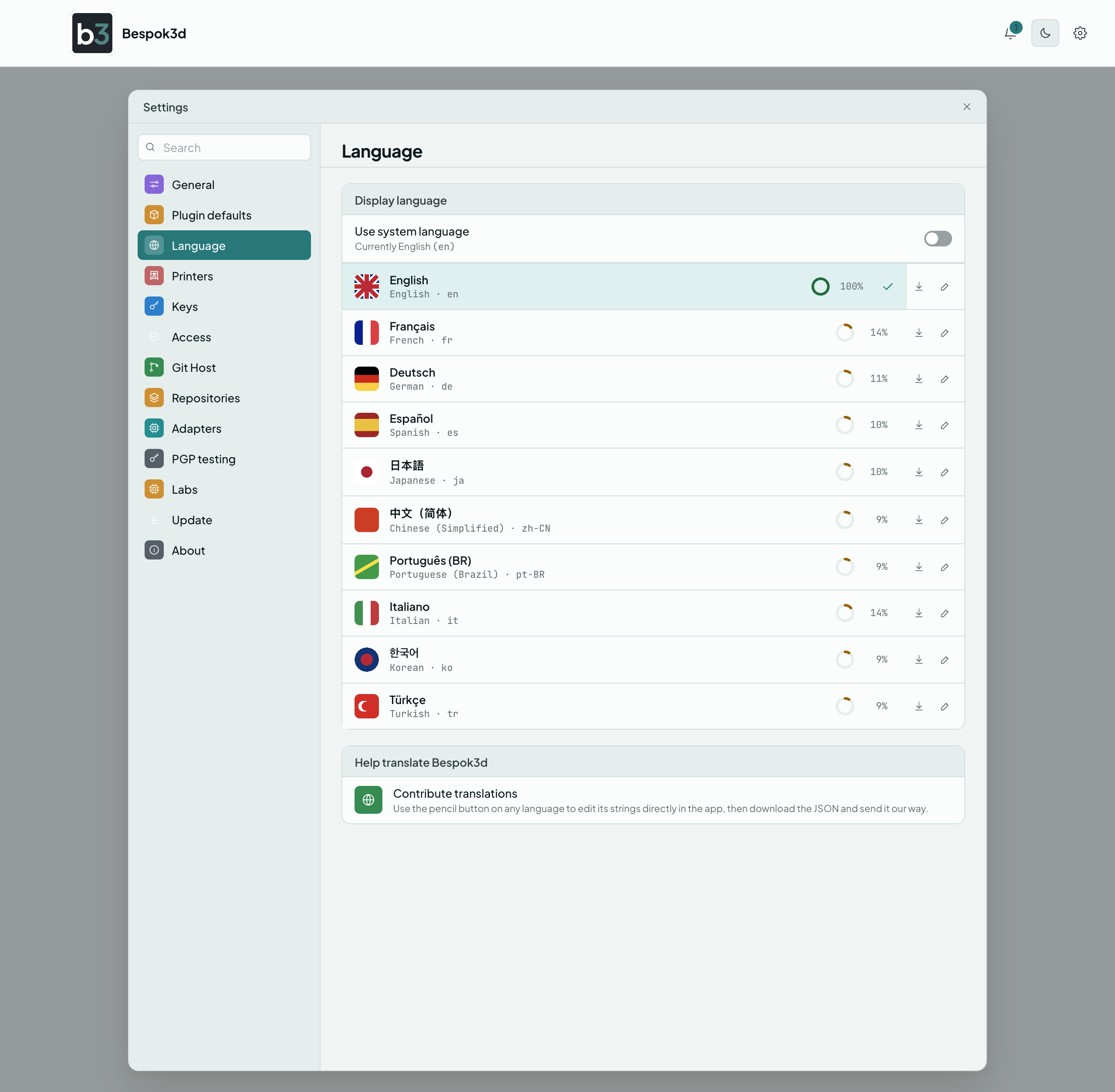
You can also help translate: click the pencil next to a language to edit its text in the app, then send the result to the project using the link in the pane.
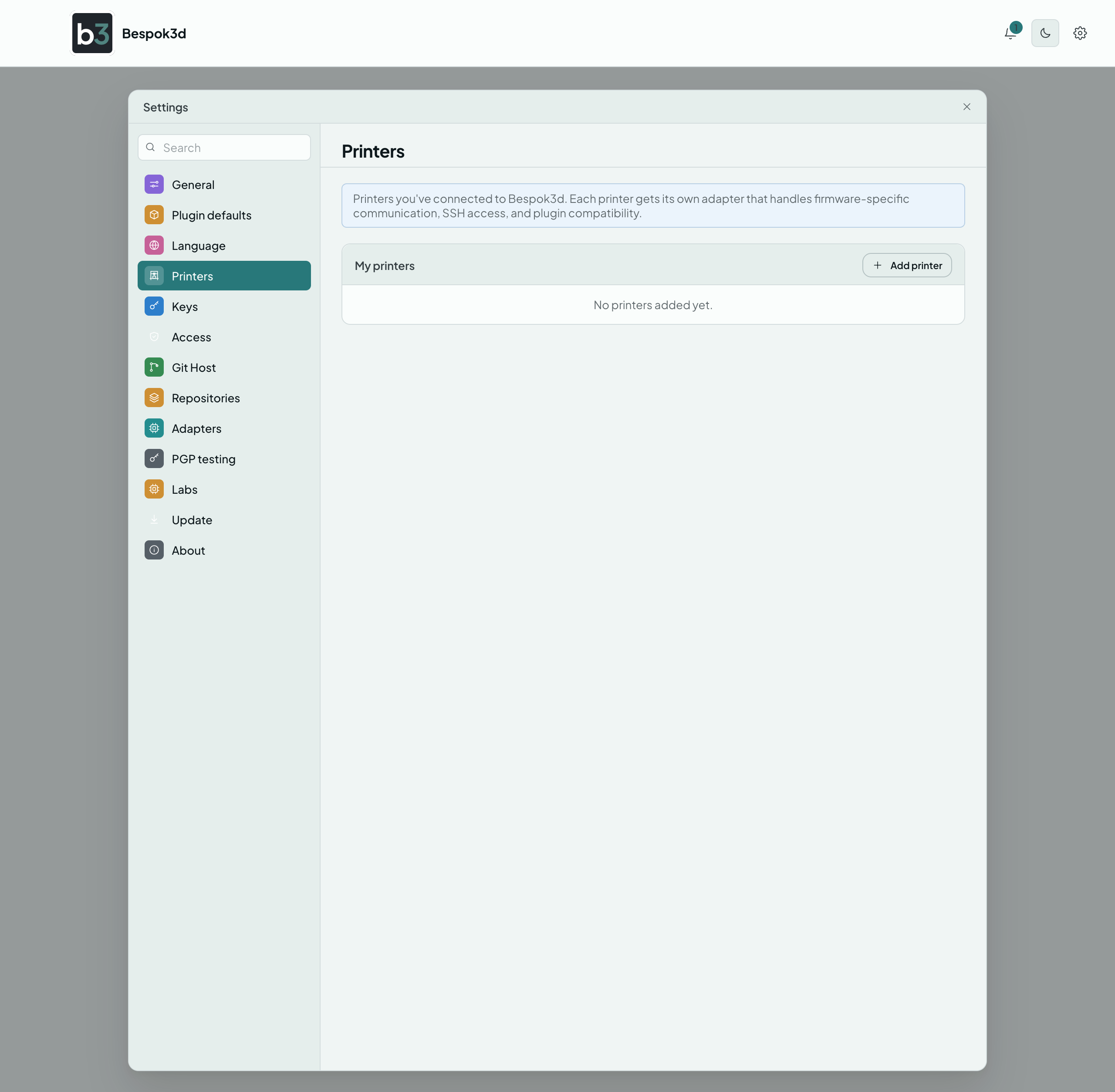
Your printers, their status, and the actions for each one (set up, update, pause, remove). This is the same list covered on the Your printers page.
Controls which identities are allowed to reach each of your printers. It stays empty ("No managed printers yet") until you have set up a printer, and most people never need to change it.
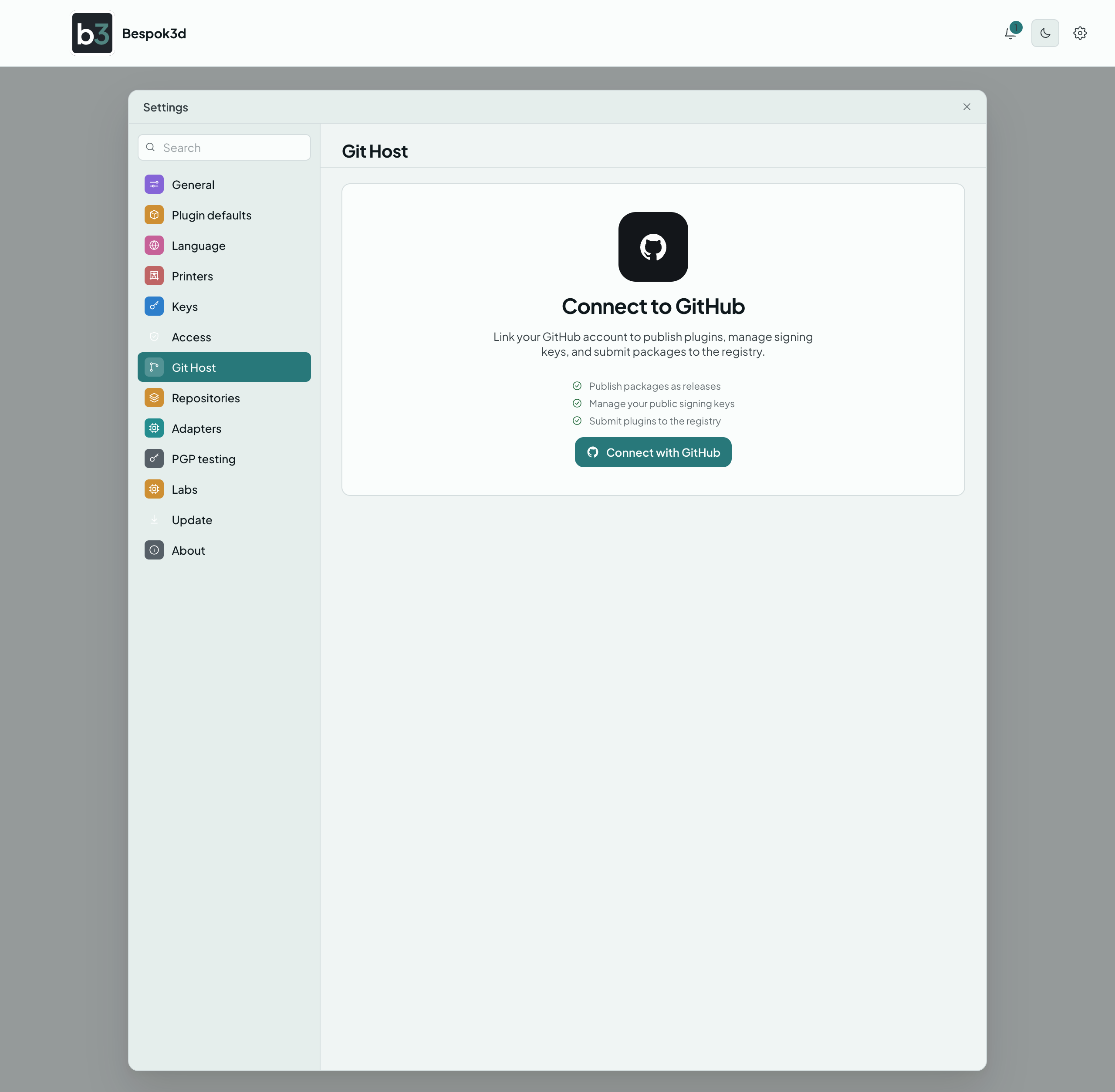
Connect a GitHub or Gitea account. Optional, groundwork for publishing your own plugins later, and covered on the Git hosts page.
Where Bespok3d gets plugins, and how new they are.
Release channels. You pick one channel as your Primary, and that is as risky as Bespok3d will ever go. Everything more tested than your primary stays available; everything less tested is greyed out and cannot be switched on. The default primary is Stable, so out of the box you see Stable and LTS plugins and nothing rougher.
| Channel | What it means |
|---|---|
| LTS | Long-term support. Thoroughly tested, quarterly. |
| Stable | Production ready. Every couple of weeks. The default primary. |
| RC | Release candidates. Mostly stable, some rough edges. |
| Testing | Early access builds. May have known issues. |
| Experiment | Proof of concept. Expect breakage; do not use on a printer you need. |
The list runs most tested at the top to least tested at the bottom. Click Set primary on a channel to move your line, then use the switch on any channel above it to hide that one too. Your primary channel's own switch stays on; it is the line, so it cannot be turned off.
There is no signature switch. Bespok3d always checks who published a plugin and shows you what it found on the plugin's page, whether it is signed, unsigned, or signed with a signature that did not match.
Plugin sources. The official Bespok3d source is built in and always present. Add source is there but not yet live: community sources you can subscribe to are coming in a future update.

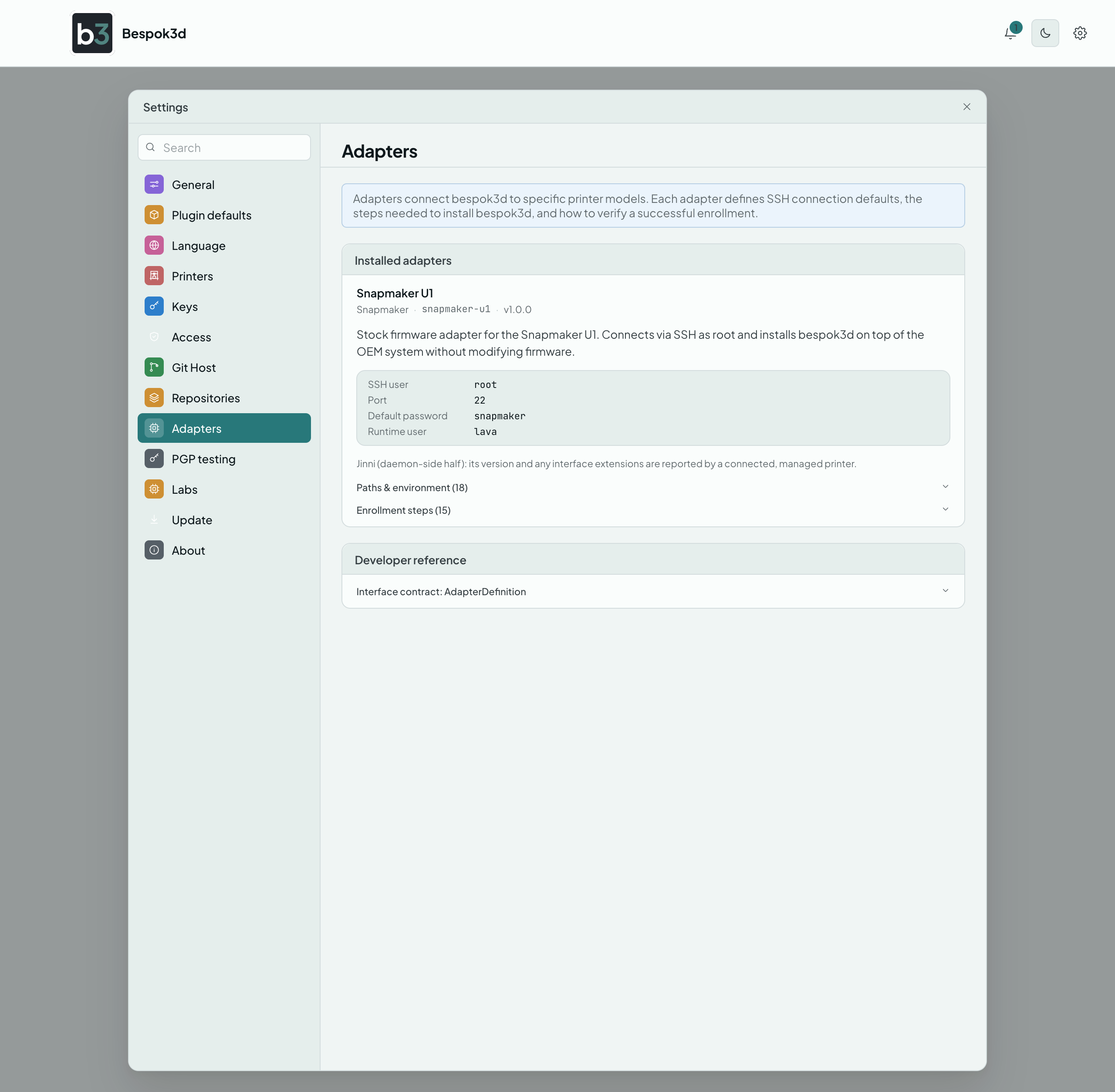
A read-only list of the printer types this version of the app knows how to talk to. An adapter is the small piece that teaches Bespok3d one printer's quirks. There is nothing to change here.
Keeps the Bespok3d app itself up to date.
- Status. Shows your current version and a Check for updates button.
- What's new. The release notes for the version you are being offered.
- Preferences. How often to check (on launch, daily, weekly, or only when you ask), whether to download updates automatically, and when to apply them (on the next quit, or a prompt to restart now).
- Version history. Every published version, with its changelog. You can read what changed in any of them, and go back to an earlier one if an update misbehaves. Your settings and printers are kept. After going back, set the check frequency to Only when I check if you want to stay on that version, otherwise the app will offer you the newer one again.
Bespok3d updates itself in place on macOS, Windows, and Linux.
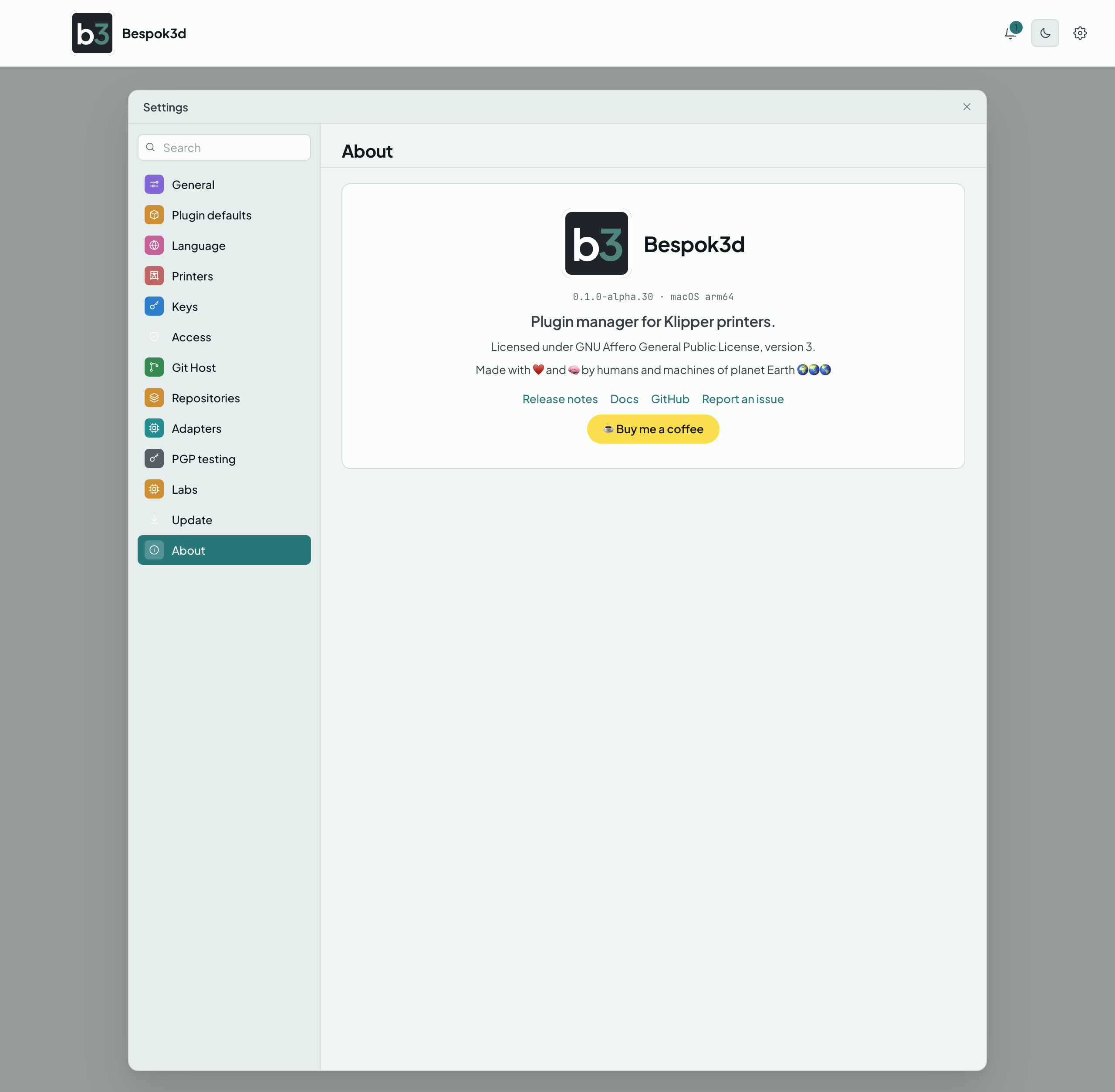
The app version and links to release notes, documentation, the issue tracker, and the license.