
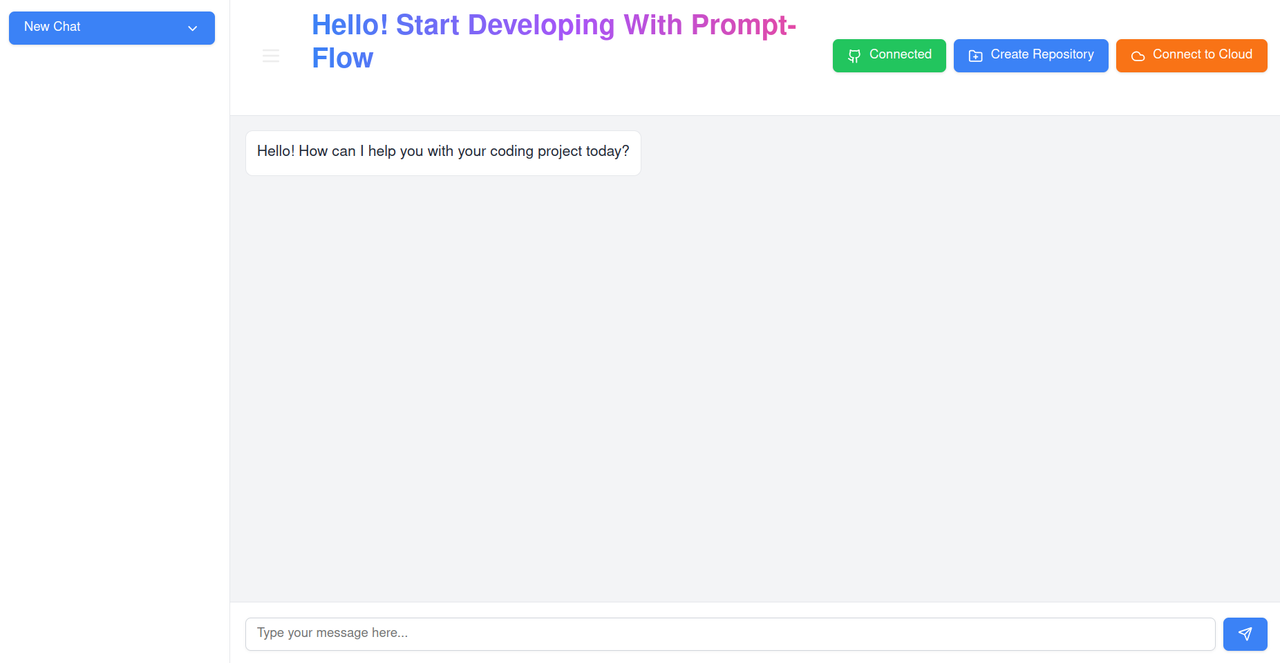
Prompt Flow is an AI-orchestrated code generation and autonomous deployment pipeline that utilizes LangChain and large language models (LLMs) to empower users in developing entire projects through natural language prompts. It automatically generates a complete folder structure, writes code, and configures all necessary files for specified frameworks or languages.


- LangChain
- Docker
- AWS
- GCP
- React
- Vue.js
- Next.js
- GraphQL
- Node.js
- Express.js
- Django
- Flask
- MongoDB
- PostgreSQL
- Redis
- Kubernetes
- Terraform
-
Full SDLC Automation vs. Manual Setup
- Unlike traditional development requiring manual setup for coding, testing, and deployment, Prompt Flow automates the entire SDLC, significantly reducing time and complexity.
-
Dynamic Web Access for Real-Time Updates vs. Static Frameworks
- While current tools rely on predefined support for frameworks, Prompt Flow dynamically accesses web resources for up-to-date documentation, enabling it to adapt to cutting-edge frameworks and evolving languages effortlessly.
- Utilizes Docker, LangChain, and access to cloud providers (AWS, GCP) for dynamic project execution, deployment, and web access, supporting CI/CD integration and real-time updates for evolving frameworks.

- Features an optimized LLM integrated with LangChain for natural language processing, focusing on efficient prompt handling, accurate code generation, and seamless cloud deployment.
To set up Prompt Flow locally, follow these steps:
- Ensure you have Docker installed on your machine.
- Make sure you have Git installed.
- Make sure you Create GeminiApiKey
- Clone the repository:
git clone https://github.com/yourusername/Prompt-flow.git
- Build the Docker Image:
docker build -t your-image-name . - Run the Docker container:
docker run -p 8080:80 your-image-name
- Configure Environment Variables::
AWS_ACCESS_KEY_ID=your_access_key
AWS_SECRET_ACCESS_KEY=your_secret_key
GCP_PROJECT_ID=your_project_id
GOOGLE_API_KEY=YOUR_GEMINI_API_KEY
- Install Dependencies (if applicable)::
npm install
pip install -r requirements.txt