Repository navigation
Ribbon 0.2.0
Pre-release
Your agents, right beside your work.
The first public beta of Ribbon: a native scrolling window manager for Apple silicon Macs.
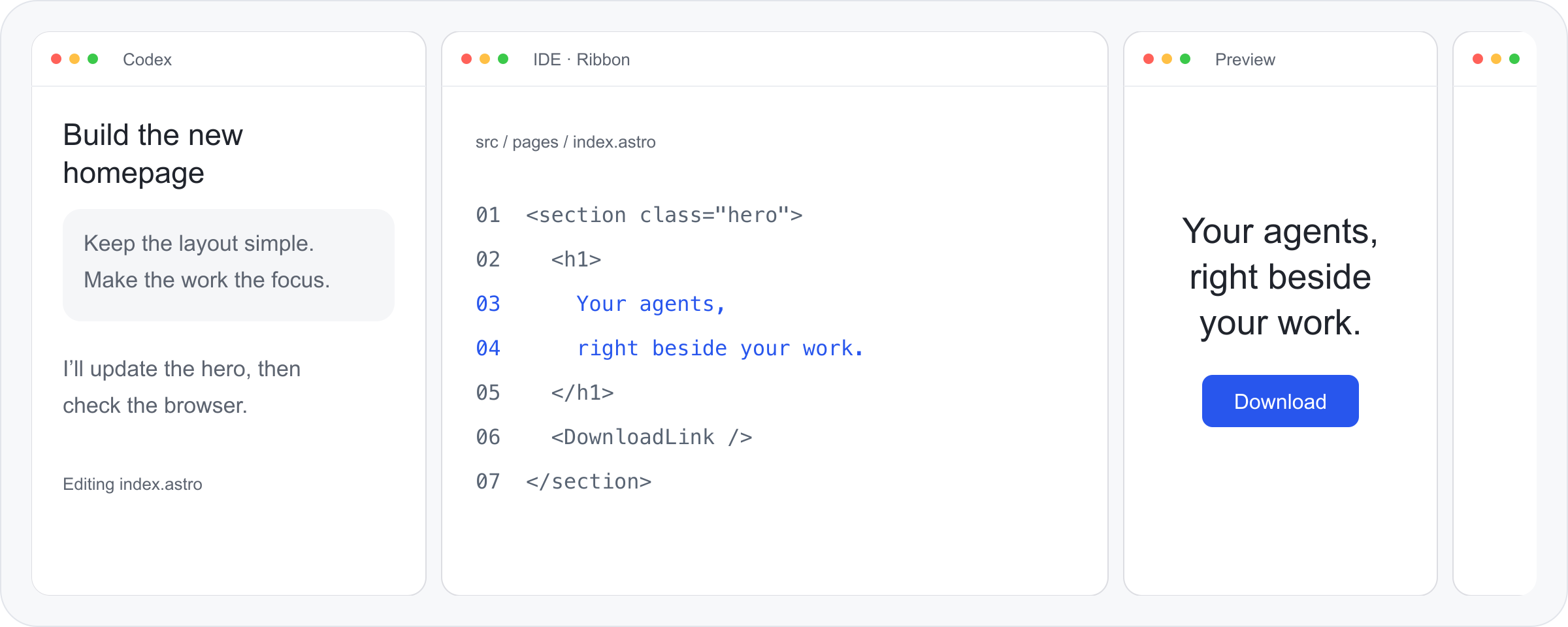
In this release
- Move through a horizontal strip with the keyboard or modifier-scroll.
- Choose ⅓, ½, ⅔, ¾, or full width, or let fitting columns fill the available space.
- Pair neighboring columns and use ½–½, ⅓–⅔, or ⅔–⅓ arrangements.
- Find and reorder windows in the icon overview, including hidden tiles.
- Use vertical stacks, independent display strips, and customizable shortcuts.
- Manage normal open apps automatically, with exclusions when you need them.
- Use the Cobalt app icon, adaptive appearances, and native sidebar settings.
Install
Download Ribbon-macOS-arm64.zip, unzip it, and move Ribbon.app to Applications. Open Ribbon, allow Accessibility access, then enable Settings → General → Window management.
Requires Apple silicon and macOS 15 or later. The release is Developer ID signed, notarized by Apple, and includes a stapled ticket. SHA256SUMS.txt and release-manifest.json provide archive integrity and source provenance.
Getting started · Keyboard shortcuts · Report an issue
Beta limits
Pairs last for the current session. Some apps enforce minimum sizes, and macOS can leave a small edge of a hidden window visible. Physical multi-display pairing, mixed-scale transfers, reconnects, and sleep/wake need more testing. Intel builds and automatic updates are not included.
Pause Ribbon before switching window managers. No account or telemetry is required.
Built on Paneru, with upstream MIT notices preserved.