Repository navigation
Home
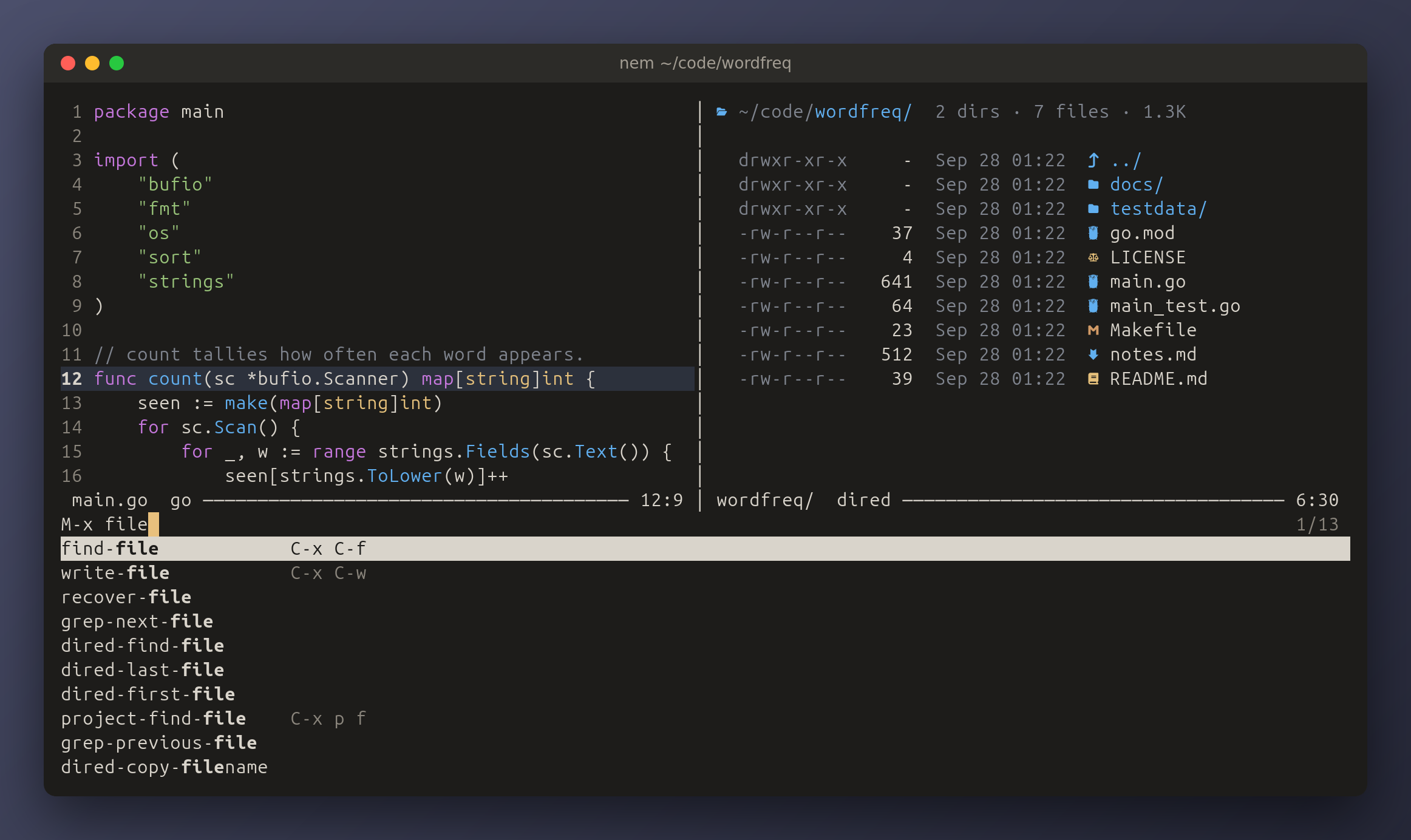
nem is a terminal text editor with nano's shape and emacs's keys: one window
of text, a mode line and an echo line, driven by C-x C-f, C-s and M-x.
It is configured in Lua, in init.lua.
This wiki is the reference for configuring it and for every key it binds.
| Page | What it covers |
|---|---|
| Configuration | Where init.lua lives, how it is loaded, key notation, and what happens when it has a bug |
| Settings | Every option nem.set takes: its values, its default, what it does |
| Lua API |
nem.set, nem.bind, nem.command, nem.run, nem.hook and nem.buf
|
| Keybindings | Every key, globally and in each mode, in prompts and in questions |
| Commands | Every command by name, with its keys: what M-x runs |
| Languages | How nem colours code, the languages built in, and how to add your own |
| Searching | The built-in ripgrep and fzf, their options, and the syntax every list narrows by |
| Recipes | Configs to copy: projectile's keys, format on save, commands of your own |
-- ~/.config/nem/init.lua
nem.set("tab-width", 4)
nem.set("theme", "light")

-- F5 saves.
nem.bind("<f5>", "save-buffer")

-- A command of your own, in M-x and on a key.
nem.command("reverse-line", "Reverse the characters on the current line.",
  function()
    nem.buf.replace_line(nem.buf.line():reverse())
  end)
nem.bind("C-c r", "reverse-line")
Restart nem and it is in effect. A mistake in it is reported in the echo area, and nem starts anyway with its defaults for whatever failed.
-
M-xruns any command by name, with fuzzy completion:M-x fwcfindsforward-char. - Pausing after a prefix key such as
C-xlists what can follow it. -
<f1> blists every binding;<f1> kthen a key says what the key does. -
M-s rsearches the project as you type, andM-s ffinds a file in it: ripgrep and fzf, built in. See Searching.
These pages are kept with nem's code, in docs/wiki in the
repository, and the key and command
references are generated from it, so they describe the version of nem the
latest release was built
from.