Releases: CCMu04/DSHDesktop
Releases · CCMu04/DSHDesktop
Release list
DSH Desktop v0.1.0-rc.6.5.3

DSH Desktop v0.1.0-rc.6.5.3 预览版
设置抽屉关闭逻辑修复。
更新内容
修复
- 设置抽屉仅在真正点击遮罩(面板外的暗色区域)时关闭。此前与浮层 UI 交互——通用页的下拉框弹层、预设查看弹窗——会误关整个设置页;现在这些控件可以正常工作,而点击遮罩、点击关闭按钮或按 Esc 仍可关闭抽屉。
- v0.1.0-rc.6.5.2 的全部内容保持不变。
验证
- 5 项自动化桌面集成测试全部通过。
相关文档
- README.md:项目介绍、下载安装与构建说明
- CHANGELOG.md:全部版本变更记录
- docs/TEMPLATES.md:文档格式模板
DSH Desktop v0.1.0-rc.6.5.2
DSH Desktop v0.1.0-rc.6.5.2 preview
Follow-up to the v0.1.0-rc.6.5.1 preview: right-click a workspace in the sidebar and choose
Open in Explorer to reveal its directory in Windows Explorer.

Highlights
- Workspace folders in the sidebar now have a right-click action, 在资源管理器中打开 /
Open in Explorer, that reveals the workspace directory in Windows Explorer — routed
through the officialhost.openPathAPI, so it opens exactly once with a clean environment. - The desktop native-open bridge is retired: every path open now goes through the official Host
opener alone (itsInvoke-Itemsubprocesses get a clean environment from the backend
preload), which also removes a second Explorer window that the Electron mirror used to open
for page-initiated requests. - The header drag surface is disabled while a modal dialog is open (settings drawer,
session-export dialog), so the dialog's own top row stays fully clickable; dragging returns
as soon as the dialog closes. - Everything from v0.1.0-rc.6.5.1 is unchanged: window dragging via the session header,
bundled Node.js 24 runtime,desktop-ui, and the x64-only installer.
Verified
- 5 automated desktop integration tests pass.
- All screenshots in this release show only the DSH Desktop application window.
DSH Desktop v0.1.0-rc.6.5
DSH Desktop v0.1.0-rc.6.5 preview
This preview keeps the official DeepSeek Harness 0.1.0-rc.6 runtime unchanged and improves the
Windows desktop integration around it.
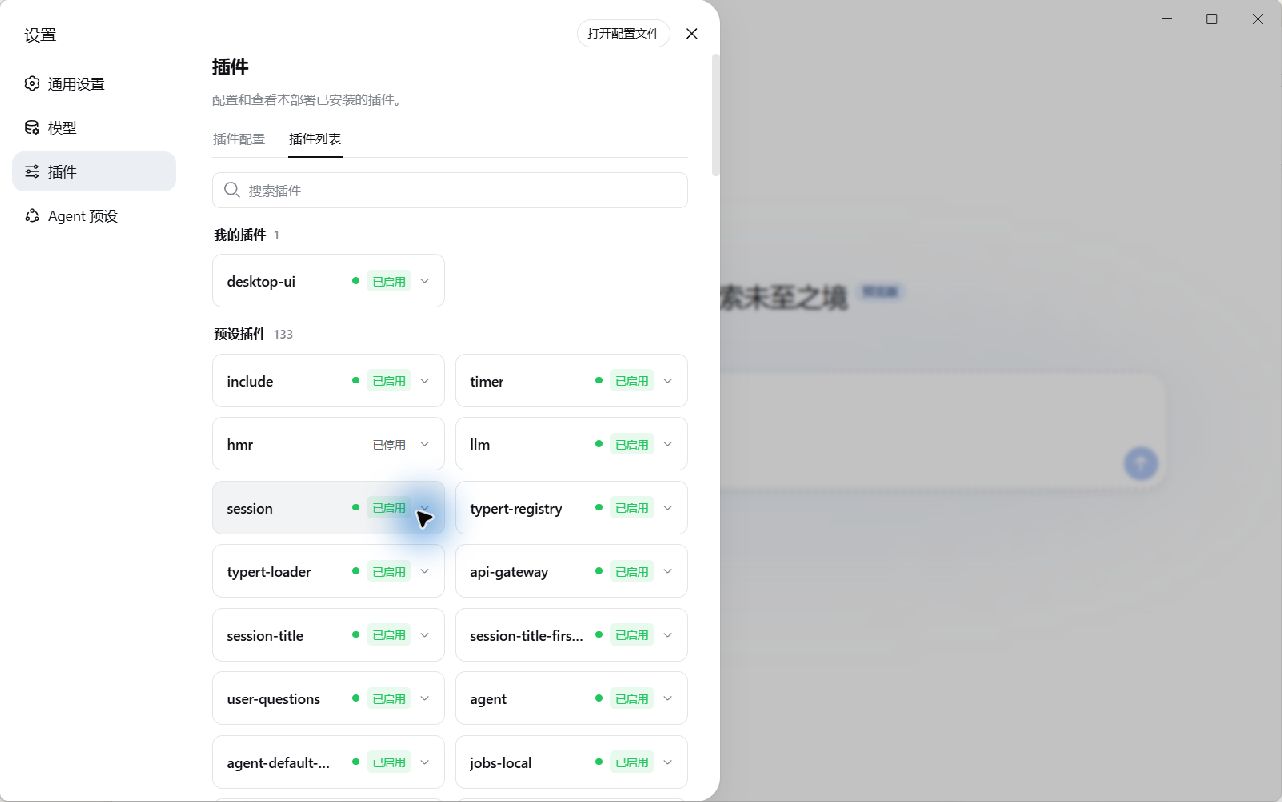
Highlights
- The DSH backend runs on a bundled official Node.js 24 runtime instead of Electron-as-Node. The
native workspace directory picker works again ("open workspace" previously crashed after picking a
folder), and backend logs are written tobackend.logagain. - The Settings Open configuration file action opens through Electron's native Windows shell, so
Electron-based editors such as VS Code no longer inherit backend Node mode. - Folder opens use the same desktop bridge.
desktop-uiis bundled, installed, and enabled on first use or after its bundled content changes.
Subsequent launches preserve the user's choice.- x64 is the only supported architecture: one installer and one portable executable.
Verified
- 7 automated desktop integration tests pass.
- The revised build was smoke-tested end to end: the backend runs on the bundled
node.exe, logs
reachbackend.log,host.pickDirectoryopens and closes the native folder dialog without
crashing, and core APIs respond. - All screenshots in this release show only the DSH Desktop application window.
DSH Desktop v0.1.0-rc.6.5.1
DSH Desktop v0.1.0-rc.6.5.1 preview
Follow-up to the v0.1.0-rc.6.5 preview: window dragging is back without blocking the session
header buttons.
Highlights
- The session header is now the window drag surface: drag the window by its empty areas (top
padding, title-row gaps, tab spacing), while the breadcrumbs and the header action buttons
(jobs, subagents, session-log export) opt out and stay fully clickable. - Everything from v0.1.0-rc.6.5 is unchanged: the DSH backend runs on the bundled official
Node.js 24 runtime,desktop-uiis bundled, and x64 is the only supported architecture.
Verified
- 7 automated desktop integration tests pass.
- All screenshots in this release show only the DSH Desktop application window.
DSH Desktop v0.1.0-rc.6.4

Changelog
v0.1.0-rc.6.4 — 2026-08-14
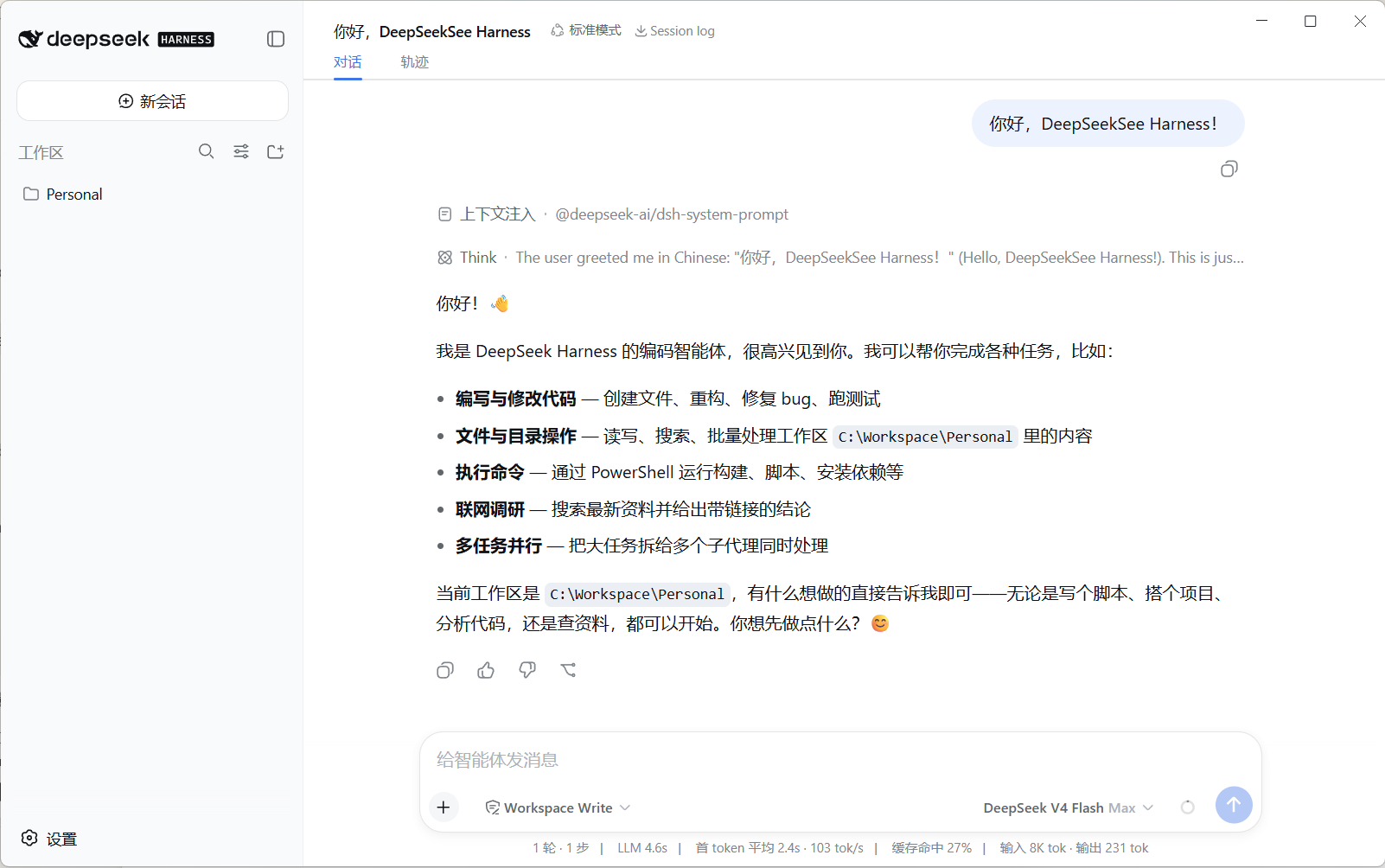
First public preview of DSH Desktop, bundling DeepSeek Harness 0.1.0-rc.6.
Highlights
- Official DSH Web UI in a native Windows desktop window, without changing upstream source.
- Shared
~/.dshconfiguration, sessions, profiles, credentials, and persistent plugins. - Bundled DSH, Node, and pnpm toolchain; no global DSH installation required.
- Incremental runtime cache and NSIS block map generation.
- Headless ConPTY backend and hidden Windows sandbox console windows.
- Verified PowerShell output, non-zero exit codes, background tasks, and workspace file writes.