Tools
The following tools are used within the application.
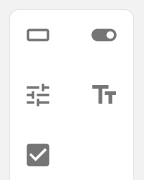
The toolbox is designed to showcase all graphical components and allows the user to drag those onto the canvas. The toolbox is based on a MUI Grid, where every component is placed in its own cell. The container and item properties are used within the Grid to determine wether a child is a grid cell or a component within a grid cell.
The dragging functionality is provided by the Node package react-dnd.
The toolbar contains tools that have actions related to the canvas. The available tools are:
- Undo
- Redo
- Clear canvas
- Simulate canvas state
- Save canvas state
- Load canvas state

The editbox is used for changing attributes of different components. The editbox is shown when a component is selected, and components automatically re-render once an attribute is changed. Some examples of attributes that can be changed for a Button is size, variant, and color.
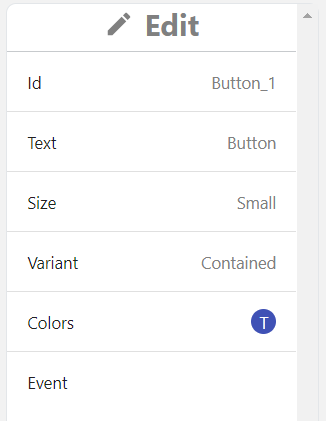
An edit section is the part of the editbox where a specific attribute can be changed. The EditSection is built on MUI's Accordion component and shows which attribute is being changed and a summary of its current value.

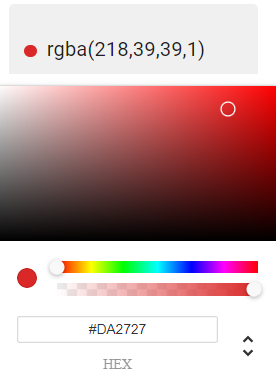
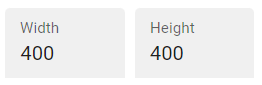
An edit item is the part of the editbox where values are provided for a specific attribute. Once the EditSection has been opened, the EditItems are shown. This allows the user to provide values for e.g. Size using the Width and Height items, or a color for the background.