v1.2.0

What's Changed
✨ Since v1.2.0, we have provided a GUI version of stone for users who are not familiar with the command line
interface.
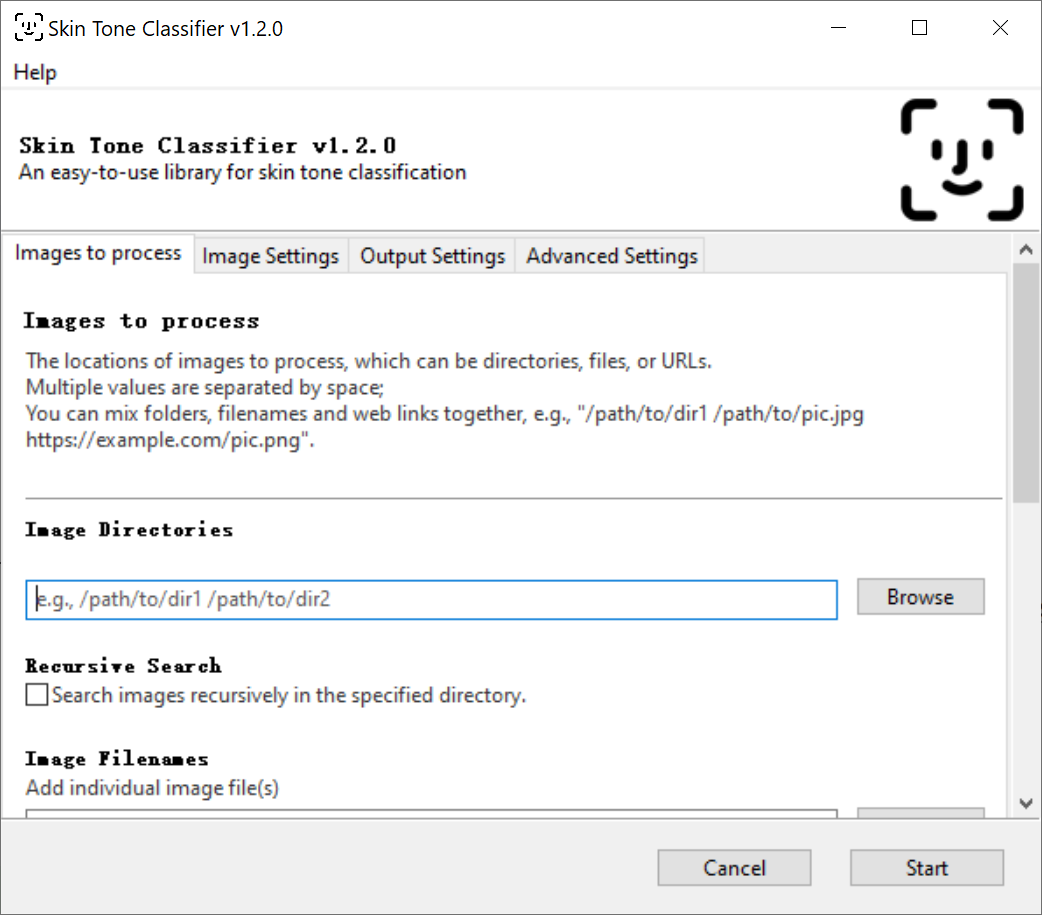
Instead of typing commands in the terminal, you can use the config GUI of stone to process the images.
Steps:
- Open the terminal that can run
stone(e.g.,Powershellin Windows orTerminalin macOS). - Type
stone(without any parameters) orstone --guiand press Enter to open the GUI. - Specify the parameters in each tab.
- Click the
Startbutton to start processing the images.
Hopefully, this can make it easier for you to use stone 🍻!
Important
The GUI version of stone is still in the beta stage.
It supports Python 3.9 only.
I will try to rebuild the wheels for other Python versions in the future.
If you prefer to use Python 3.10.x or above, please install v1.1.2,
which has the same features except for the GUI.
pip install skin-tone-classifier==1.1.2