
Made some changes to the original Appletify to bring back some of the spotify to appletify
credit to raysin1, the original creator for this great theme
Changes I Made
- removed the apple music home screen and brought back the regular spotify home screen
- fixed styling issues with resizing the spotify client
- made the menus bigger when resizing so all content can show
- fixed a bug which did not show the right font when an album was selected

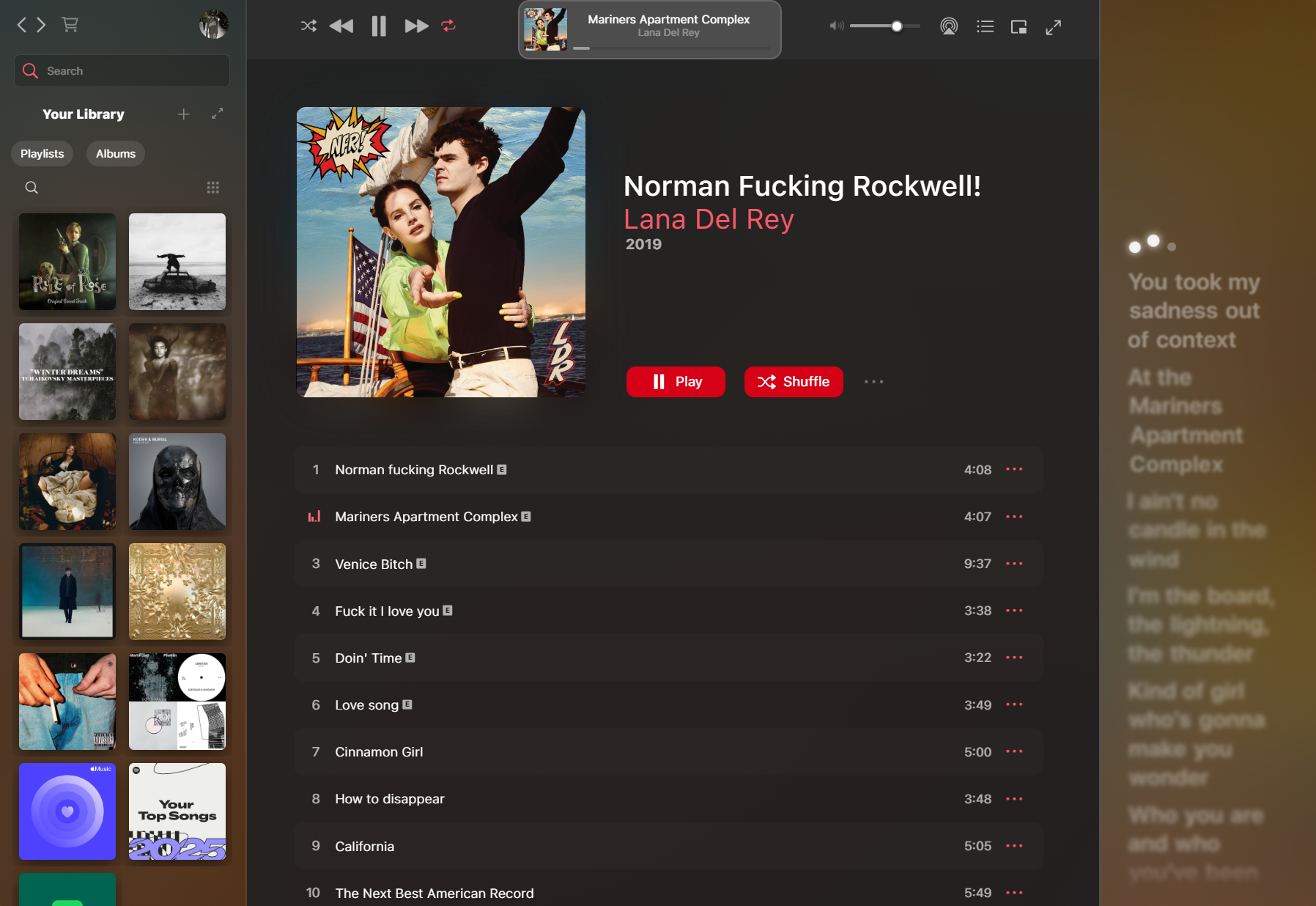
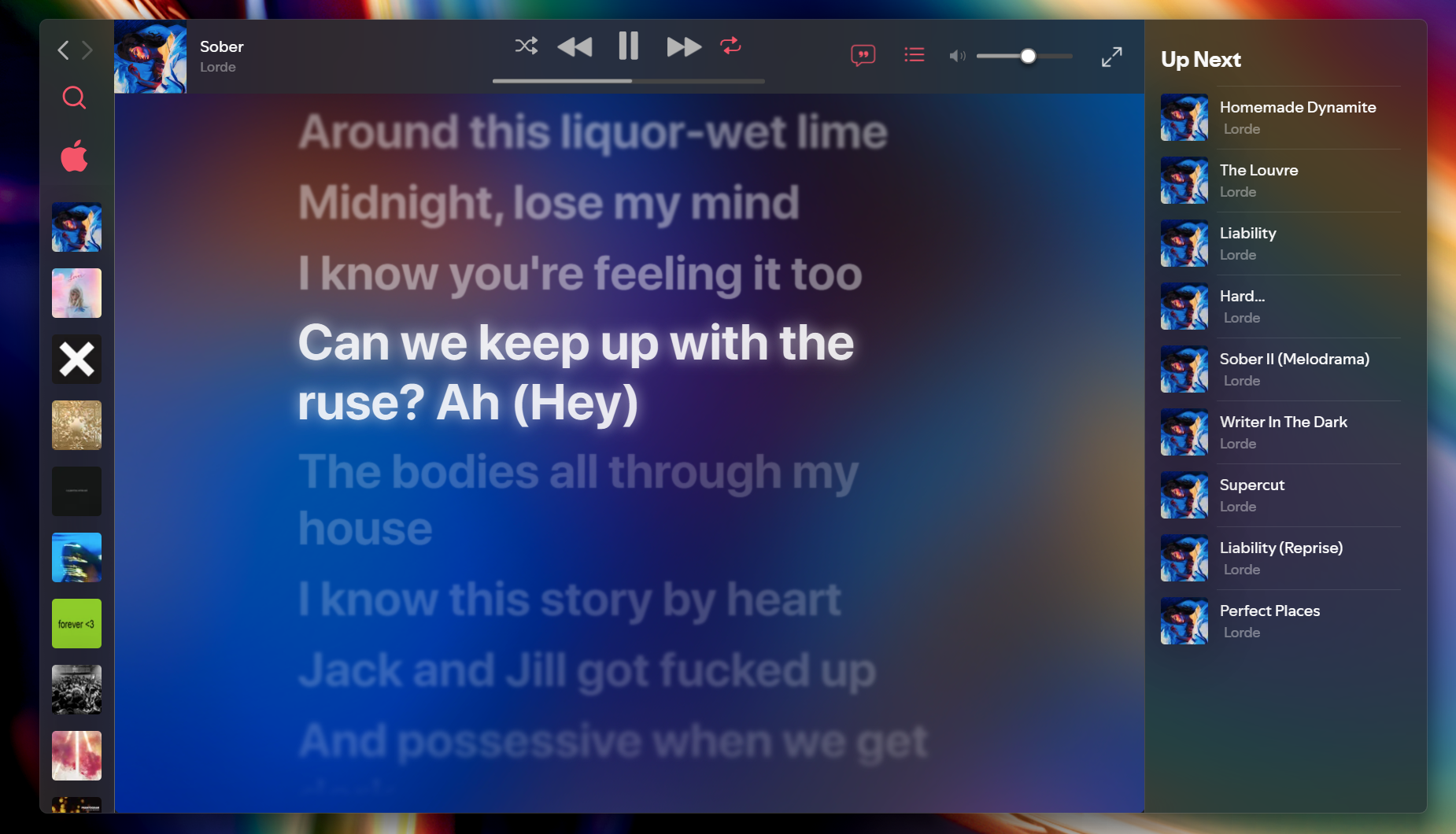
It may take a while for the theme to be available on Marketplace. You can install it manually on the meantime
- Get Spicetify
- Run
iwr -useb https://raw.githubusercontent.com/spicetify/marketplace/main/resources/install.ps1 | iex && spicetify config current_theme marketplaceon Terminal - Go to Marketplace > Themes, find Appletify and install.
Make sure to also install the following extensions on Marketplace:

The theme will not have translucent sidebars if the steps below aren't followed
-
Download Windhawk
-
Install the
Spotify Tweaksmod -
Under settings, disable
native frames and title barsand enableTransparent Rendering -
Download MicaForEveryone
-
Create a new process rule for Spotify and set
Backdrop typeto Acrylic -
Turn on
Blur from behindandExtend frame into client areaif necessary -
Close and reopen Spotify
Credit to Ingan121
To do:
- Spicetify marketplace button
- add a close spotify button
- move the position of the back/foreward buttons
- fix performance
- custom home screen