Unofficial Aonsoku fork with reverse-proxy BasicAuth support for Traefik, Authentik, Pangolin, nginx, Caddy, and similar servers. Desktop song playback uses MPV by default to avoid Chromium/Web-audio failures with lossless and high-resolution streams.
This fork preserves upstream Aonsoku's MIT license and attribution. The only
intended fork-specific surface is desktop Electron support for a separate
reverse-proxy BasicAuth username and password plus MPV-first song playback.
Proxy credentials are stored through Electron safeStorage and injected only
for the configured server origin.
This repository tracks this fork's reverse-proxy BasicAuth/proxy-auth behavior and its MPV desktop song engine. General Aonsoku bugs, feature requests, server issues, and packaging requests outside this fork's published prereleases are out of scope here.

Unofficial BasicAuth-only fork of the Aonsoku desktop client.
Download
·
Report BasicAuth Bug
·
Support Scope




Table of Contents
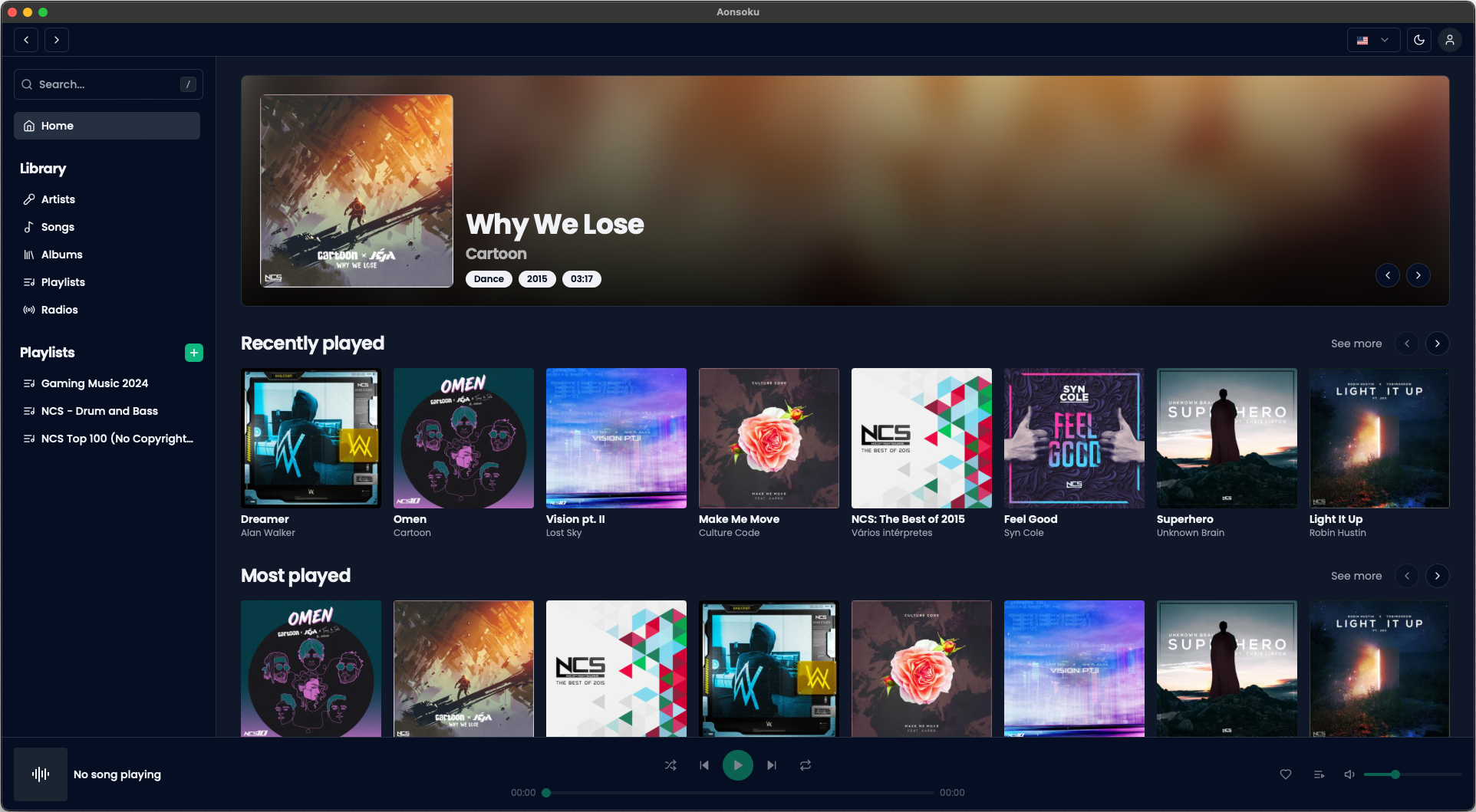
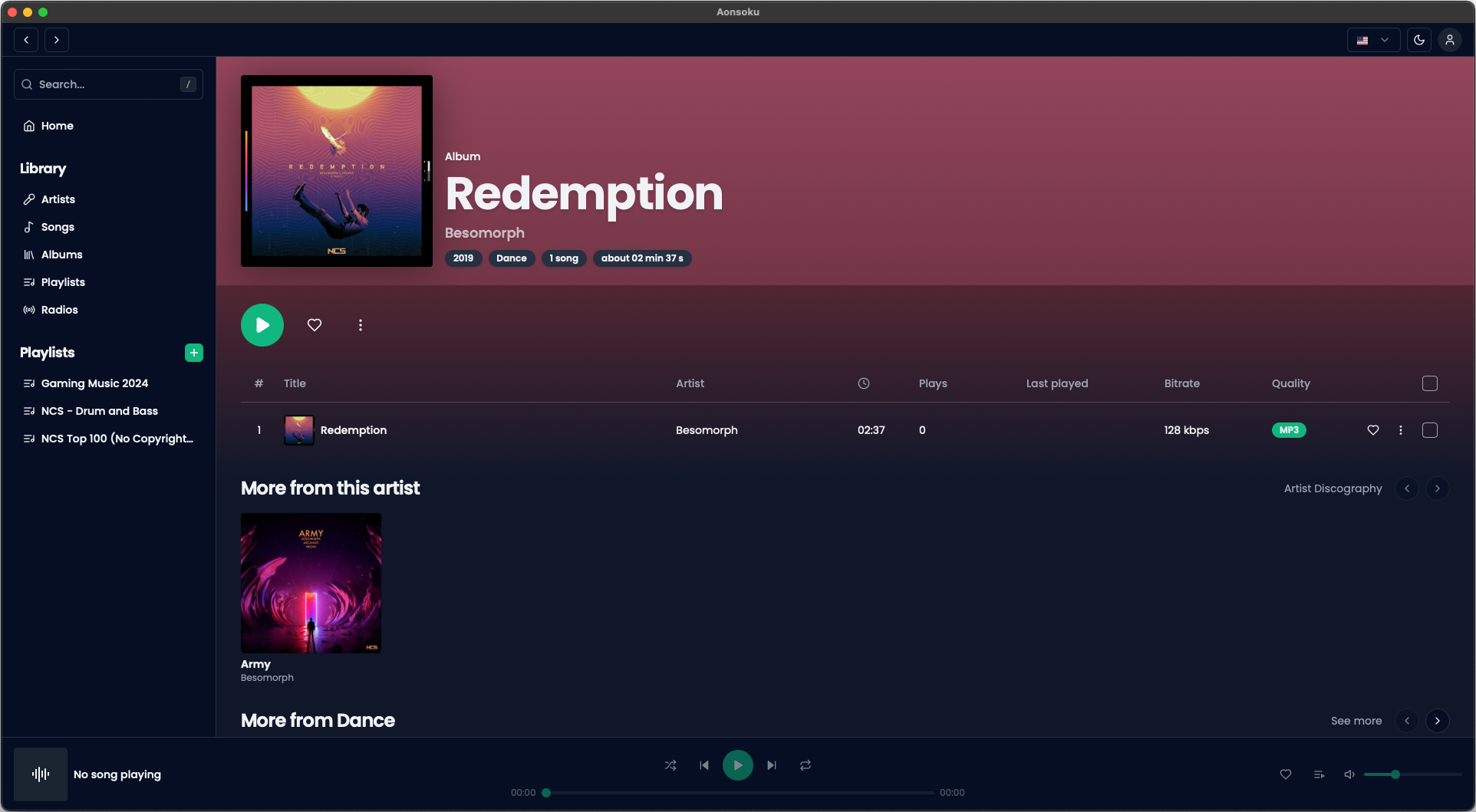
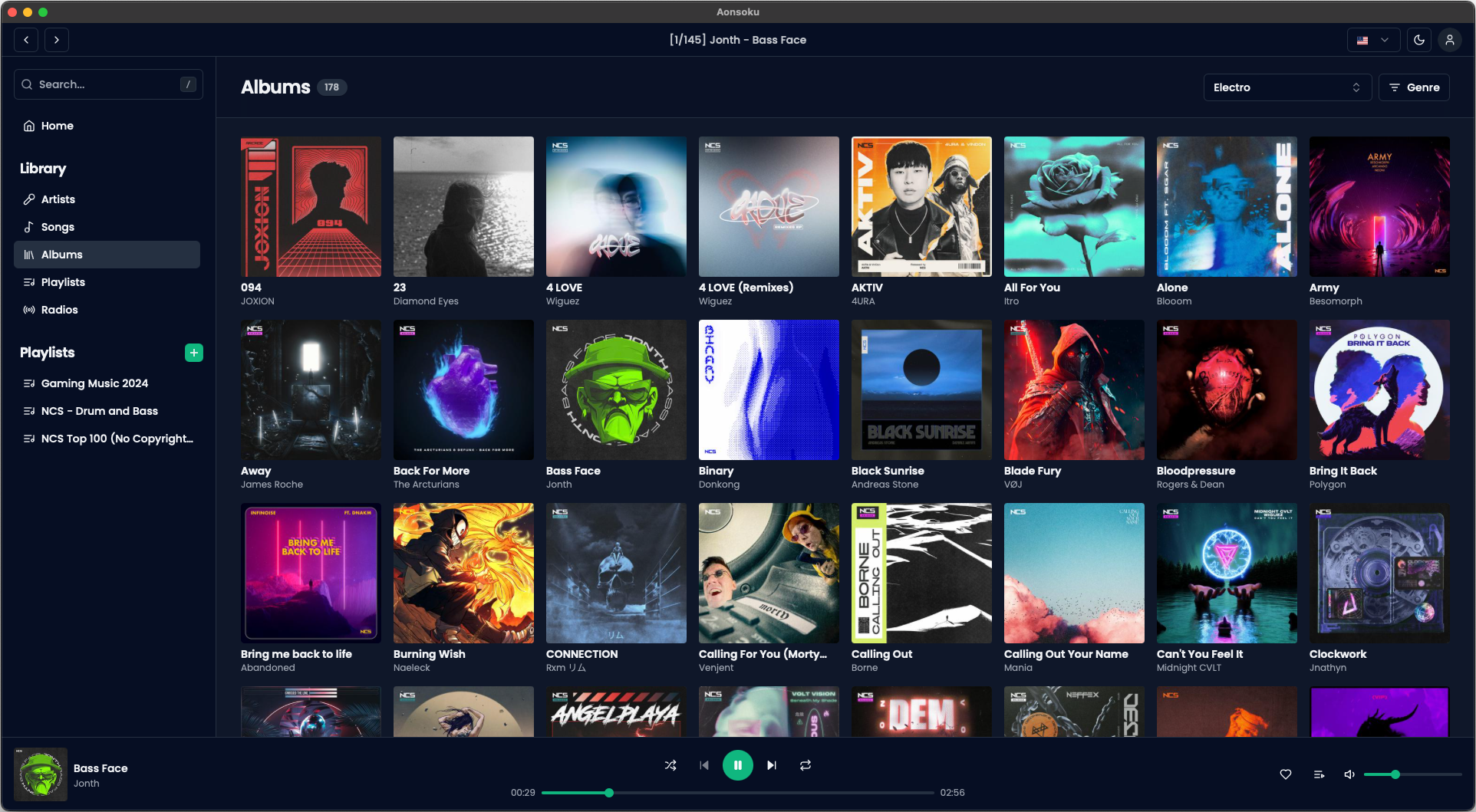
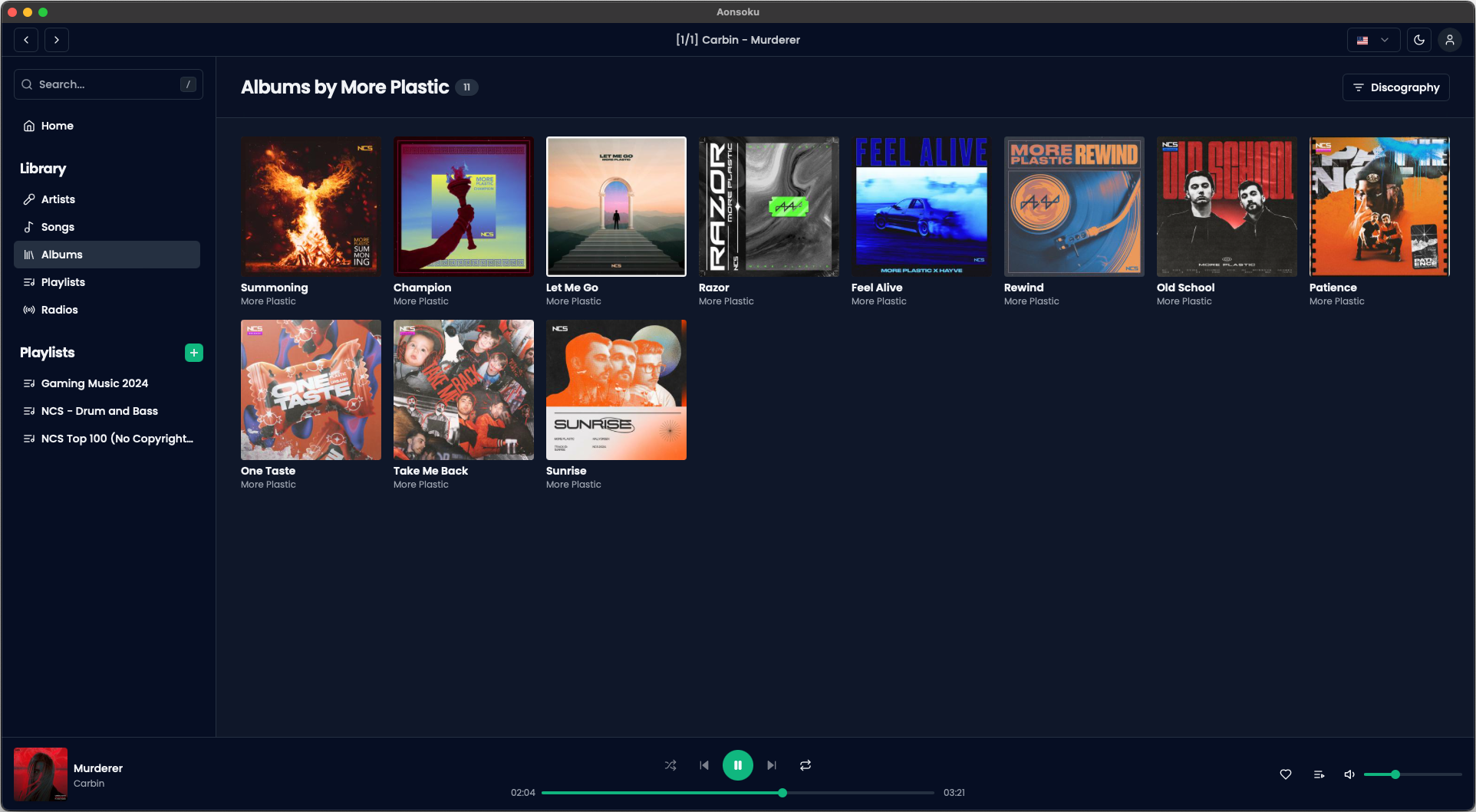
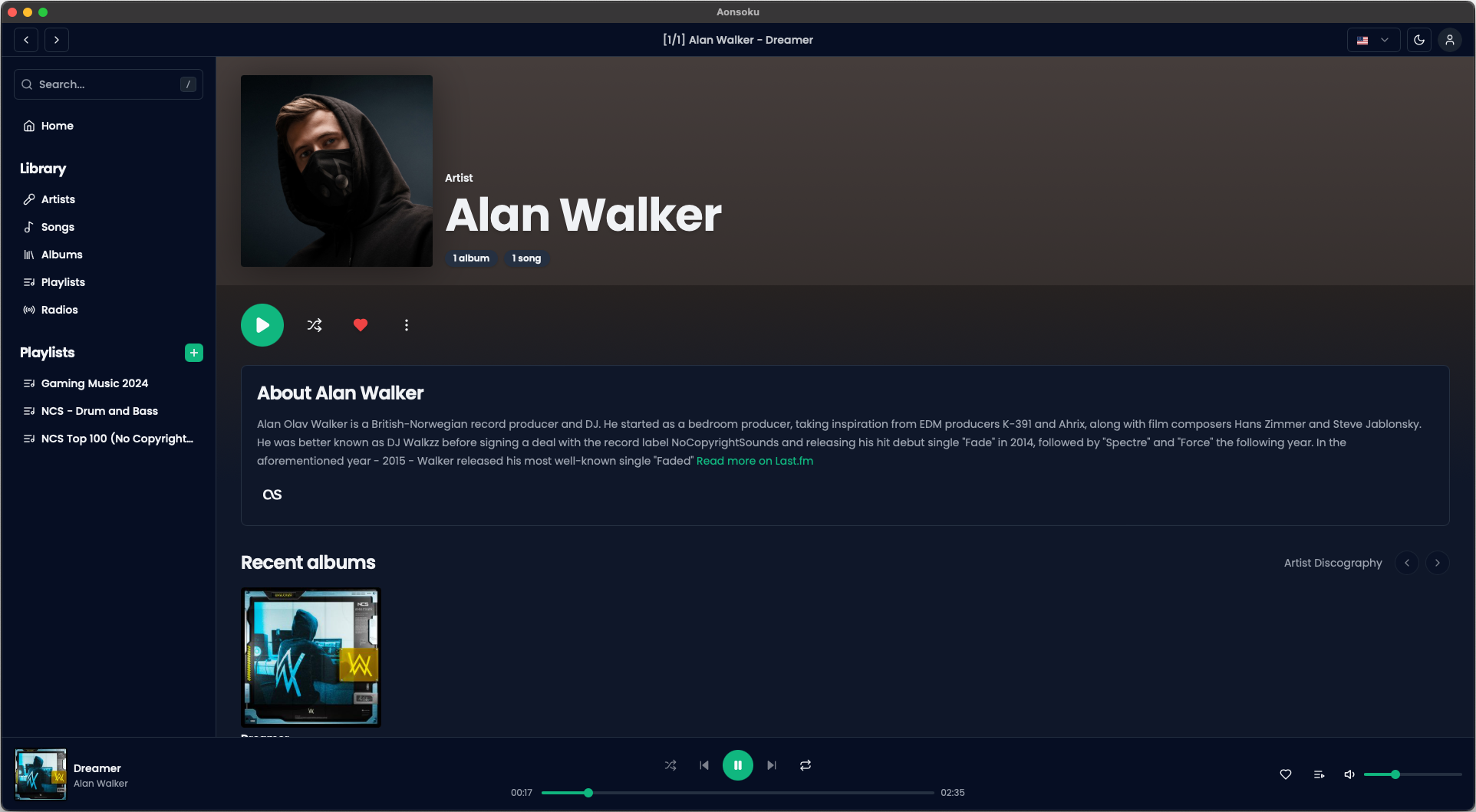
- Subsonic Integration: Aonsoku integrates with your Navidrome or Subsonic server, providing you with easy access to your music collection.
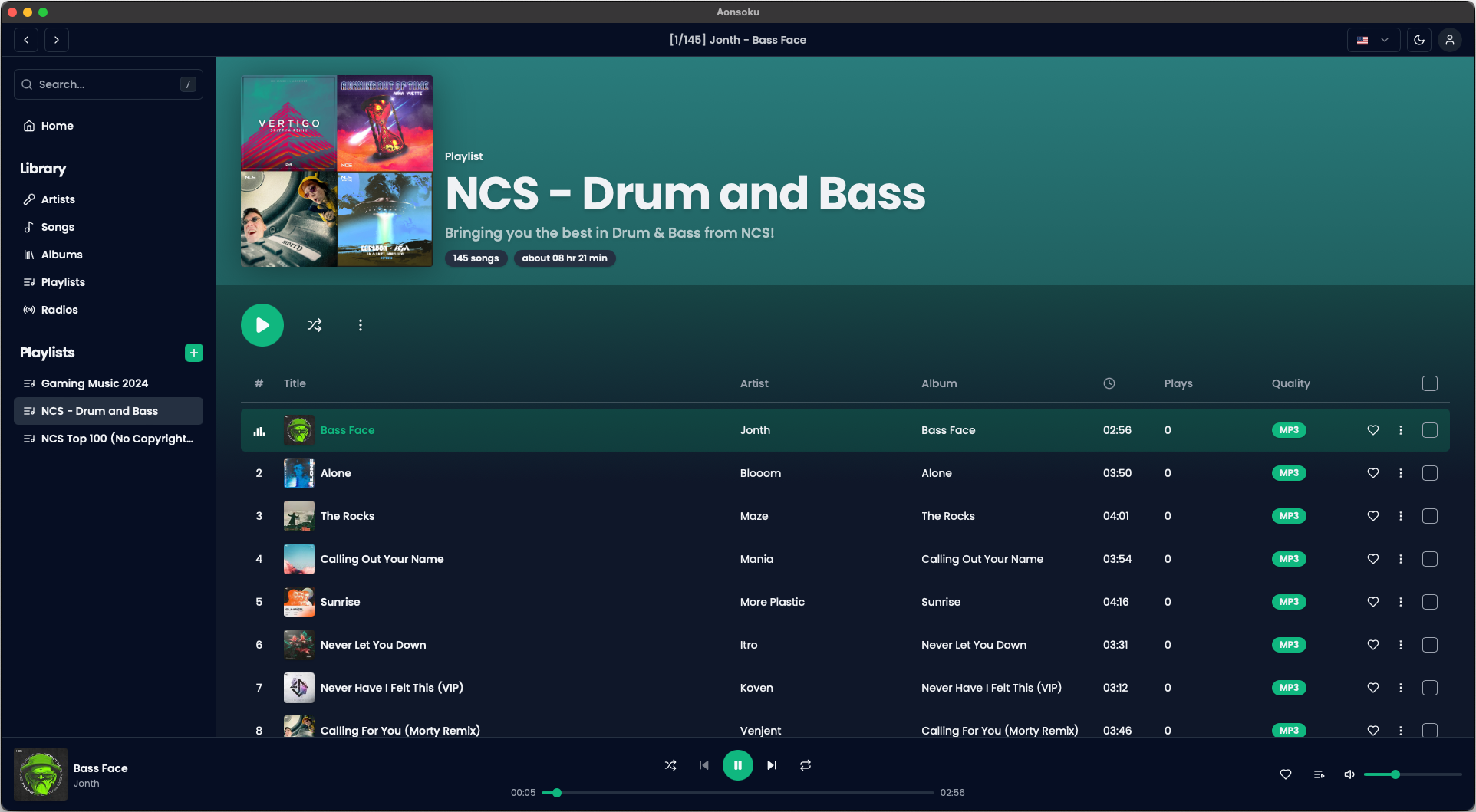
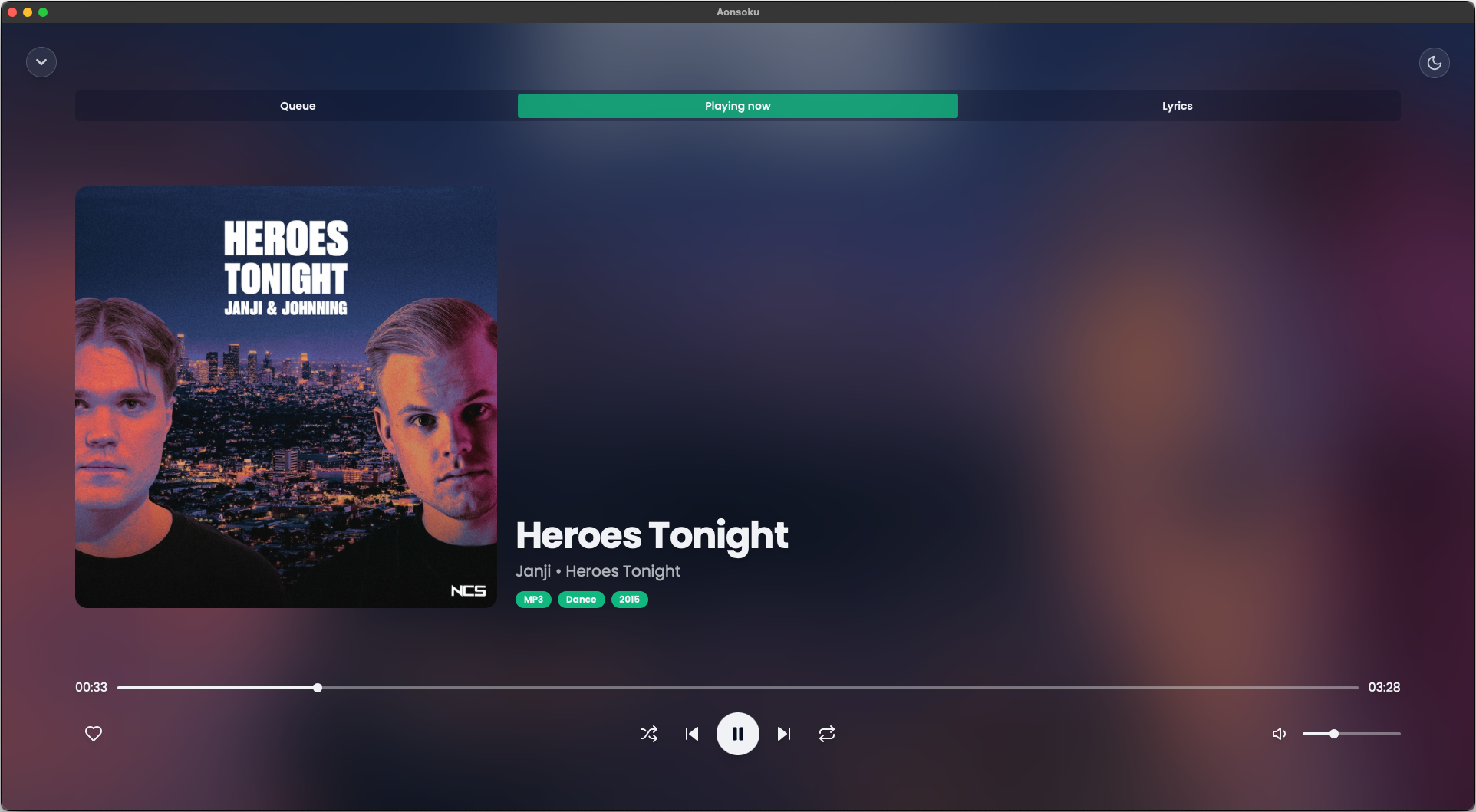
- Intuitive UI: Modern, clean and user-friendly interface designed to enhance your music listening experience.
- Podcast Support: With Aonsoku Podcasts you can easily access, manage, and listen to your favorites podcasts directly within the app. Enjoy advanced search options, customizable filters and seamless listening synchronization to enhance your podcast experience.
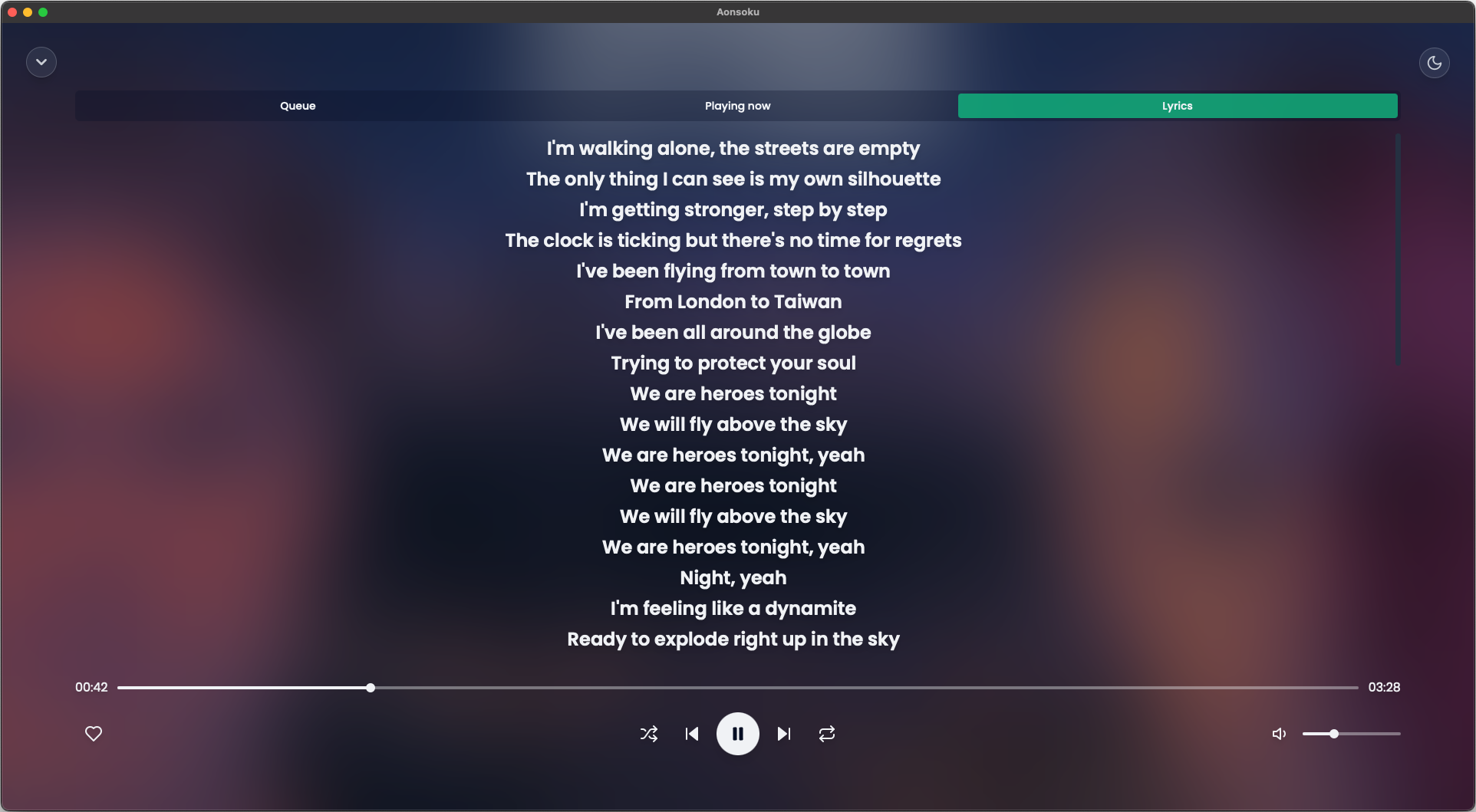
- Synchronized lyrics: Aonsoku will automatically find a synced lyric from LRCLIB if none is provided by the server.
- Unsynchronized lyrics: If your songs have embedded unsynchronized lyrics, Aonsoku is able to show them.
- Radio: If your server supports it, listen to radio shows directly within Aonsoku.
- Scrobble: Sync played songs with your server.
- Node.js
- pnpm, npm or yarn
- cargo
- MPV installed or configured by path for desktop song playback
- Clone the repo
git clone https://github.com/victoralvesf/aonsoku.git- Install NPM packages
pnpm install- Web App
pnpm run dev- Desktop App
pnpm run electron:dev- Docker
version: '3.8'

services:
  aonsoku:
    container_name: aonsoku
    image: ghcr.io/victoralvesf/aonsoku:latest
    restart: unless-stopped
    ports:
- 8080:8080- Podman Quadlet
[Unit]
Description=Aonsoku Container

[Container]
ContainerName=aonsoku
Image=ghcr.io/victoralvesf/aonsoku:latest
PublishPort=8080:8080
AutoUpdate=registry

[Service]
Restart=always

[Install]
WantedBy=multi-user.target default.target
Environment Variables
Below is a table describing the environment variables that can be used in this project. Adjust them as necessary in your .env file.
| Variable | Default | Description | Required for Automatic Login |
|---|---|---|---|
PORT |
8080 |
The port the application runs on. | |
SERVER_URL |
If you want the app to access a predefined Subsonic server. Format: http://your-subsonic-server:port. |
✅ | |
HIDE_SERVER |
false |
Set to true to hide the server URL field on login and only show username and password. |
✅ |
APP_USER |
The username for automatic login. | ✅ | |
APP_PASSWORD |
The password for automatic login. | ✅ | |
APP_AUTH_TYPE |
token |
Specifies the authentication method. Options: token or password. |
|
SERVER_TYPE |
subsonic |
Specifies the server name (important for some fixes). Options: subsonic, navidrome or lms |
|
HIDE_RADIOS_SECTION |
false |
Set to true to hide the radios page from the sidebar menu. |
|
APP_THEME |
dark |
Specify the app theme. Possible values: light, dark, black, one-dark, night-owl-light, marmalade-beaver, noctis-lilac, material-theme, monokai-pro, github-dark, shades-of-purple, bearded-solarized, catppuccin-mocha, nuclear-dark, achiever, dracula, discord, tinacious-design, vue-dark, vim-dark-soft. |
|
APP_HIDE_THEMES |
false |
Set to true to hide the themes section so the user cannot change the theme. |
|
IMAGE_CACHE_ENABLED |
false |
Set to true to enable the image cache. |
|
DISABLE_IMAGE_CACHE_TOGGLE |
false |
Set to true to prevent the user from changing the image cache setting. |
|
DISABLE_DOWNLOADS |
false |
Set to true to disable song downloads. |
|
DISABLE_LRCLIB |
false |
Set to true to disable downloading lyrics from LRCLIB. |
Notes:
- Automatic Login: To enable automatic login across devices. This should only be used in secure local environments to avoid password compromise.
- Legacy Authentication: Use
APP_AUTH_TYPE=passwordonly if your server does not support token-based authentication.
Since this application is not signed and notarized by Apple, macOS Gatekeeper may block it from running to protect your system. You might encounter:
- A message saying the app "is damaged and can't be opened."
- An immediate crash or error window upon launching.
To fix this, please follow these steps:
- Move Aonsoku to your
/Applicationsfolder. - Open your Terminal.
- Run the following commands to repair the permission and signature (you may need to enter your system password):
# 1. Remove the quarantine attribute (Fixes "App is damaged")
sudo xattr -cr /Applications/Aonsoku.app

# 2. Re-sign the application locally (Fixes immediate crashes/library errors)
sudo codesign --force --deep --sign - /Applications/Aonsoku.app- You can now open Aonsoku normally.
- Downloads:
- Playlist
- Album
- Artist
- Song
- Queue page
- Playlist editor
- Synced lyrics
- Podcast support
General Aonsoku feature requests are out of scope for this BasicAuth-only fork.
Contributions are what make the open source community such an amazing place to learn, inspire, and create. Any contributions you make are greatly appreciated.
If you have a suggestion that would make this better, please fork the repo and create a pull request. You can also simply open an issue with the tag "enhancement". Don't forget to give the project a star! Thanks again!
- Fork the Project
- Create your Feature Branch (
git checkout -b feature/AmazingFeature) - Commit your Changes (
git commit -m 'Add some AmazingFeature') - Push to the Branch (
git push origin feature/AmazingFeature) - Open a Pull Request
This project uses Weblate for translations. If you'd like to help, please visit the link to submit your contribution.

Distributed under the MIT License. See LICENSE.txt for more information.