Table of Contents generated with DocToc
These are hands on git tutorials, using git installed locally, and github.com a remote repository server.
A git repository is a directory structure similar to that which you see on any computer.
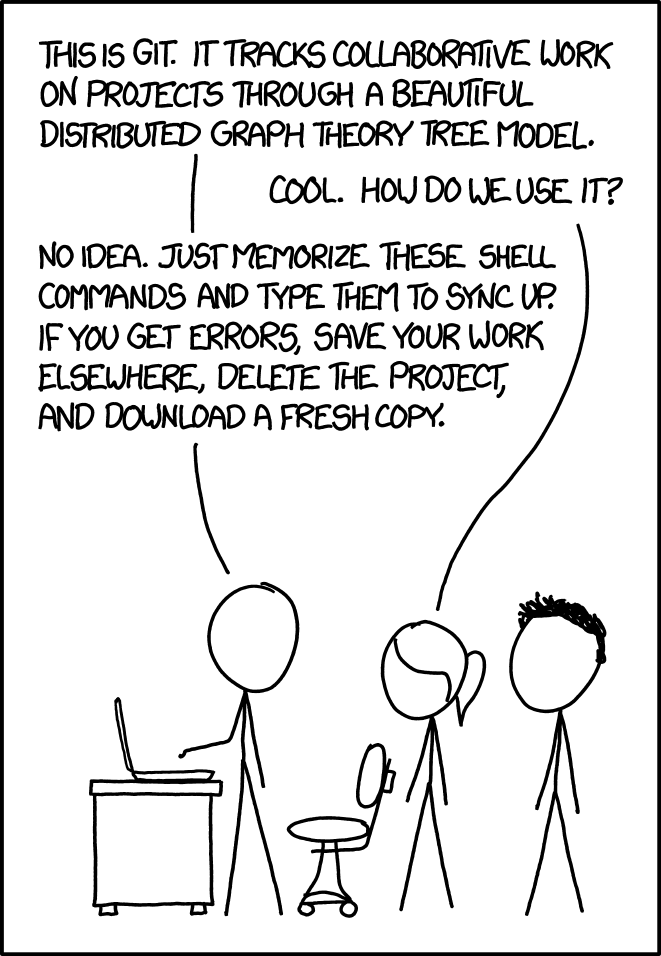
git is a client server distributed version control system. It allows for backup and collaboration with others in the modification of plain-text files.
You can track any kind of file in a git repository (images, etc.), but it's best suited for plain-text files like software source code.
Prequisite: it helps to have a tiny bit of experience with command-line tools. You can try the free interactive bash tutorial.
We assume you have git installed. If not, you can download it here: https://git-scm.com/downloads
These tutorials use git commands to create and update a local and a remote repository. We assume
you are using git-bash on Windows or the default terminal on Mac OS and Linux.
https://gitpitch.com/DawsonCollegeCS-training/ped-day-2017/ped-day-2017#/
-
- In the first tutorial exercise, you'll create a repository on your computer and use it to
learn some git commands. Then you'll also publish your repository to a remote server like github.com.
- In the first tutorial exercise, you'll create a repository on your computer and use it to
-
- In the second tutorial exercise, you will work with a partner to get a glimpse of how git is used for collaboration.
The set of tutorials above is a stripped down version of a couple of the tutorials we assign to our students. If you want to redo with text explanations & instructions or continue with more advanced information you can look at the other files in this repository, or here is a small menu of the main student tutorials
It also contains a write up of the concept of the protected branch workflow.
Thank you for listening to us, we hope you enjoyed the workshop. Please feel free to contact us if you have questions (or corrections) about the tutorials or our use of git.